Solution

Front of House

Great food tastes even better with service that flows. Eats365 brings tables, queues, and orders into one real-time view — so your floor staff spend less time running to the POS and more time with guests, whether you run a busy kopitiam, a food court outlet, or a full-service restaurant.
Eats365-front of house solution

Front of House Products
Why Restaurants Choose Eats365 for Front of House

A Focus on Great Customer Experiences



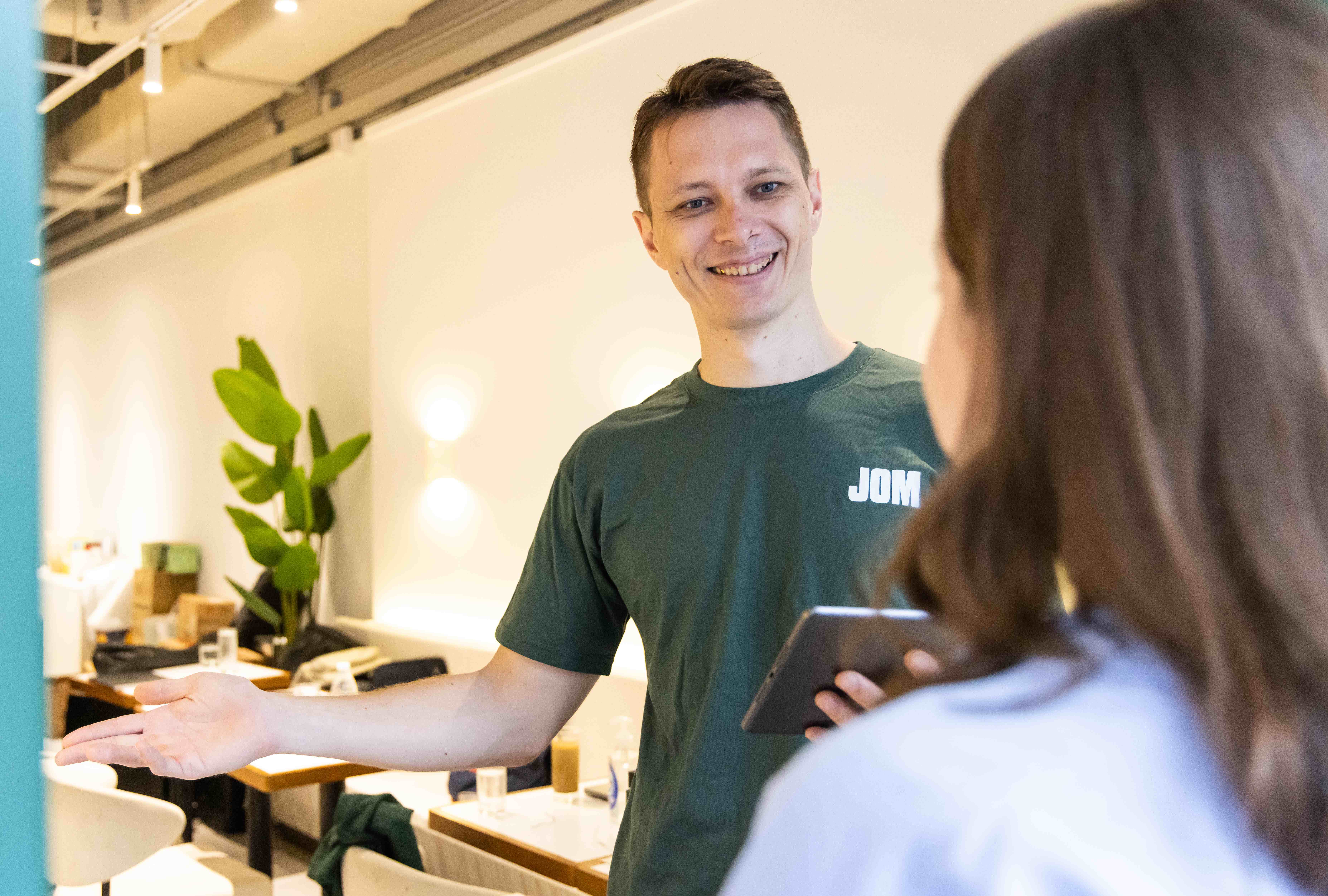
Free your floor staff from repetitive order-taking, and let them focus on the service that actually earns repeat visits and good reviews. When the system handles the admin, your team handles the guests.

A Focus on Great Customer Experiences

Clear Communication to Reduce Errors

Whether you run dine-in, quick-service, or grab-and-go, orders punched at the table go straight to the kitchen — no misheard items, no lost chits, faster service.

Clear Communication to Reduce Errors

Do More, Hire Less

Good staff are hard to keep in Malaysia's F&B market. Eats365 runs mPOS on standard Android devices — no locked-in proprietary hardware — so you can train faster, run leaner, and still deliver the experience that keeps guests coming back.

do more, hire less

Reduce Waiting Times, Stay Ready When the Line Drops

Lost your connection mid-service? Eats365 POS keeps taking orders, managing tables, printing to the kitchen, and accepting cash payments in Offline Mode, then syncs everything back once you're reconnected.

Eats365 all-in-one system

Full Eats365 Front of House Solution

POS as Your Central Hub

POS
Core Modules


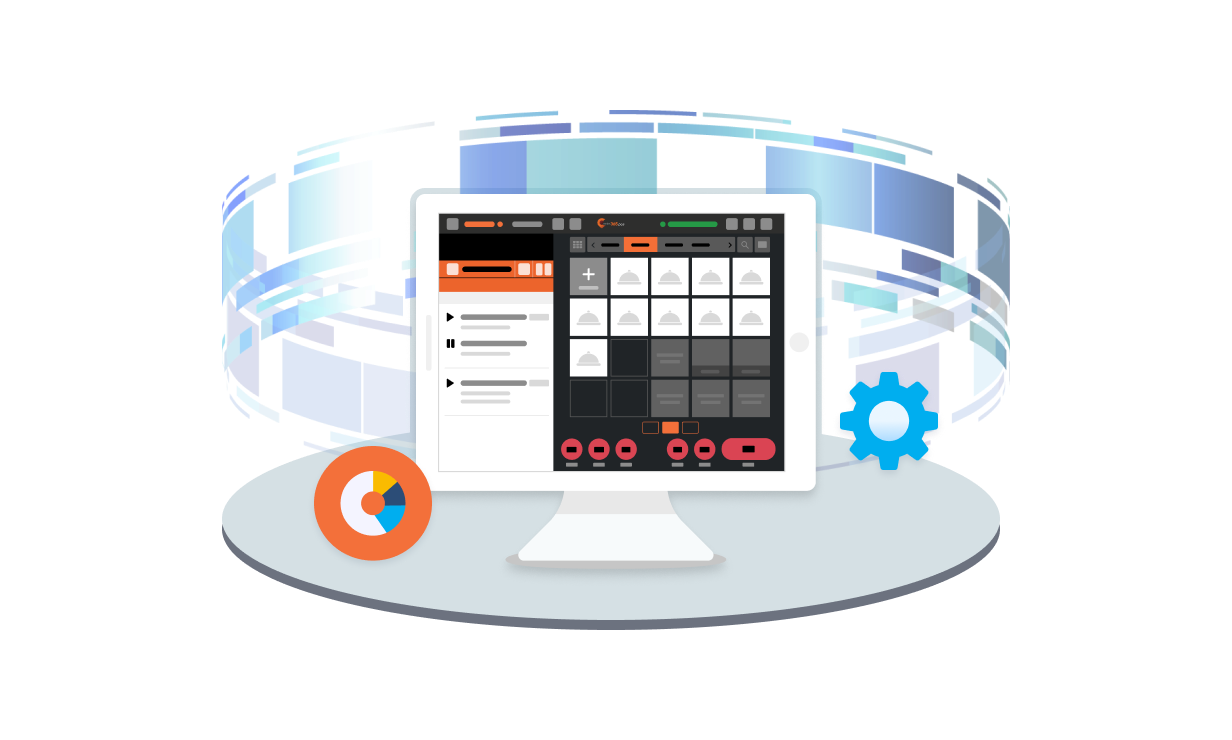
Your Eats365 POS not only connects with all your other Eats365 Expansion Modules, it also brings together valuable restaurant operation data into one convenient location. Be it queuing statuses, table statuses or order statuses, use the data on your Eats365 POS to let your front of house staff offer the best customer experience possible. 

POS Central Hub

Powerful Staff-Customer Interactions 

mPOS
Expansion Modules


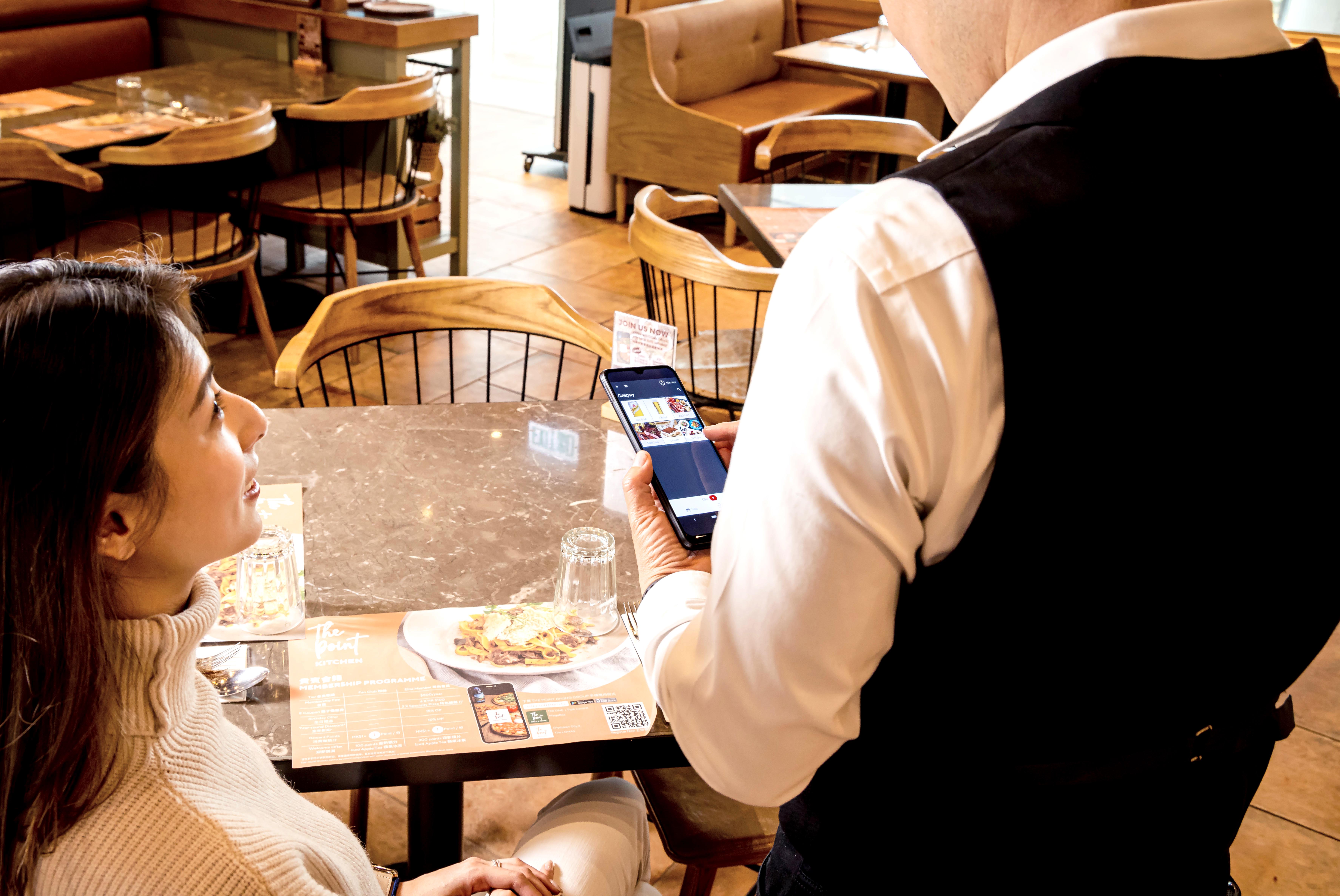
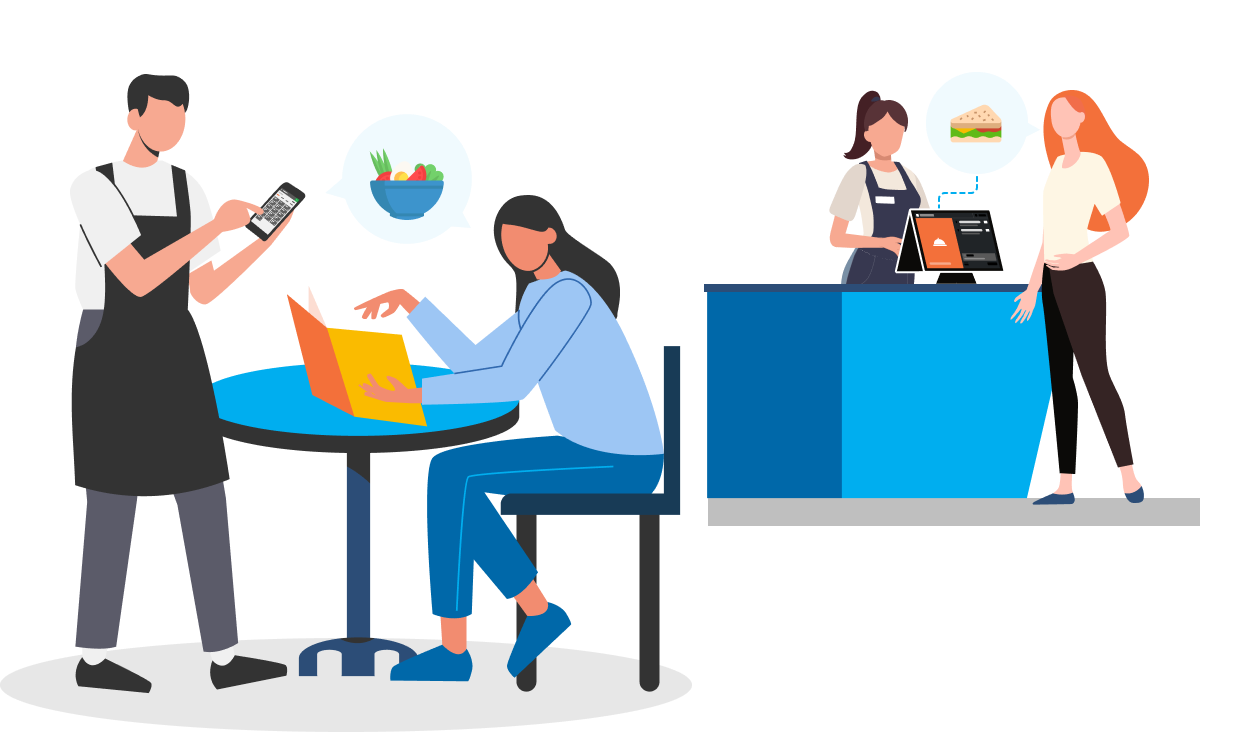
Instead of writing orders down or memorising them, let staff punch table orders straight into an mPOS — modifiers, special requests, combos and all. It runs on standard Android devices you may already own, syncs instantly to your POS and kitchen, and frees staff to focus on the guest in front of them.

Customer Facing Display
Expansion Modules


When guests pay, show them an itemised breakdown — including SST and any service charge — alongside their member info. Clear, transparent billing builds trust and cuts disputes at the counter.

Third-party Queuing
Third Party Integration

We provide seamless integrations  with third party queue management companies to take your queueing system to the next level!

Reservation
Reservation
Third-Party Reservations
Third Party Integration

If you want to deepen the functionality of your reservation system, integrating with third-party reservation specialists is the way to go! 

Powerful Staff-Customer Interactions

Turn Your Menus into Sales Tools

PhotoMenu
Expansion Modules



Entice your customers to order more by pairing vivid descriptions, mouth-watering photos and useful dietary information all into one simple device. Pairing words with a picture and a story is a far more effective sales tool than a traditional menu. 

App
App

Scan to Order (BYOD)
Expansion Modules

Let your customers use their own smart devices to conveniently scan a QR code and access your entire menu. Share things like promotions, discounts, useful dietary information and more so your customers are encouraged to increase their spend amount!


Dynamic Digital Menu
Expansion Modules

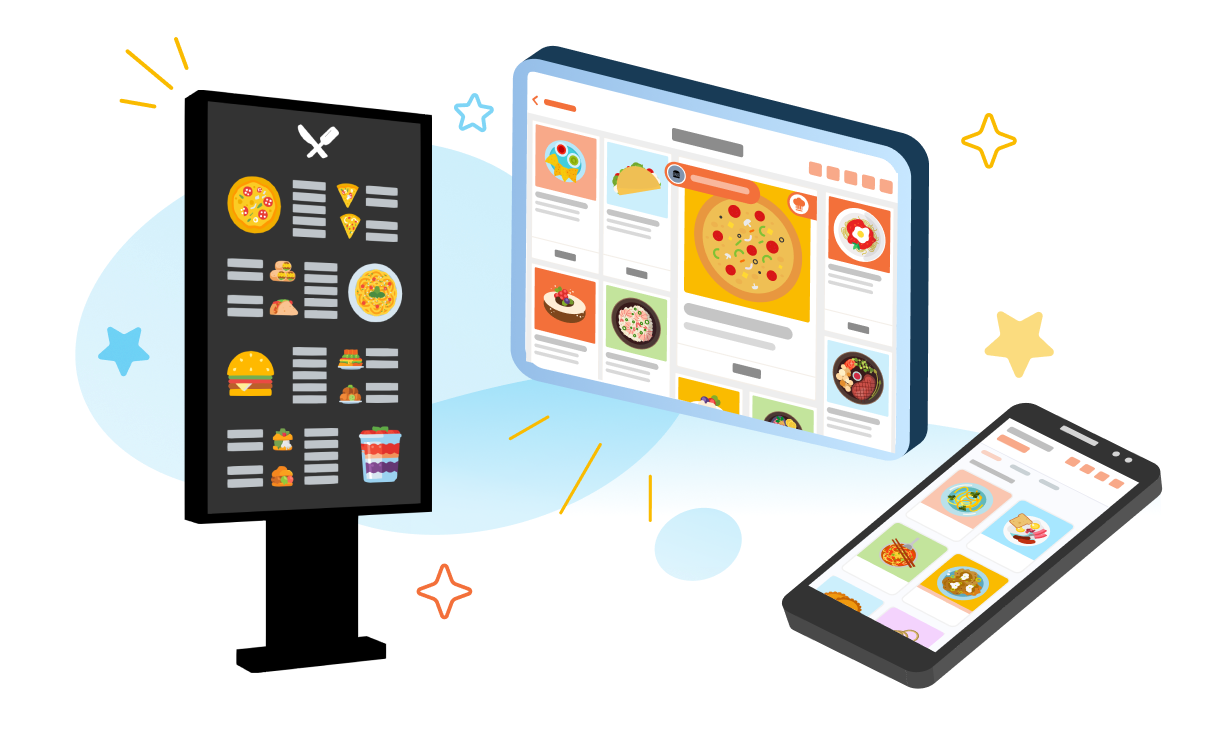
No matter where customers are in your restaurant (or even outside it), this eye-catching way to display your menu sparks hunger, encourages spending and allows customers to see exactly the items and combinations you want them to. 

Third-party Self-Serve Ordering
Third Party Integration

Allow your customers to place their orders themselves to reduce communication errors and improve ordering speed with seamless third-party integrations.

Turn Your Menus into Sales Tools

Clear Restaurant-Customer Communication Reduces Errors


Queue Display
Expansion Modules


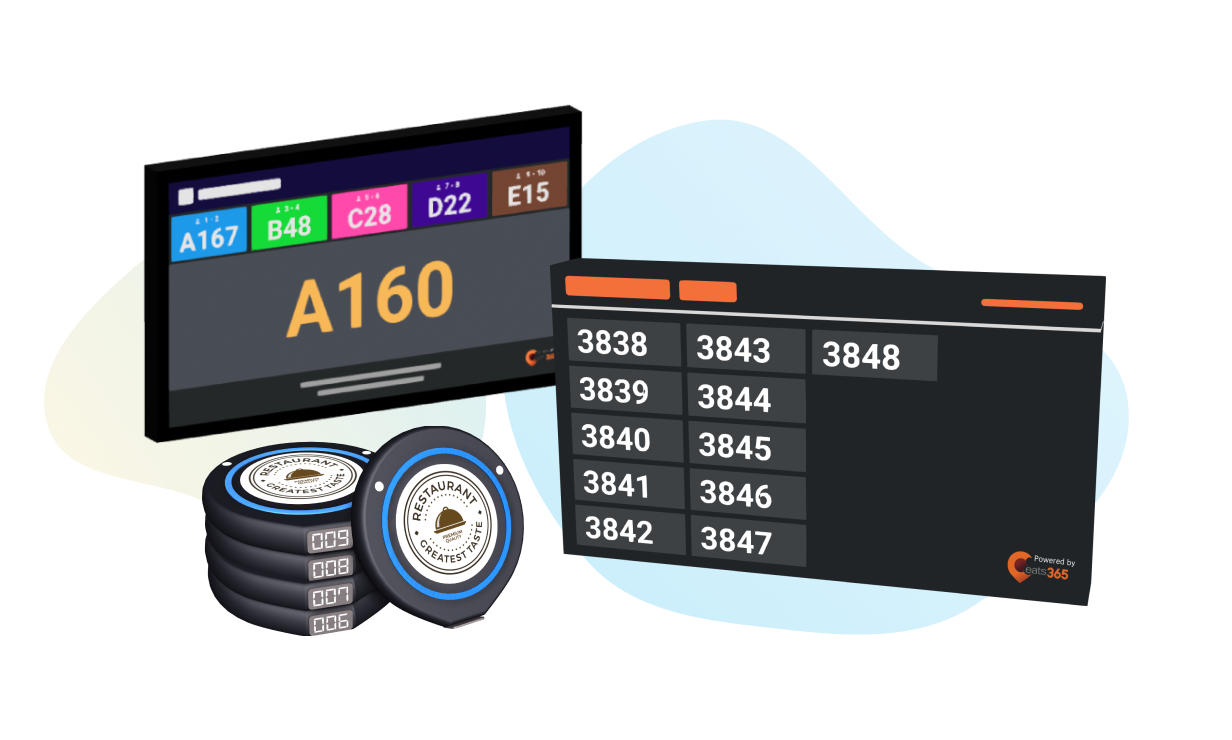
Use clear visual cues to let your customers know exactly when their table is ready and even cycle through videos and images to promote new items and deals. Now you can avoid confusion about what table numbers have been called while engaging your customers as they wait. 


Pickup Display
Expansion Modules

Let customers and delivery drivers know when their orders are ready for pickup thanks to clear visuals. You can even designate different order number styles for delivery drivers and customers to eliminate accidental mix-ups. 

Pagers
Pagers
Pagers
Third Party Integration

Add third-party pager support so that your customers can be alerted clearly when it’s time to pick up their orders. With integration, order statuses are synced to maximize efficiency.

Clear Restaurant-Customer Communication Reduces Errors
You Don’t Need to Use them All
Pick what you need to expand your custom solution
/Puzzle

FAQs about Eats365 Front of House Solution

1. What is the Eats365 Front of House solution?

The Eats365 Front of House solution is a restaurant POS system that acts as a central operational hub, integrating real-time data on tables, queues, and orders to enhance customer service and streamline operations.

2. What products are included in the Eats365 Front of House solution?


It centres on the Eats365 POS, and you can add modules as you need them — mPOS for table-side ordering, Customer-Facing Display for transparent billing, PhotoMenu and Scan-to-Order (BYOD) for digital menus, plus Queue Display and Pickup Display to keep guests informed while they wait.

3. How does the Eats365 Front of House solution improve customer experience?

The Eats365 Front of House solution improves customer experience by providing convenient, modern service. It uses real-time data on queuing, table, and order statuses to help staff offer the best possible service and free them from repetitive tasks.

4. Is the Eats365 Front of House solution modular?

Yes, the Eats365 Front of House solution is fully modular. Restaurants can start with the core POS and expand later with additional features like mPOS, customer displays, queue/reservations, and digital menu screens as their needs evolve.

5. How can Eats365 Front of House help my staff be more efficient?

Eats365 Front of House helps staff be more efficient by automating repetitive tasks, allowing them to focus on providing exceptional customer service and experiences. It also provides insights into various statuses to help manage operations better.

Want To Improve Your Restaurant’s Front of House?

free trial