Solution
Back of House


Guests never see your kitchen, but they taste it. Eats365 keeps orders flowing to the right station and food coming out fast — even when you're short-staffed.
Back of House Products

Full Eats365 Back of House Solution




FAQs about Eats365 Back of House Solution
1. What is a Kitchen Display System (KDS) and how does it work?



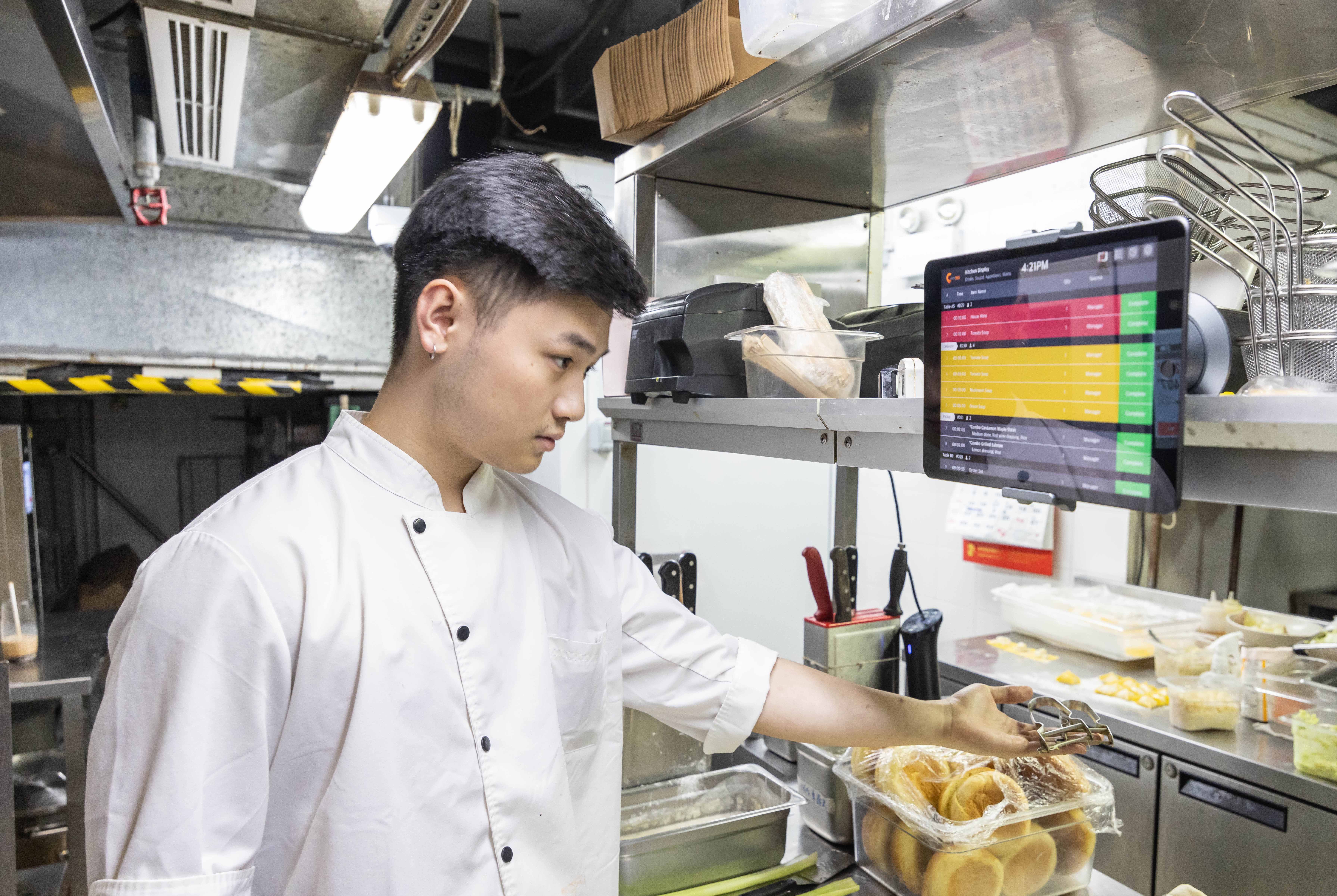
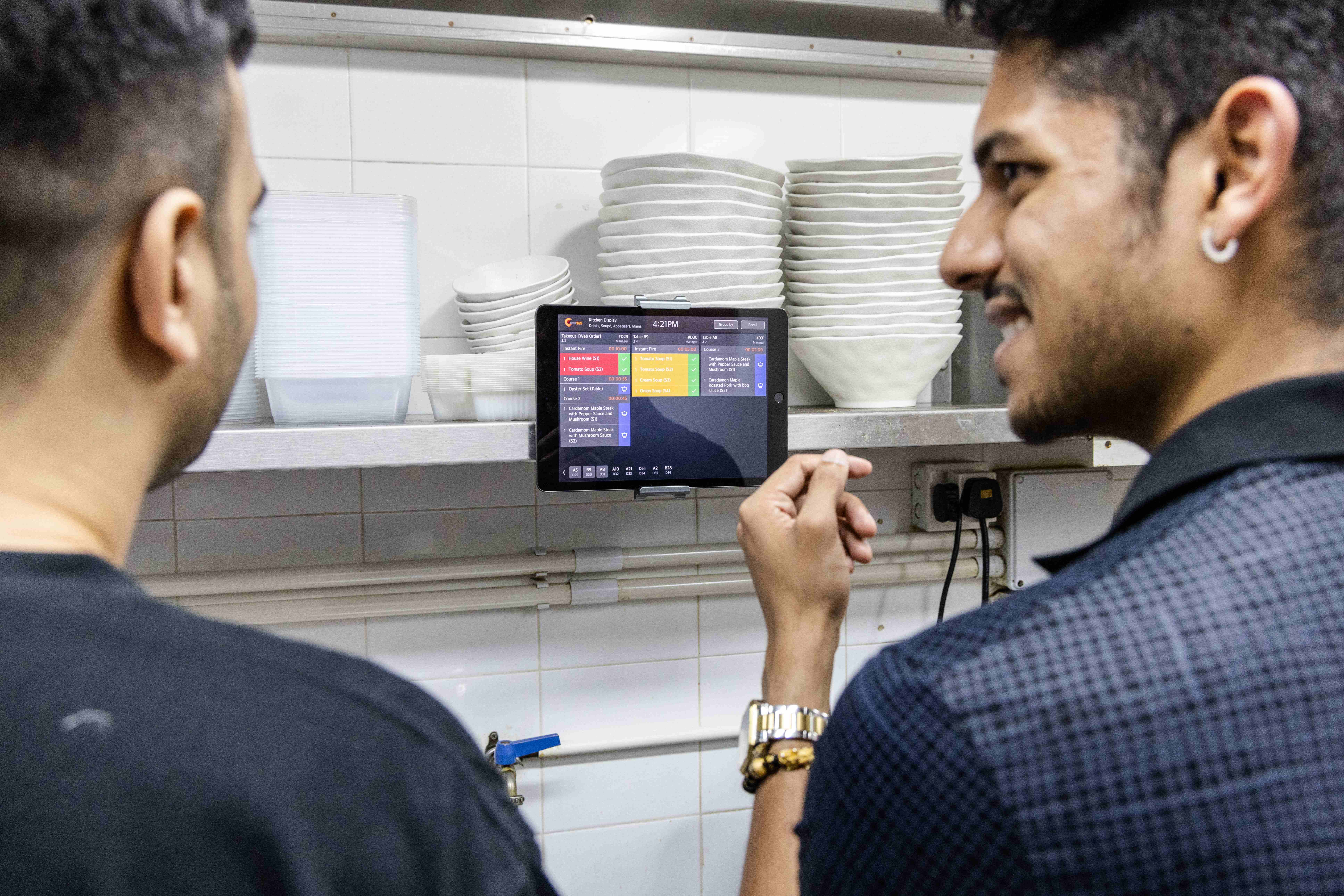
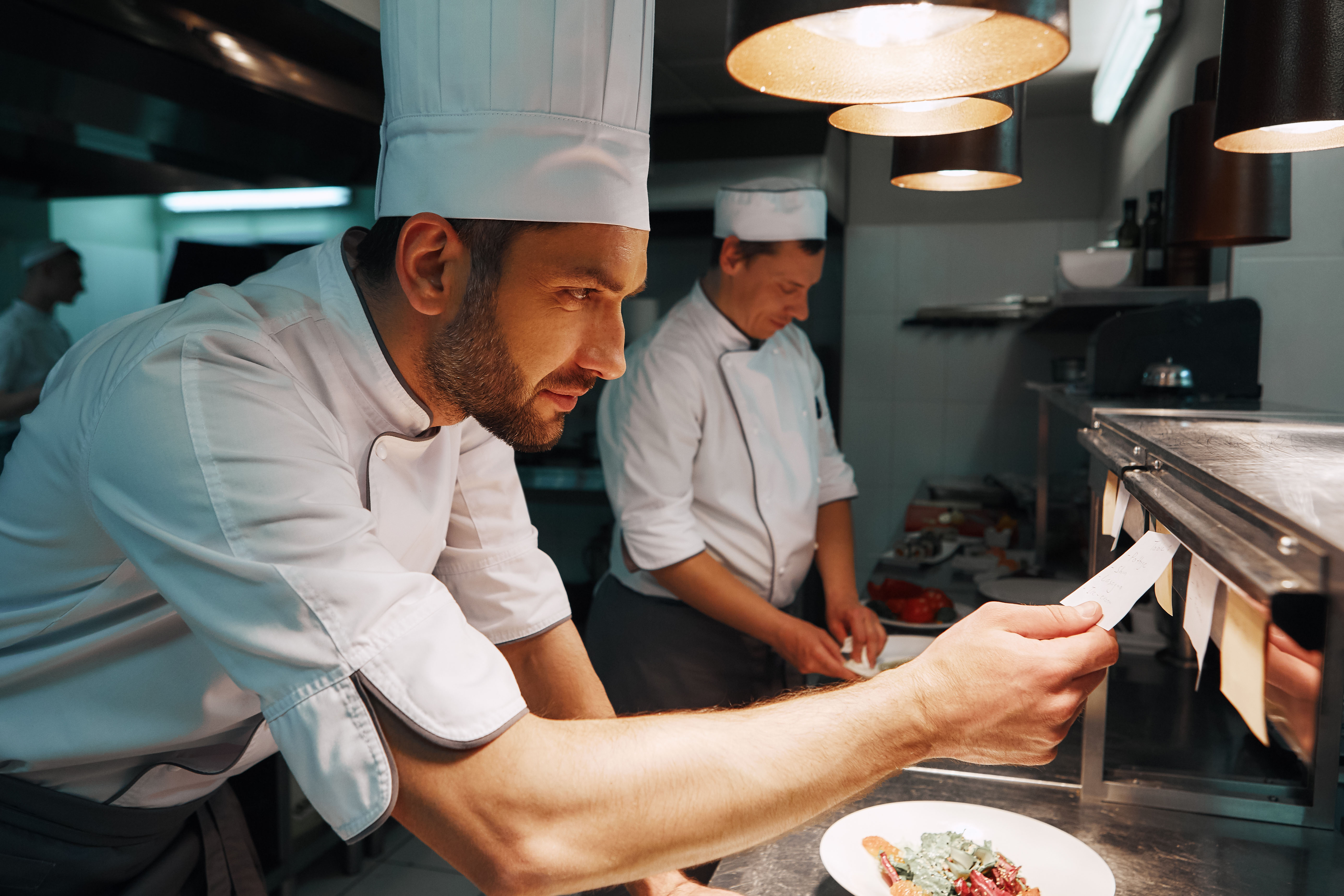
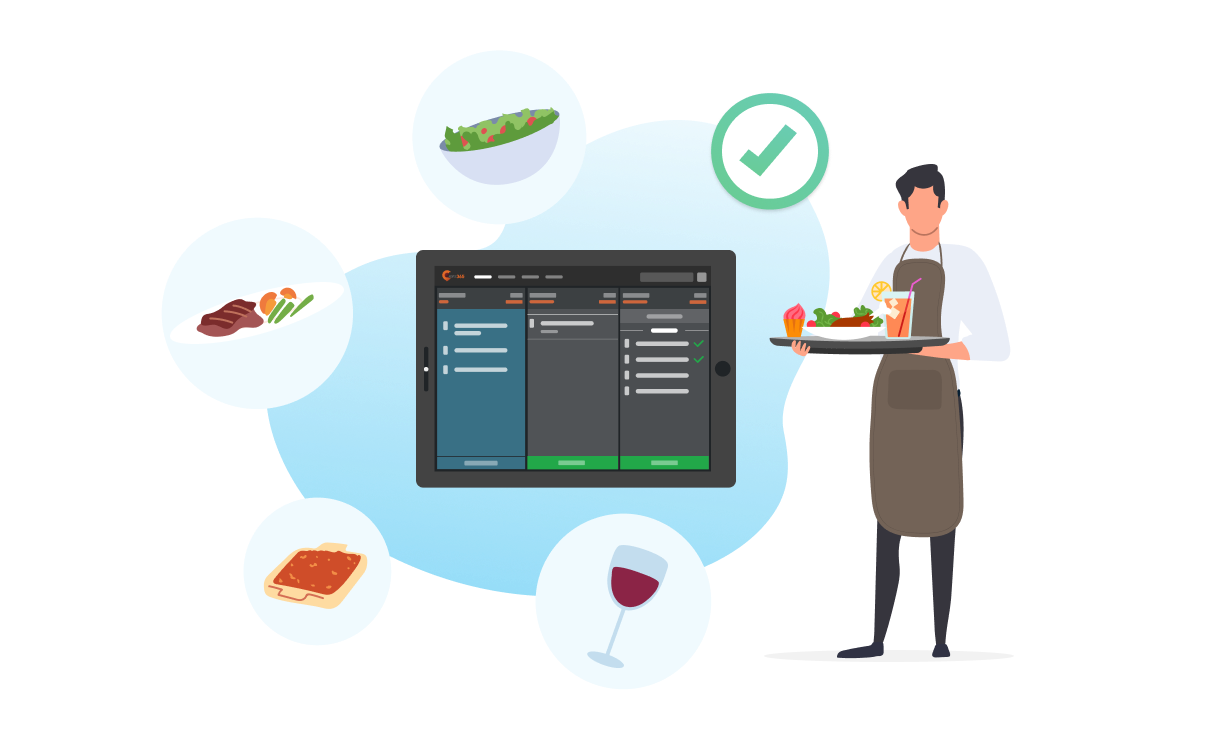
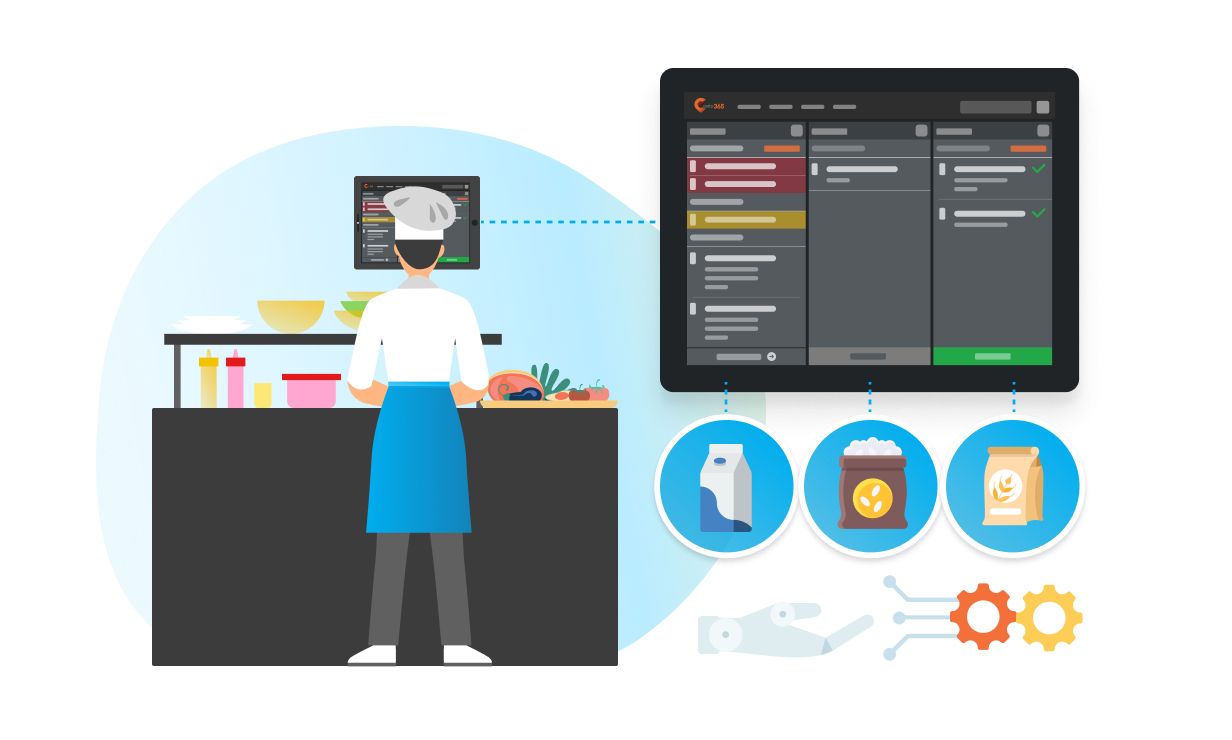
A Kitchen Display System is a digital order management screen that replaces traditional paper tickets. It syncs directly with the Eats365 POS to display incoming orders in real-time, allowing kitchen staff to track prep times, organize tickets by station, and mark orders as ready for speedier service.
2. How does Eats365 Back of House technology improve kitchen efficiency?
BOH technology streamlines workflows by automating the routing of orders to specific kitchen stations and providing itemized breakdowns. By digitalizing the flow from front-of-house to the kitchen, it reduces manual communication errors and uses timer alerts to ensure meals are prepared within target times.
3. What is the difference between an Expedite Display and a KDS?
A Kitchen Display System (KDS) is used by kitchen staff to manage the preparation of individual items, while an Expedite Display is used by packers or expediters to coordinate and finalize full orders. Together, they ensure that multiple components of a meal are synchronized and ready for the customer at the same time.
4. Can orders from self-service kiosks be sent directly to the kitchen?
Yes, orders placed via the Eats365 Self-Order Kiosk, PhotoMenu, or mPOS are fired straight to the Kitchen Display System in real-time. This eliminates the need for waitstaff to manually enter tickets, significantly reducing the bottleneck between order placement and production.
5. How can I track how long customers are waiting for their food?
The Eats365 KDS includes a timer alert feature and clear wait-time indicators for every table. This allows kitchen managers to monitor exactly how long an order has been in the system, helping staff prioritize tasks to ensure customers are never kept waiting longer than necessary.
Your Eats365 Growth Guide

How to Solve Malaysia's F&B Manpower Shortage
 18 Aug 2025

Short of manpower? Malaysia's F&B industry is grappling with a severe staffing crisis. This article explores the root causes – from job insecurity to Gen Z's expectations – and offers practical solutions, including POS automation, to combat manpower shortages and thrive.
How to Organize a Commercial Kitchen in 2026 - A Growth Guide for Restaurant Owners
24 Dec 2024
How Eats365 + Supy Integration Eliminates Manual Inventory and Protects Your Margins
28 Apr 2026
Why let manual inventory management inflate your food cost? Eats365 + Supy links your POS directly to your inventory, turning reactive management into proactive, data-driven growth.
