Orders from your Branded Online Store, the Eats365 Marketplace, and delivery platforms all land on one screen — so you move faster and make fewer mistakes.
Eats365 Biz
Manage Every Online Order
on a Single Device
From your Branded Online Store to the third-party delivery platforms — Eats365 Biz brings all your online orders into one affordable Android device. Save time, cut errors, and always know where each order came from.

How Eats365 Biz Helps You Manage Online Orders?
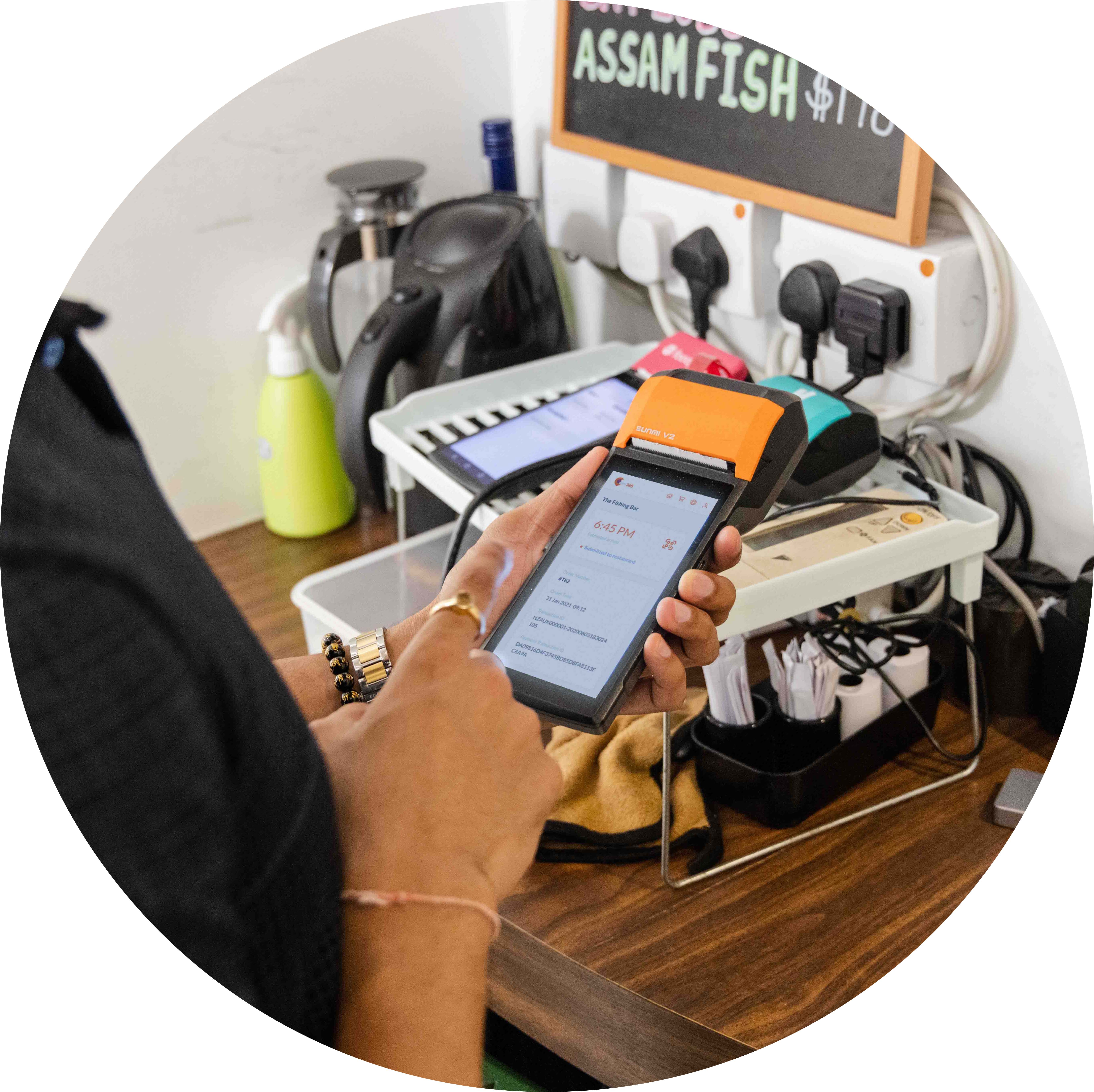
Aggregate Every Order for Accuracy
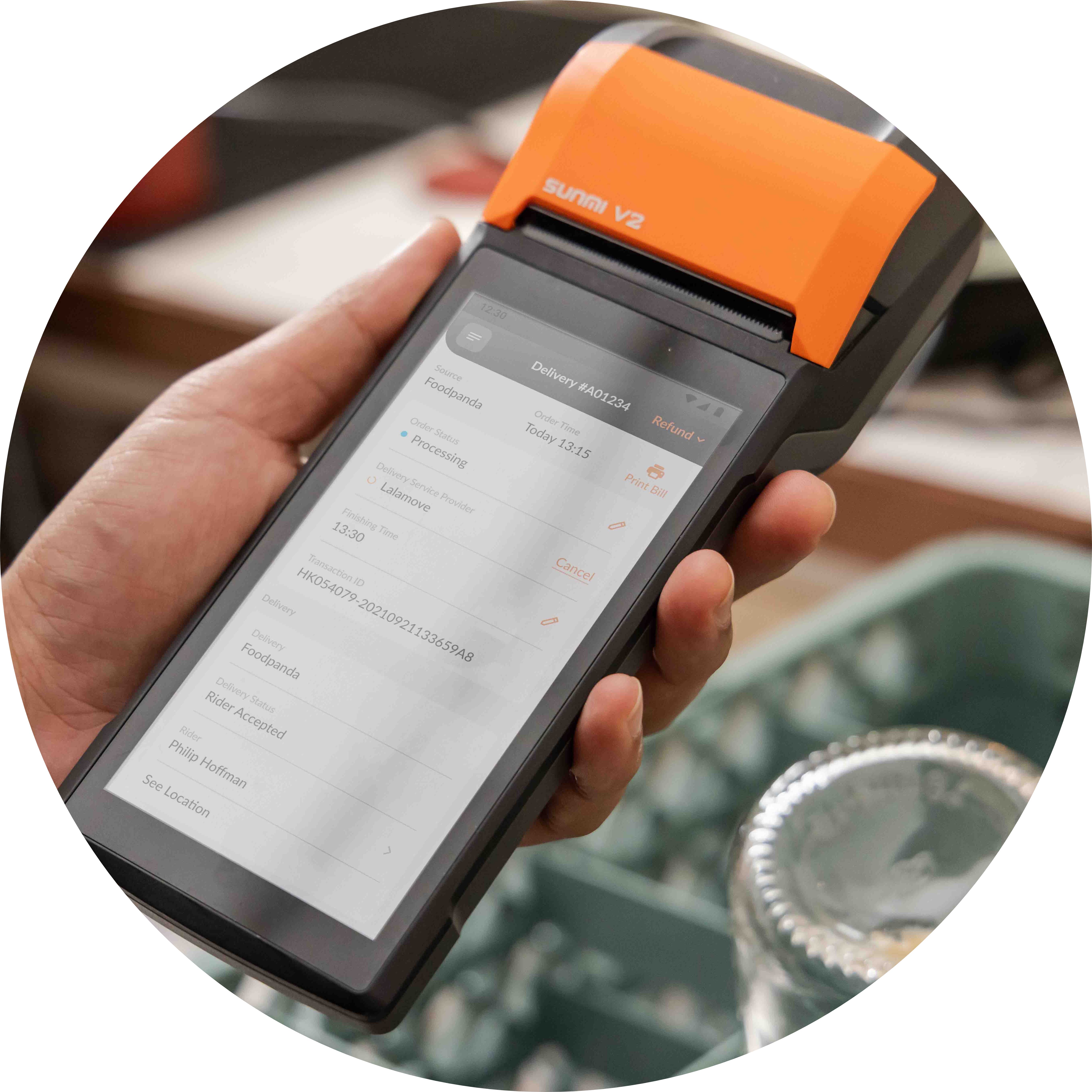
Go Online on Any Android Device
No need to switch your current POS. Biz runs on any basic Android device, keeping the barrier to getting online low and affordable.

Simplify Reconciliation Across All Sources
When every online order comes in on one device, squaring up your accounts takes minutes instead of late nights — so you can go home on time.
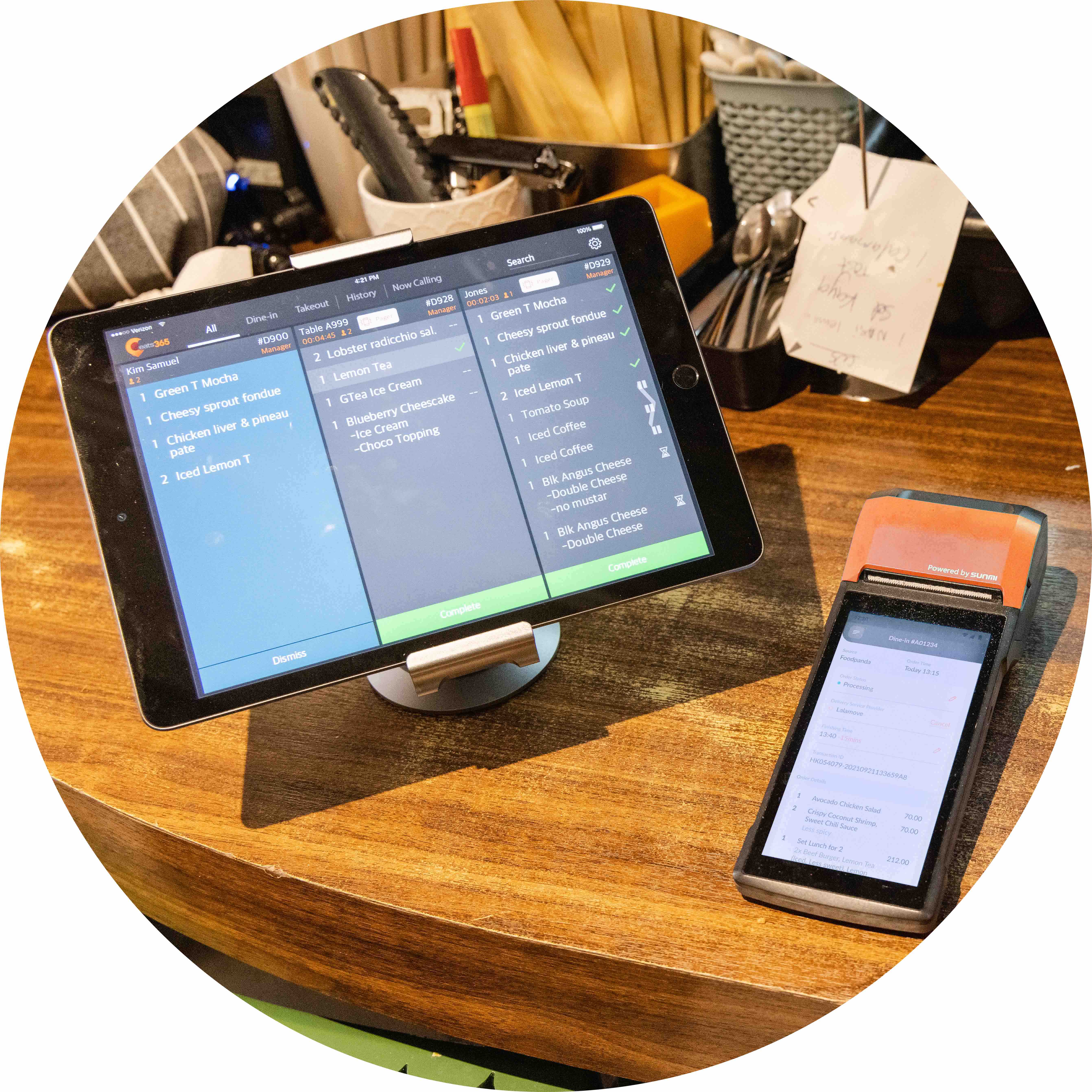
Manage Multiple Brands on One Device
Running several cloud-kitchen brands? Handle all their online orders from a single Biz device, with no extra hardware per brand — ideal for cloud kitchens.
Manage Multiple Online Sources on One Device
 All online orders aggregated into one app and one interface
Orders from your Branded Online Store
Orders from the Eats365 Marketplace
Orders from supported third-party delivery platforms
All online orders aggregated into one app
All online orders aggregated into one app and one interface
Orders from your Branded Online Store
Orders from the Eats365 Marketplace
Orders from supported third-party delivery platforms
All online orders aggregated into one app
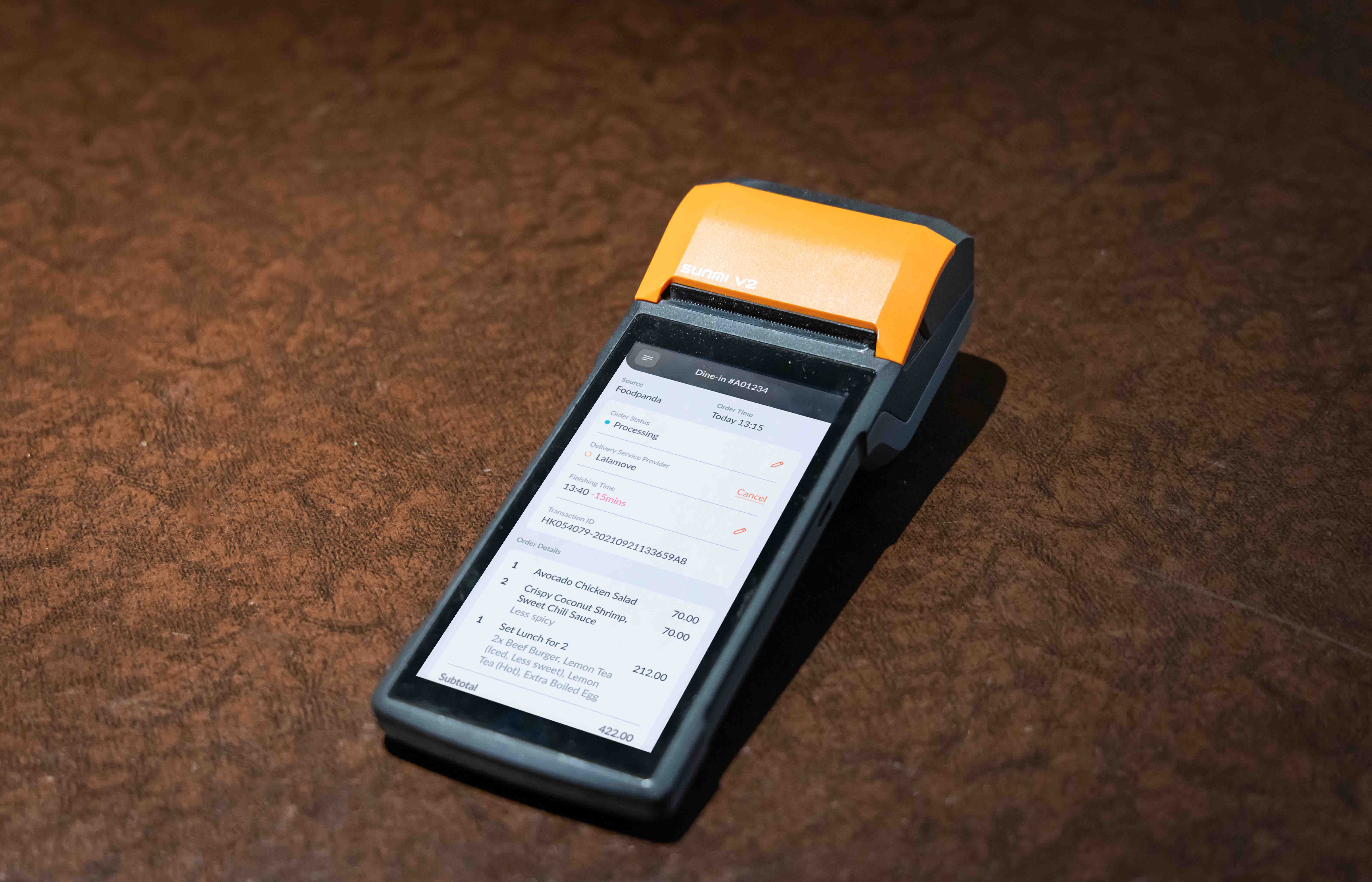
Sync with Multiple Third-Party Food Delivery Platforms
Manage GrabFood, foodpanda and ShopeeFood orders alongside your own online channels
Menu, opening hours, item availability and sold-out status sync automatically across platforms in real time
Real-time inventory syncing prevents overselling, order errors, delayed deliveries and post-sale disputes
Set important details once instead of re-entering them on every platform
Sold items are synced between third-party food delivery platforms and Biz

Device Flexibility
Run on any Android device that meets the app's minimum requirements
Works with a range of thermal printers
Or use an all-in-one terminal with built-in printer, such as the Sunmi V2

Clear Order and Sales Reporting
Track sales in real time
Consolidated daily report
Sales data compiled across all online order sources

Full POS Capabilities, Not Just Order Management
Build and manage your menu through the Merchant Portal
Place orders directly on the Biz
Accept or reject immediate and scheduled online orders
Change order statuses and adjust an order's finishing time
Process payments and refunds
Print receipts
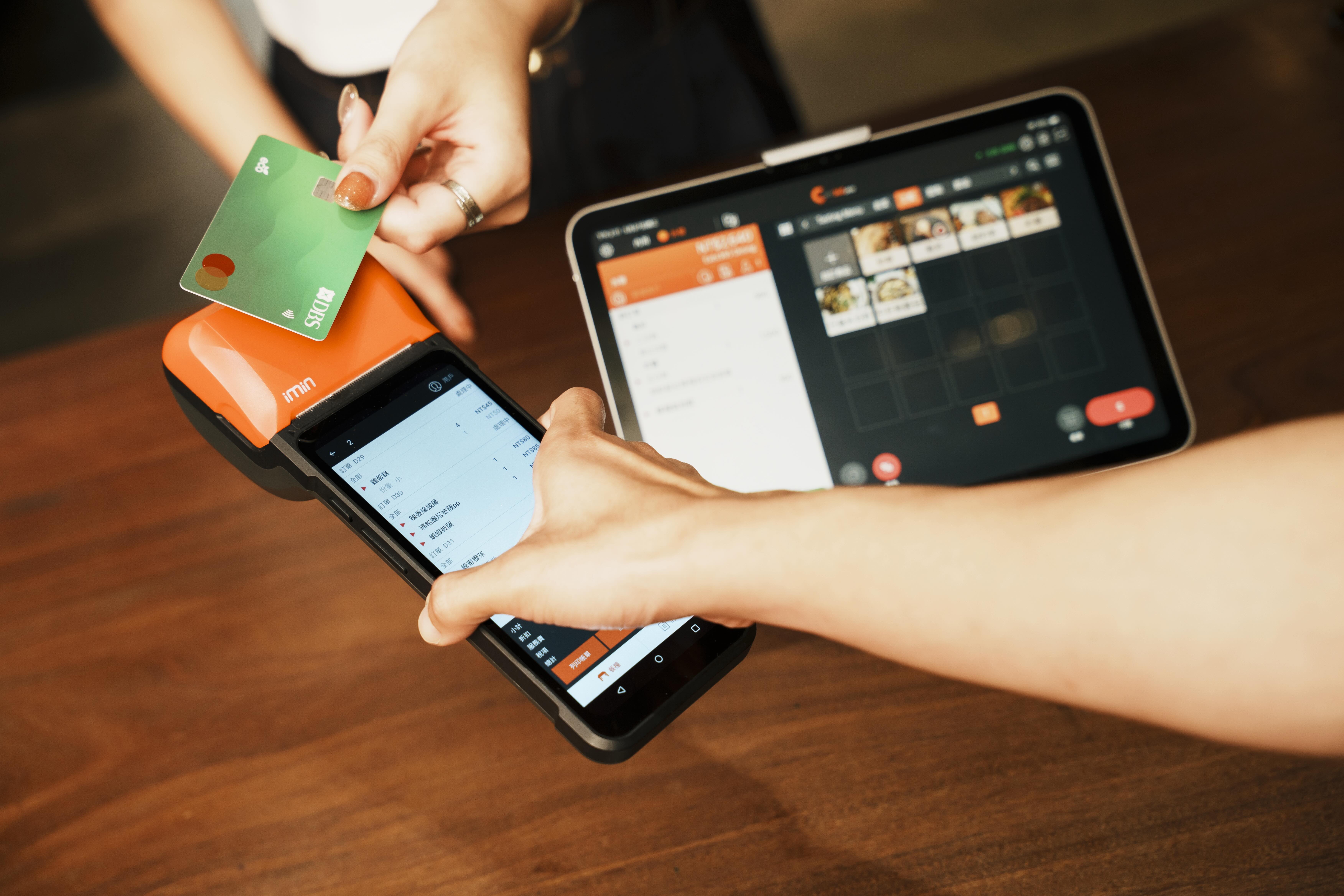
Manage Multiple Online Sources on One Device
All online orders aggregated into one app and one interface
Orders from your Branded Online Store
Orders from the Eats365 Marketplace
Orders from supported third-party delivery platforms
All online orders aggregated into one app
Sync with Multiple Third-Party Food Delivery Platforms
Manage GrabFood, foodpanda and ShopeeFood orders alongside your own online channels
Menu, opening hours, item availability and sold-out status sync automatically across platforms in real time
Real-time inventory syncing prevents overselling, order errors, delayed deliveries and post-sale disputes
Set important details once instead of re-entering them on every platform
Sold items are synced between third-party food delivery platforms and Biz
Device Flexibility
Run on any Android device that meets the app's minimum requirements
Works with a range of thermal printers
Or use an all-in-one terminal with built-in printer, such as the Sunmi V2
Clear Order and Sales Reporting
Track sales in real time
Consolidated daily report
Sales data compiled across all online order sources
Full POS Capabilities, Not Just Order Management
Build and manage your menu through the Merchant Portal
Place orders directly on the Biz
Accept or reject immediate and scheduled online orders
Change order statuses and adjust an order's finishing time
Process payments and refunds
Print receipts
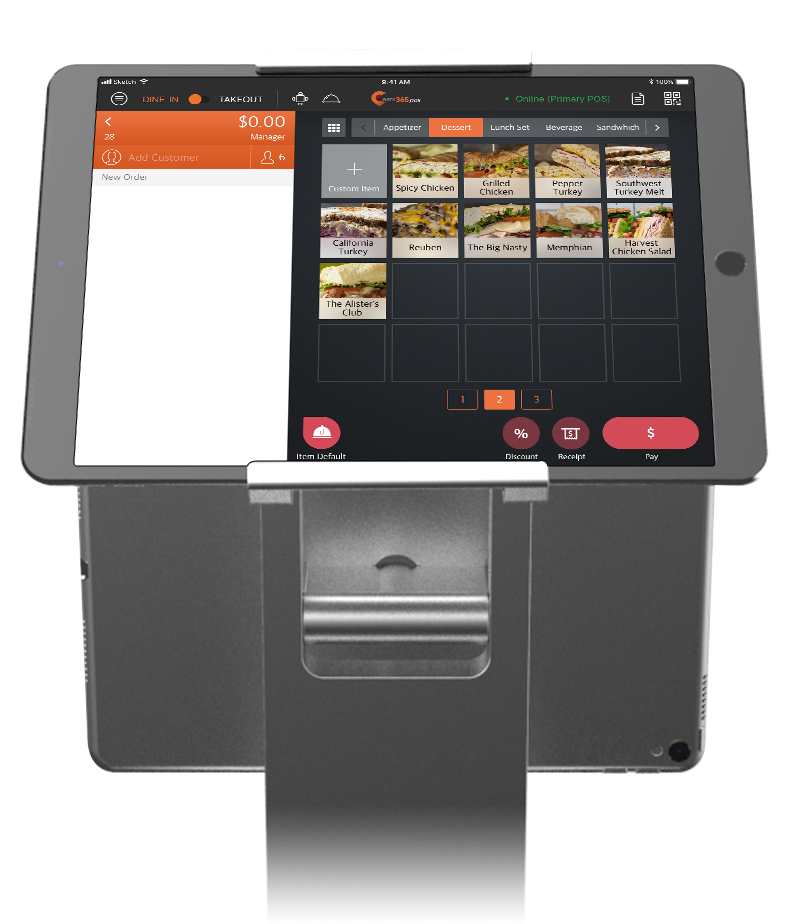
Biz is Perfect for these Restaurant Types


Biz is Part of the Following Solution


Restaurants Like Yours Enjoys Eats365 Biz
FAQs about Eats365 Biz
1. What is Eats365 Biz and how does it help restaurant owners?
Eats365 Biz is a compact Android-based point-of-sale system designed to centralize and streamline restaurant operations. It serves as a single hub to manage orders from your Branded Online Store, the Eats365 Marketplace, and supported third-party delivery platforms, eliminating the need for multiple tablets.
2. Do I need a full POS system to use Eats365 Biz?
No, a full POS system is not required to use Eats365 Biz. You can use it as a standalone app on an Android device to manage incoming online orders, or choose to reroute those orders to an existing Eats365 POS if you have one.
3. Which types of businesses find Eats365 Biz most beneficial?
Eats365 Biz is specifically designed for small businesses such as cafes, food stalls, and cloud kitchens. Its compact nature and ability to automate incoming orders from various digital channels make it ideal for establishments with limited space and high online order volume.
4. Can Eats365 Biz connect with kitchen hardware like KDS or printers?
Yes, Eats365 Biz can be configured to work with other Eats365 modules including the Kitchen Display System (KDS) and Expedite Display. This ensures that orders received on the Biz app are communicated instantly to the kitchen for an organized workflow.
5. How does Eats365 Biz handle orders from third-party delivery platforms?
Eats365 Biz consolidates third-party delivery orders into one device and one database. It standardizes all incoming tickets into a single format, allowing staff to manage, accept, or reject orders from different platforms through one unified interface.
6. Does Eats365 Biz support payment processing and pre-orders?
Yes, Eats365 Biz allows you to process payments directly and manage various order types, including immediate online orders and scheduled pre-orders for both pickup and delivery.
Your Eats365 Growth Guide
Top POS Systems for Quick Service Restaurants in Malaysia
 03 Jun 2025

Malaysian QSRs thrive on speed, but slow systems cost sales. Discover the best POS system for quick service restaurants to streamline operations and accelerate your growth.
Foodtech
Restaurant POS Features
Read More

How Much Does It Cost to Open a Small Café in Malaysia? 7 Budget-Keeping Strategies
01 Jun 2026
Curious whether your dream café in Malaysia needs RM50,000 or closer to RM100,000 to get off the ground? This guide breaks down the real 2026 startup costs, highlights the biggest budget traps, and shows you seven practical ways to spend smarter before you sign a lease.
Cafe
F&B Entrepreneurship
Read More

How to Start a Home-Based Business in Malaysia: A Comprehensive Guide
07 Jul 2025
Learn how to start and register a legal home-based business in Malaysia with this step-by-step 2025 guide. Includes SSM, licensing, setup tips, and more.
F&B Entrepreneurship
Read More
