Solution
Contactless Guest
Experience





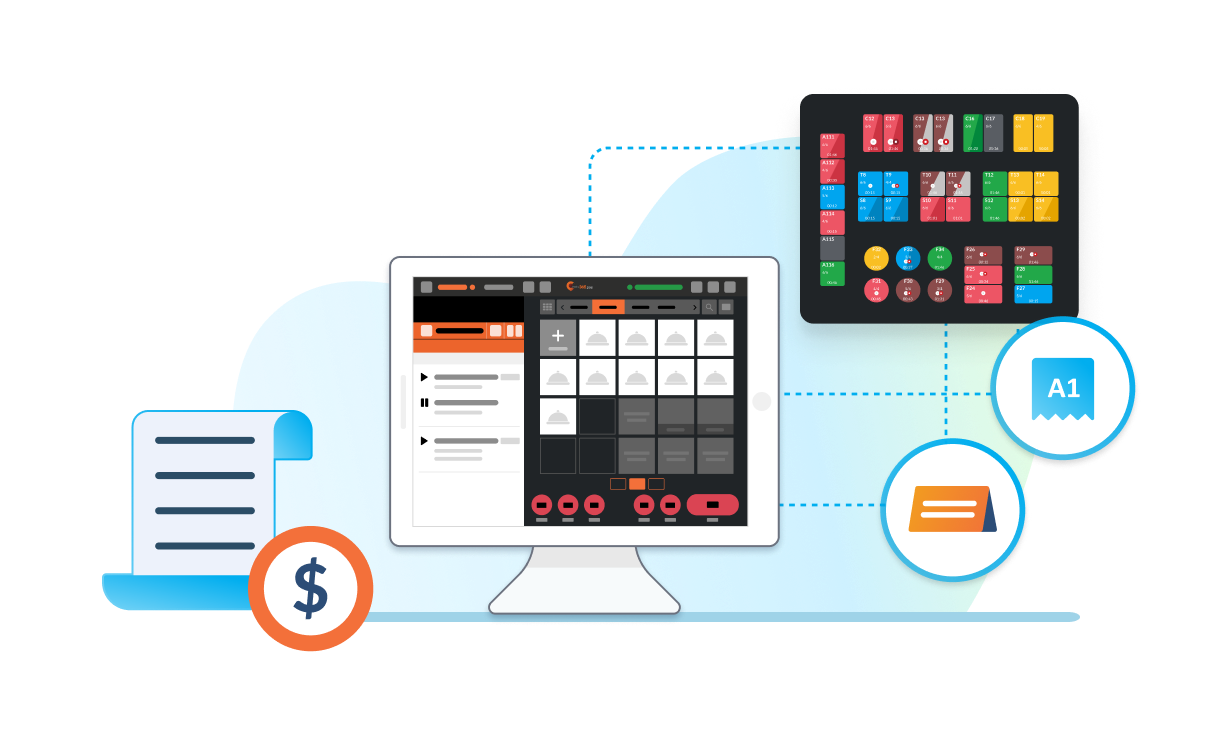
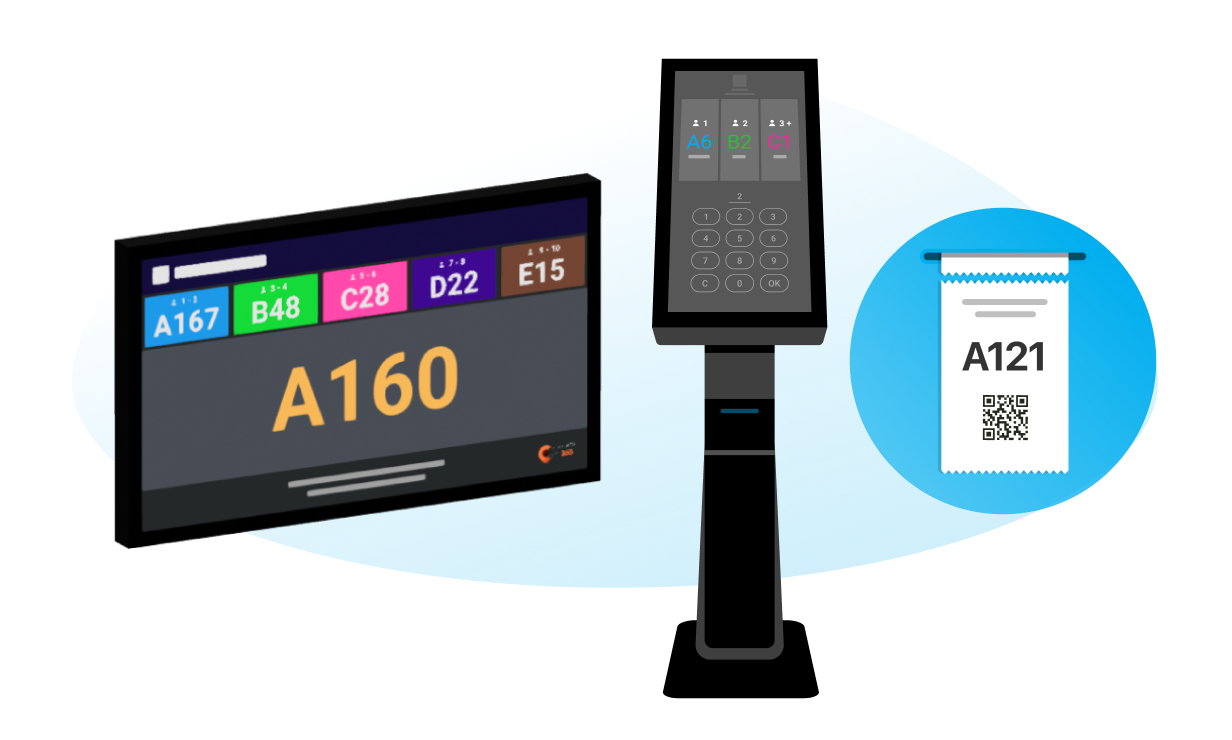
From the door queue to the DuitNow QR on the receipt, Eats365 lets guests reserve, order, and pay from their own phone — no app needed. Every touchpoint syncs straight to your POS, so your team spends less time keying orders and more time on the floor.

Contactless Guest Experience Products




Full Eats365 Contactless Guest Experience Solution







FAQs about Eats365 Contactless Dining Service Solution
1. What is a contactless guest experience in a restaurant?
A contactless guest experience is a digital-first service model where customers interact with a restaurant via their own smartphones or self-service kiosks. This covers the entire journey—from remote queuing and reservations to digital ordering and mobile payments—effectively minimizing physical contact with staff and shared surfaces.
2. How does Scan-to-Order (BYOD) work for customers?

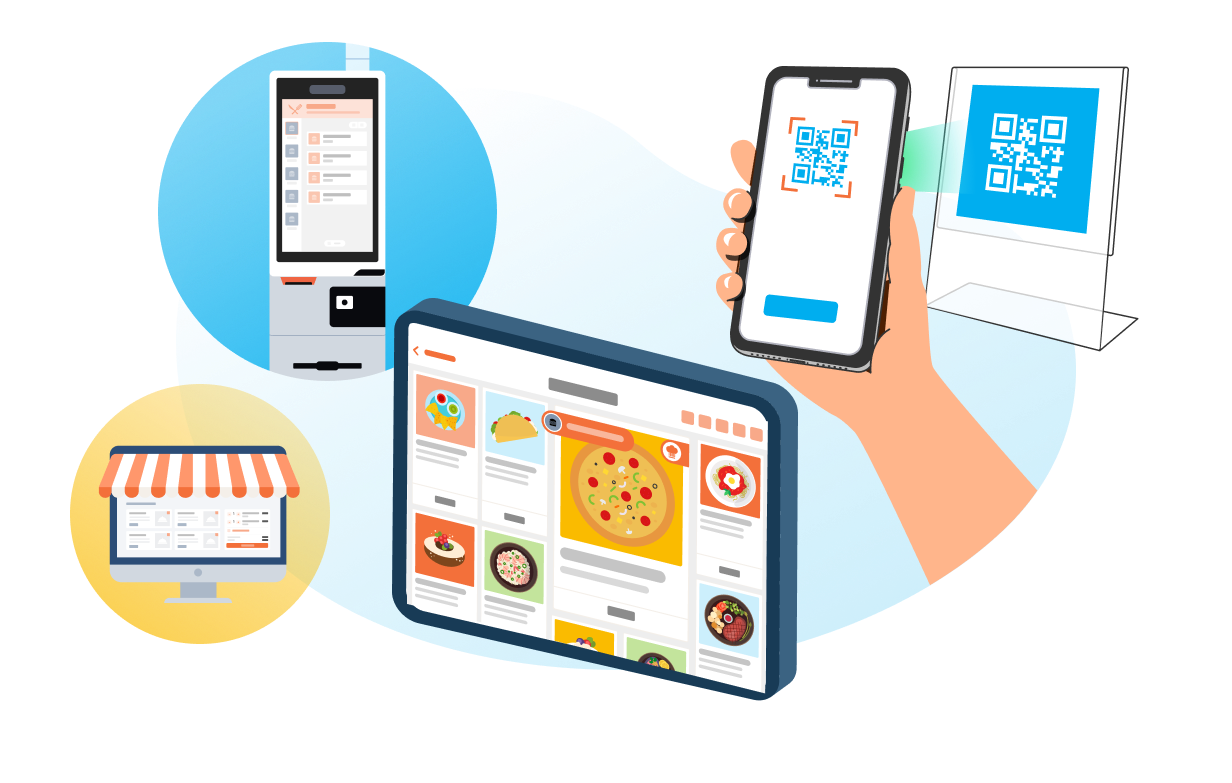
Scan-to-Order, or 'Bring Your Own Device' (BYOD), allows guests to scan a unique QR code at their table to access a digital menu and place orders directly from their smartphones. These orders sync automatically with the Eats365 POS and kitchen display systems, eliminating the need for a server to manually take or input orders.
3. Can guests pay without handing over a card?
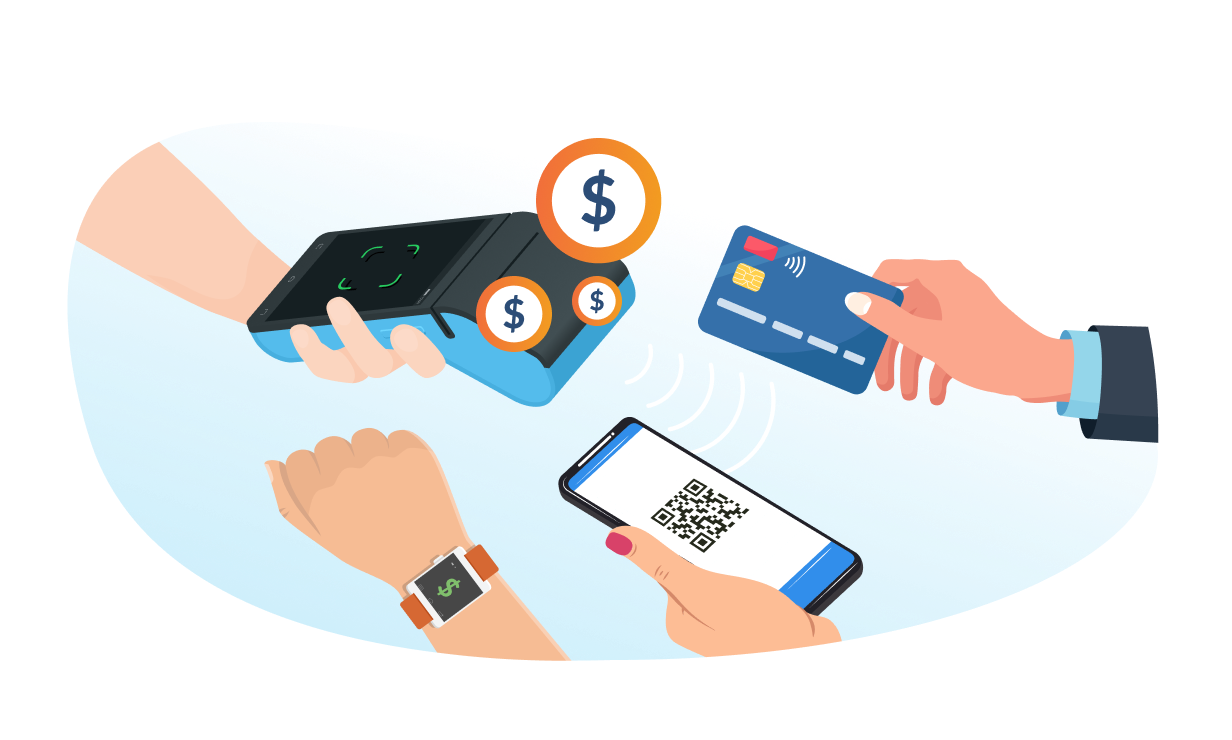
Yes. Guests scan a QR code on their receipt or screen and pay through their own bank app or e-wallet — DuitNow QR, Touch 'n Go, GrabPay, Boost, or MAE. DuitNow QR is Malaysia's national QR standard, so almost any banking app can scan and pay.
4. Do guests need to download an app to use your contactless features?
No, guests do not need to download a specific app. Most contactless features, including QR code ordering (Scan-to-Order) and digital payments, run directly through the mobile web browser on the guest's smartphone to ensure a frictionless experience.
5. What options are available for contactless off-premise dining?

For off-premise dining, restaurants can utilize an Online Branded Store or the Eats365 Marketplace. These tools allow customers to browse menus, order, and pay from their home or office, ensuring a fully contactless experience for delivery or self-pickup orders.
Your Eats365 Growth Guide

7 Benefits of QR Code Ordering Systems for Malaysian Restaurants
 01 Jul 2026

QR code ordering is now standard in Malaysia's F&B scene, but the real difference is how the system behaves under pressure. This article covers 7 benefits for restaurant operators, including two often-overlooked issues that can hurt service fast: OTP-gated ordering flows and POS updates that disrupt operations during peak hours.
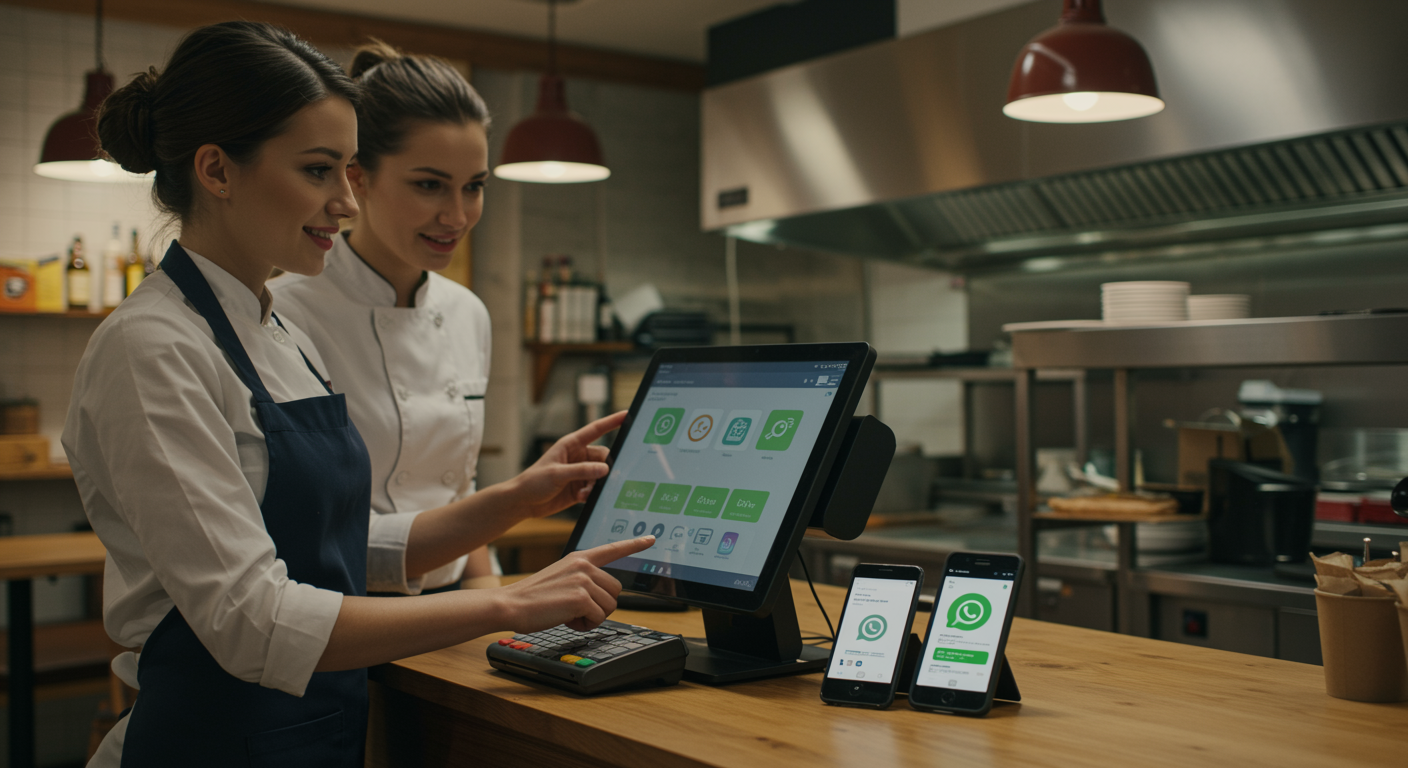
How Restaurants Get Paid Faster: Pay by Link Unlocked
29 Dec 2025
Pay by link replaces slow, paper-heavy invoicing with a simple, secure payment URL, providing Malaysian restaurants a faster, more predictable way to get paid.
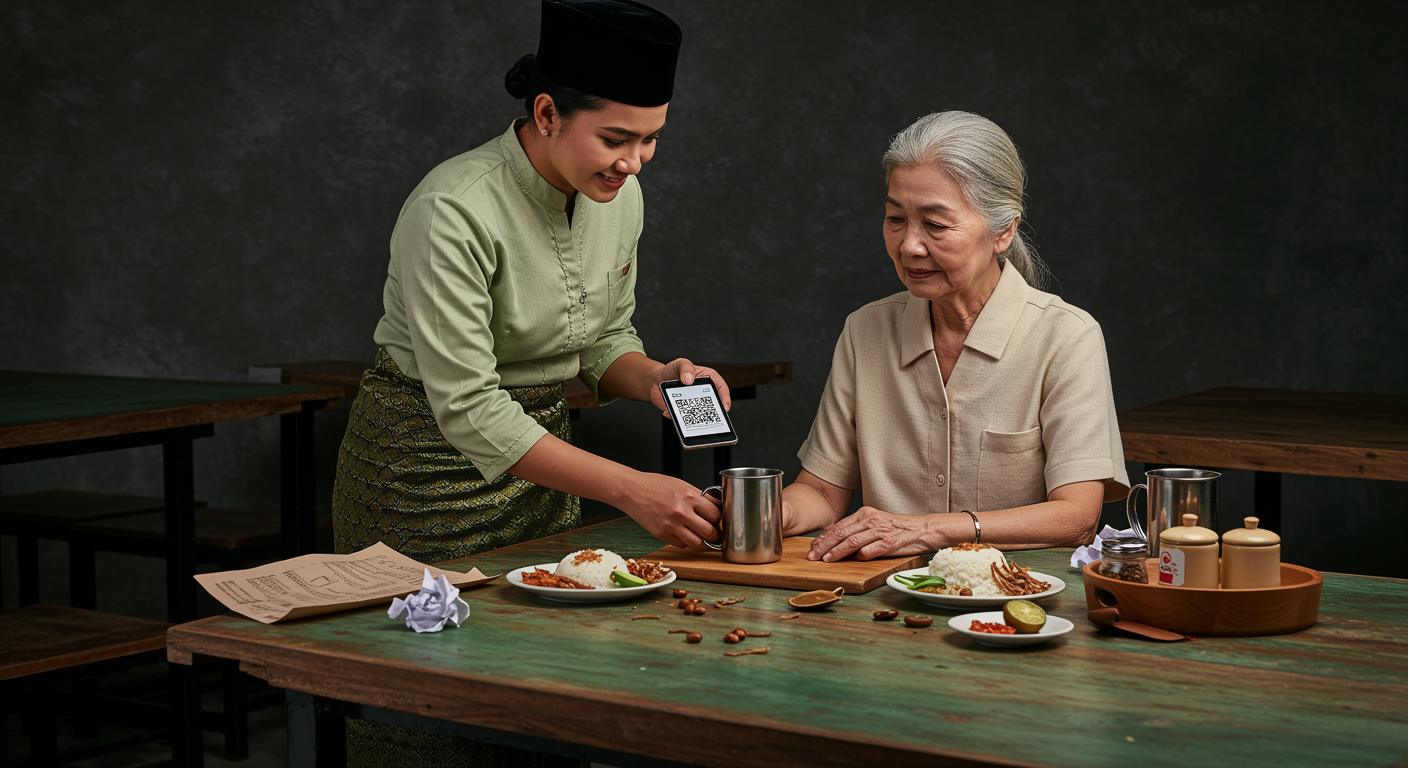
Paper Menu, QR Ordering vs NFC: Which is the Best Application for Restaurants in Malaysia
27 Nov 2025
Did you know paper menus can quietly increase your restaurant's food costs by 5–7%? In Malaysia's competitive F&B scene, optimizing operations matters. This article explains why traditional menus become financial drains and looks at whether QR Ordering (scan-to-order) or NFC is the better digital solution to improve your profits and efficiency.
