Digitalize customer touchpoints in your restaurant for a safer and quicker guest experience. From reservations, to orders, payments and even queuing, customers can access your restaurant from anywhere through their smart devices!
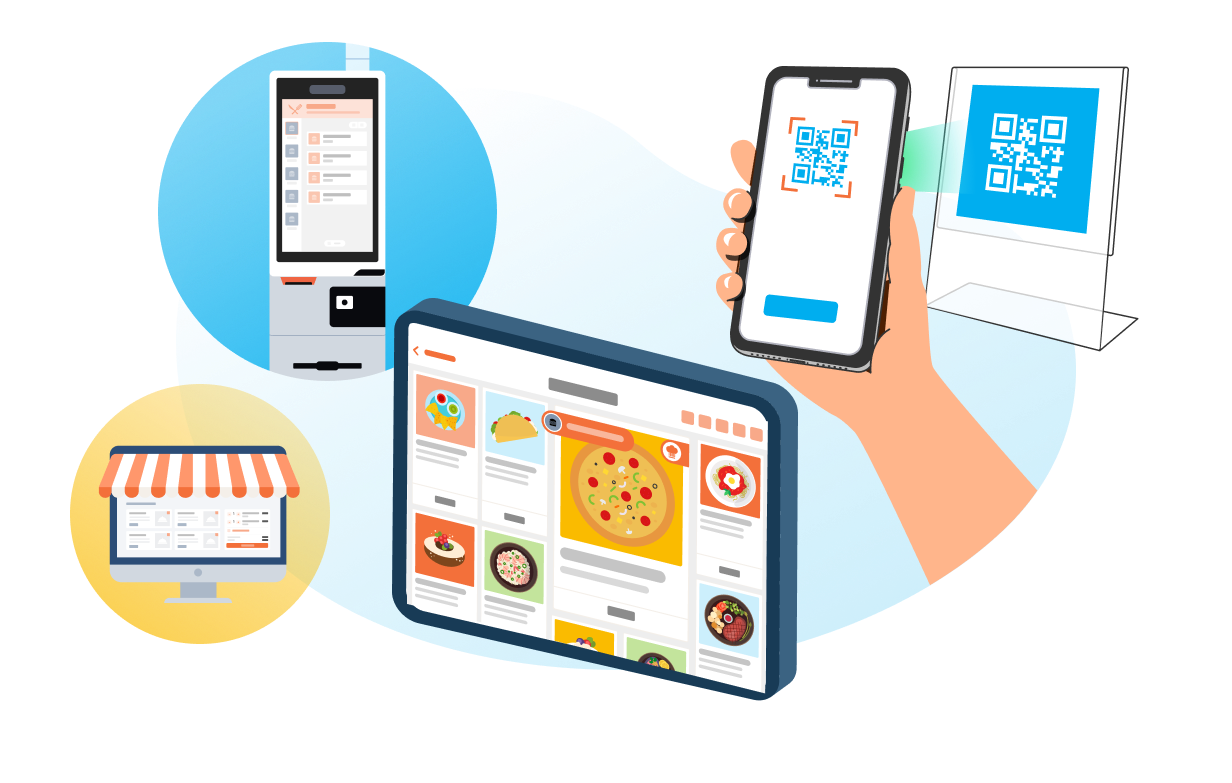
Reduce contact between your customers and staff by offering new ordering touchpoints. For those customers who prefer to order from the comfort of their homes or workplaces, offer your food through your Online Branded Store or by listing on the Eats365 Marketplace. When customers do visit your store, you can let them utilize Self-Service Kiosks or Scan to Order (BYOD) options to reduce physical contact.
Let Your Customers Boost Table Turnover!
Queuing, ordering and paying can be handled directly by the customer in record time! This frees up your staff so they can focus on tasks that improve efficiency, which can lead to a boost in sales and turnover.
Accurate Orders Means Fewer Errors
No one knows your customers better than themselves. Let them have control of their restaurant experience digitally, so that there are fewer human errors in the ordering process.
Specialized Staff, Less Cost
If you’re finding it difficult to keep staff long-term, it might help to hire fewer staff that can specialize on meaningful and rewarding tasks. With your guests able to place orders themselves, and with your Eats365 solution automatically sending incoming orders exactly where they need to go, your staff can bypass repetitive tasks and focus on useful, high-skill work while your Eats365 system and customers handle the rest.
The Full Contactless Guest Experience Solution
Restaurant Management
POS
Core Modules

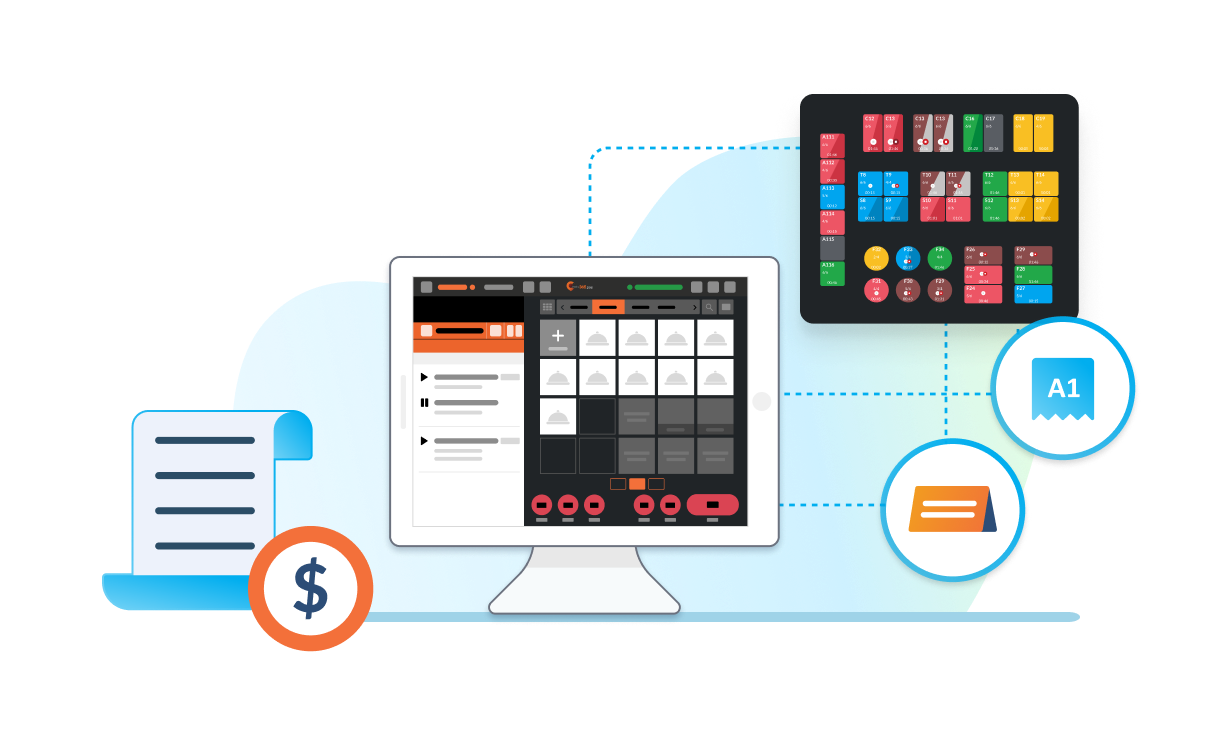
Manage all incoming reservations, orders, tables, payments and queuing directly from your POS (Point of Sale) system with minimal customer contact required.
Contactless Ordering
Scan-to-Order (BYOD)
Expansion Modules



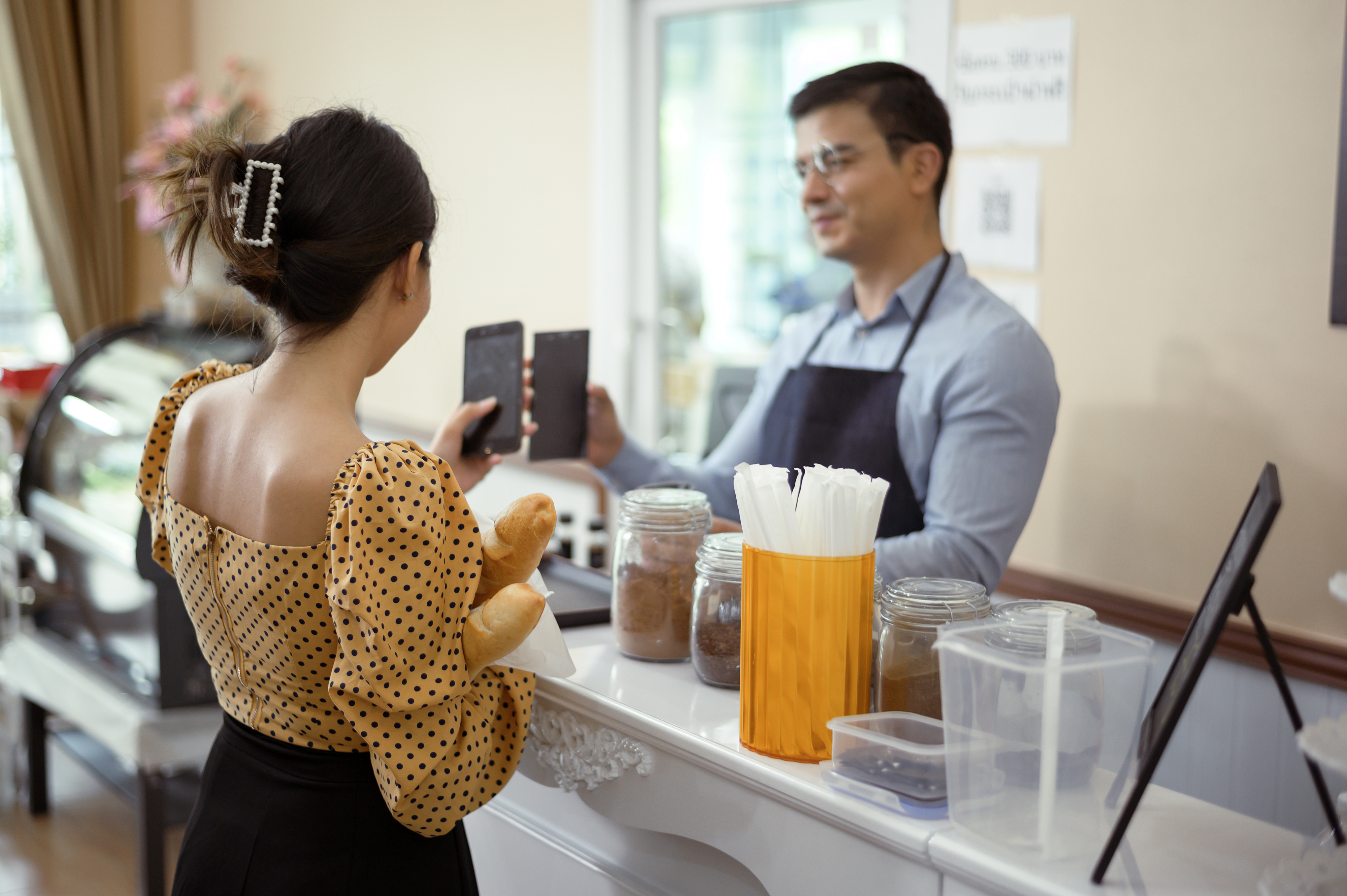
Let your customers scan your restaurant’s unique QR code to access your menu on their mobile device. After ordering on their mobile phones, each item will automatically be fired to the kitchen instantly with no staff involved in the ordering process.
Self-Service Kiosk
Expansion Modules


Great for fast food restaurants; your customers can quickly enter in their order and have it fired right to the kitchen, minimizing contact with staff.
PhotoMenu
Expansion Modules

Let your customers browse through a rich, picture-filled and detailed iPad menu. Once they confirm their order, it will be sent right to the kitchen so your customers and staff can stay safe.
Branded Online Store
Expansion Modules

Create your own, branded e-commerce website. List your restaurant brand online so that customers can easily find your business and place orders on their smart device remotely.
Third-Party Self-Serve Ordering
Third Party Integration
Your customers can order remotely from popular third-party websites and all your online orders will still sync neatly with your Eats365 POS.
Contactless Payment
Third-Party Payment
Third Party Integration
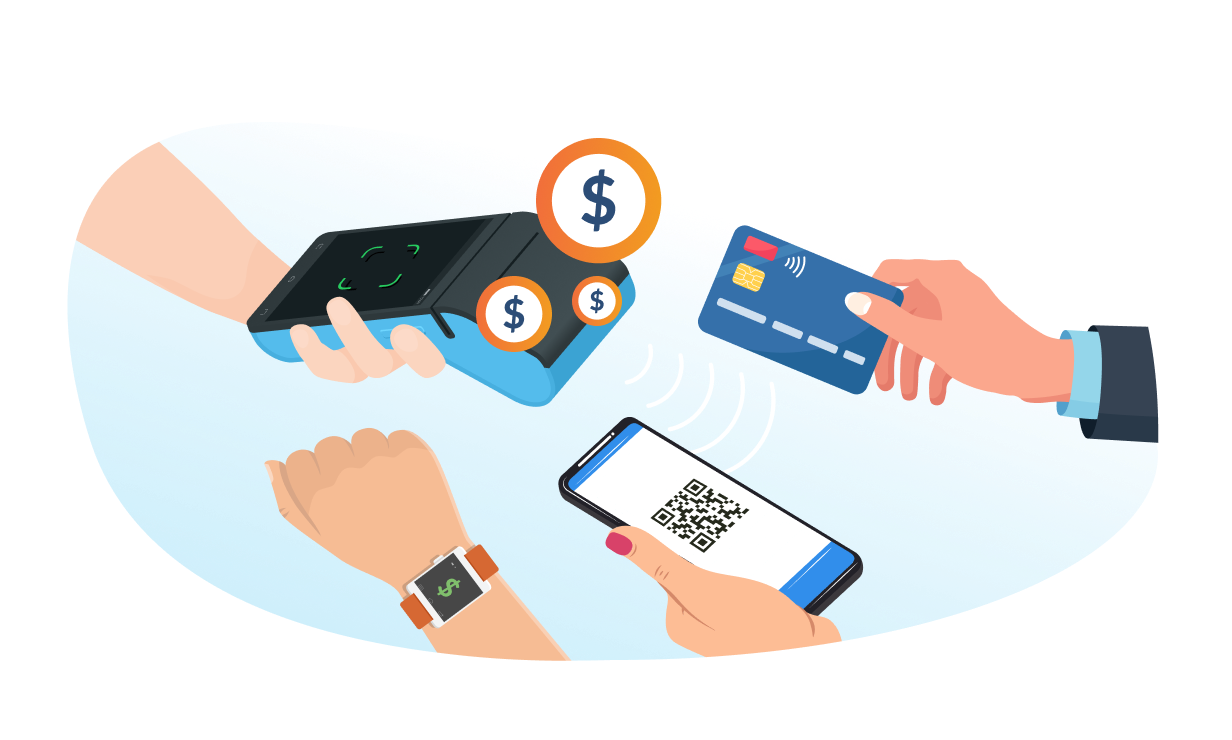
Never turn away a paying customer just because you don’t accept their preferred form of payment - including contactless payments! Integrate with popular payment partners so you’re always ready for business!
Contactless Queuing
Queue Kiosk
Expansion Modules
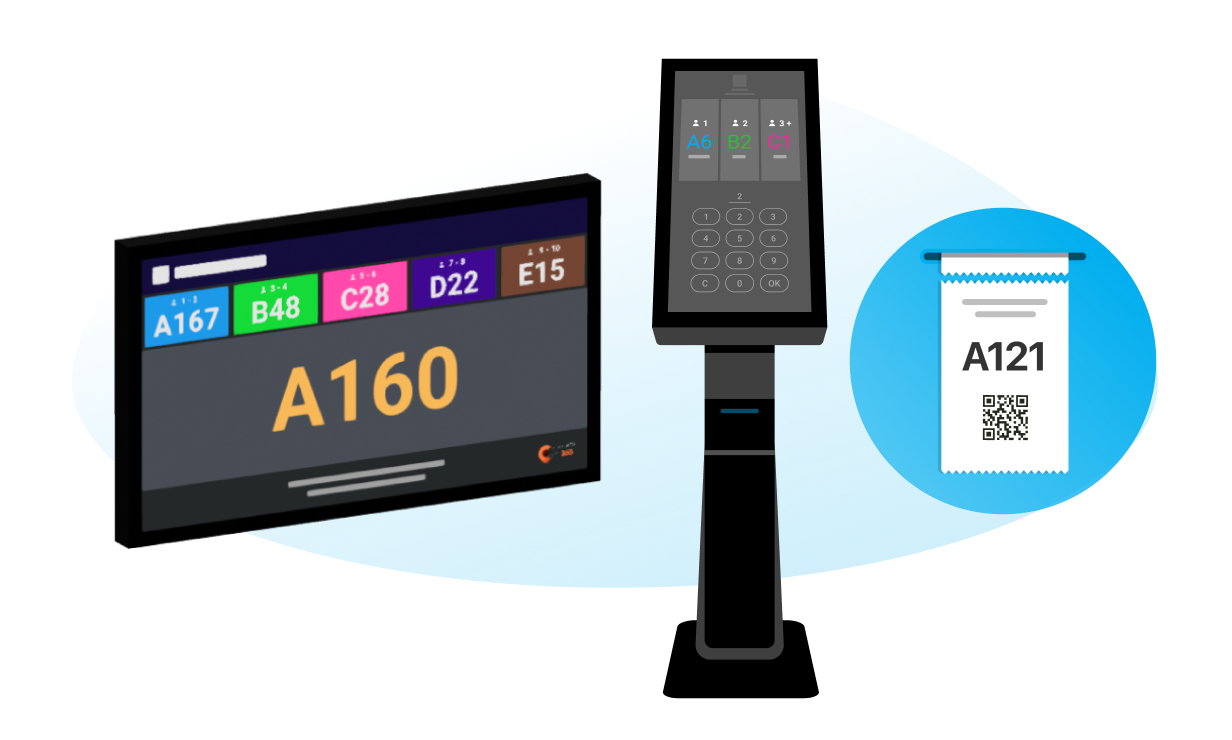

Let customers get a ticket and scan a QR code on their ticket to know their status in line. It’s super convenient for customers and reduces the size of lines outside your restaurant.
Queue Display
Expansion Modules

With clear visual cues, your customers don’t need to crowd around your restaurant when waiting to be seated.
Third-Party Queuing
Third Party Integration
Integrate easily with third-party queue management software so your customers can queue remotely.
You Don’t Need to Use them All
Pick what you need to expand your custom solution
FAQs about Eats365 Contactless Dining Experience
1. What is the Eats365 contactless guest experience solution?
The Eats365 contactless guest experience solution allows customers to engage with your restaurant from their smart devices for reservations, ordering, payments, and queuing, providing a seamless dining experience.
2. How does contactless guest experience benefit my restaurant?
Contactless guest experience benefits restaurants by improving efficiency, reducing staff workload, enhancing customer satisfaction through convenience, and promoting hygiene by minimizing physical contact.
3. What features are included in the Eats365 contactless solution?
The Eats365 contactless solution includes features for online reservations, digital ordering via QR codes, mobile payment options, and virtual queuing systems, all accessible through the customer's smart device.
4. Can customers place orders and pay using their own devices?
Yes, with the Eats365 contactless guest experience, customers can scan QR codes to access menus, place orders directly from their smart devices, and complete payments without needing physical interaction with staff or payment terminals.
5. Is an internet connection required for the contactless guest experience?
While some functions may work offline, an internet connection is generally required for the full functionality of the Eats365 contactless guest experience, especially for online reservations, real-time ordering, and payment processing.
Learn More About How to Improve Your Contactless Guest Experience