Calling out numbers means people mishear and walk off with the wrong order. The Pickup Display shows customers and drivers the correct order numbers, so they know exactly when — and which — order is ready.
Pickup Display
Pickup Display for Error-Free Order Collection
When customers, delivery drivers and expediters are all trying to work out whose order is whose, pickup gets chaotic. A clear pickup display sends the right order to the right person — the first time.

How Does a Pickup Display Get Orders to the Right Person?
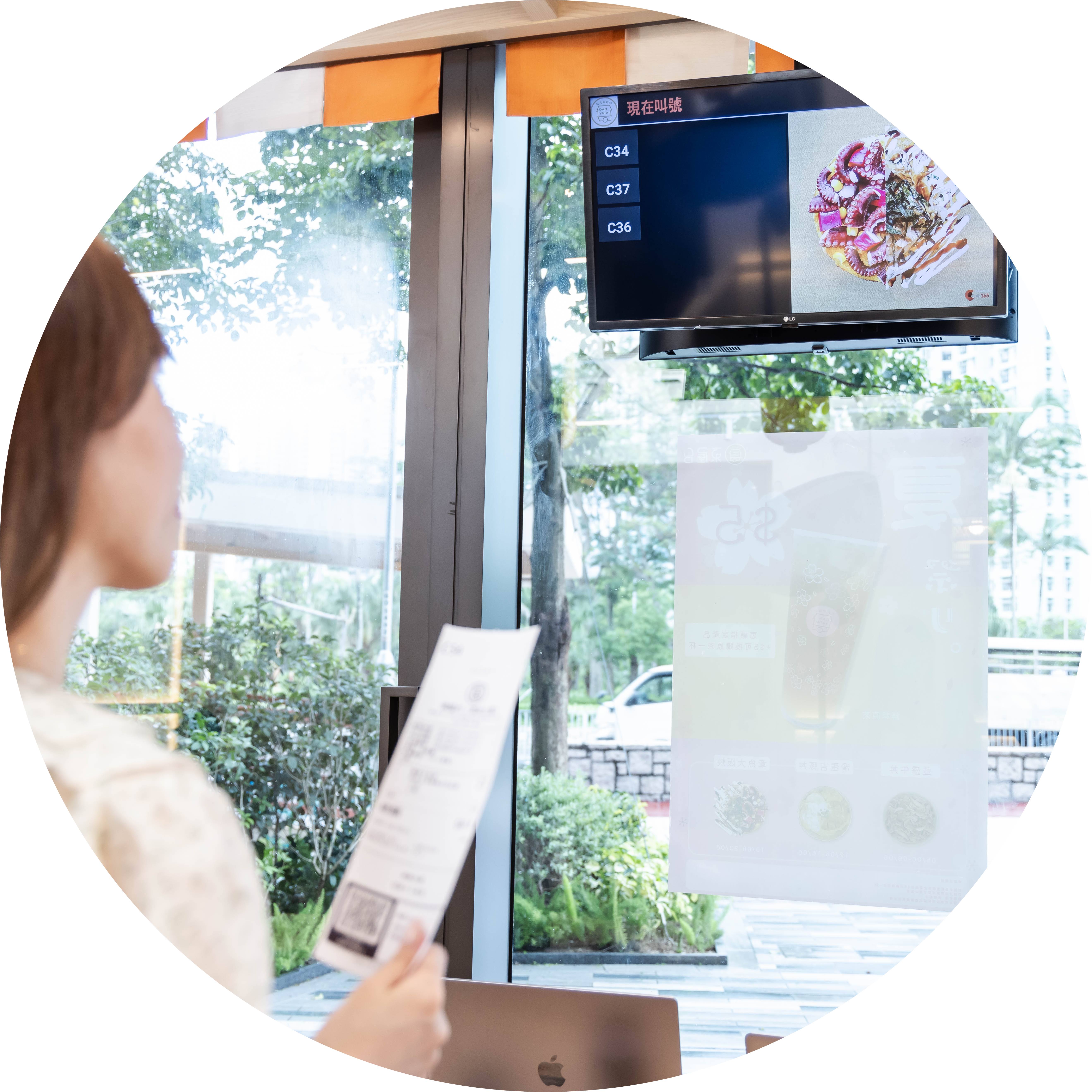
Fewer Wrong-Order Pickups
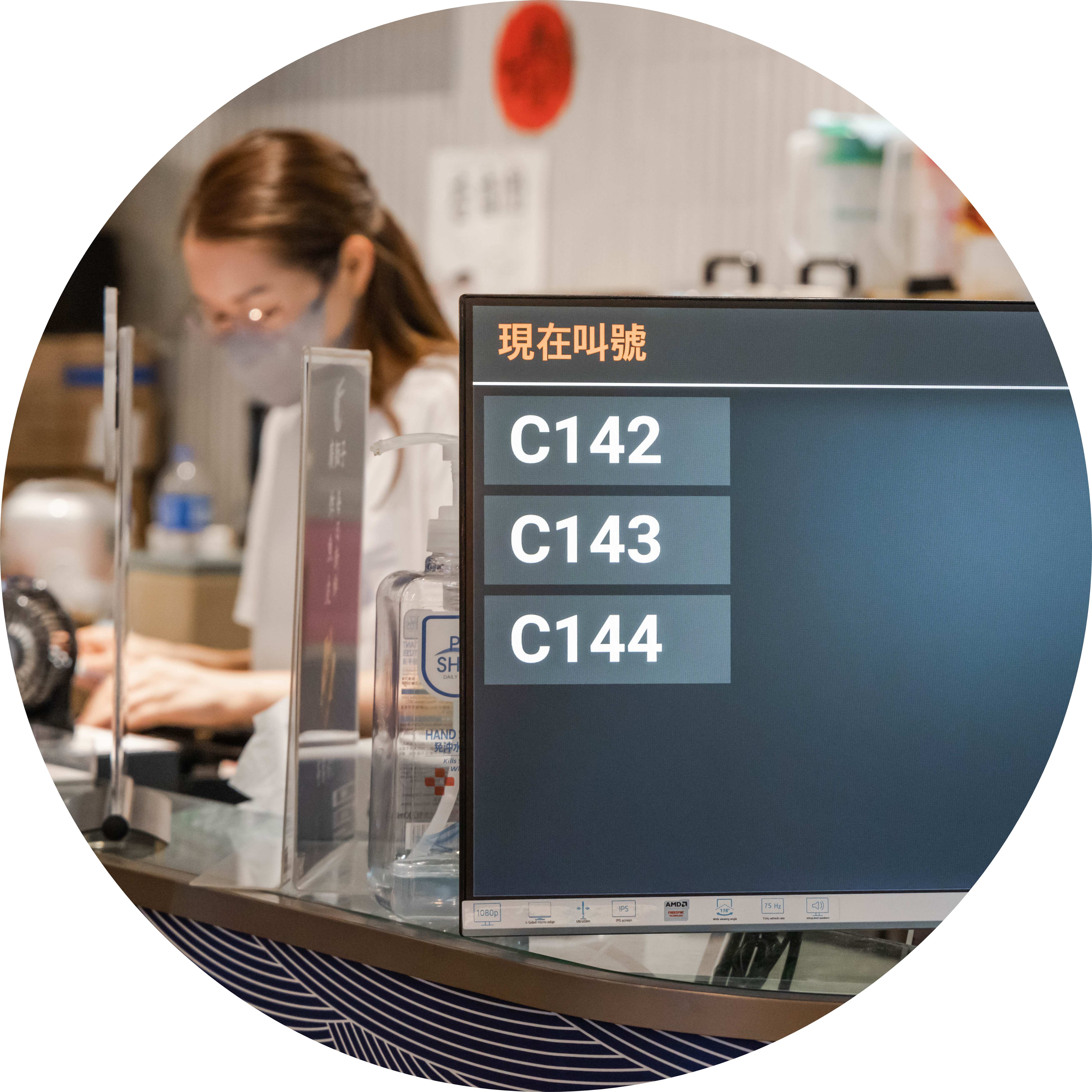
Bold Numbers Customers Can't Miss
Waiting customers are distracted and on their phones. Bold, clear order numbers with on-screen movement give them the best chance of noticing the moment their order is up.
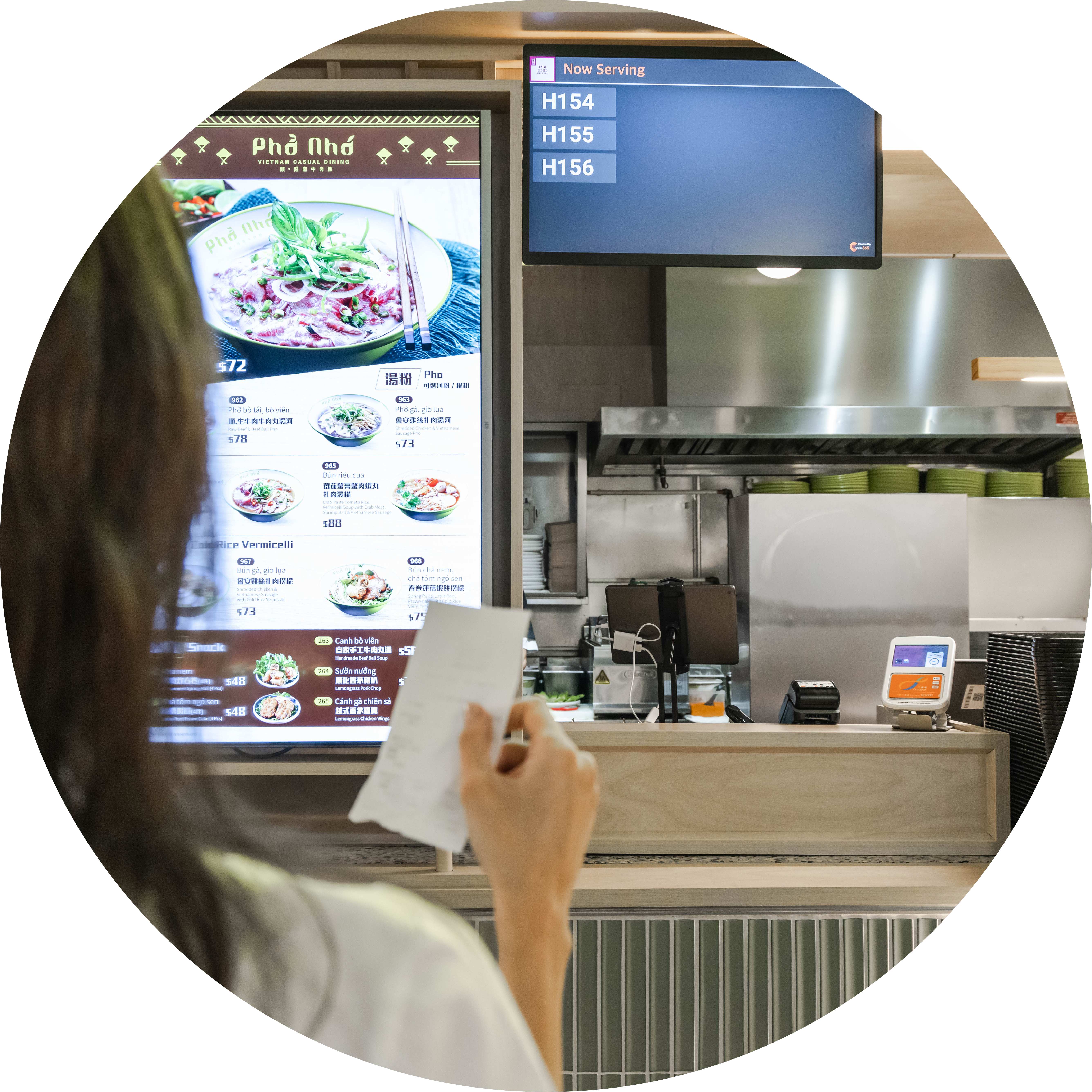
Synced with Your Kitchen and Expedite Display
The Pickup Display is part of one cloud-connected system: kitchen staff complete items on the KDS, packers mark orders ready on the Expedite Display, and the number lands on the Pickup Display instantly — so food goes out while it's still hot.
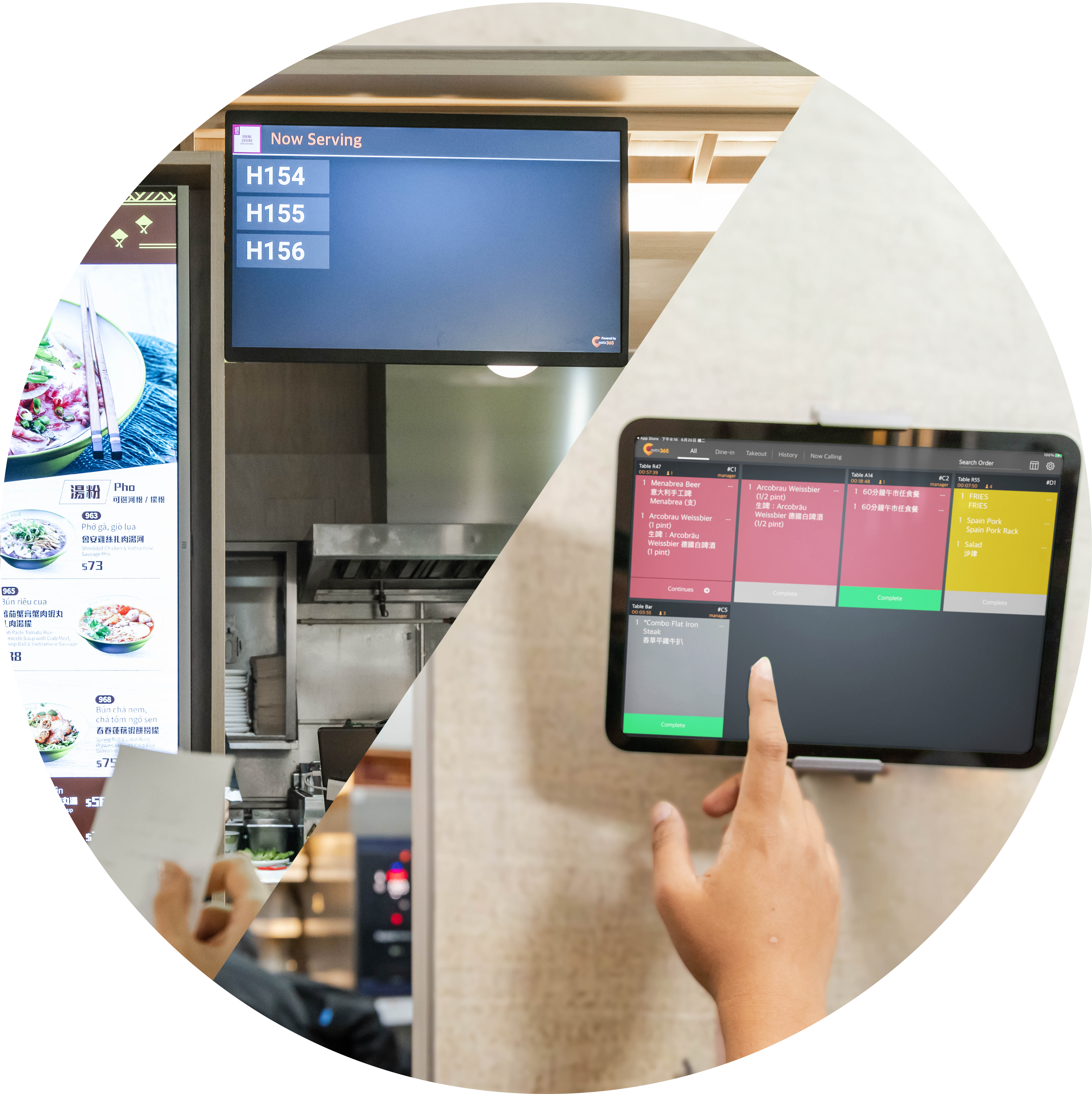
Turn Idle Screens into Promo Space
Beyond calling pickup numbers, your Eats365 display can also run as a promotional screen — upload images and videos to advertise deals to waiting customers and passersby, and put your screens to work even between rushes.
Real-Time Pickup Order Number Updates
 When the expeditor completes an order on the Expedite Display, it shows on the Pickup Display instantly
Multiple pickup orders displayed at the same time as they’re ready
Immediate removal of order numbers from the Pickup Display once they’re collected
Multiple ready orders shown at the same time
Order numbers removed immediately once collected
When the expeditor completes an order on the Expedite Display, it shows on the Pickup Display instantly
Multiple pickup orders displayed at the same time as they’re ready
Immediate removal of order numbers from the Pickup Display once they’re collected
Multiple ready orders shown at the same time
Order numbers removed immediately once collected

Clear, Customizable Display
Clear visual of each order number waiting for pickup
Set different number formats for delivery drivers and pickup customers
Runs on any Android or Apple TV–supported screen, from tablets to large-format displays
Reduces counter noise and crowding, so staff focus on packing instead of answering "is my order ready?"
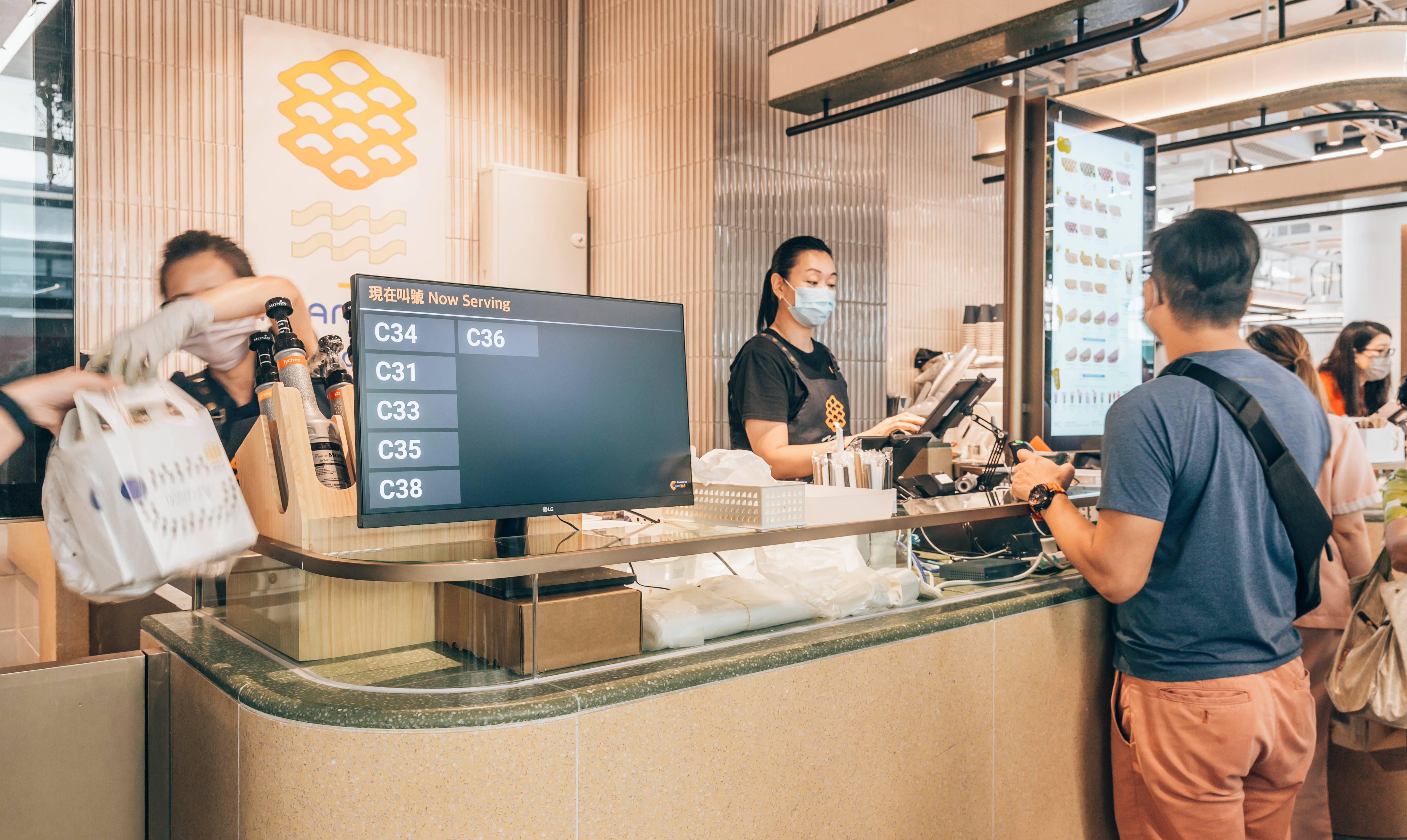
Real-Time Pickup Order Number Updates
When the expeditor completes an order on the Expedite Display, it shows on the Pickup Display instantly
Multiple pickup orders displayed at the same time as they’re ready
Immediate removal of order numbers from the Pickup Display once they’re collected
Multiple ready orders shown at the same time
Order numbers removed immediately once collected
Clear, Customizable Display
Clear visual of each order number waiting for pickup
Set different number formats for delivery drivers and pickup customers
Runs on any Android or Apple TV–supported screen, from tablets to large-format displays
Reduces counter noise and crowding, so staff focus on packing instead of answering "is my order ready?"
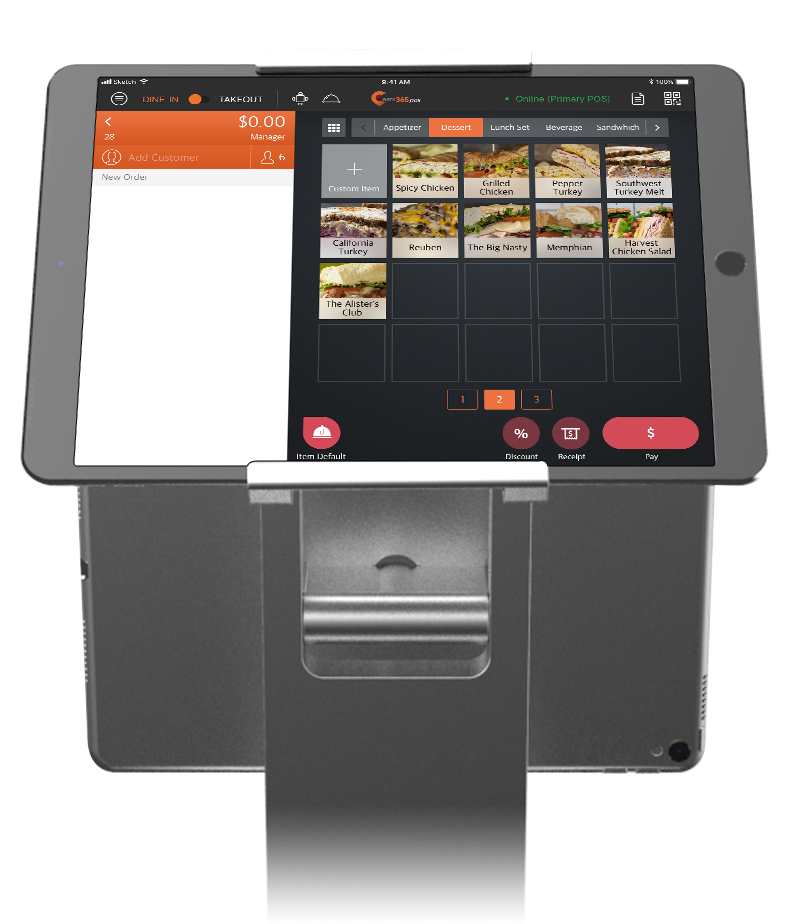
Pickup Display is Perfect for these Restaurant Types


Pickup Display is Part of the Following Solutions


Restaurants Like Yours Love the Pickup Display
FAQs about Eats365 Pickup Display
1. What is a restaurant pickup display and how does it work?
A pickup display is a customer-facing screen that shows the real-time status of food orders. When an expeditor or packer marks an order as ready on their display, the order number automatically moves to the 'Ready' section of the pickup display to notify waiting customers and delivery drivers.
2. How does the Pickup Display reduce order confusion for delivery drivers?
It provides clear visual cues, including bold text and movement, to show exactly which order numbers are ready for pickup. This prevents drivers and customers from having to ask staff for status updates, ensuring the right person takes the right order even in busy environments.
3. Does the Pickup Display sync automatically with the kitchen?
Yes, the Pickup Display is fully integrated with the Eats365 POS and Expeditor Display. As soon as a packer or expeditor completes an order on their screen, the status is instantly updated on the customer-facing Pickup Display.
4. Can the Pickup Display handle both online and in-store orders?
Yes, as an expansion module of the Eats365 POS, it centralizes order statuses from various channels. Whether the order comes from a self-order kiosk, mPOS, or online platform, the numbers are displayed uniformly to streamline the pickup process.
5. What are the benefits of using a digital pickup status screen?
A digital status screen automates the notification process, which reduces noise and crowding at the counter. It allows staff to focus on packing orders rather than answering repetitive status questions, ultimately improving front-of-house efficiency and customer satisfaction.
Your Eats365 Growth Guide

Want to Double Table Turnover? The QR Code Ordering Secrets Malaysia
 23 Sep 2025

QR code ordering systems are transforming Malaysian restaurants. They're helping businesses navigate post-pandemic challenges and boost efficiency in a tech-savvy market. It's not just a passing trend; it's a fundamental shift in how F&B businesses connect with their customers.
QR Code
Online ordering
Cloud-based POS
Read More
FeedMe vs Eats365: Which One Fits Your Restaurant Better?
25 May 2026
Read this before choosing between FeedMe and Eats365: the monthly fee gap looks small, but delivery admin, menu-sync issues, reporting workload, and outage risks can cost much more. See which POS fits your restaurant best.
Eats365
Restaurant POS Features
Food delivery
Read More
How to Choose Between Android POS and iPad POS? A Guide for Malaysian F&B Owners.
14 May 2026
Struggling to choose the right POS for your Malaysian F&B business? This guide compares Android POS and iPad POS by cost, durability, user experience, and repair support.
Restaurant POS System
iPad POS
Read More
