If you’re relying on your expeditors to call out pickup order numbers, there’s a high chance people won’t hear them, or will hear incorrectly and leave with the wrong order. Pickup Display ensures that customers and delivery drivers see the correct order numbers and know exactly when their order is ready for pickup.
Pickup Display
Food Pickups Done Right the First Time
When you have customers, delivery drivers and expediters all trying to figure out who takes which food item, it can be more than a little chaotic. Use a competent pickup display to reduce confusion and send the right order with the right person.

How Can a Pickup Display Help Your Customers Get the Right Orders?
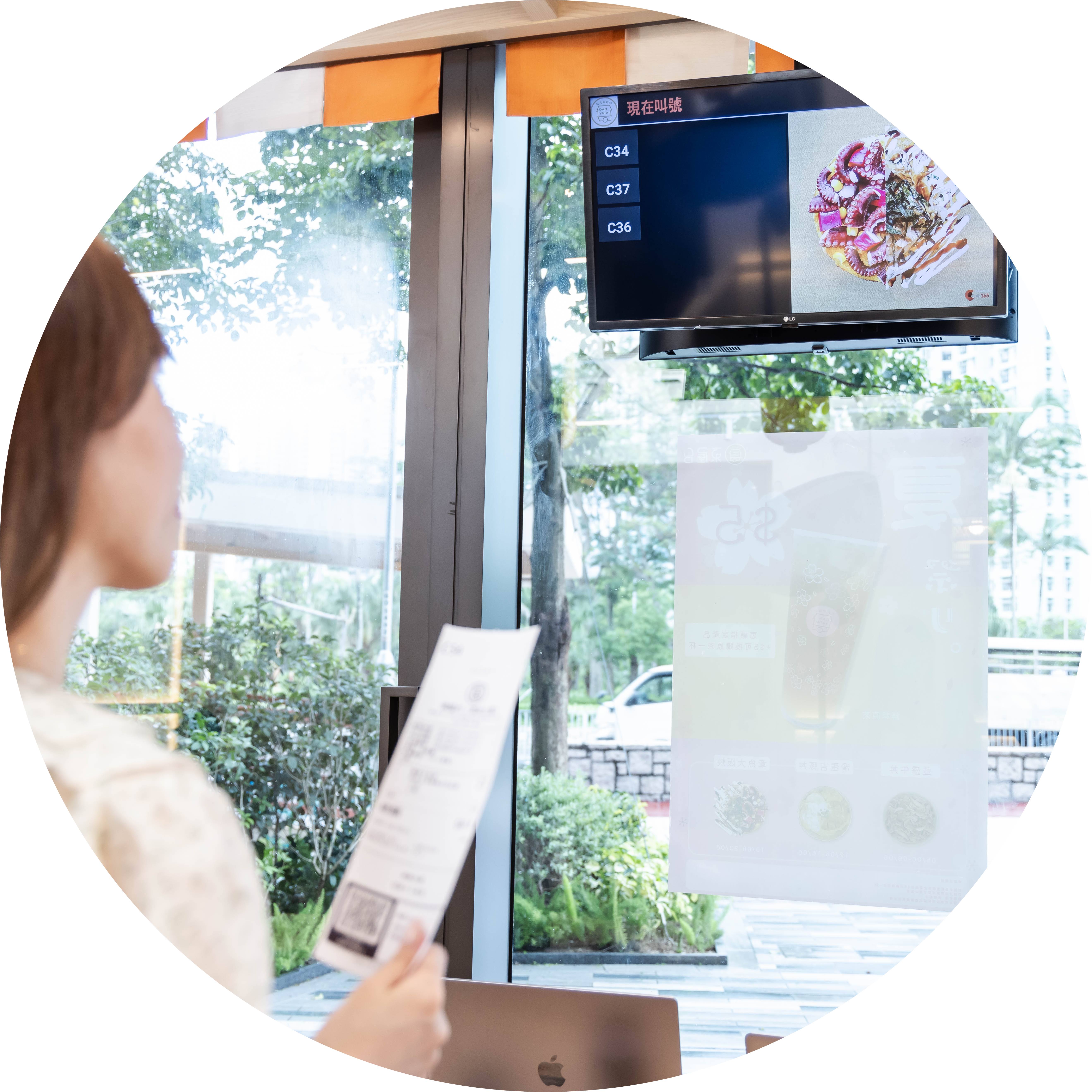
No One Leaves with the Wrong Order
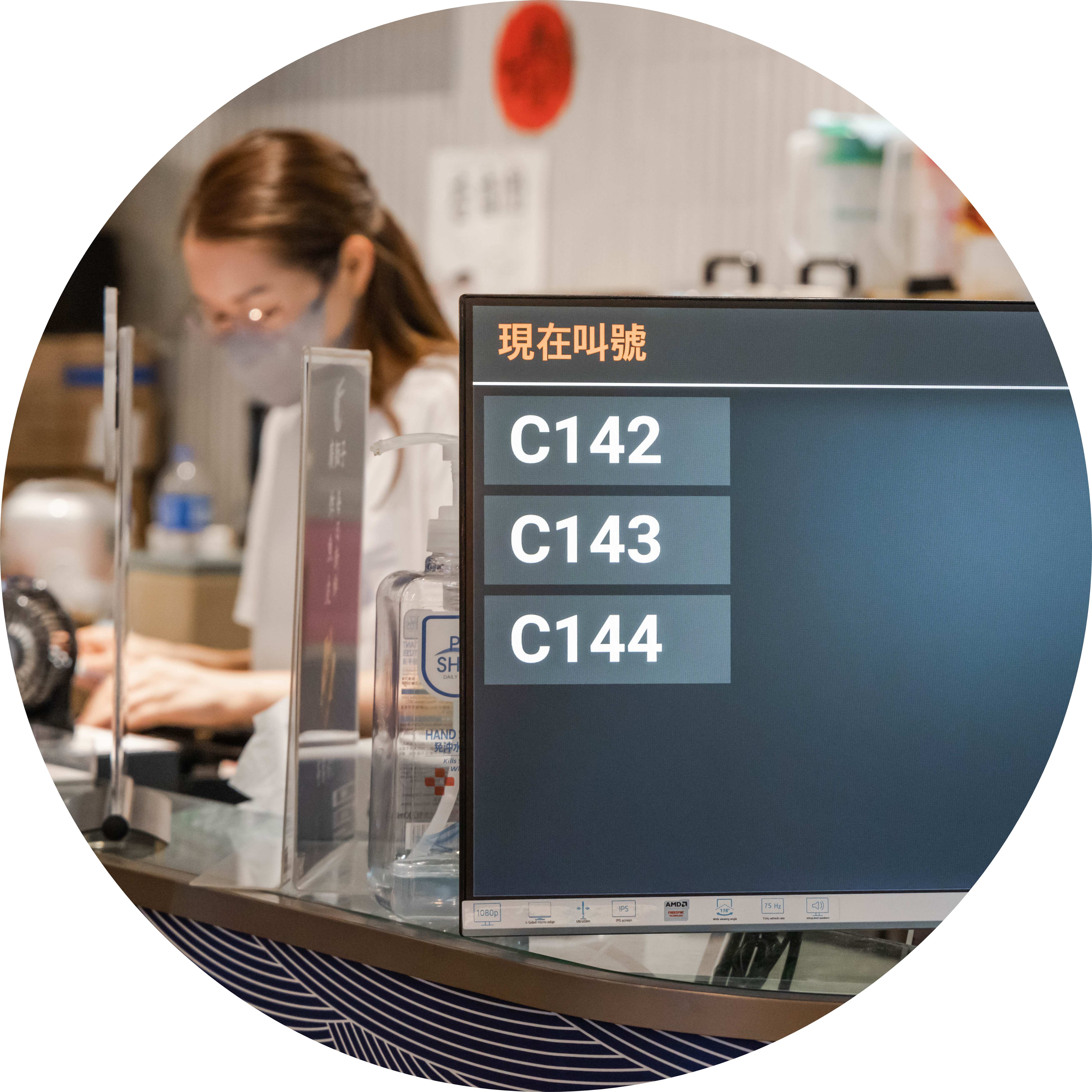
Visual Indicators of Order Numbers to Get Attention
Let’s face it, when people are waiting for their pickup orders, they’re going to be bored. If they’re on their phones or distracted, you need to make sure you have a clear way to attract their attention. Using visual cues that are bold, clear and involve movement gives customers a greater chance of knowing when it’s time to pick up their order – even if they are super distracted.
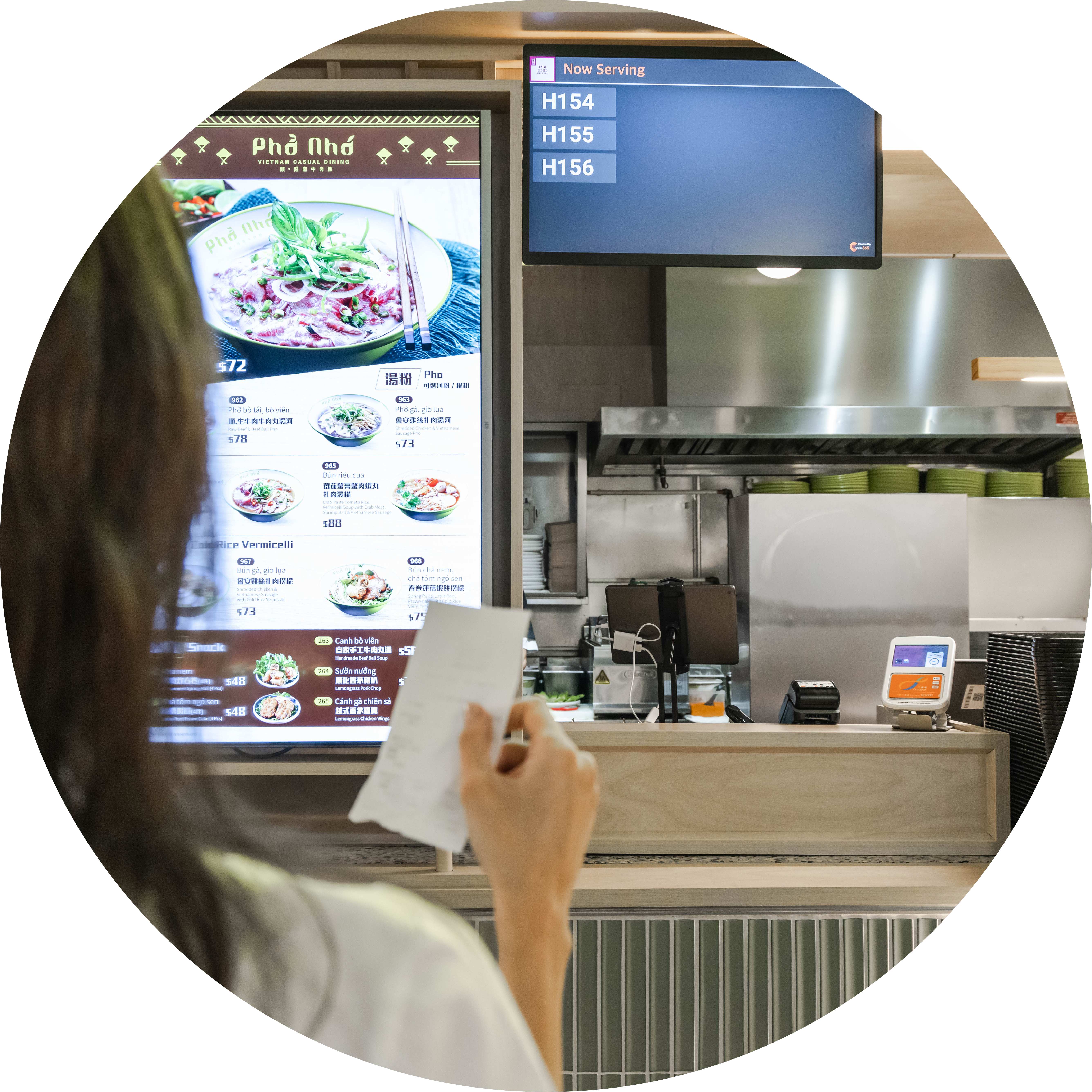
A Fully-Integrated Solution Means Better Food
Your Eats365 Pickup Display is part of a larger solution that shares data via the cloud. No matter what modules you choose, an integrated system lets your staff focus on their jobs while your tech does all the communication across departments to save time. For example, kitchen staff can mark orders as complete on a Kitchen Display System so they’re sent to an Expedite Display for packers to check over. Packers can then mark the order as ready for pickup so that the order number is instantly sent to the Pickup Display. A smoother process with time savings means your customers wait less and get their food when it’s hot, leading to a better overall dining experience.
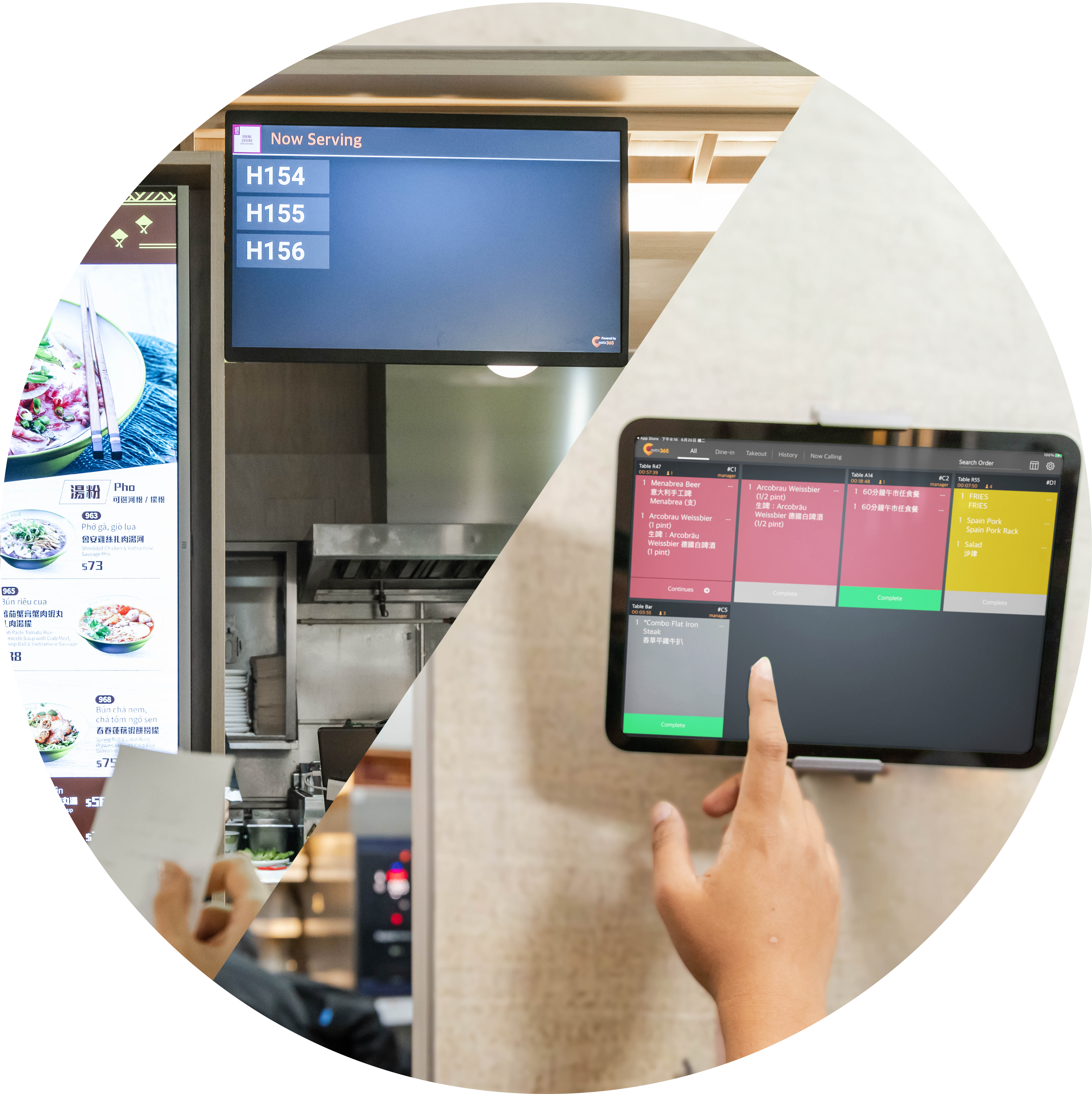
Grab Attention and Sell More
If your customers are already on-premises and waiting for their orders, why not take the chance to showcase some juicy promotions or advertisements to prompt their next purchase? The Pickup Display lets you upload image and video files that will play as your customers wait for their pickup order number, so you can effectively advertise, upsell and entertain them. It works great for passersby, too, who might be enticed to visit your restaurant by seeing one of your exciting adverts.
Pickup Display Features Overview
Real-Time Pickup Order Number Updates
 When the expeditor completes an order on the Expedite Display, it shows on the Pickup Display instantly
Multiple ready orders shown at the same time
Order numbers removed immediately once collected
Cloud-connected to the Expedite Display for real-time updates
Centralizes pickup statuses from every channel — self-order kiosk, mPOS and online platforms — in one uniform display
When the expeditor completes an order on the Expedite Display, it shows on the Pickup Display instantly
Multiple ready orders shown at the same time
Order numbers removed immediately once collected
Cloud-connected to the Expedite Display for real-time updates
Centralizes pickup statuses from every channel — self-order kiosk, mPOS and online platforms — in one uniform display

Clear, Customizable Display
Clear visual of each order number waiting for pickup
Set different number formats for delivery drivers and pickup customers
Runs on any Android or Apple TV–supported screen, from tablets to large-format displays
Reduces counter noise and crowding, so staff focus on packing instead of answering "is my order ready?"
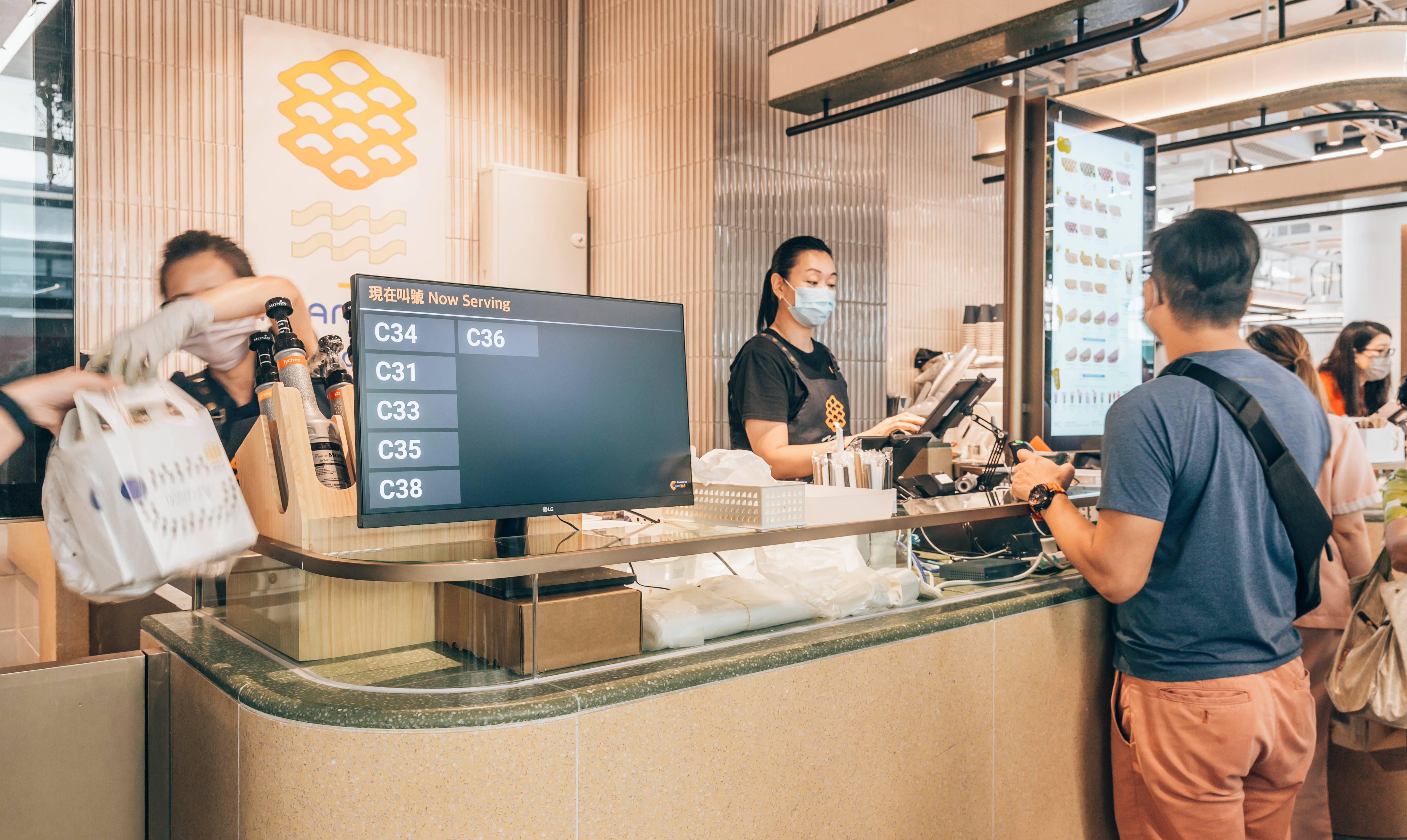
Real-Time Pickup Order Number Updates
When the expeditor completes an order on the Expedite Display, it shows on the Pickup Display instantly
Multiple ready orders shown at the same time
Order numbers removed immediately once collected
Cloud-connected to the Expedite Display for real-time updates
Centralizes pickup statuses from every channel — self-order kiosk, mPOS and online platforms — in one uniform display
Clear, Customizable Display
Clear visual of each order number waiting for pickup
Set different number formats for delivery drivers and pickup customers
Runs on any Android or Apple TV–supported screen, from tablets to large-format displays
Reduces counter noise and crowding, so staff focus on packing instead of answering "is my order ready?"
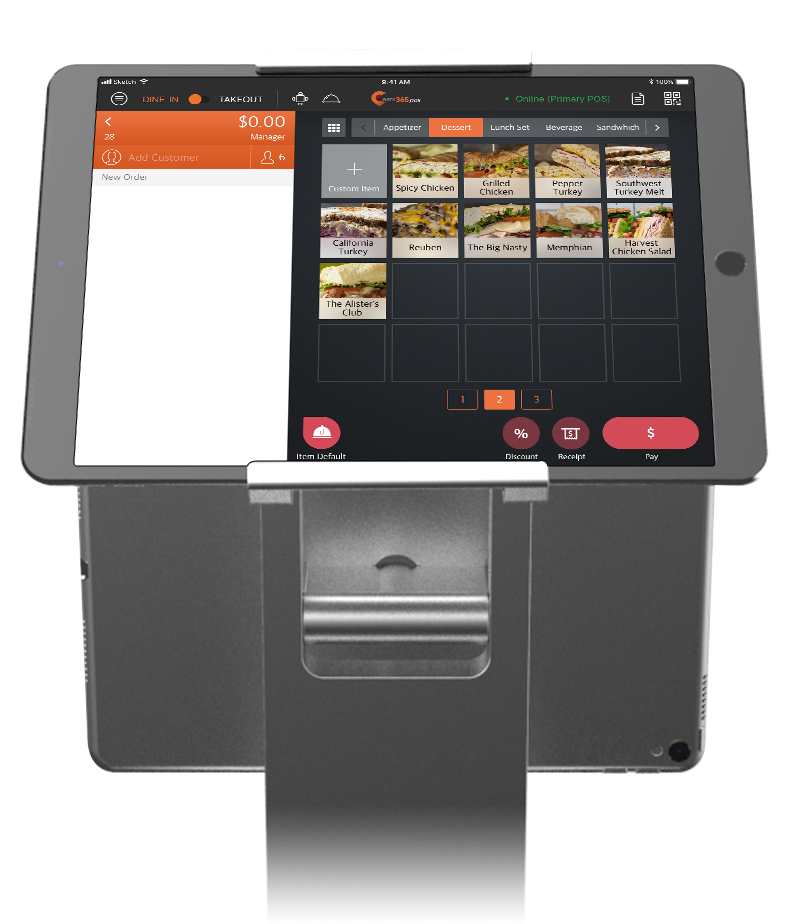
Pickup Display is Perfect for these Restaurant Types


Pickup Display is Part of the Following Solutions


Restaurants Like Yours Love the Pickup Display
FAQs about Eats365 Pickup Display
1. What is a restaurant pickup display and how does it work?
A pickup display is a customer-facing screen that shows the real-time status of food orders. When an expeditor or packer marks an order as ready on their display, the order number automatically moves to the 'Ready' section of the pickup display to notify waiting customers and delivery drivers.
2. How does the Pickup Display reduce order confusion for delivery drivers?
It provides clear visual cues, including bold text and movement, to show exactly which order numbers are ready for pickup. This prevents drivers and customers from having to ask staff for status updates, ensuring the right person takes the right order even in busy environments.
3. Does the Pickup Display sync automatically with the kitchen?
Yes, the Pickup Display is fully integrated with the Eats365 POS and Expeditor Display. As soon as a packer or expeditor completes an order on their screen, the status is instantly updated on the customer-facing Pickup Display.
4. Can the Pickup Display handle both online and in-store orders?
Yes, as an expansion module of the Eats365 POS, it centralizes order statuses from various channels. Whether the order comes from a self-order kiosk, mPOS, or online platform, the numbers are displayed uniformly to streamline the pickup process.
5. What are the benefits of using a digital pickup status screen?
A digital status screen automates the notification process, which reduces noise and crowding at the counter. It allows staff to focus on packing orders rather than answering repetitive status questions, ultimately improving front-of-house efficiency and customer satisfaction.
Your Eats365 Growth Guide
Food Delivery Platform Trends Restaurant Owners Must Know in 2026
 26 Jan 2026

Right then, is your restaurant truly smashing it? Prepare for 2026 with key Aussie trends, AI insights, and strategies to boost your bottom line.
F&B Trends
Foodtech
Food delivery
Read More
Top Digital Signage Strategies for Quick Service Restaurants
18 Jun 2025
Are your static menus and long wait times hurting sales? This guide explores how quick service restaurant digital signage boosts revenue, enhances customer experience, and streamlines operations.
Foodtech
Read More
Choosing the Best POS System for Quick Service Restaurants
28 Apr 2025
Struggling with slow orders and errors? Let's compare the best POS system for quick service restaurants (QSRs), focusing on the speed, integrations, and features essential for QSR success.
Restaurant POS Features
Read More
