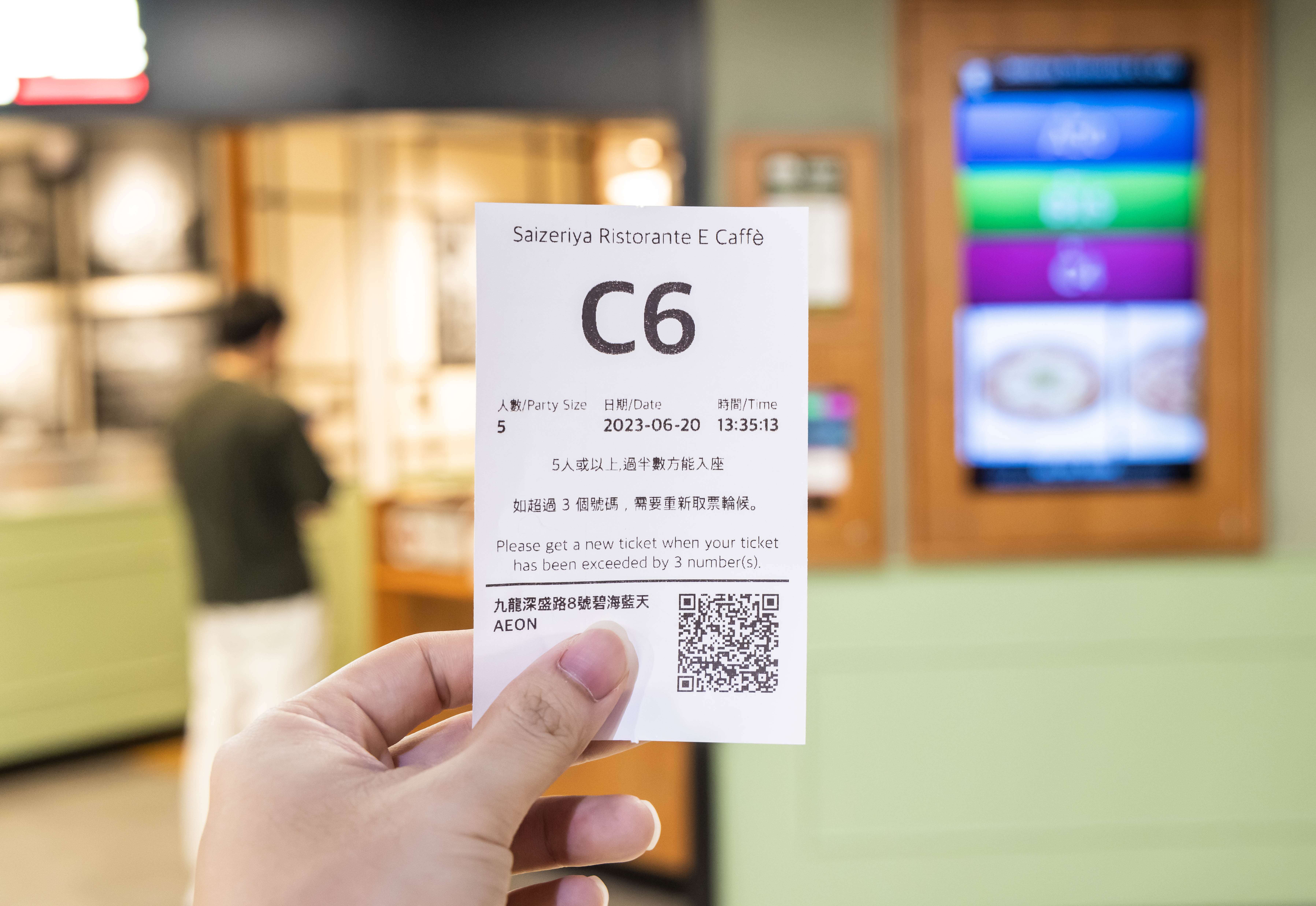
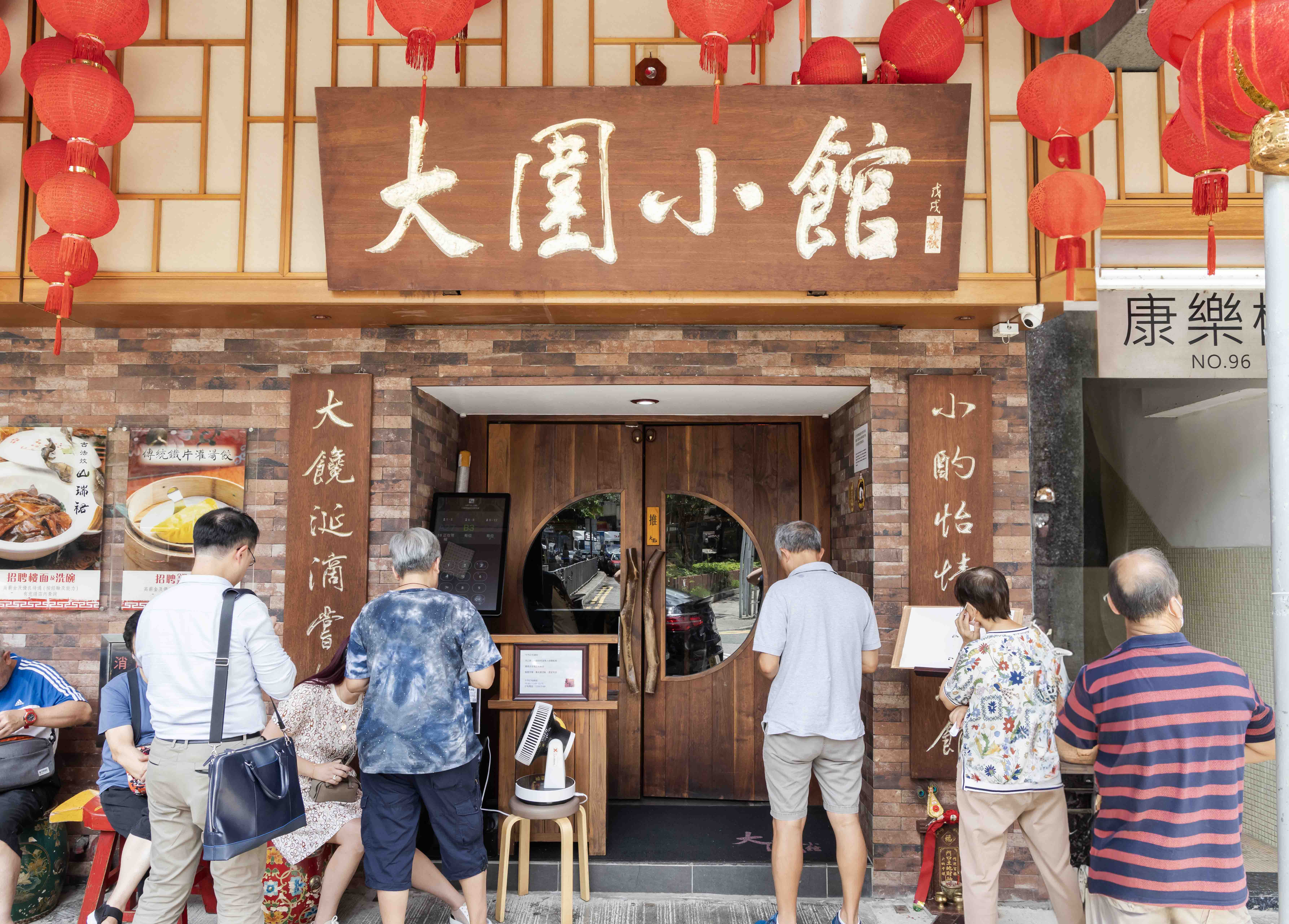
Every ticket prints with a scannable QR code, so guests can check their queue status from their phone and wait away from a crowded frontage.
Queue Kiosk
for Faster Restaurant Queues
While a long queue outside your restaurant might signal booming business, it can also look disorganized and put new customers off. With an iPad or Android Queue Kiosk, restaurants in Malaysia can manage wait times efficiently and fill every table quickly — keeping operations smooth and customers happy.
How a Queue Kiosk Helps You Manage Long Queues
iPad Queue Kiosk
Android Queue Kiosk
iPad Queue Kiosk

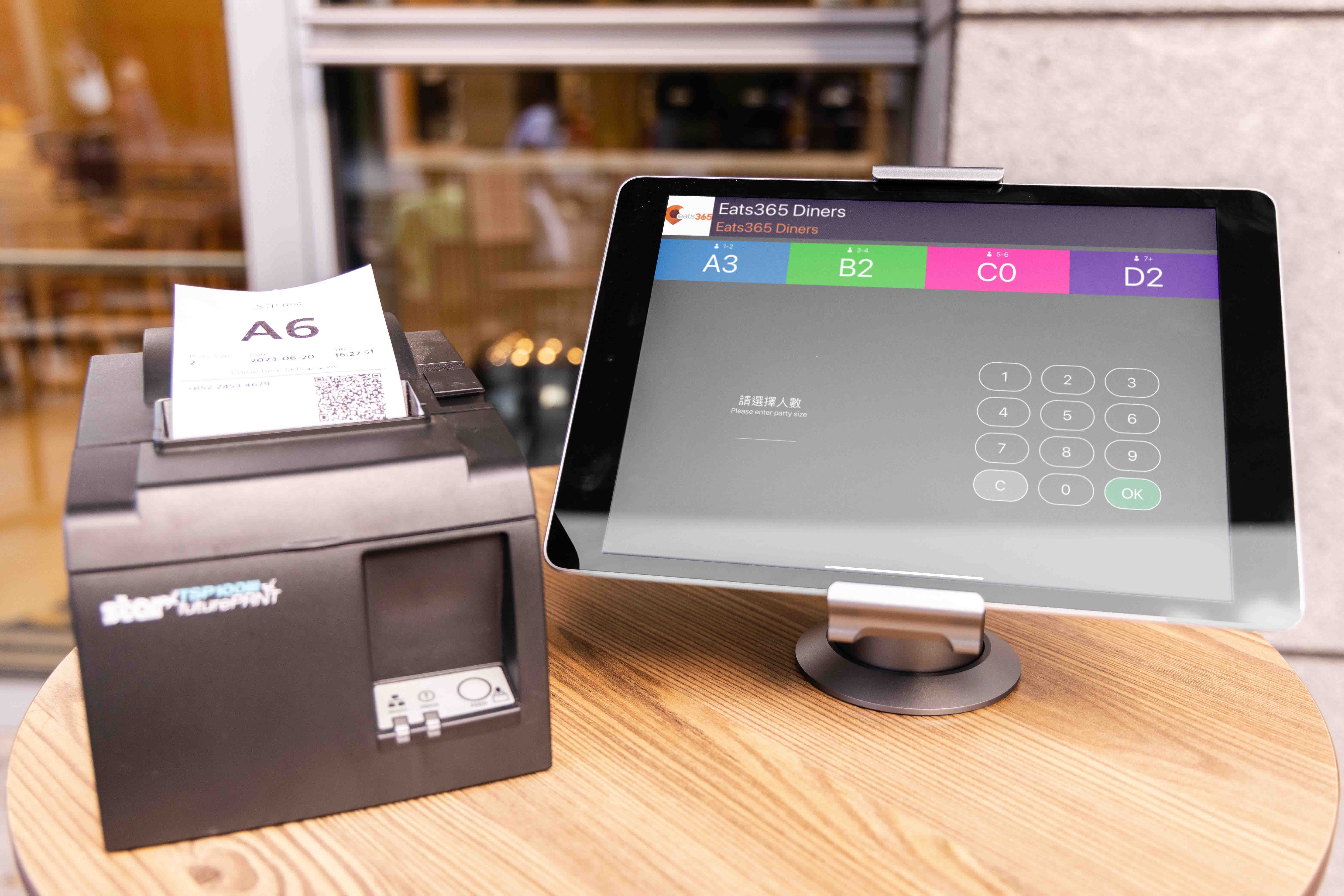
Whether you're a small mom-and-pop shop or a multi-floor restaurant, an iPad Queue Kiosk keeps queues under control without eating floorspace. Renovating? Add, swap or upgrade stands and ticket printers to match your new look.
Android Queue Kiosk
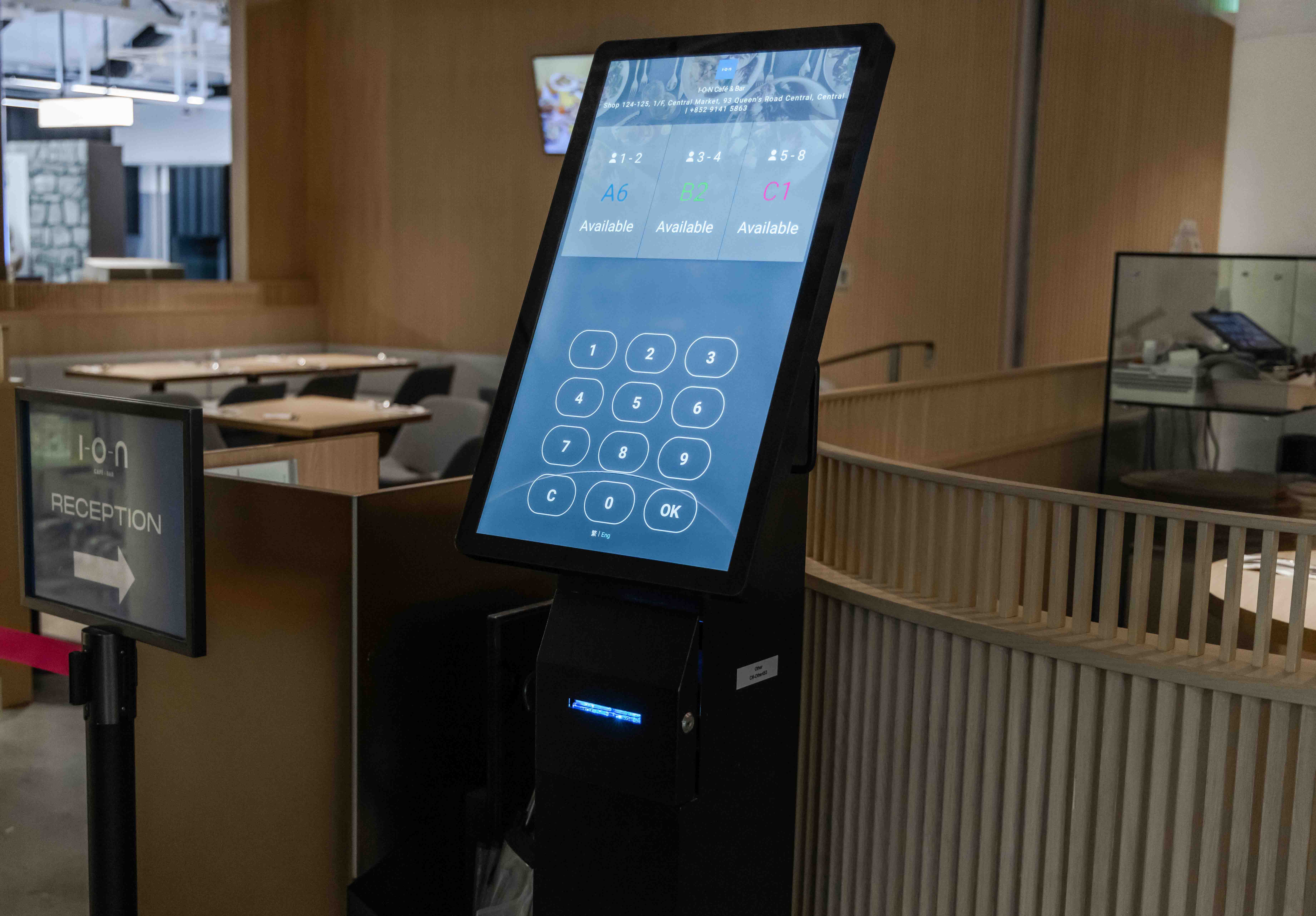
An Android Queue Kiosk bundles everything into one device — built-in screen, ticket printer and queue-status display — so guests can take their ticket and see their status right there
Redefine the Queue by Digitizing It
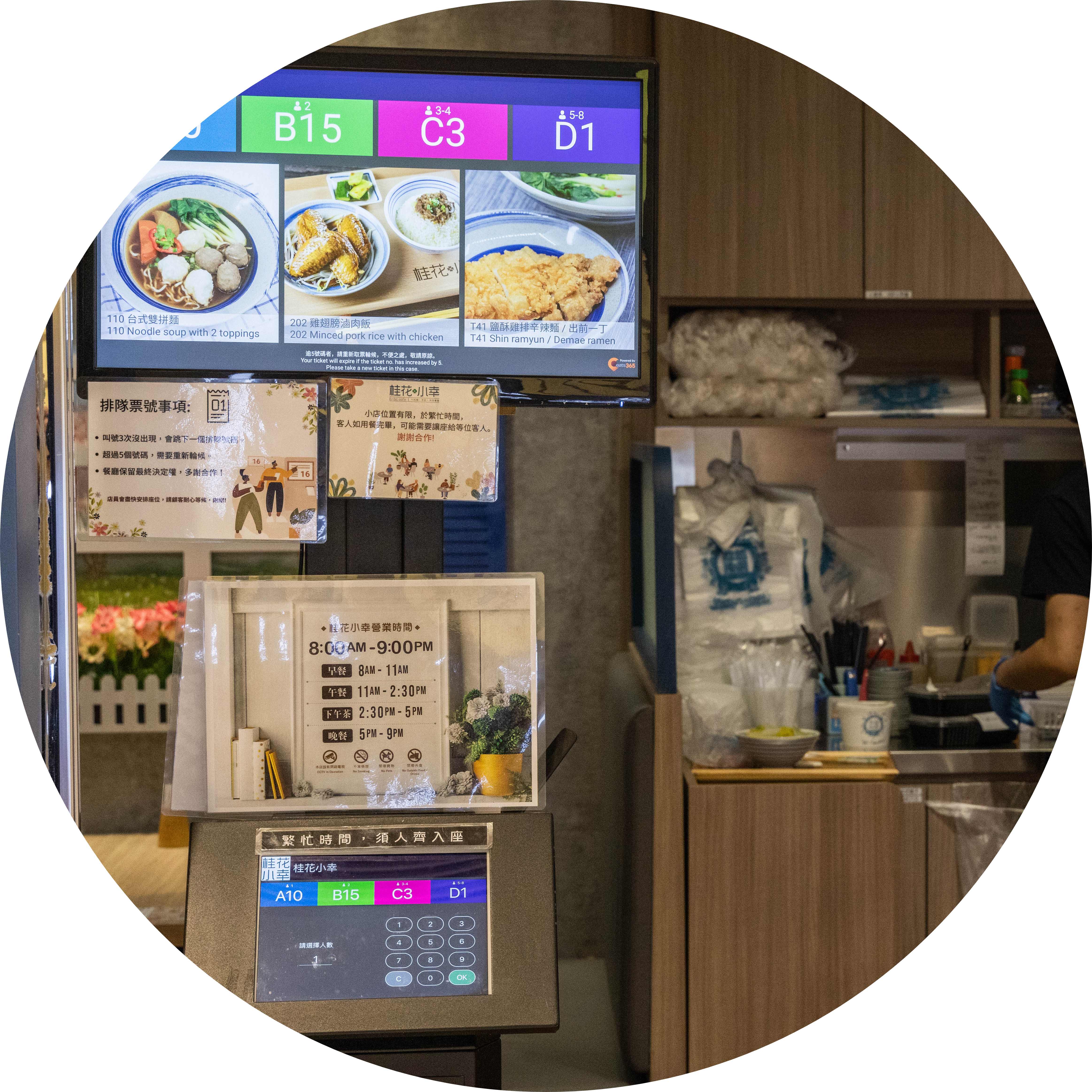
Get Rid of Poor Staff-Customer Communication
Guests take their own ticket in seconds — no staff writing down numbers or shouting them out. Pair it with a Queue Display to show which numbers are being called.
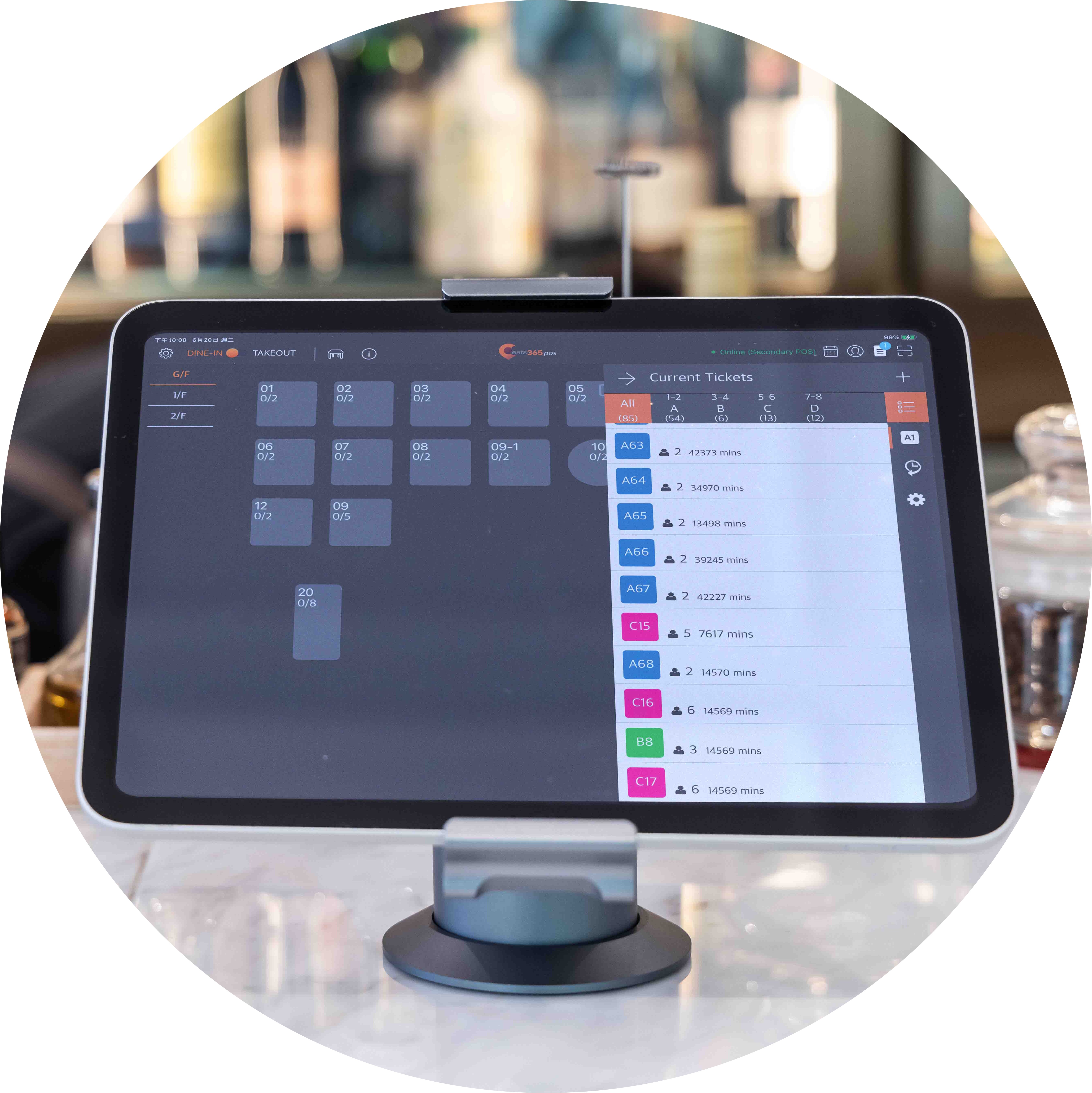
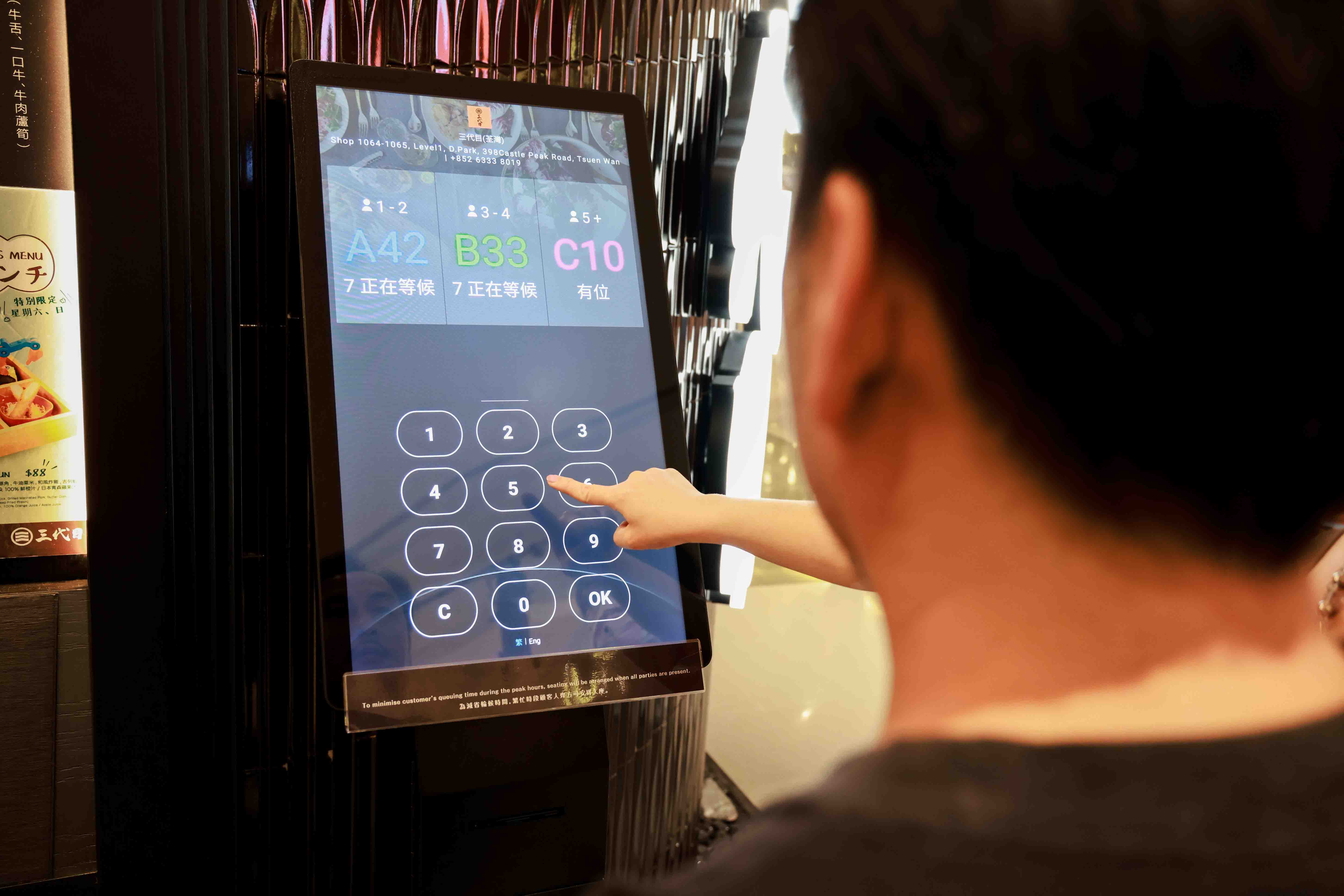
Customized Queue Ticket Party Size
Not every table seats the same number. Issue tickets by party size — twos, fours, larger groups — so staff know exactly which table to prep.
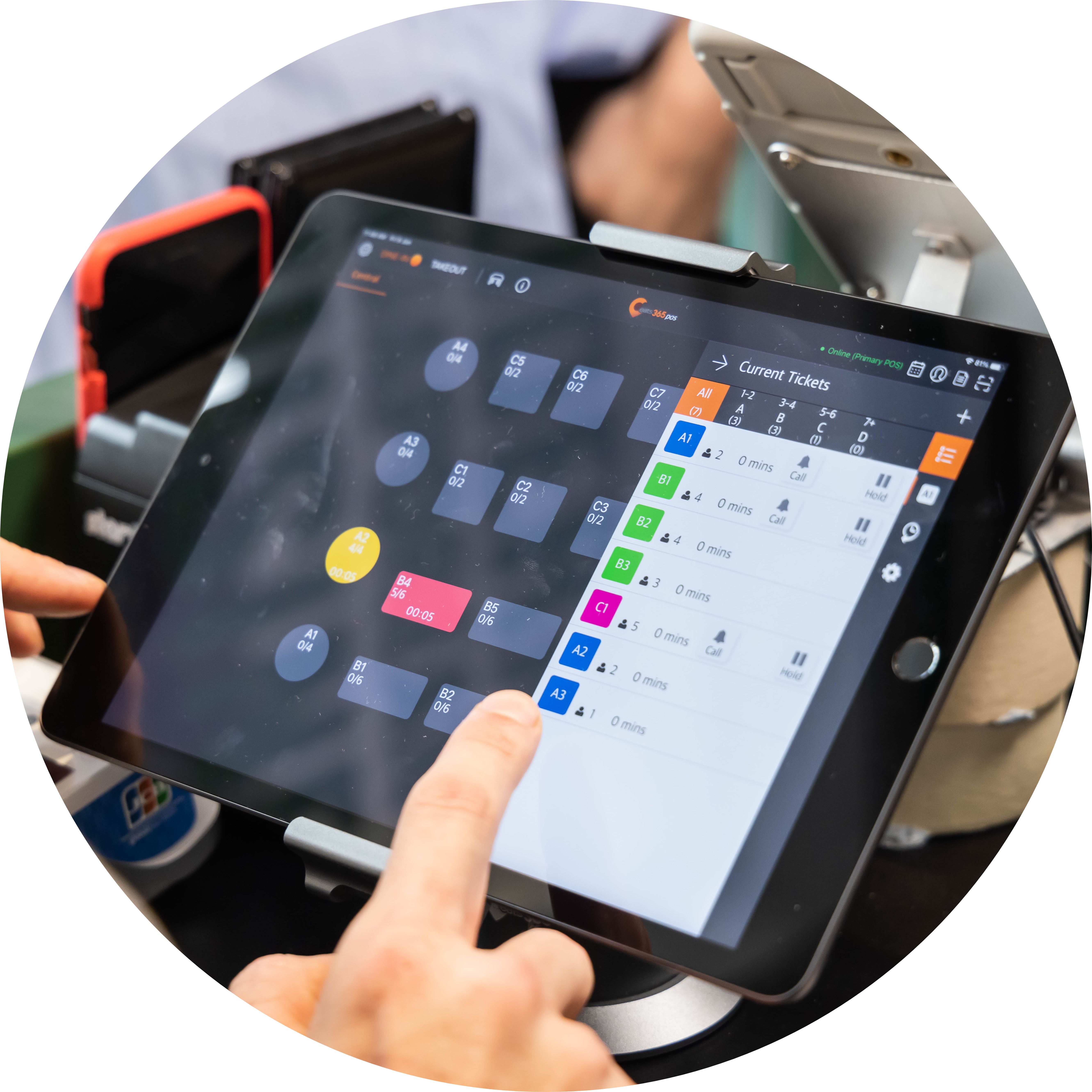
No More Ticket-to-Table Confusion

Staff view live table statuses on the Eats365 POS and call the right number accordingly — faster turnover, and guests always seated at a clean, right-sized table.
Self-Service Queue Ticket Collection
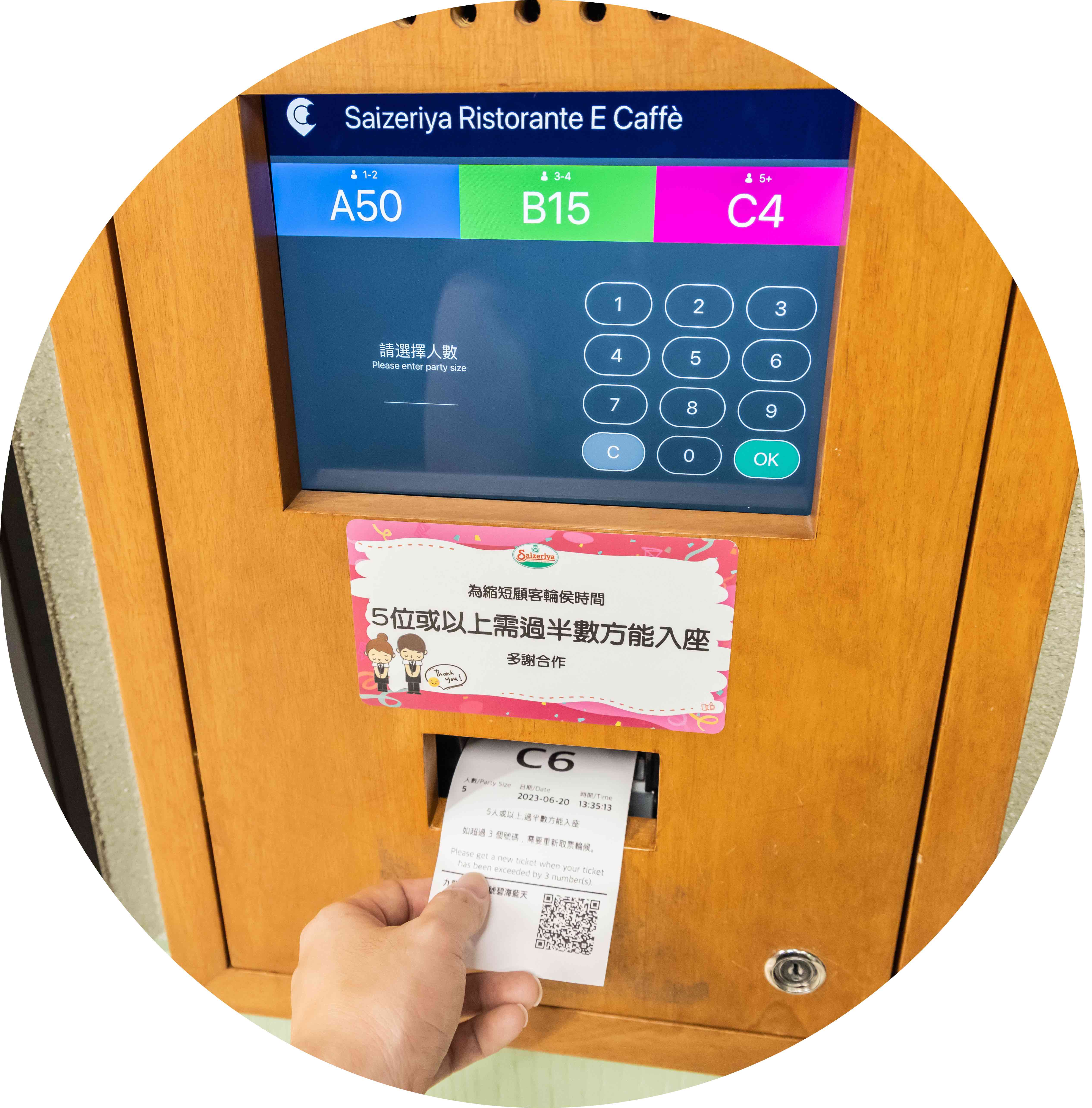
 Guests collect their own queue ticket
2–3 taps for the whole process
Ticket type set by party size
Guests collect their own queue ticket
2–3 taps for the whole process
Ticket type set by party size

QR Code Remote Queue Tracking
Tickets print with a QR code automatic
Guests scan to check queue status on their phone
Less crowding around your frontage
Fully-Connected with Other Eats365 Modules
Call guests to be seated from the POS
Queue Display updates automatically with current and past numbers
Both iPad and Android kiosks sync with other modules in real time
Cloud tech helps automate small, repetitive tasks to save time
Clear Interface to Minimize Errors
Simple enough for anyone to use
Clear instructions for quick ticket collection
Self-Service Queue Ticket Collection
Guests collect their own queue ticket
2–3 taps for the whole process
Ticket type set by party size
QR Code Remote Queue Tracking
Tickets print with a QR code automatic
Guests scan to check queue status on their phone
Less crowding around your frontage
Fully-Connected with Other Eats365 Modules
Call guests to be seated from the POS
Queue Display updates automatically with current and past numbers
Both iPad and Android kiosks sync with other modules in real time
Cloud tech helps automate small, repetitive tasks to save time
Clear Interface to Minimize Errors
Simple enough for anyone to use
Clear instructions for quick ticket collection
Queue Kiosk is Perfect for these Restaurant Types


Queue Kiosk is Part of the Following Solution


Restaurants Like Yours Love the Queue Kiosk
FAQ about Eats365 Queue Kiosk
1. What is a Queue Kiosk and how does it work?
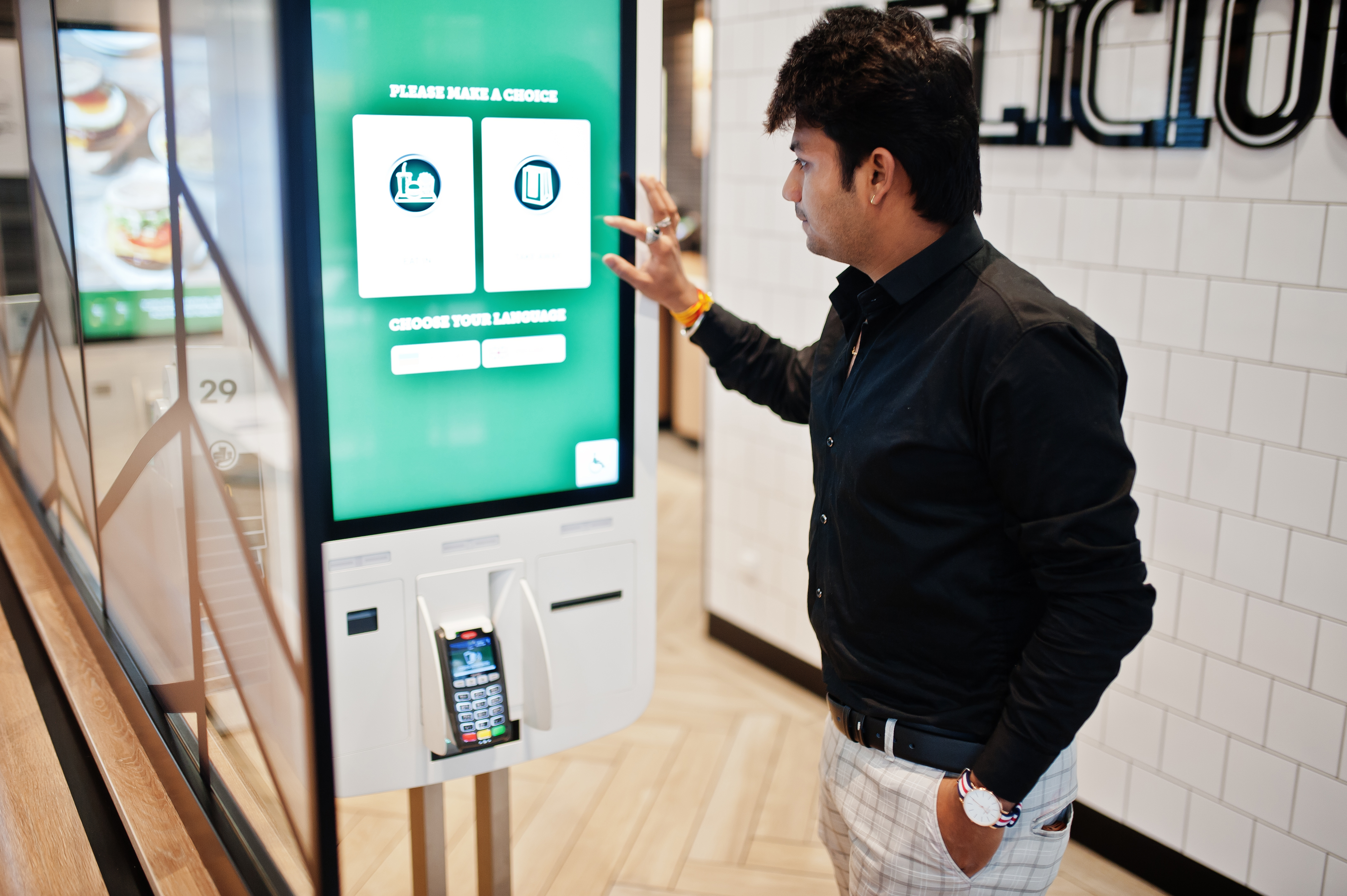
A Queue Kiosk is a self-service ticket-dispensing station that allows customers to join a restaurant's waitlist independently. Customers input their party size and contact information at the kiosk to receive a printed or digital queue ticket, which then automatically syncs with the restaurant's master queue management system.
2. How does the Queue Kiosk notify customers when their table is ready?
The Queue Kiosk system can notify customers via SMS or automated alerts, allowing them to wait comfortably away from the entrance. Additionally, restaurants can pair the kiosk with eSignage displays to show real-time queue status and tickets currently being called.
3. Can customers check their position in line after leaving the kiosk?
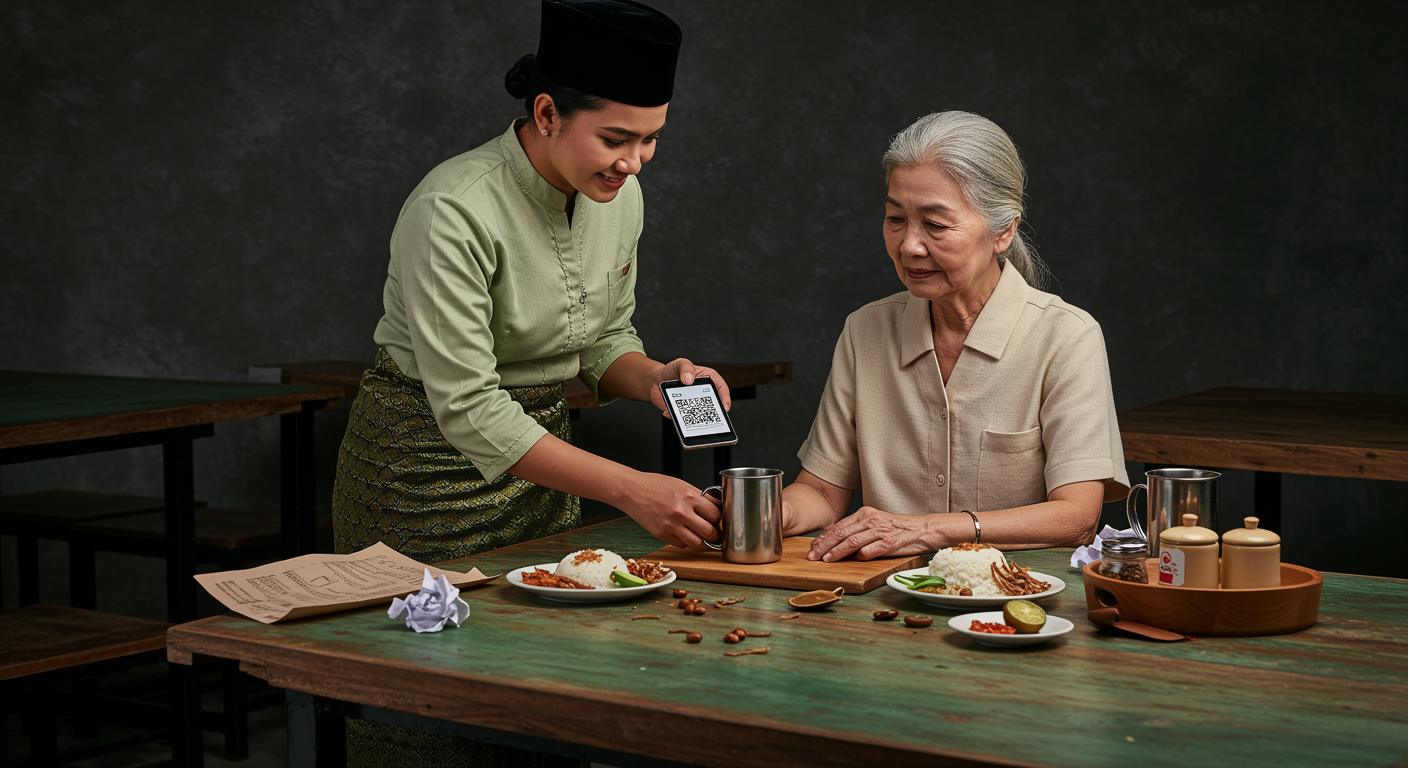
Yes, customers can check their live queue status directly from their mobile devices. By scanning a QR code on their queue ticket, they can view how many parties are ahead of them without needing to ask staff for updates.
4. Does the Queue Kiosk integrate with the main POS system?
Yes, the Queue Kiosk is fully integrated with the Eats365 POS. This ensures that when a customer joins the queue via the kiosk, the data is instantly reflected on the host's tablet or POS terminal, allowing for seamless floor management and table assignments.
5. What hardware is required to set up a Queue Ticket Kiosk?
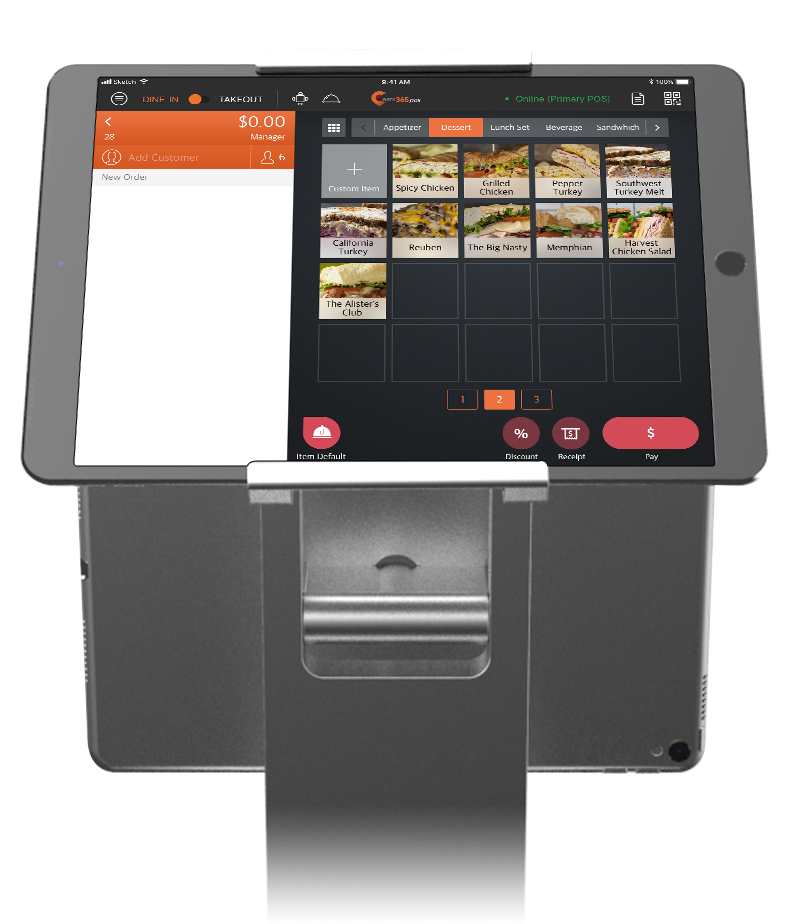
To set up a Queue Ticket Kiosk, you typically need a compatible tablet (such as an iPad) and a supported receipt printer for physical tickets. The system is managed through the Eats365 POS app, where queuing settings can be enabled and customized under the 'Queuing' configuration menu.
Your Eats365 Growth Guide

Tackling Malaysia’s F&B Manpower Shortage with Smart Solutions
 20 Jun 2025

Facing long queues and stressed staff? Malaysia's F&B manpower shortage is a critical challenge. This article unpacks the causes and provides actionable strategies to help your business overcome it.
F&B Trends
Foodtech
Read More
What is Self-Service Kiosk? How It Benefits Restaurants & Takeaways?
03 Feb 2026
Boost efficiency in your restaurant, takeaway businesses with self-service kiosks! Discover how these interactive tools streamline ordering, reduce errors, and drive profits while enhancing customer experience. Learn their benefits and tips to choose one!
Online ordering
Menu management
Read More
Paper Menu, QR Ordering vs NFC: Which is the Best Application for Restaurants in Malaysia
27 Nov 2025
Did you know paper menus can quietly increase your restaurant's food costs by 5–7%? In Malaysia's competitive F&B scene, optimizing operations matters. This article explains why traditional menus become financial drains and looks at whether QR Ordering (scan-to-order) or NFC is the better digital solution to improve your profits and efficiency.
Scan-to-Order
QR Code
Cost management
Read More
