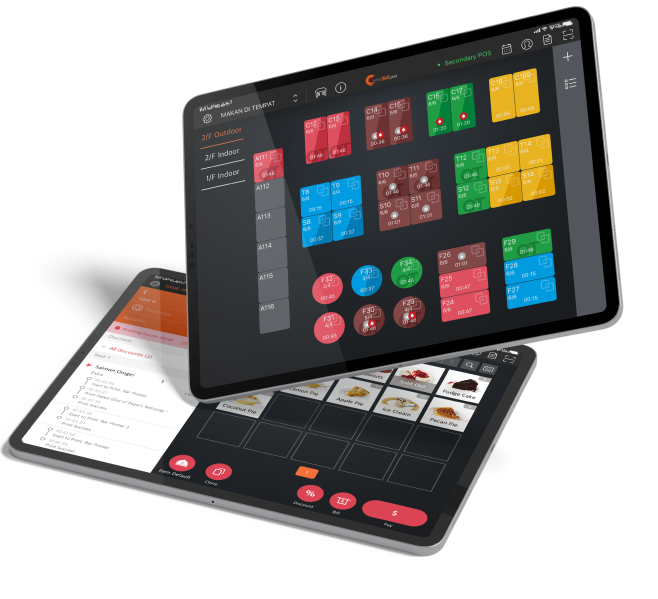
Every queue ticket printed from the Queue Kiosk comes with a scannable QR code. Customers can use their mobile devices to scan this code and know their queue status remotely! With a less-crowded frontage, you won’t scare off new potential customers.
Queue Kiosk
Keep the Queue Moving So Your Revenue Doesn’t Grind to a Halt

While a long queue outside of your restaurant could indicate that business is booming, it could also appear disorganized and discourage new customers from visiting. An iPad or Android Queue Kiosk lets you manage queues easily so that you never leave a table unoccupied while customers are waiting!
How a Queue Kiosk Can Help Your Manage Long Queues
The Same Great Features in a Form Factor You’ll Love
iPad Queue Kiosk
Android Queue Kiosk
iPad Queue Kiosk
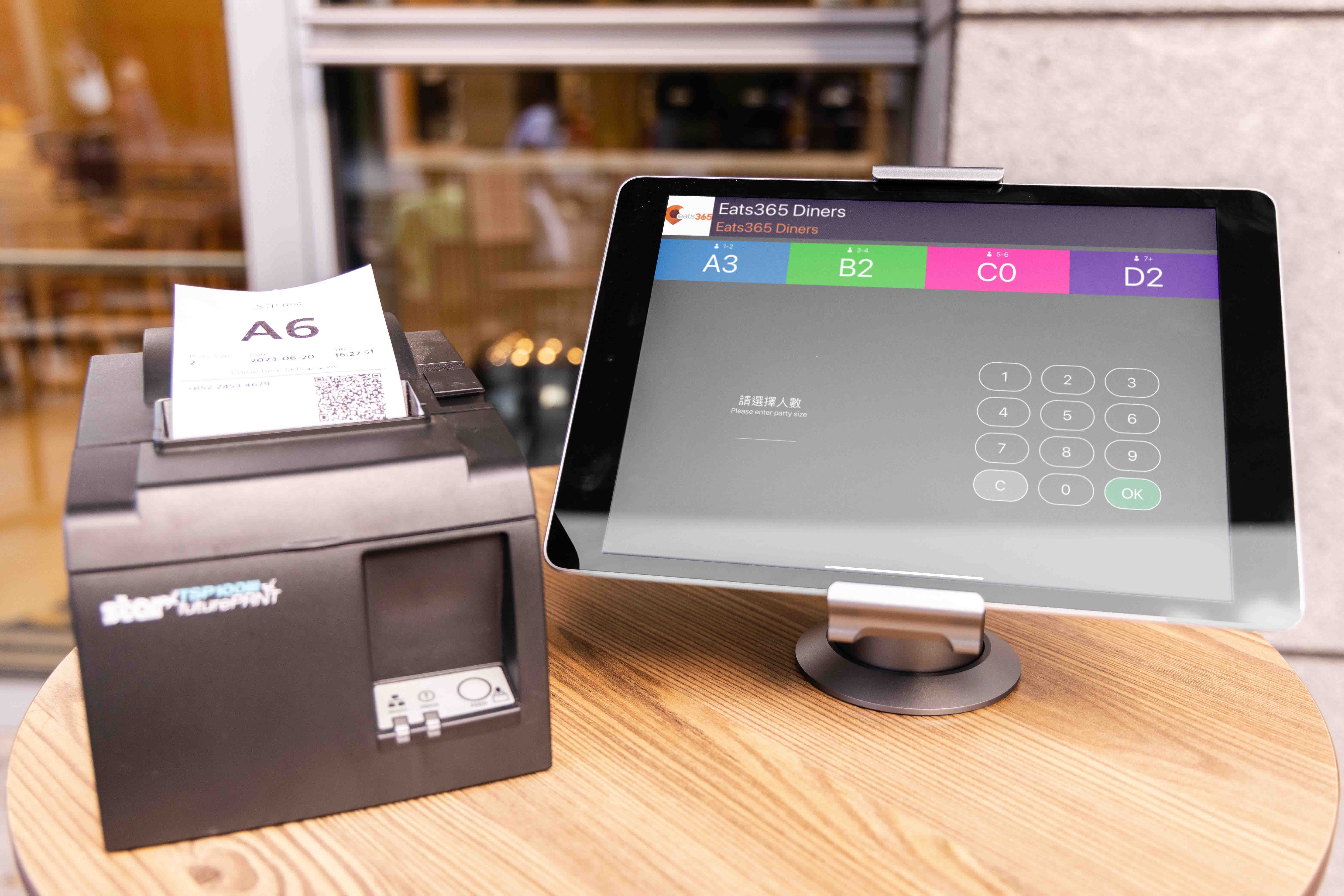
With an iPad Queue Kiosk, no matter if you’re a small mom & pop shop with minimal space, or a multi-floor restaurant, you can keep control of your queues as compactly as possible without sacrificing floorspace in the process. Even if you decide to renovate, you can add, remove or upgrade hardware like stands and ticket printers so your iPad Queue Kiosk easily fits in with your new look!
Android Queue Kiosk
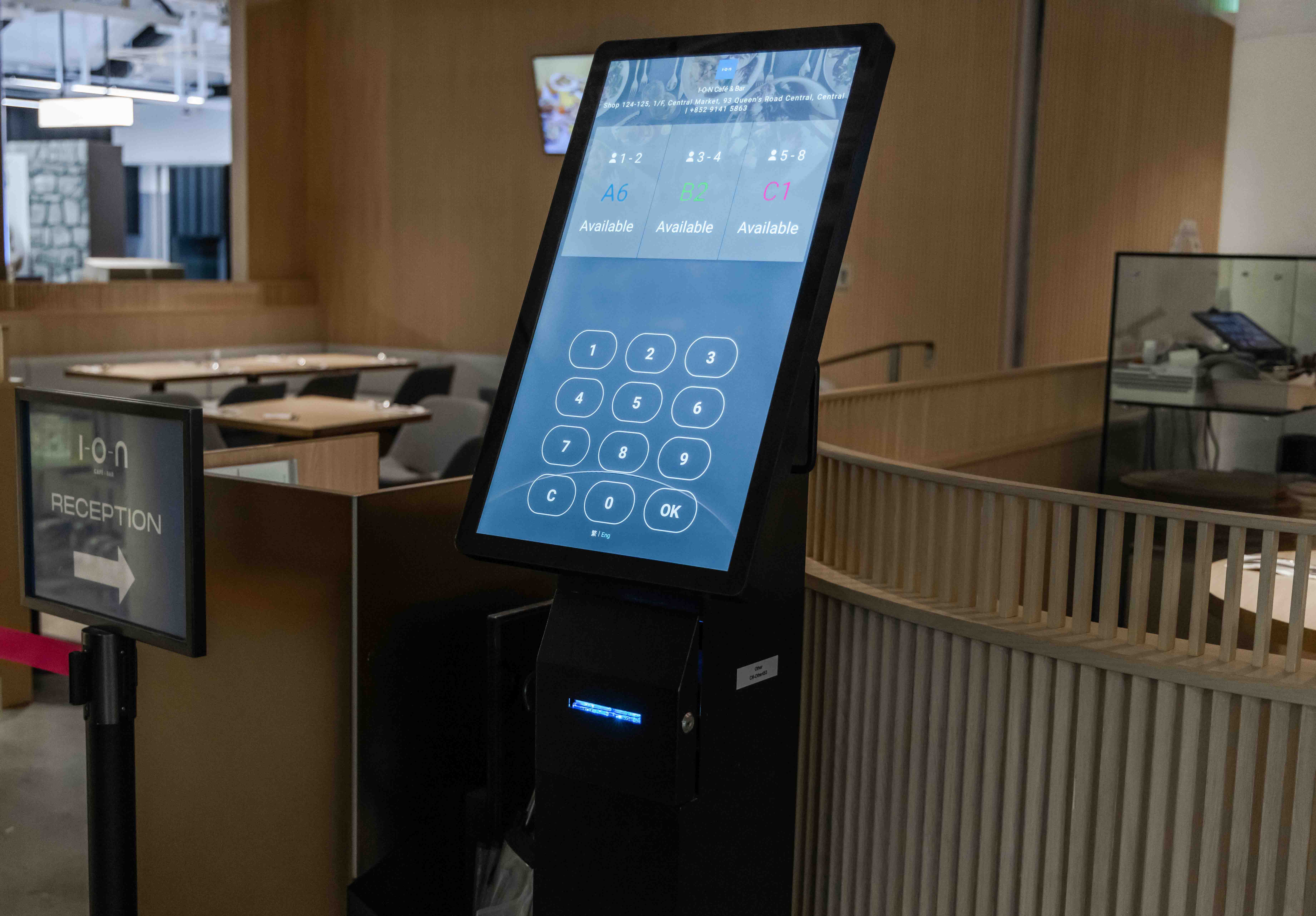
An Android Queue Kiosk bundles all the hardware you need to effectively manage queues in a single device. With a built-in screen, ticket printer and queue status display, your customers will be able to get their queue tickets right from your Android Queue Kiosk and see their queue status.
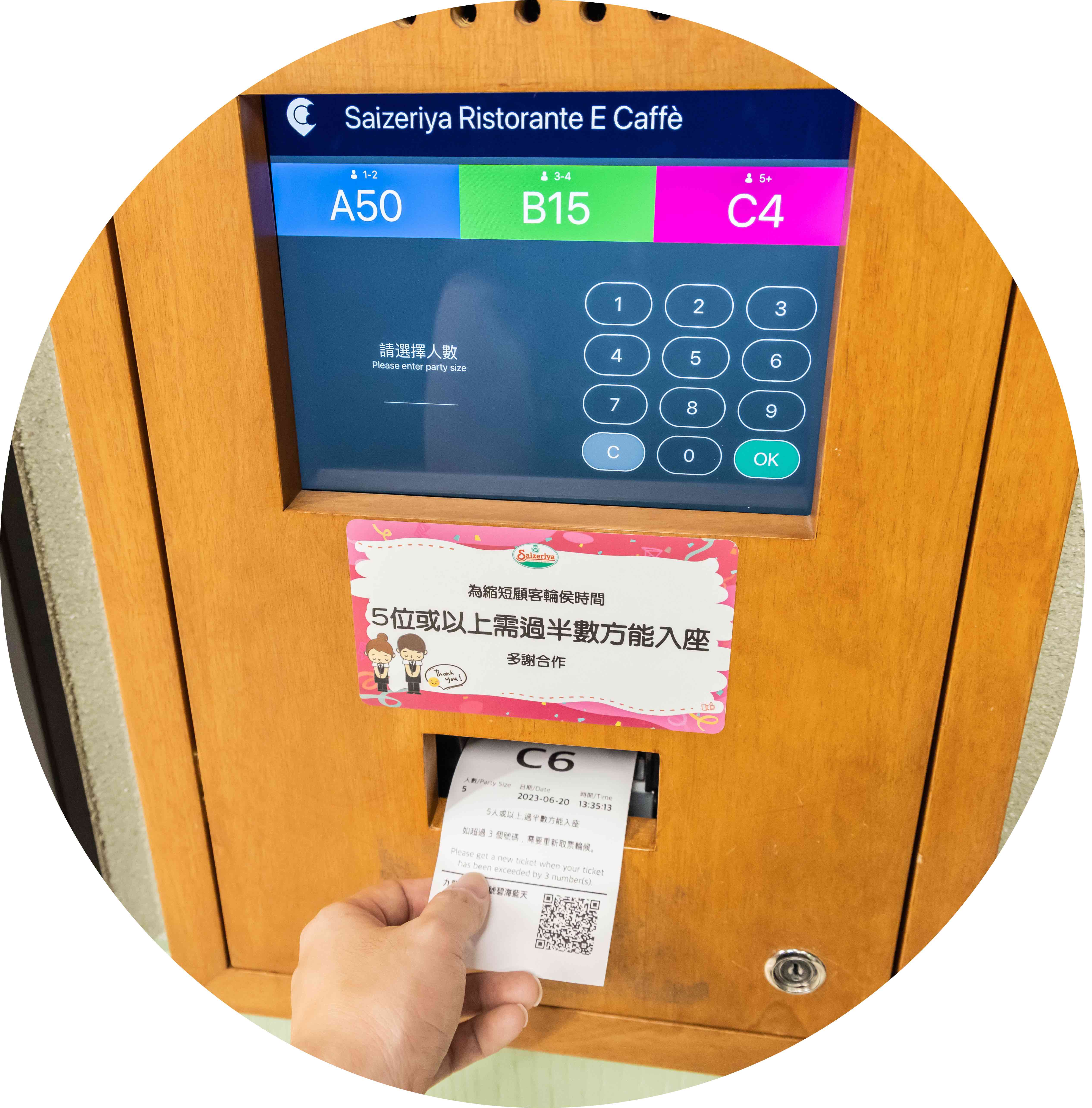
Redefine the Queue by Digitizing It
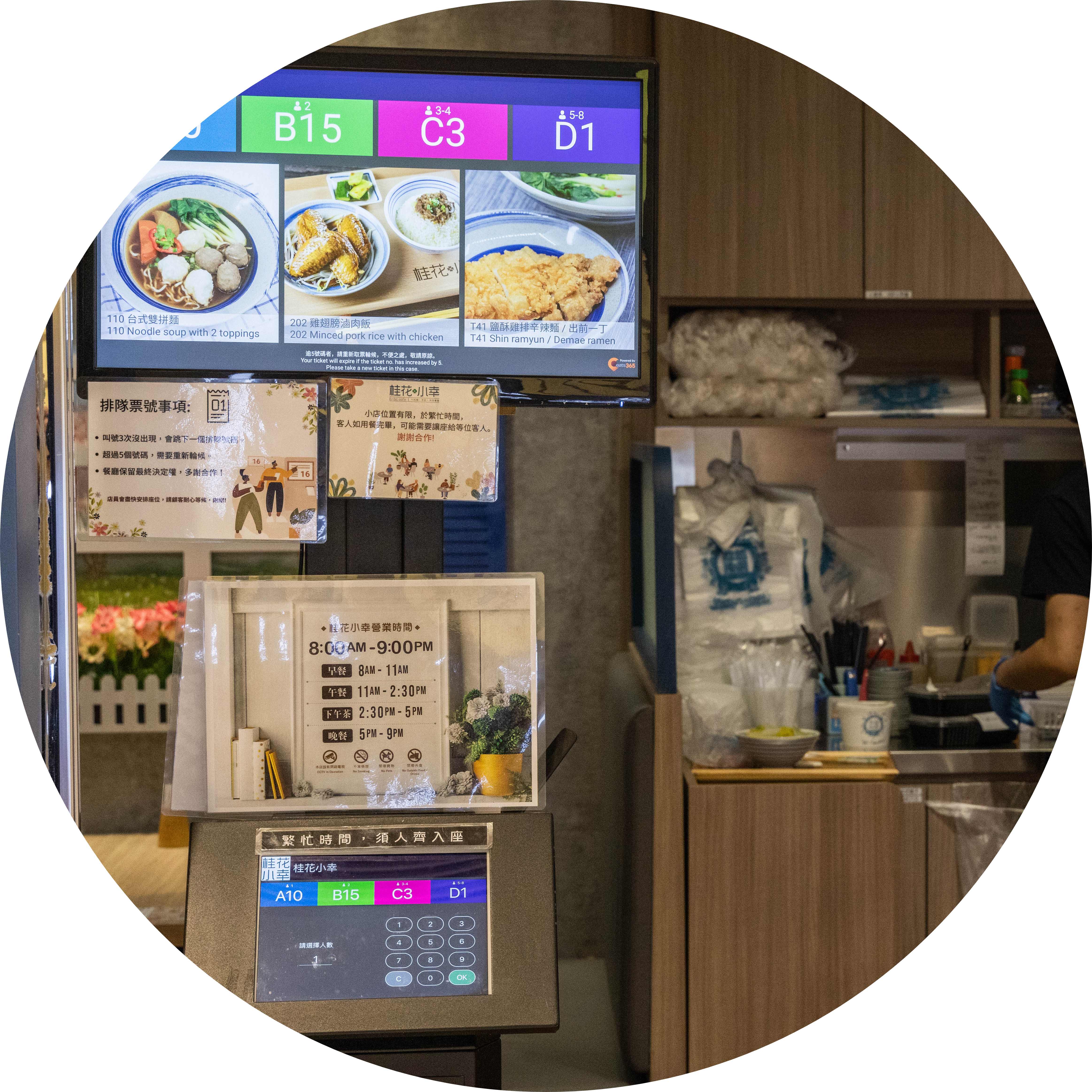
Get Rid of Poor Staff-Customer Communication
Let your customers collect their queue tickets in a matter of seconds from your Queue Kiosk. You won’t need to hire staff to manually write down queue numbers and yell them out anymore since the system will accurately keep track of everything for you. For extra clarity, utilize a Queue Display to clearly show which numbers are being called so your customers are always in the loop!
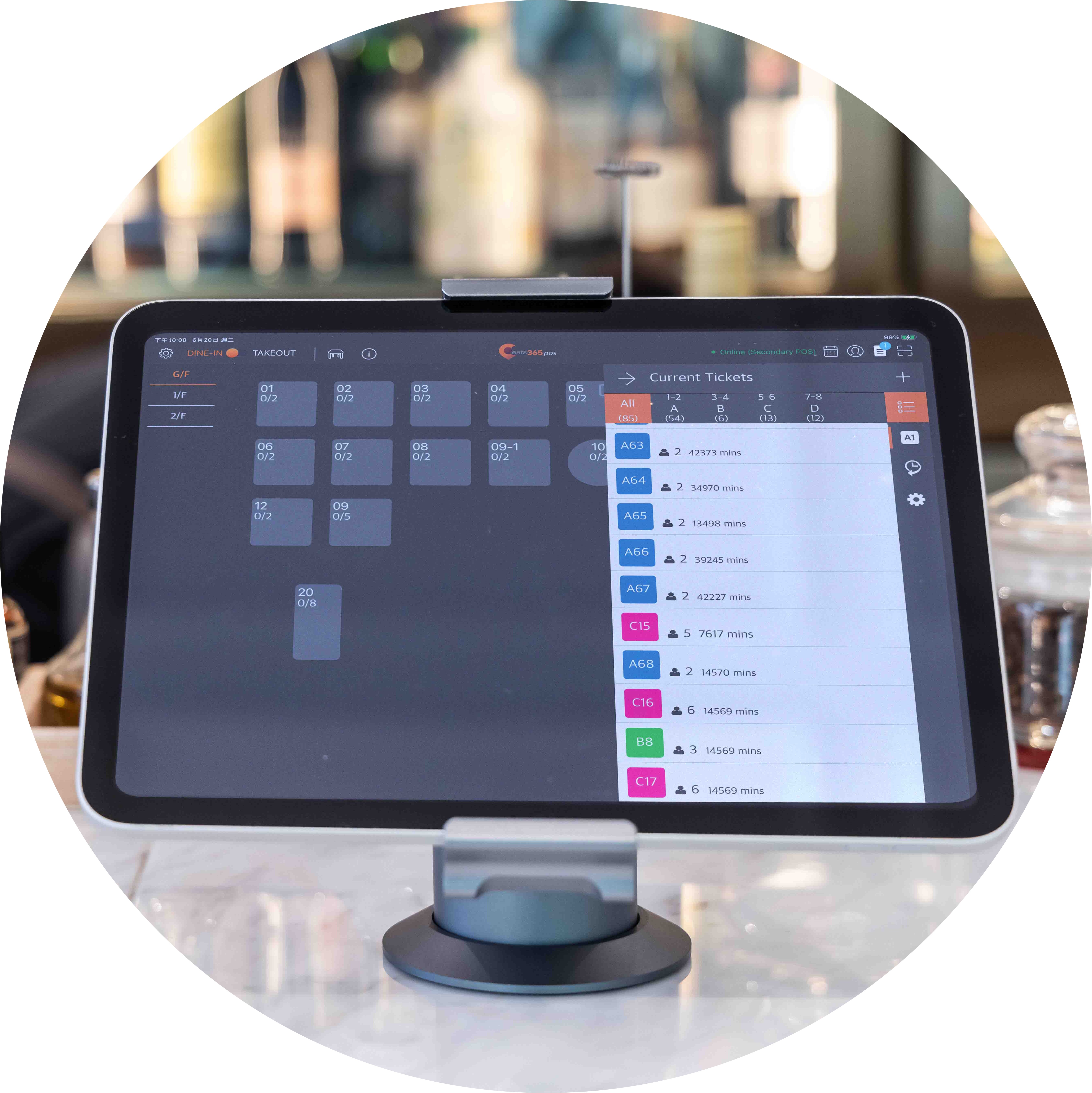
Customized Queue Ticket Party Size
Not every restaurant has the same table layout. This means that you allocate seating based on your restaurant’s table size. Do you offer tables for two people, four people and larger groups? Your queueing customers will be assigned a different queue ticket category based on which table suits their party best so your staff automatically know what size of table to pair them with.
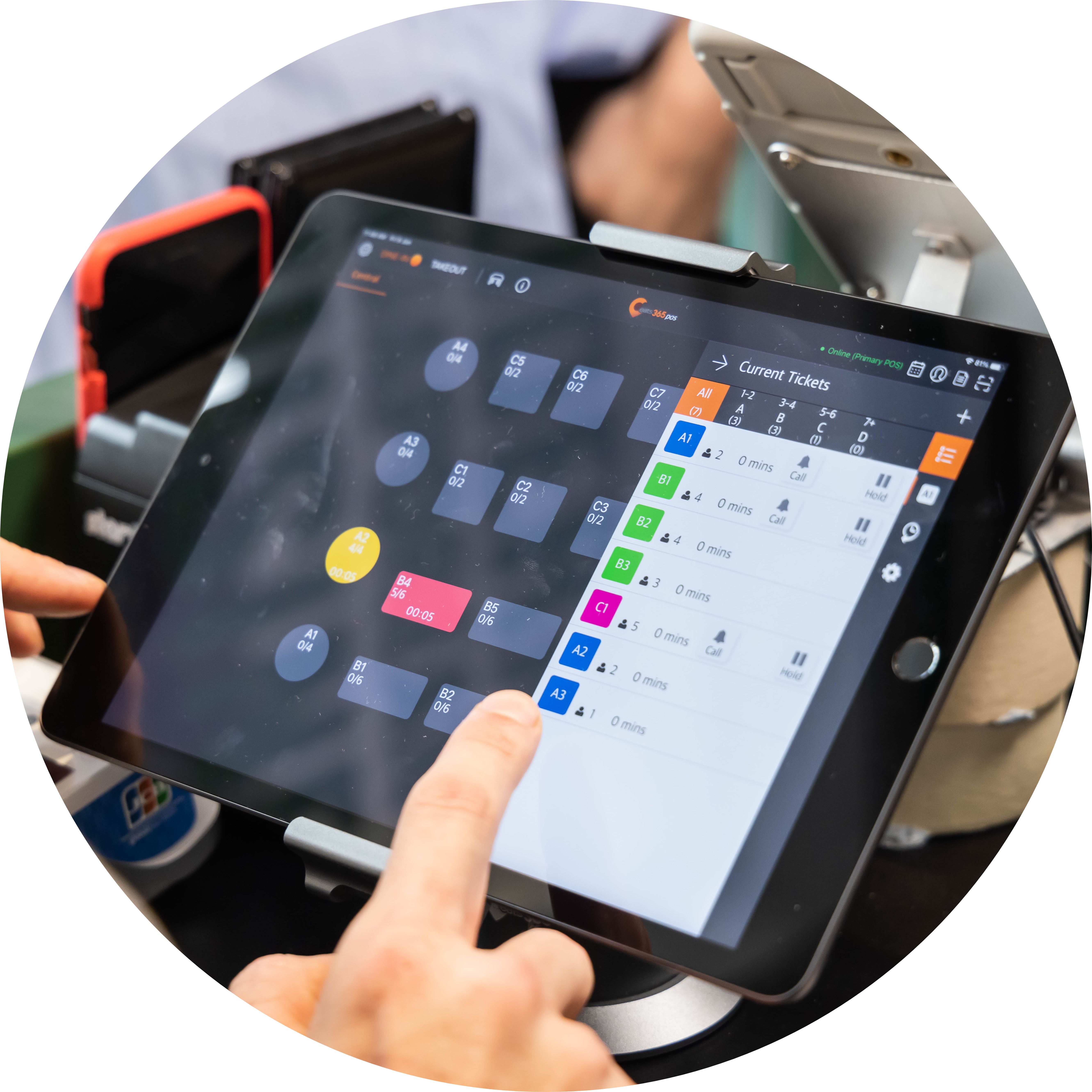
No More Ticket to Table Confusion

Knowing what table to assign to which waiting customers can be tricky for your staff. Let them easily see each table status on your Eats365 POS and call the correct queue number accordingly. With a full picture, not only will turnover be faster, but your customers will always arrive at a clean, ready table that’s the right size for their party.
Queue Kiosk Features Overview
Self-Service Queue Ticket Collection
 Customers can collect their own queue ticket
2-3 screen taps for the entire procedure
Takes into account party size
Customers can collect their own queue ticket
2-3 screen taps for the entire procedure
Takes into account party size

QR Code Remote Queue Tracking
Queue tickets print with QR code automatically
Customers can scan QR codes on their phones for queue updates
Reduces unnecessary queues around your restaurant frontage
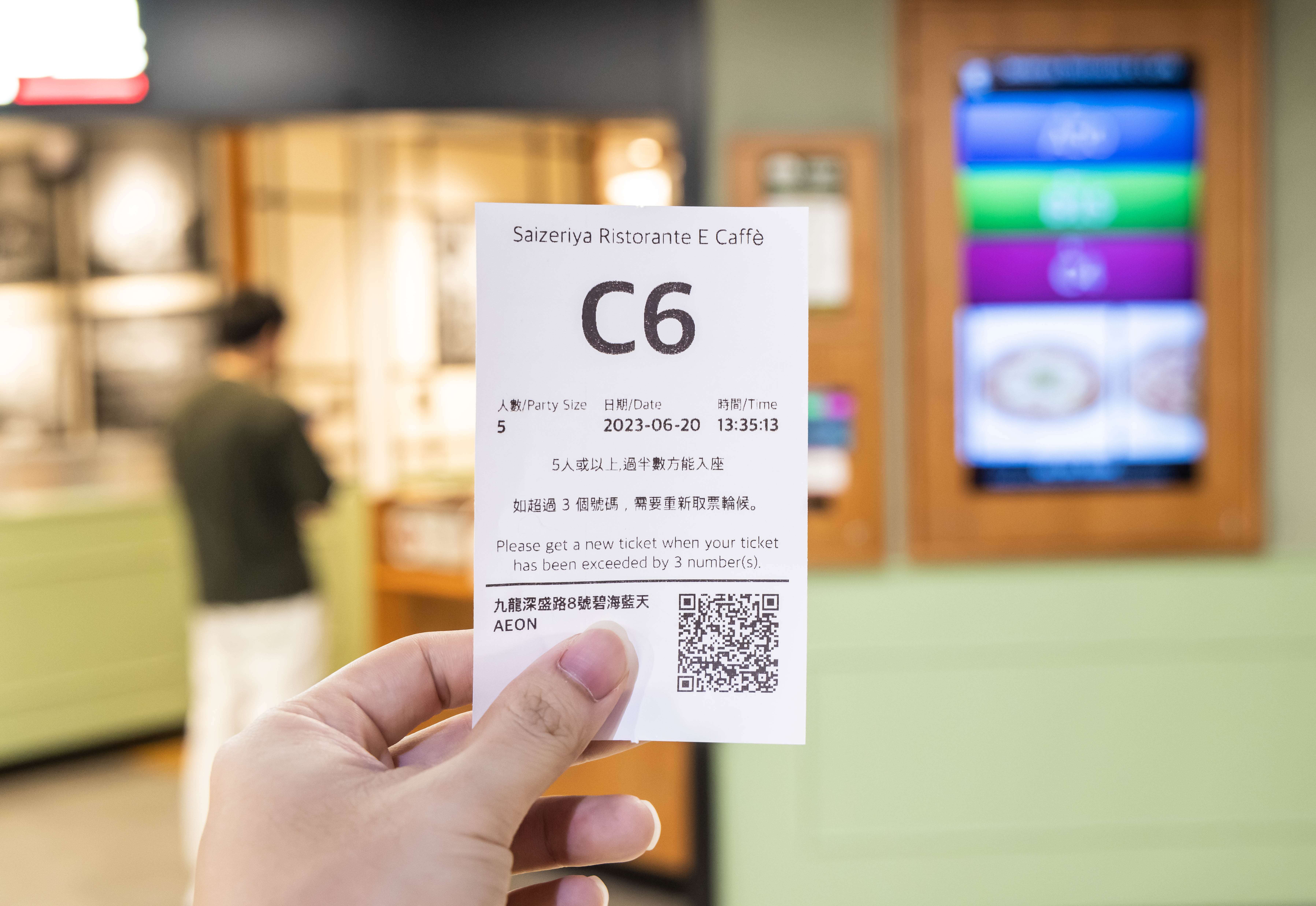
Fully-Connected with Other Eats365 Modules
Call customers to be seated from the POS
Queue Display automatically updates with past and current queue numbers
iPad and Android Queue Kiosks both automatically sync information with other modules
Cloud tech helps automate small, repetitive tasks to save time
Clear Interface to Minimize Errors
Simple enough for anyone to use
Clear instructions for quick ticket collection
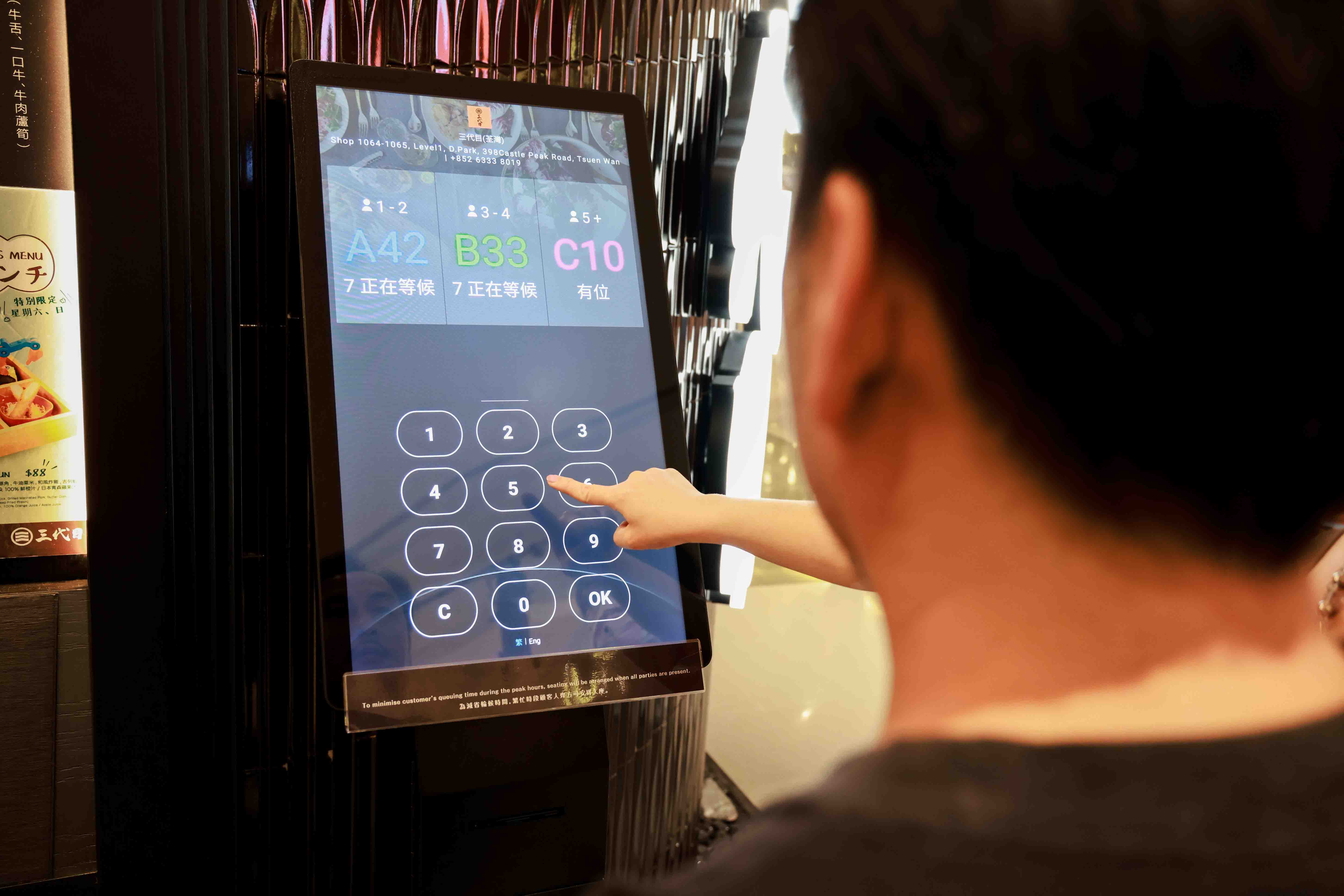
Self-Service Queue Ticket Collection
Customers can collect their own queue ticket
2-3 screen taps for the entire procedure
Takes into account party size
QR Code Remote Queue Tracking
Queue tickets print with QR code automatically
Customers can scan QR codes on their phones for queue updates
Reduces unnecessary queues around your restaurant frontage
Fully-Connected with Other Eats365 Modules
Call customers to be seated from the POS
Queue Display automatically updates with past and current queue numbers
iPad and Android Queue Kiosks both automatically sync information with other modules
Cloud tech helps automate small, repetitive tasks to save time
Clear Interface to Minimize Errors
Simple enough for anyone to use
Clear instructions for quick ticket collection
Queue Kiosk is Perfect for these Restaurant Types


Queue Kiosk is Part of the Following Solution


Restaurants Like Yours Love the Queue Kiosk
FAQ about Eats365 Queue Kiosk
1. What is a Queue Kiosk and how does it work?
A Queue Kiosk is a self-service ticket-dispensing station that allows customers to join a restaurant's waitlist independently. Customers input their party size and contact information at the kiosk to receive a printed or digital queue ticket, which then automatically syncs with the restaurant's master queue management system.
2. How does the Queue Kiosk notify customers when their table is ready?
The Queue Kiosk system can notify customers via SMS or automated alerts, allowing them to wait comfortably away from the entrance. Additionally, restaurants can pair the kiosk with eSignage displays to show real-time queue status and tickets currently being called.
3. Can customers check their position in line after leaving the kiosk?
Yes, customers can check their live queue status directly from their mobile devices. By scanning a QR code on their queue ticket, they can view how many parties are ahead of them without needing to ask staff for updates.
4. Does the Queue Kiosk integrate with the main POS system?
Yes, the Queue Kiosk is fully integrated with the Eats365 POS. This ensures that when a customer joins the queue via the kiosk, the data is instantly reflected on the host's tablet or POS terminal, allowing for seamless floor management and table assignments.
5. What hardware is required to set up a Queue Ticket Kiosk?
To set up a Queue Ticket Kiosk, you typically need a compatible tablet (such as an iPad) and a supported receipt printer for physical tickets. The system is managed through the Eats365 POS app, where queuing settings can be enabled and customized under the 'Queuing' configuration menu.
Learn More about How the Queue Kiosk Can Help Your Restaurant Manage Queues
Self Ordering Systems: Kiosk vs App vs QR Code
 24 Sep 2025

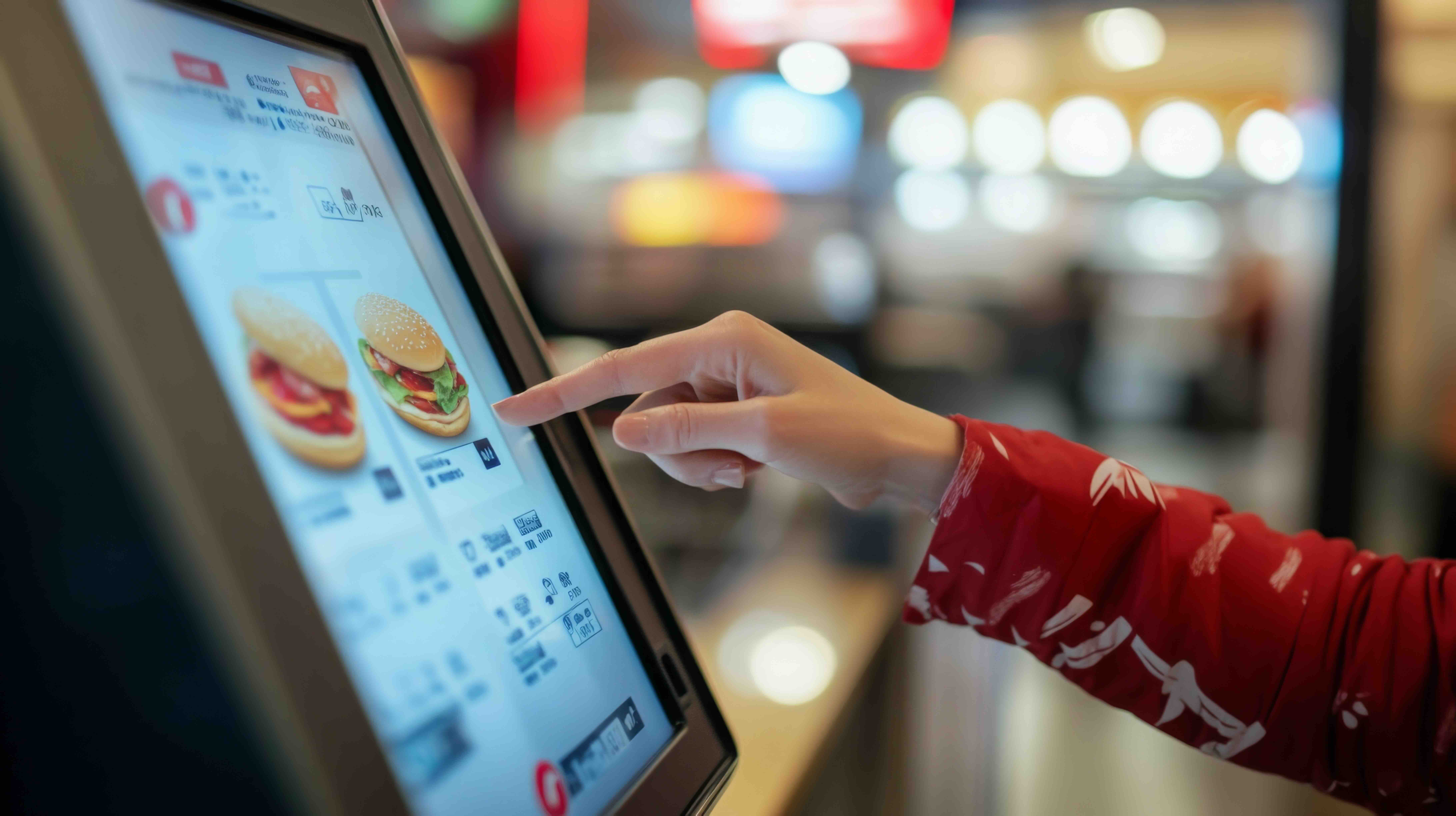
Could a self-ordering system be the game-changer of your New Zealand restaurant? Self-ordering systems are transforming the hospitality landscape, offering restaurants innovative ways to streamline operations and enhance dining experience. This article will compare 3 most common self-ordering technologies: kiosks, mobile apps, and QR code platforms.
QR Code
Online ordering
Restaurant POS System
Read More
How Restaurants Can Increase Customer Revisit Rates with an Effective Loyalty Program
28 Jul 2025
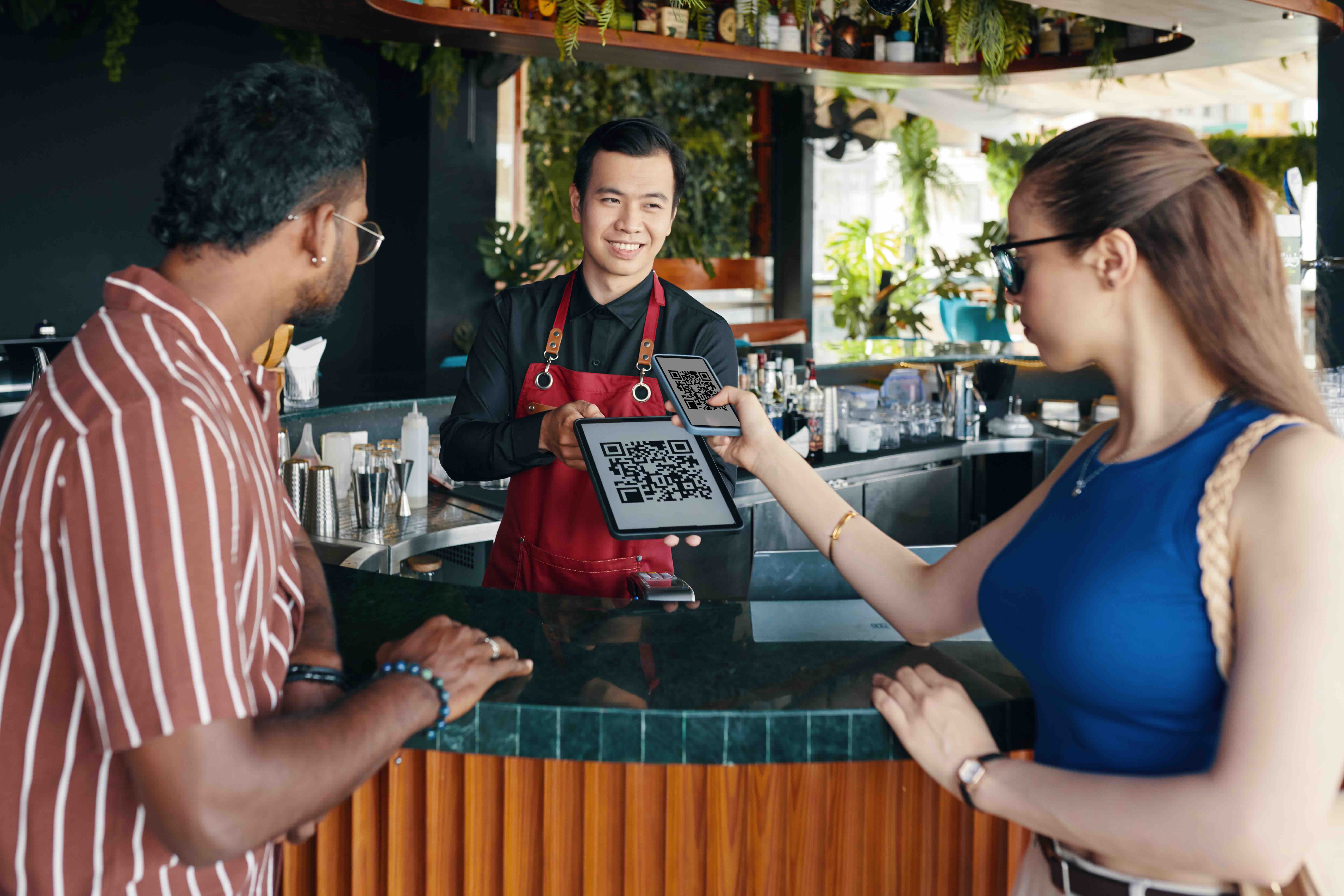
Attracting one-time diners isn’t enough—growth comes from repeat customers. Discover how a smart loyalty program can boost revisit rates and long-term profits.
Customer Satisfaction
CRM
Loyalty program
Read More
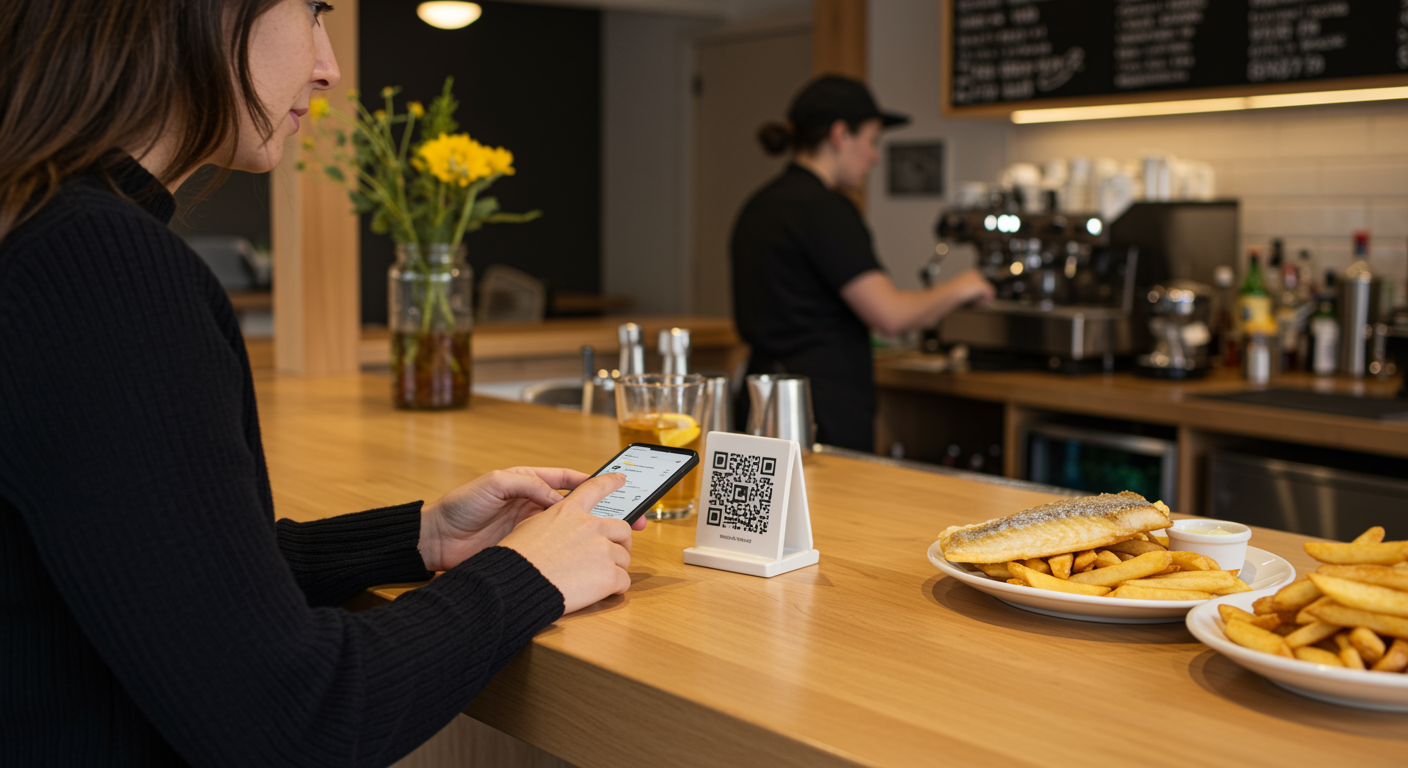
QR Ordering Solutions for NZ Hospitality: Setup, Customer Flow & System Comparison
13 Feb 2026
GST-at-table confusion, EFTPOS mismatches, and weekend internet dropouts—most QR ordering guides overlook New Zealand realities. Here's a practical setup guide built for NZ venues, from busy urban cafés to rural restaurants that cannot afford service disruptions.
Scan-to-Order
Restaurant POS System
QR Code
Read More