Solution

Paperless Operation Experience


Getting rid of paper is a great way to promote organization in your restaurant while also cutting back on unnecessary costs. Keep things green and clean and promote your restaurant as an environmentally-conscious business!

Eats365 paperless solutions

Paperless Operation Experience Products
Benefits

Exceptional Organization

With messy papers flying about your restaurant, getting wet, burned and dirty, your organization suffers greatly. Getting rid of paper helps you clean up your operations and see a great boost to organization and communication. 

Exceptional Organization

Build a Green Brand Image Through Automation

Customers love a green brand! Show that you care about the environment by using less paper and attract new diners who value this trait in the restaurants they frequent! Without the use of paper, you immediately allow repetitive manual processes to be automated, which can help speed up many aspects of your business. 

Build a Green Brand Image through Automation

Time to Get Rid of Avoidable Errors

Requiring things to be written down on paper and delivered manually makes errors extremely likely. Instead, let all important order information get digitally sent to relevant restaurant staff and departments to reduce mistakes while also having the handy benefit of instantly syncing any last-minute order changes. 

Time to Get Rid of Avoidable Errors

Useful Data that Benefits You and Your Staff


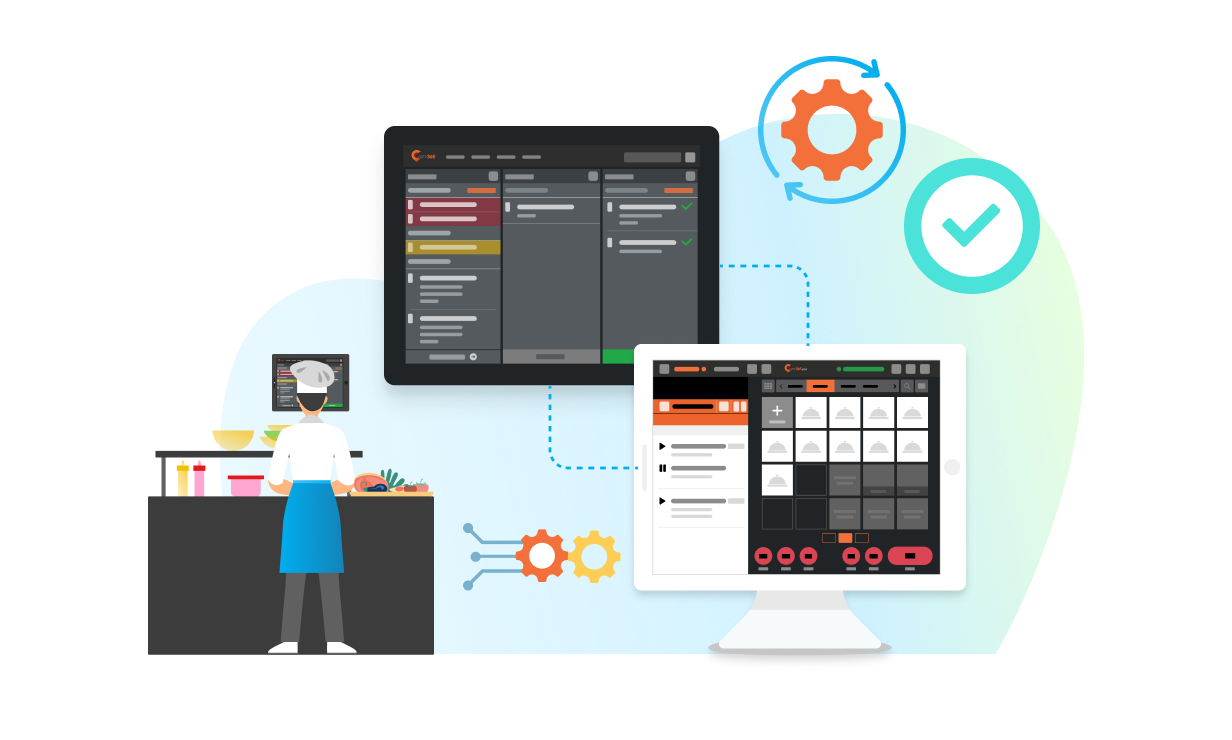
Data that’s shared digitally can be updated in real-time offering your staff crucial information that helps them stay organized. For example, just between your Kitchen Display System and Expedite Display, you’ll have access to the POS send time, individual order cooking times, average order cooking times, individual order packing times, average order packing times and more. If you or your staff ever need to go back and check things like food prep time or amend order errors, all your data is stored on the cloud for easy access whereas paper would just be tossed away. 

Useful Data that Benefits You and Your Staff

The Full Paperless Operation Experience Solution

Paperless Back Office

POS
Core Modules


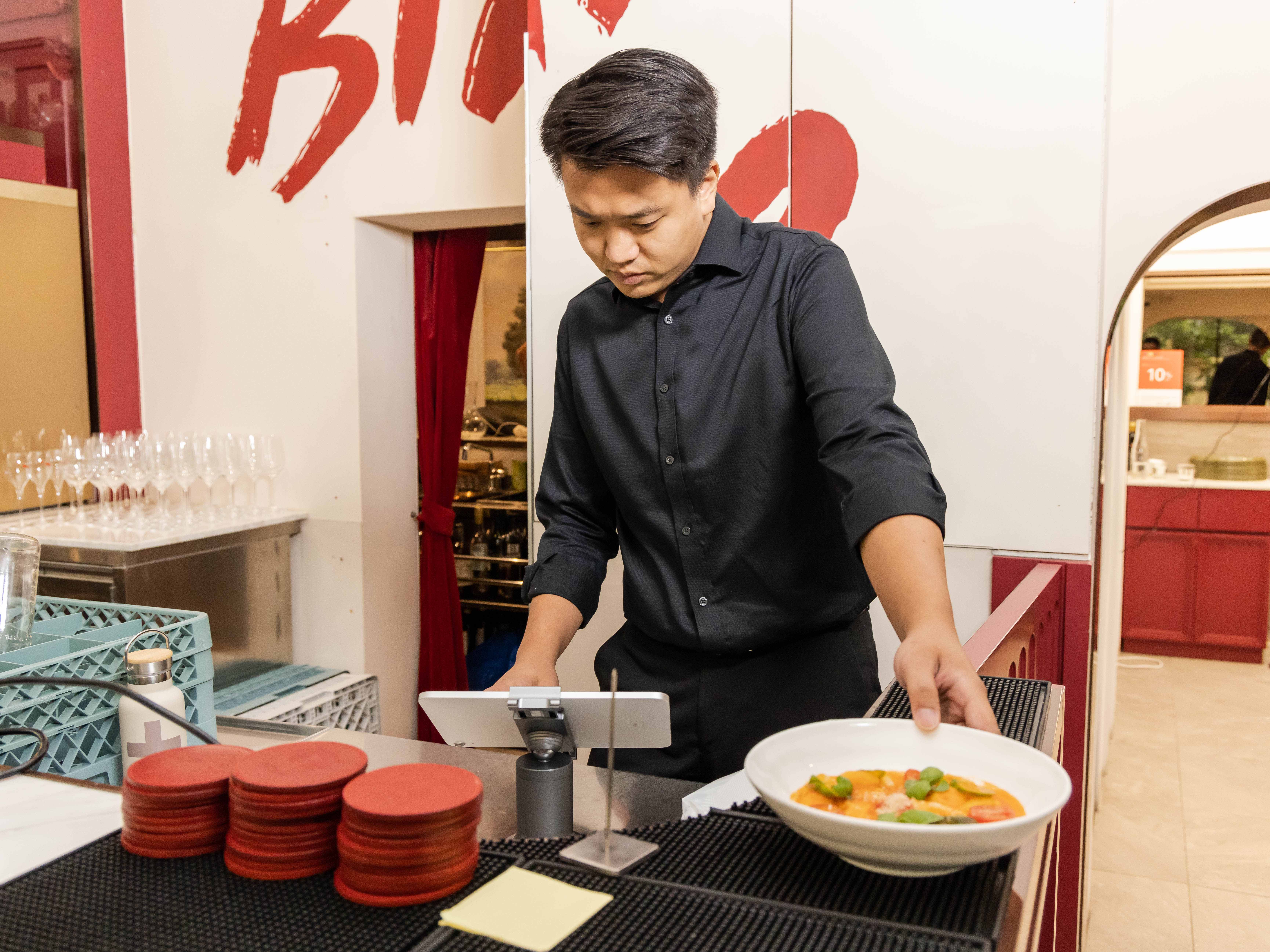

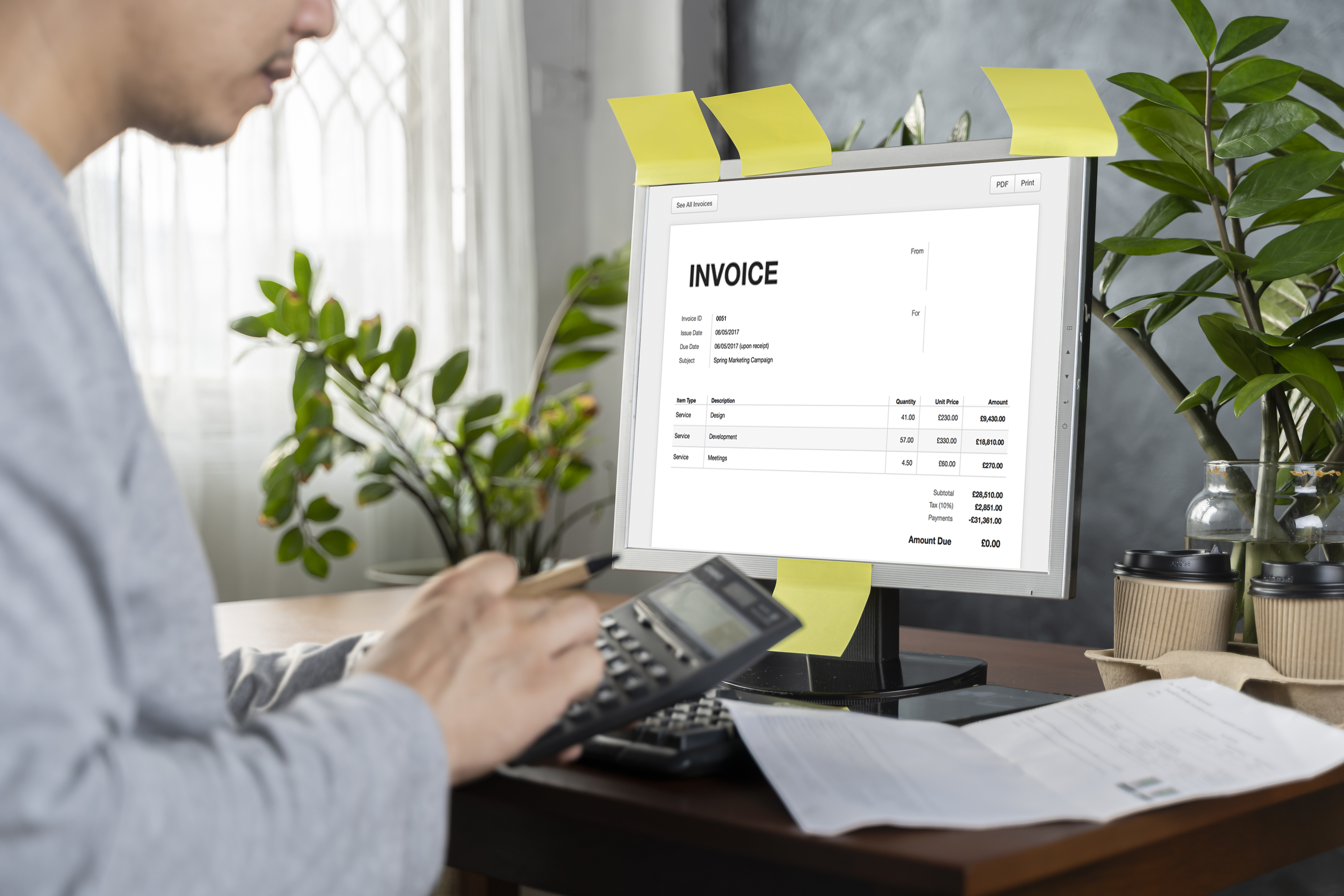

Not only does your Eats365 POS connect with relevant modules like the Kitchen Display System for paperless communication, but it also lets you take orders directly from your iPad, giving you the option to completely eliminate the need to print order tickets and kitchen tickets. 

Paperless Operation Experience - Back Office.png

Paperless Front of House

mPOS
Expansion Modules

Let your staff take orders right from their mobile devices without the need to write anything down on paper.

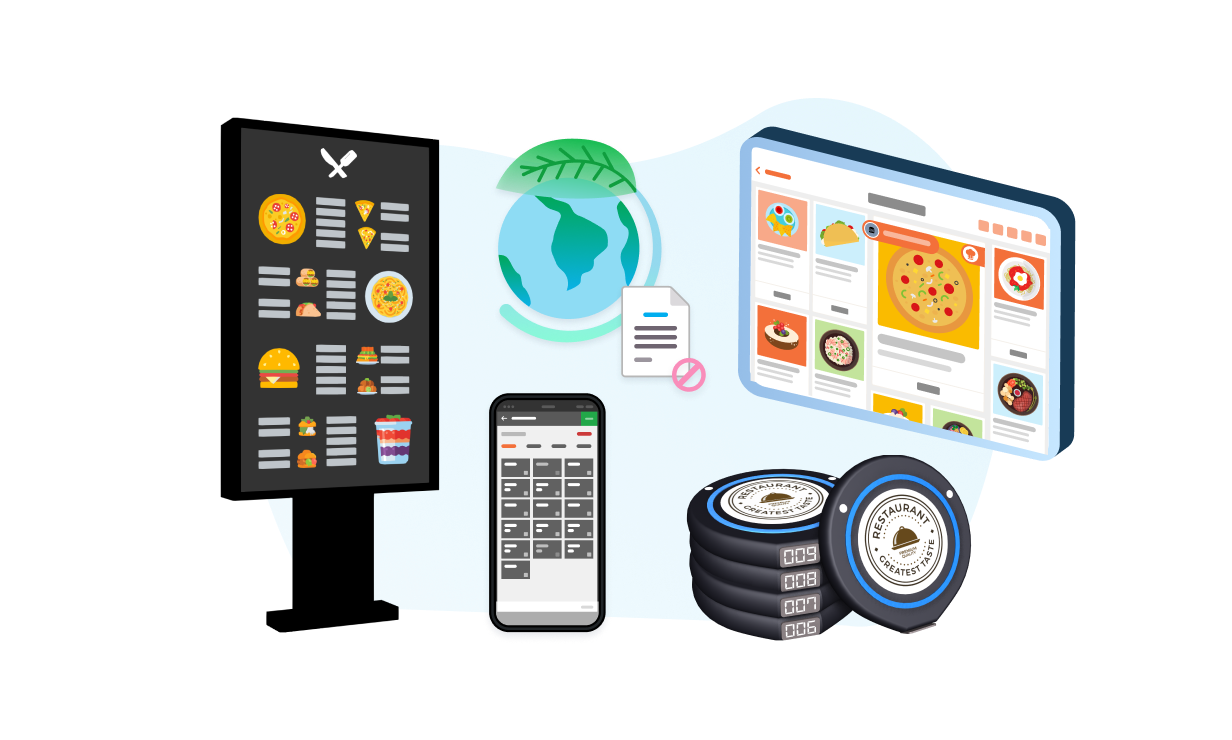
Dynamic Digital Menu
Expansion Modules



Don’t waste time, money and paper replacing large menus in your restaurant each time you make a change. By going digital, your menu can be switched, items can be changed and visuals can be upgraded without the need to print new ones. 

PhotoMenu
Expansion Modules

Save on printing costs with a PhotoMenu that lets your customers view detailed menus that can be edited anytime without needing to print new ones.

Pagers
Pagers
Third-Party Pagers
Third Party Integration

Instead of giving your customers a separate paper pickup ticket, their order can be linked directly to a pager, which will vibrate when the order is ready. 

Paperless Operation Experience - Front of House

Paperless Back of House



Kitchen Display System
Expansion Modules

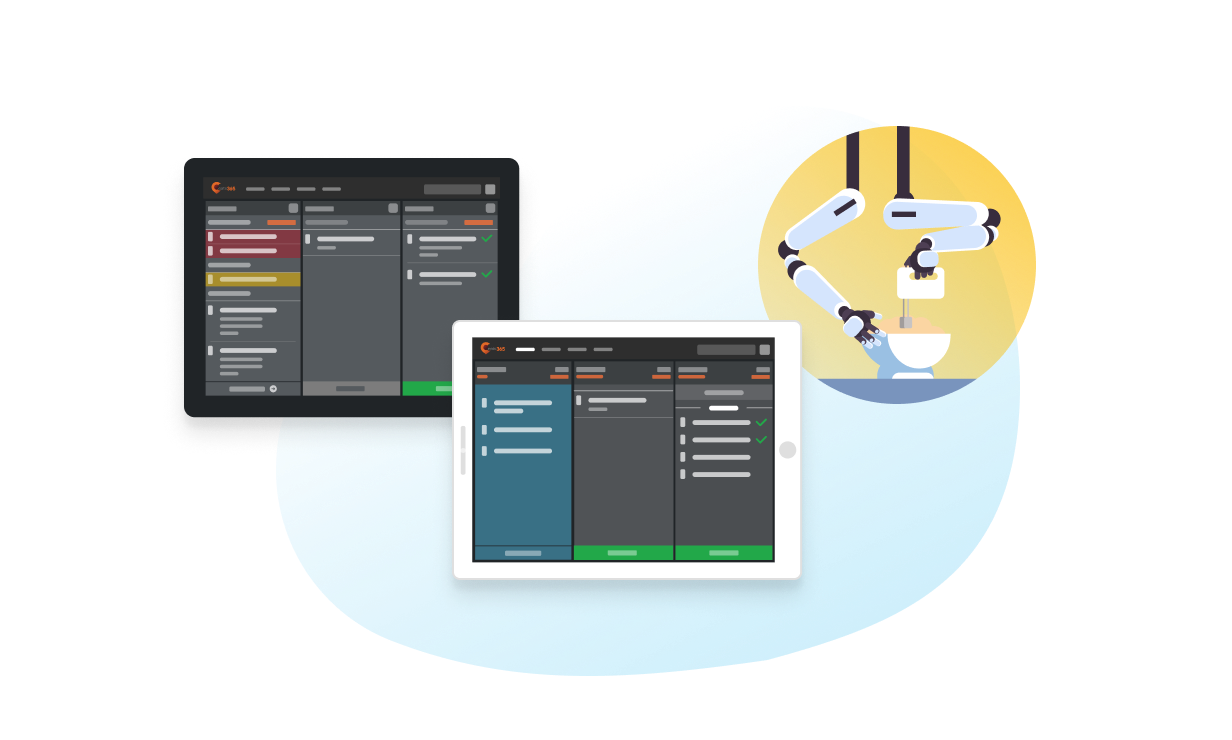
Let your kitchen staff interact with an organized, consolidated view of all incoming orders that is updated in real time. 

Expedite Display
Expansion Modules

Once orders are complete, let your packers and expediters interact with a clean interface to see what items are in each order so nothing gets mixed up. 

Robotics
Robotics
Third-Party Robotics
Third Party Integration

If you don’t have human staff in your kitchen, you don’t need paper tickets to process orders. 

Paperless Operation Experience - Back of House

Paperless Self-Service


Scan-to-Order (BYOD)
Expansion Modules

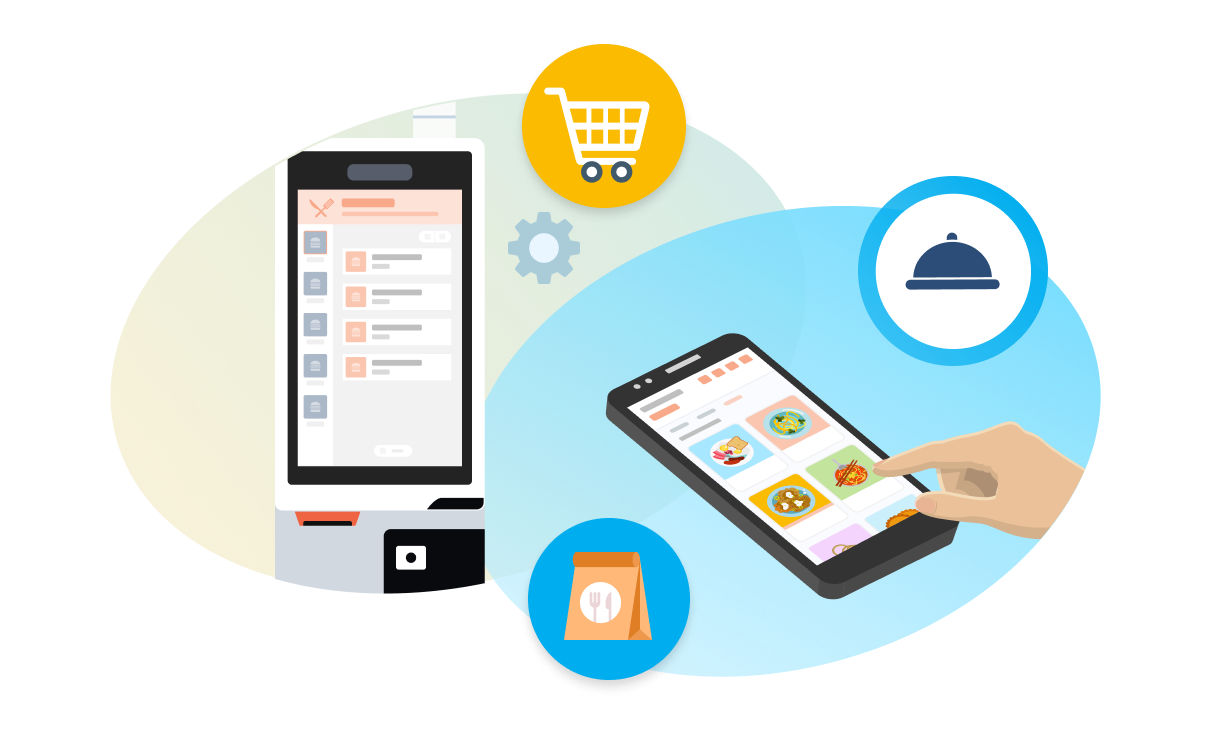
Let customers scan a QR code sticker to access your menu and place their own orders. No excessive paper required!


Self-Service Kiosk
Expansion Modules

Give customers the freedom to order directly from a digital kiosk with an intuitive layout of all your food and drink offerings. No need for paper menus. 

Third-Party Self-Serve Ordering
Third Party Integration

Go deeper with self-service ordering so that your customers don’t need to utilize paper menus during the ordering process.

Paperless Operation Experience - Paperless Self-Service
You Don’t Need to Use them All
Pick what you need to expand your custom solution
/Puzzle

FAQs of Eats365 Paperless Operation

1. How does a paperless POS system improve kitchen efficiency?

A paperless system uses a Kitchen Display System (KDS) to replace physical tickets with digital orders. This eliminates the risk of lost paper slips and uses real-time synchronization to ensure kitchen staff see new orders or modifications instantly, reducing order lead times and communication errors.

2. Can I provide digital receipts to customers instead of printing them?

Yes, the Eats365 solution supports digital receipt options. Customers can receive their transaction records electronically via email or QR code, which reduces paper waste and provides a more modern, eco-friendly checkout experience.

3. What are the benefits of using a digital Expedite Display?

A digital Expedite Display acts as a central command screen that tracks all active orders from various stations. It helps front-of-house staff monitor preparation progress in real-time, ensuring that complete orders are handed out accurately and quickly without manual status checks.

4. Does going paperless work with self-ordering kiosks and mobile ordering?

Yes, orders placed via Self-Order Kiosks, PhotoMenu, or mPOS are sent directly to the Kitchen Display System (KDS). This fully digital workflow removes the need for manual order entry by staff and prevents the accumulation of paper clutter at the counter.

5. How does a paperless experience help with order accuracy?

Digital operations improve accuracy by ensuring that modifications, allergies, and special requests are clearly highlighted on-screen for chefs. Unlike handwritten notes or faded thermal paper, digital displays provide high-visibility alerts and timers to keep the kitchen focused on the right tasks.

Want To Improve Your Restaurant’s Paperless Operation Experience?

free trial