Solution
Back Office

Reduce the time you have to spend managing your restaurant business and spend longer doing what you love! With a large suite of tools integrated under one system, you can manage everything from your finances to your menu anytime, anywhere!
Back Office Management Products



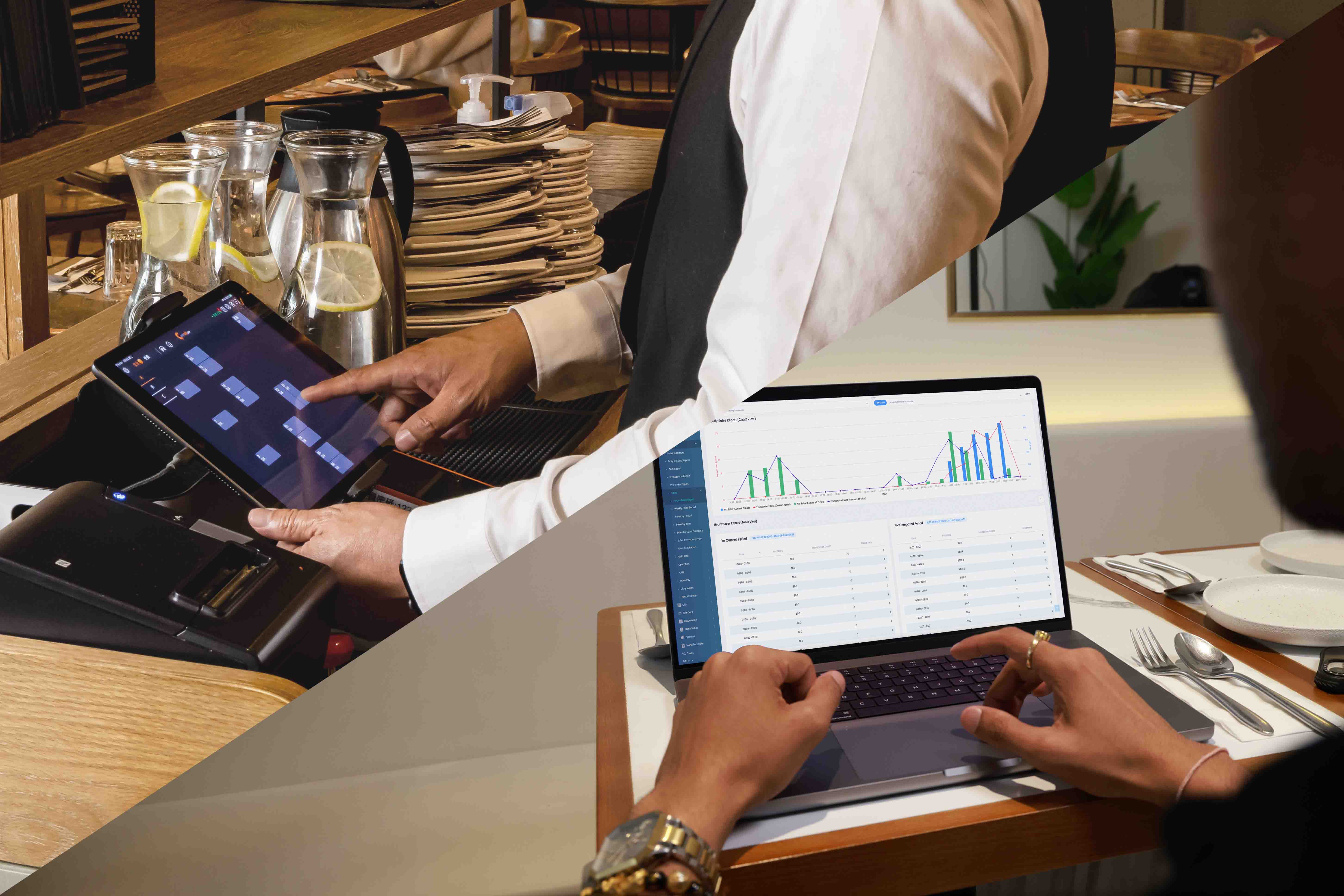

The Full Back Office Solution for Restaurants








FAQs about Eats365 Back Office Management Solution
1. What is the Eats365 Back Office and how does it work?

The Eats365 Back Office is a centralized cloud-based management platform known as the Merchant Portal. It automatically logs sales and accounting data from your POS, allowing you to manage menus, financial reports, and system settings remotely from any location.
2. Can I manage inventory through the Eats365 Back Office?
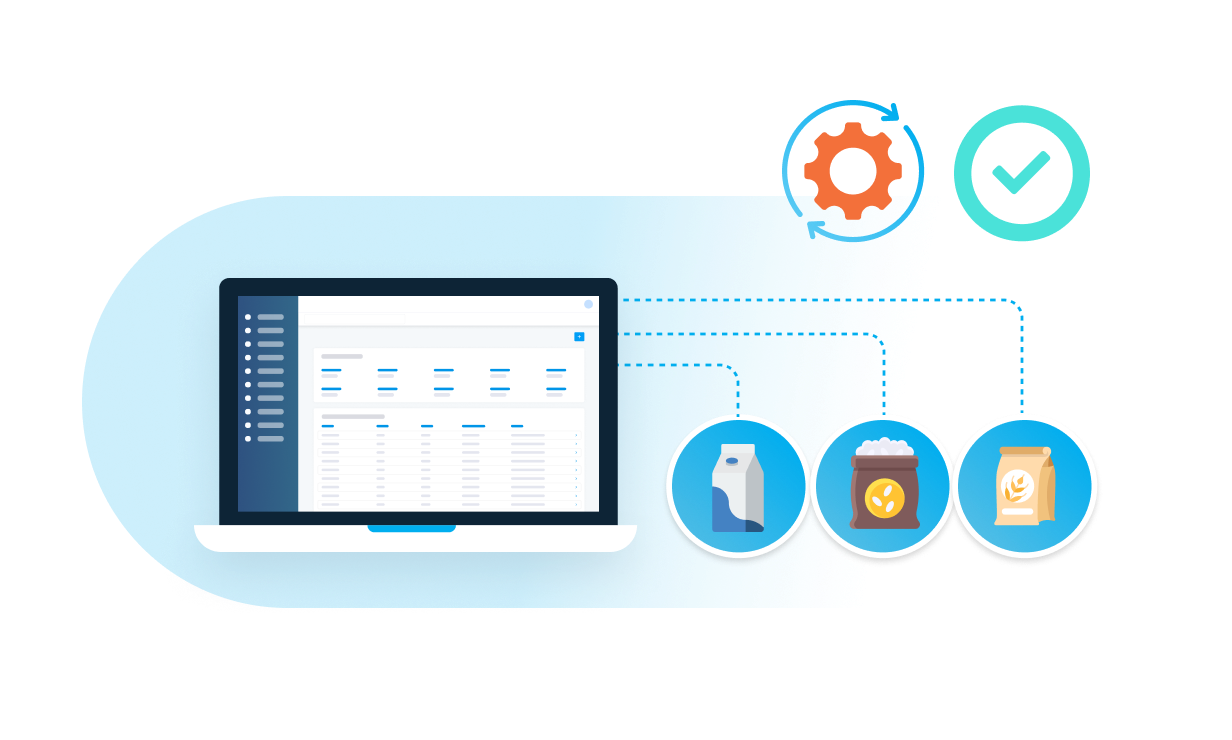
Yes, the Back Office includes comprehensive inventory management tools within the Merchant Portal. You can track stock levels in real-time and sync menu items with third-party inventory systems to ensure item names and modifiers are consistent across platforms.
3. Does the Eats365 Back Office support accounting software integrations?
Yes, if your accounts are managed through a third-party provider, you can integrate it directly with the Eats365 system. This ensures that financial data is automatically synchronized, eliminating the need for manual data entry or migration.
4. How do I update my menu for multiple restaurant locations?
Menu management is handled through the Eats365 Merchant Portal, where you can set up categories, items, modifiers, and custom menus. Because the Back Office is cloud-based, updates can be pushed to specific locations or kitchen stations instantly from a single interface.
5. Can I access restaurant reports without being on-site?
Yes, as a mobile-enabled solution, the Back Office allows you to access deep-dive reports and real-time sales performance data anytime and anywhere through your Eats365 Merchant Portal login.
Learn More about how to Improve Your Back Office

5 Myths About Cashless Payment Systems You Should Stop Believing
 31 Aug 2025


How to Solve Malaysia's F&B Manpower Shortage
18 Aug 2025
Short of manpower? Malaysia's F&B industry is grappling with a severe staffing crisis. This article explores the root causes – from job insecurity to Gen Z's expectations – and offers practical solutions, including POS automation, to combat manpower shortages and thrive.
Multi-Location QSRs: Picking the Best POS in Malaysia 2026
06 Feb 2026
Struggling to manage multiple QSR locations in Malaysia with outdated systems? Choosing the right POS can make running several branches simpler, keep menus and pricing consistent, and support steady growth.
