
Kiss good-bye paper-ticket chaos and empower your chefs to manage orders efficiently using a flexible Kitchen Display System (KDS). Switch between order views, set color codes for waiting times, and enjoy a paperless kitchen that reduces clutter, minimizes errors, and boosts overall restaurant efficiency.
Kitchen Display System
Make every order flow faster with Eats365 KDS
Replace messy paper tickets with Eats365 KDS. Give chefs total focus, faster prep times, and smoother control—resulting in better dishes, quicker service, and customers eager to come back for more.
Why Choose Eats365 Kitchen Display System?
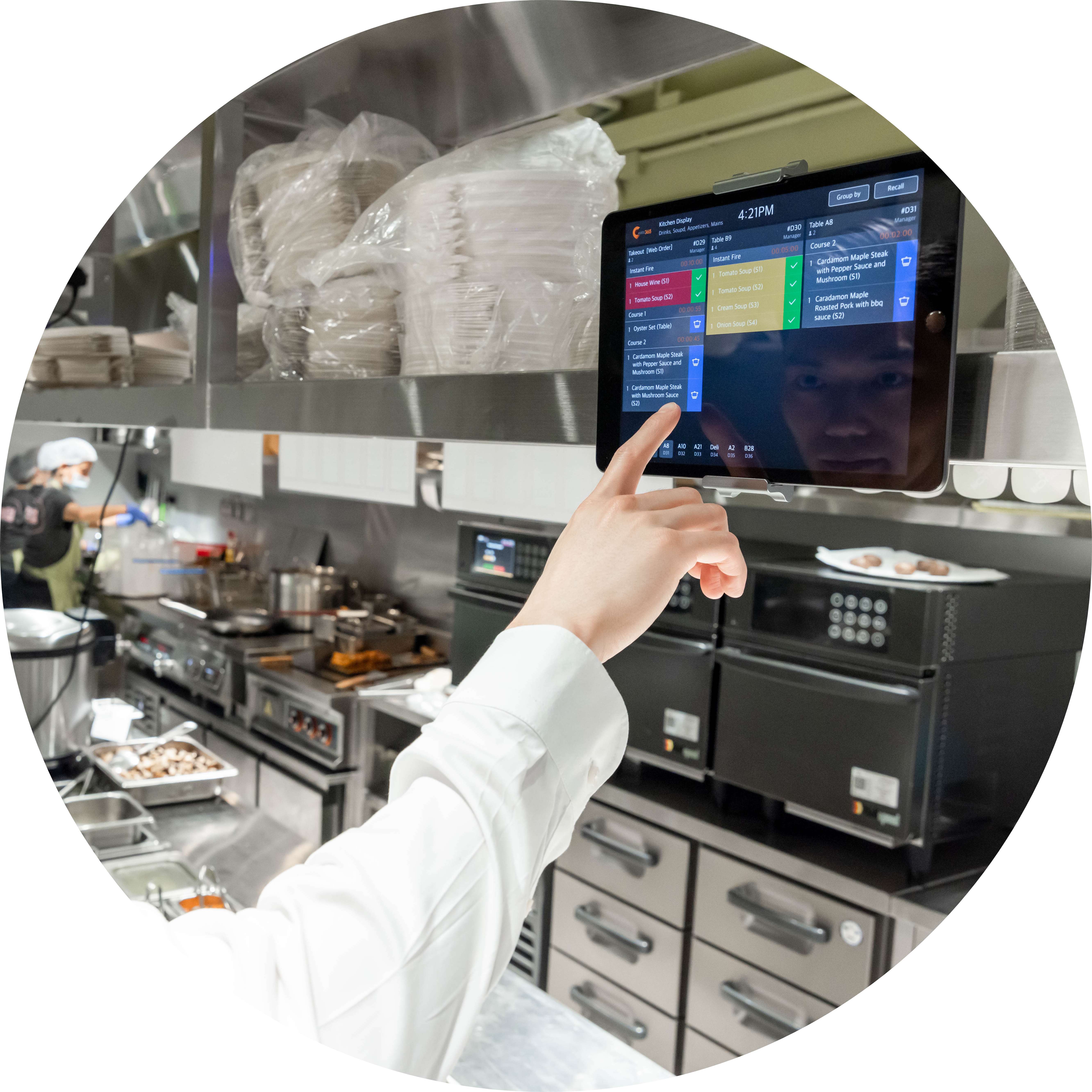
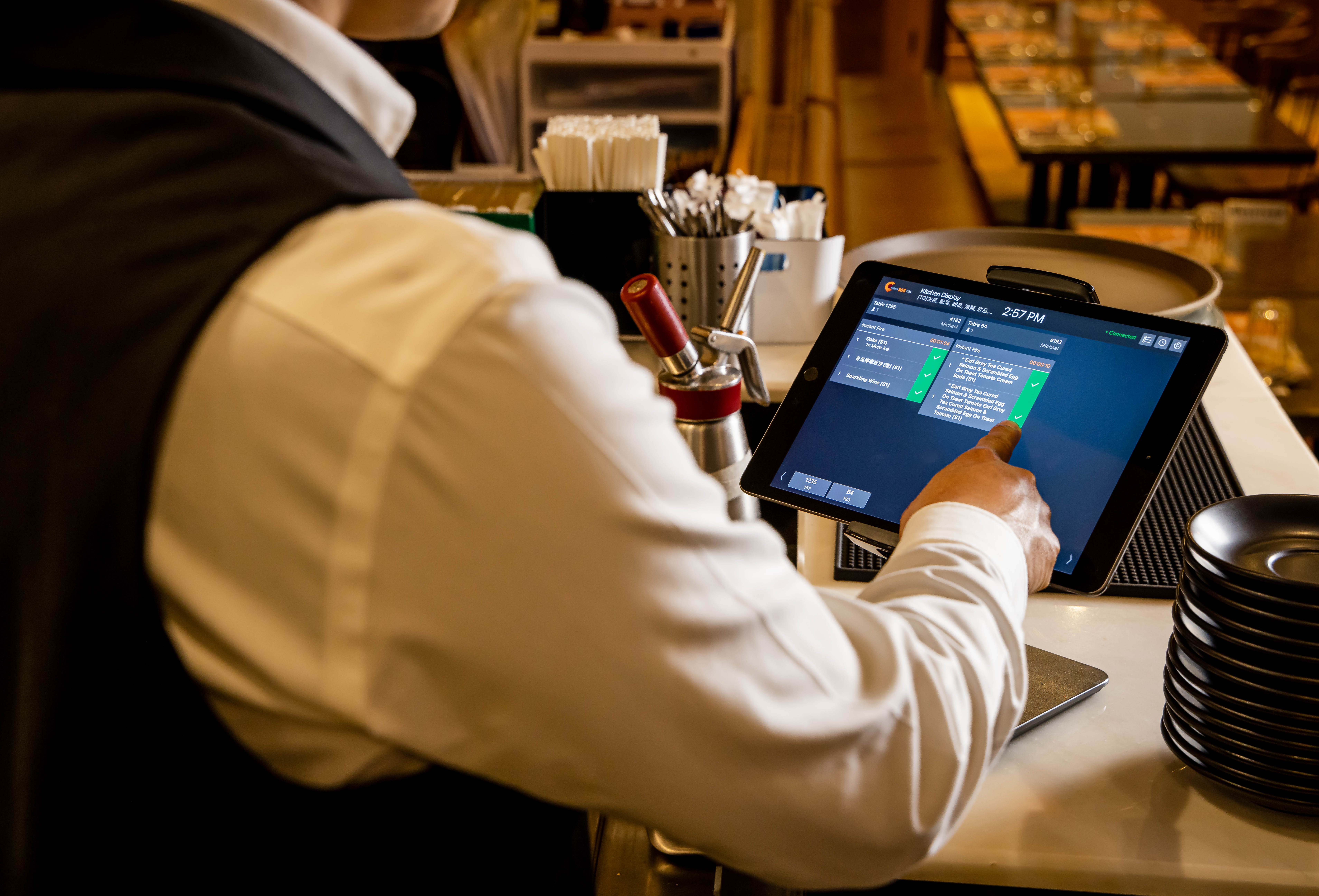
Manage Orders on Interactive Display
Communicate Orders in Real time
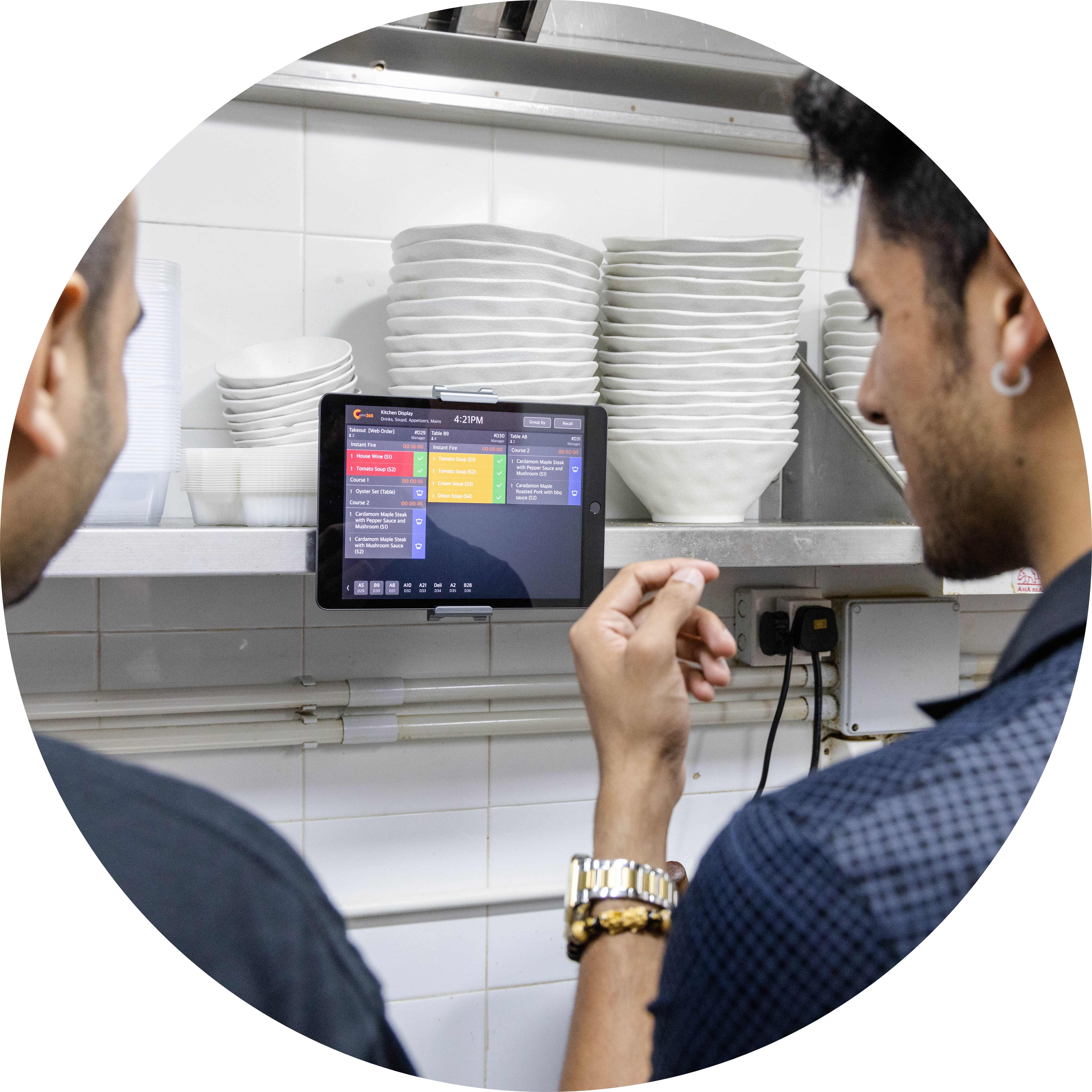
Send orders instantly from your Eats365 POS, mPOS, PhotoMenu, Online Ordering or kiosks directly to the KDS. Eliminate lost tickets, printer breakdowns, and messy handwriting—ensuring faster service, fewer kitchen errors, and smoother restaurant operations.
Speed Up Kitchen Operations
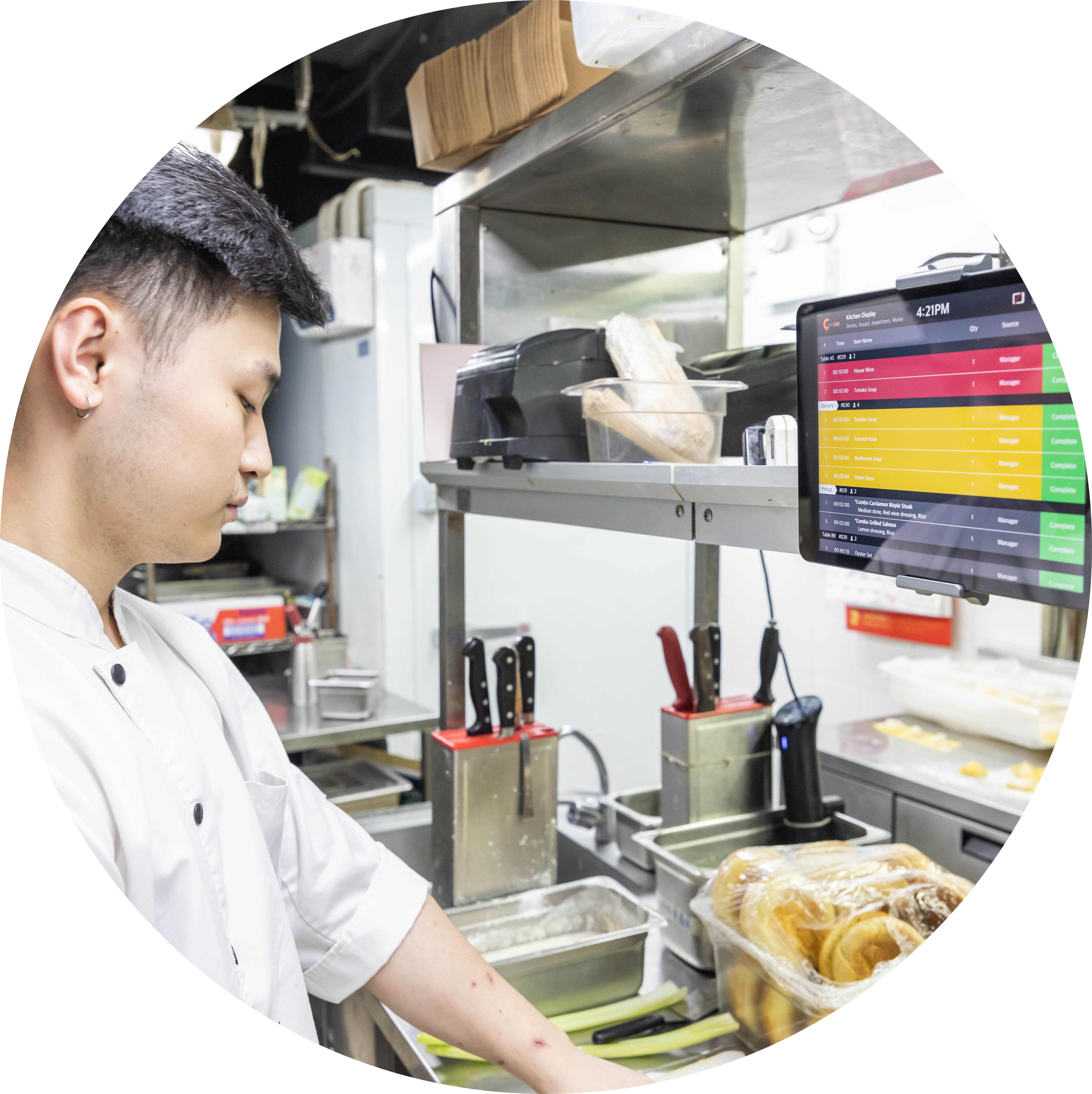
Your talented staffs deserve optimized tools. Ditch slow, cluttered workflows for Eats365 KDS. Watch dishes fly out faster—quicker prep times, smoother handoffs, and peak kitchen rhythm every shift.
Improve Performance with Real Data
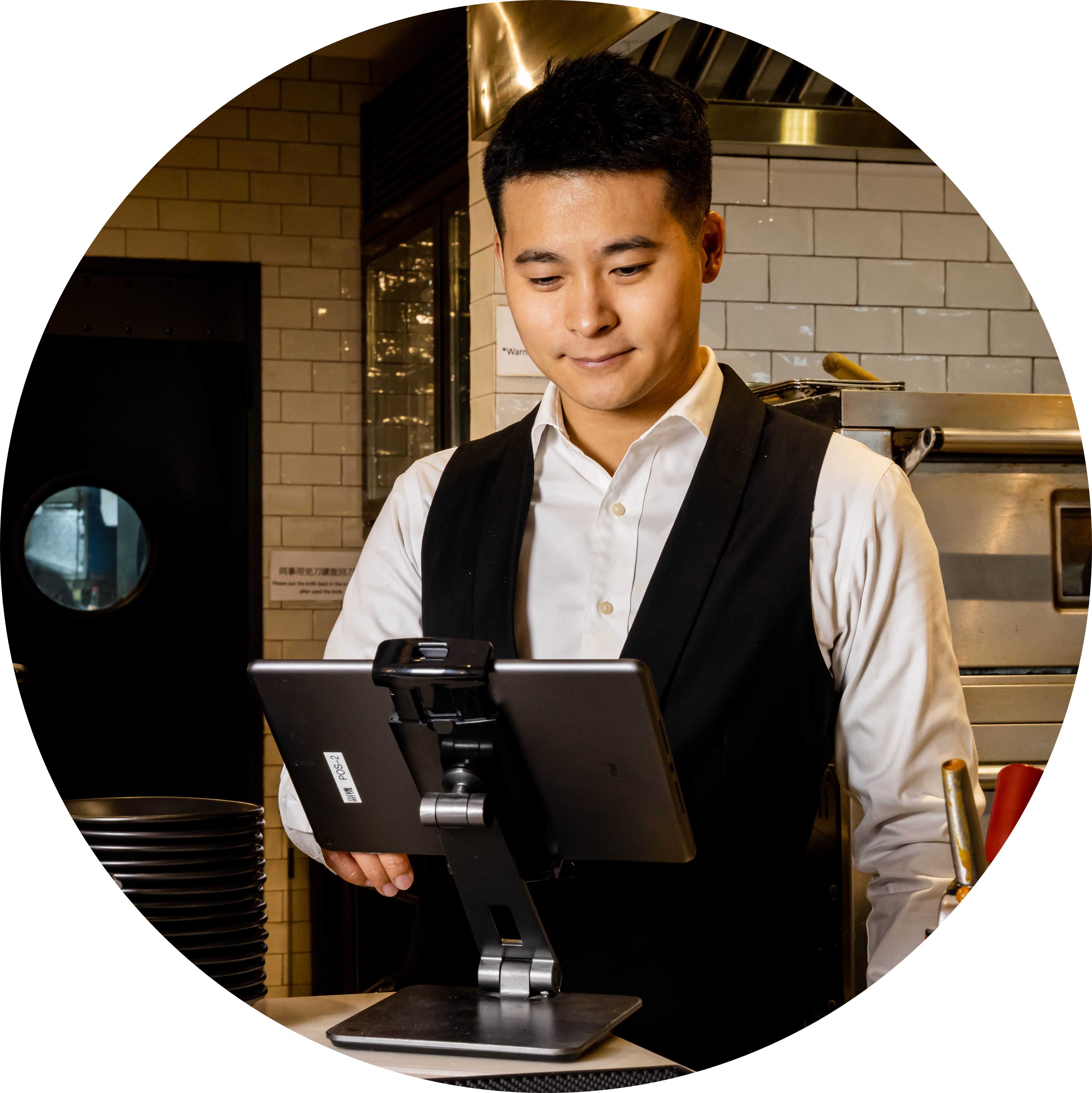
Eats365 KDS tracks preparation times, cooking durations, and completion trends from when orders are sent from the front-of-house. These metrics reveal inefficiencies in staff or menu items, help to refine your offerings and make data-driven improvements.
Build Green Restaurant Cred
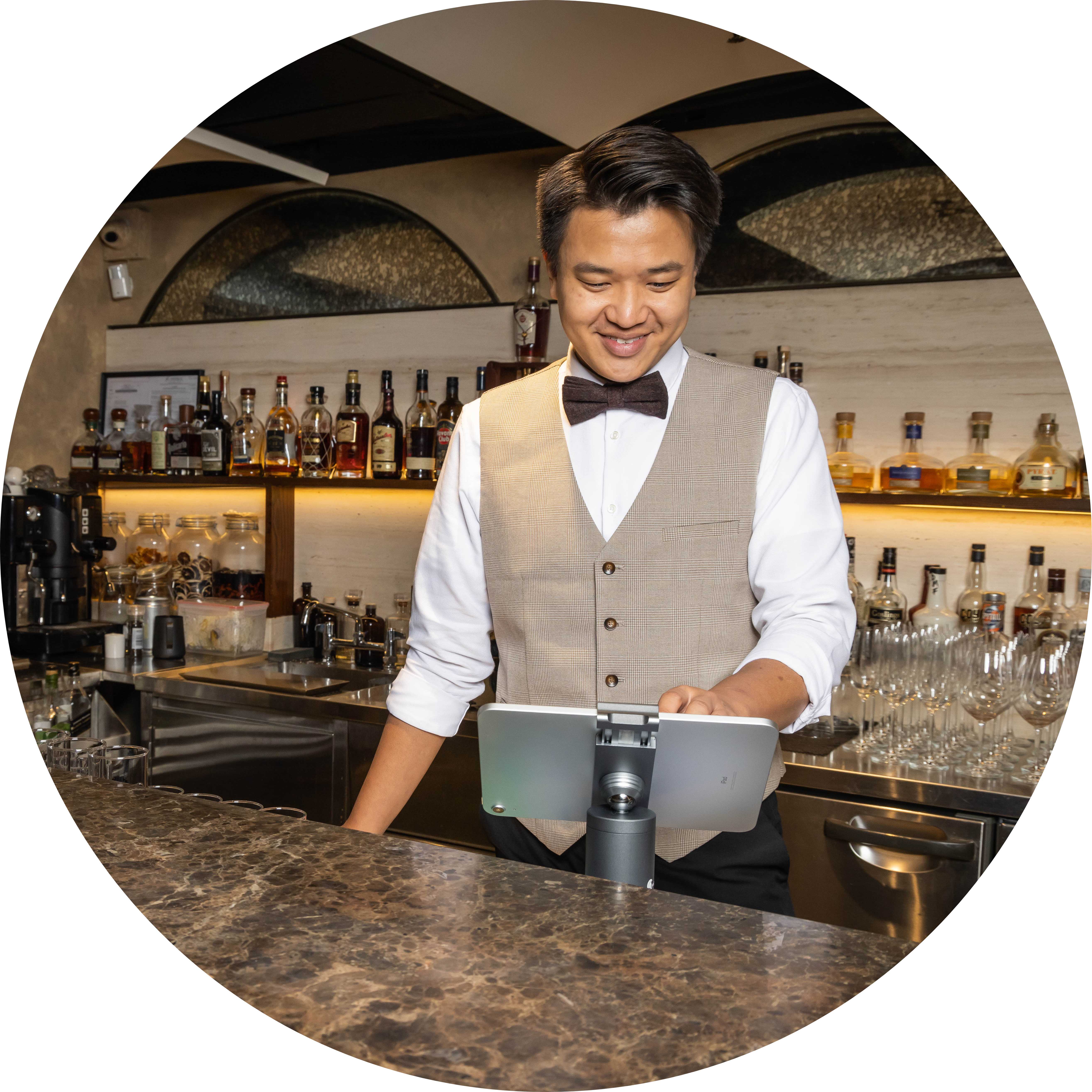
Go paperless, attract eco-conscious diners. Eats365 KDS eliminates tickets and printers entirely—no extra hardware needed. Integrate with your POS for seamless order flow while showcasing sustainability that sets you apart.
Deliver Every Plate On Time
 KDS records exact time when each order arrives
KDS records exact time when each order is completed
Set custom timers: Orders auto-change color to instantly show overdue items
KDS records exact time when each order arrives
KDS records exact time when each order is completed
Set custom timers: Orders auto-change color to instantly show overdue items
Flip KDS Views Instantly

View sorted orders by waiting time
View sorted orders by category
View sorted orders by table
View sorted orders by chronological order
Direct Orders to Right Department

Specify which kitchen department each KDS display serves
Receive only relevant order items in department
Assign multiple kitchen departments to one display
Solve Errors Quickly

Access full order history for easy tracking
Recall bumped items from history to edit
Orders change color based on waiting time
Prioritize overdue orders automatically for faster fixes
Deliver Every Plate On Time
KDS records exact time when each order arrives
KDS records exact time when each order is completed
Set custom timers: Orders auto-change color to instantly show overdue items
Flip KDS Views Instantly
View sorted orders by waiting time
View sorted orders by category
View sorted orders by table
View sorted orders by chronological order
Direct Orders to Right Department
Specify which kitchen department each KDS display serves
Receive only relevant order items in department
Assign multiple kitchen departments to one display
Solve Errors Quickly
Access full order history for easy tracking
Recall bumped items from history to edit
Orders change color based on waiting time
Prioritize overdue orders automatically for faster fixes
Eats365 KDS Suits These F&B Types


Eats365 KDS Powers These Solutions


How Eats365 Drives Restaurant Success
FAQs about Eats365 Kitchen Display System
1. What is a Kitchen Display System (KDS) and how does it work?
A Kitchen Display System (KDS) is a digital order management screen that replaces traditional paper tickets. It syncs in real-time with the Eats365 POS, automatically displaying and organizing orders from the POS, mPOS, PhotoMenu, and Self-Order Kiosks as soon as they are fired.
2. How does a KDS improve restaurant kitchen efficiency?
A KDS streamlines communication between the front and back of house by providing a clear, interactive visual of all active orders. It helps prioritize prep tasks, reduces the risk of lost paper tickets, and features a timer alert to notify staff when an order has been in the system for too long.
3. Can Eats365 KDS track how long it takes to prepare an order?
Yes, Eats365 KDS allows kitchen staff to monitor orders in real-time and includes built-in timers. This data helps management identify bottlenecks by tracking precisely how long orders take from the moment they are received until they are marked as complete.
4. Does the Eats365 KDS support different kitchen station layouts?
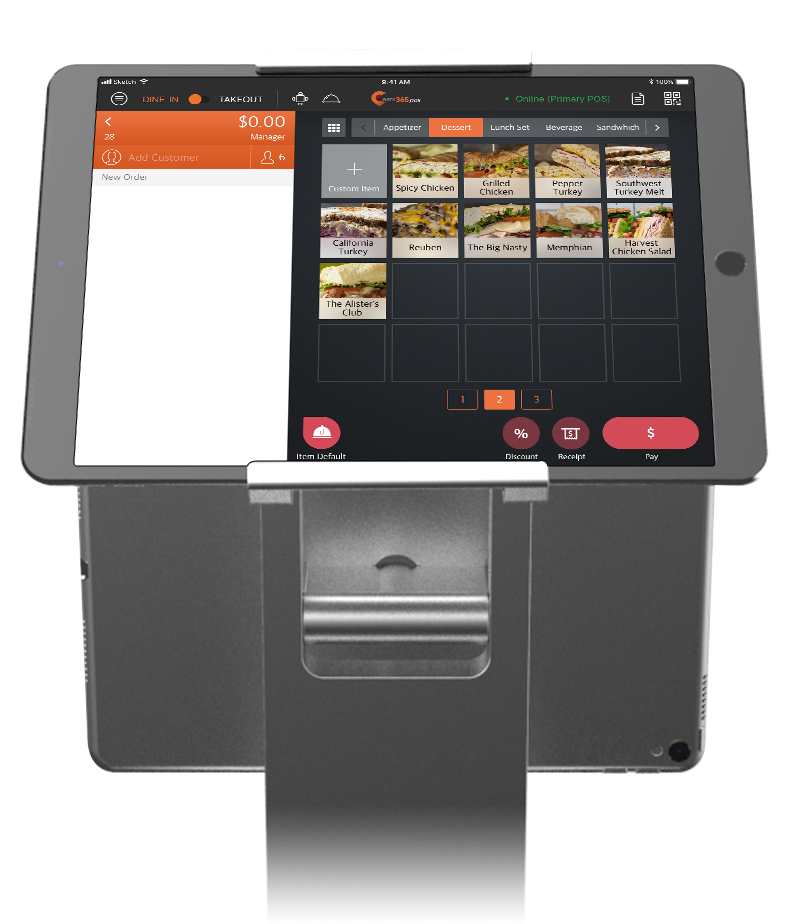
Yes, the KDS is highly customizable, allowing you to arrange keys by bestsellers or other logical groupings to fit your kitchen's specific workflow. You can also upload item photos to the keys for faster visual recognition by the kitchen staff.
5. How do orders from online or self-service kiosks show up on the KDS?
Orders from all connected Eats365 modules—including the Self-Order Kiosk and PhotoMenu—are automatically routed to the KDS via the central POS system. This ensures that every order, whether placed by a server or directly by a customer, appears instantly on the kitchen's digital display.
6. What happens when a kitchen order is finished?
Once an order is prepared, kitchen staff can interact with the screen to remove the completed order from the list. This real-time update keeps the display focused only on pending tasks and communicates the order status back to the POS system.
Your Eats365 Growth Guide
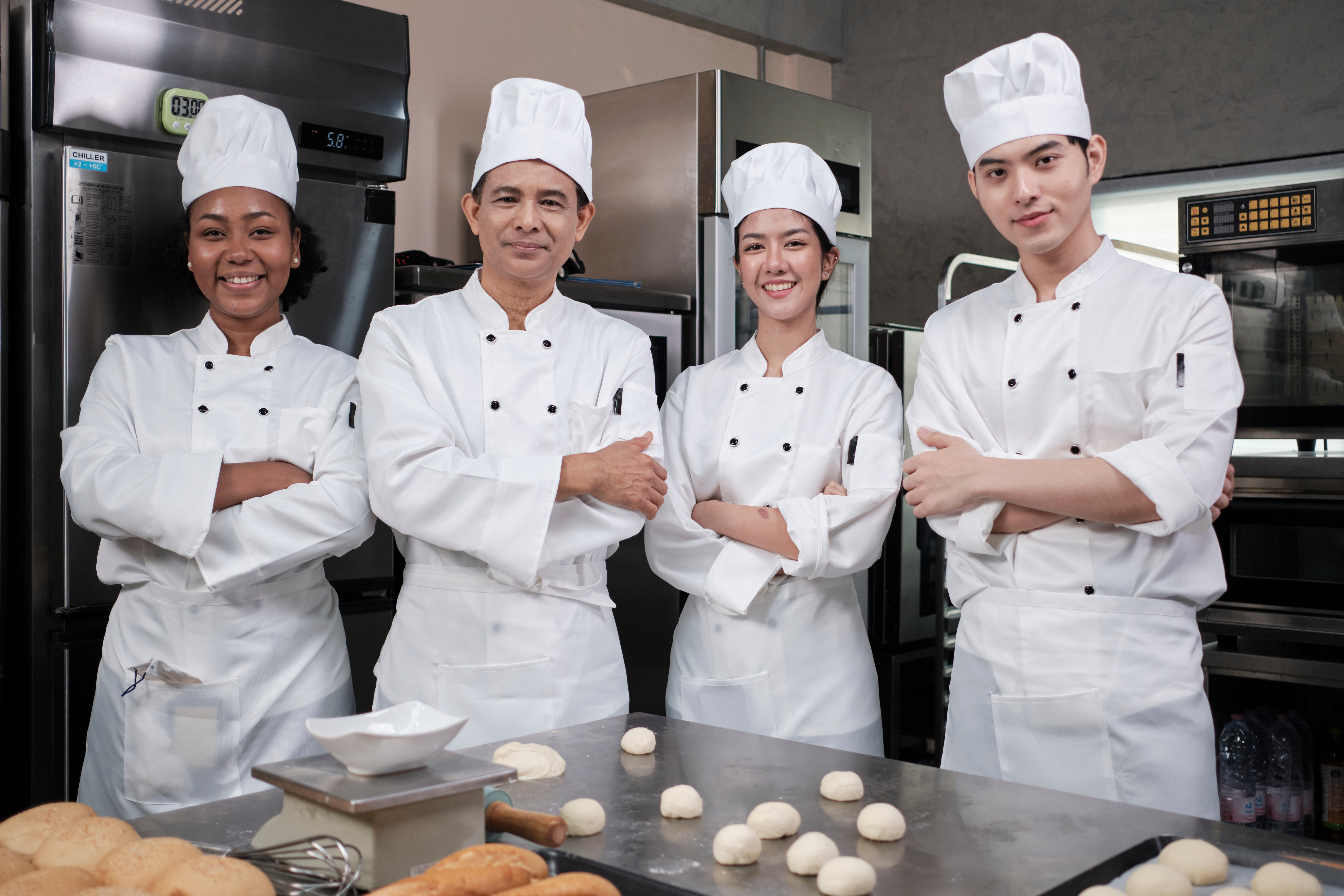
How to Organize a Commercial Kitchen in 2026 - A Growth Guide for Restaurant Owners
 24 Dec 2024

Revolutionize your restaurant kitchen with cutting-edge tech and proven strategies! Discover how our Kitchen Display System boosts speed, quality, and efficiency to fuel your growth in 2026.
Kitchen management
Foodtech
Read More
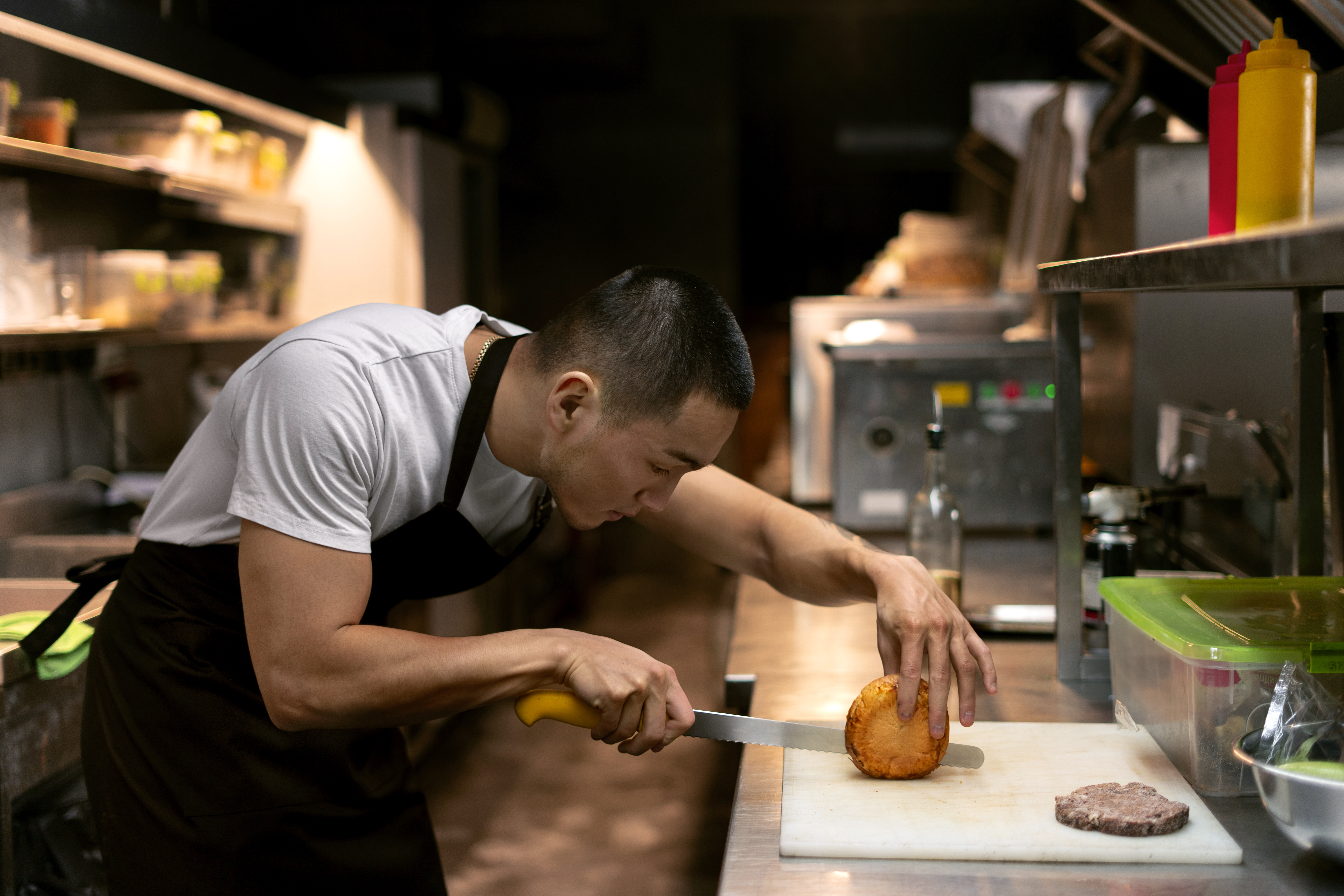
5 Tips On Professional Kitchen Management By Restaurant Chefs
26 Feb 2026
Unlock expert secrets for kitchen management! Learn how a seasoned chef transforms restaurant operations with streamlined workflows, smart tech, and efficient training. Read now to revolutionize your kitchen!
Kitchen management
Restaurant POS Features
Restaurant management
Read More
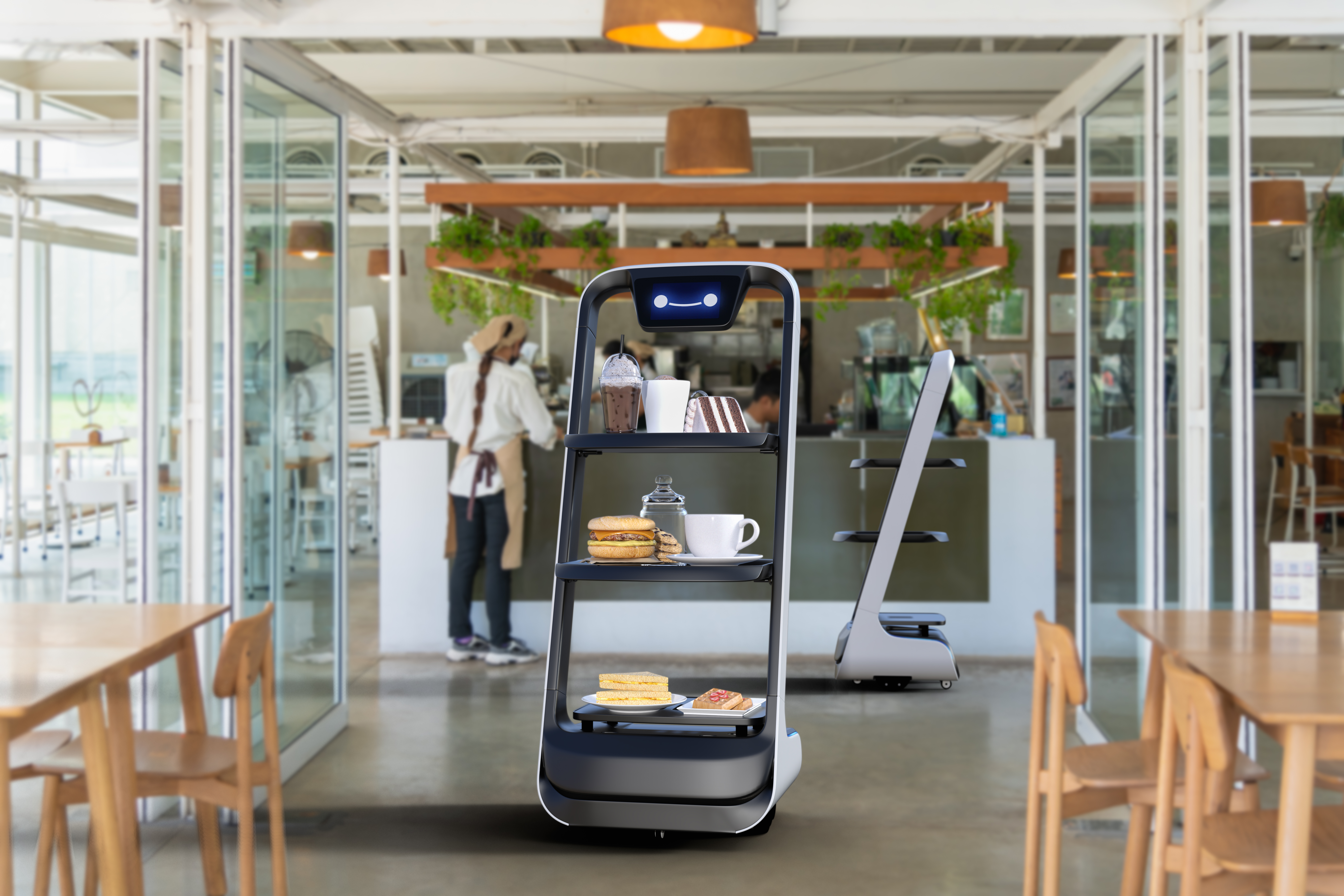
Robot Waiters in Malaysian Restaurants: Trends & Costs
22 May 2025
Imagine your roti canai delivered by a tireless bot! Restaurant robots are tackling Malaysia's F&B labour crunch. Discover the trends, benefits, and costs of this growing solution for local eateries.
Foodtech
F&B Trends
Read More
