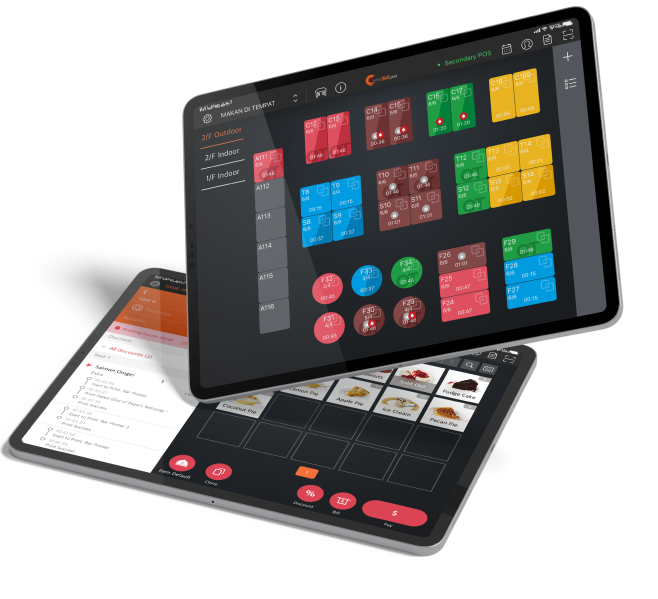
Give your chefs the freedom to set up and interact with their Kitchen Display System the way that makes the most sense to them. They can switch between useful order view modes like waiting time (with the longest waiting items listed at the top), category (where items of the same category are grouped together), table (combines all items per table) or by chronological order (so items are shown chronologically) on the fly. Your kitchen staff can also set color codes to indicate how long items and orders have been left waiting for.
Kitchen Display System
Cut Through the Chaos and Let Your Chefs Cook Up a Storm

When your kitchen staff can give their undivided attention to cooking, you’ll see a noticeable increase in quality and speed. With the option to replace messy kitchen tickets and hand-written orders with an interactive kitchen display, your chefs can maintain tighter kitchen control, prepare food faster and offer higher-quality dishes so your customers will be eager to return for more.
How Can a Kitchen Display System Help You?
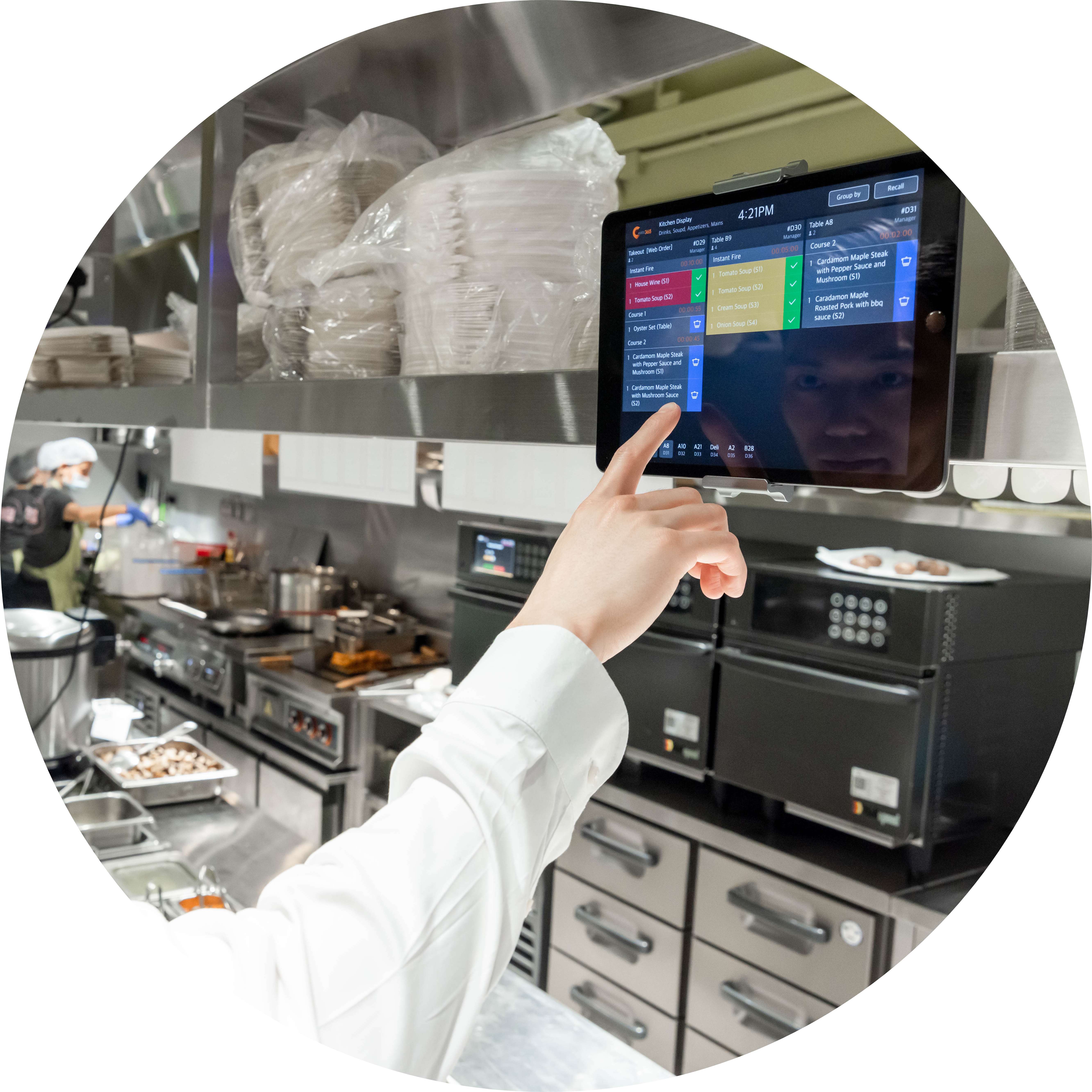
An Interactive Display Keeps the Clutter Away
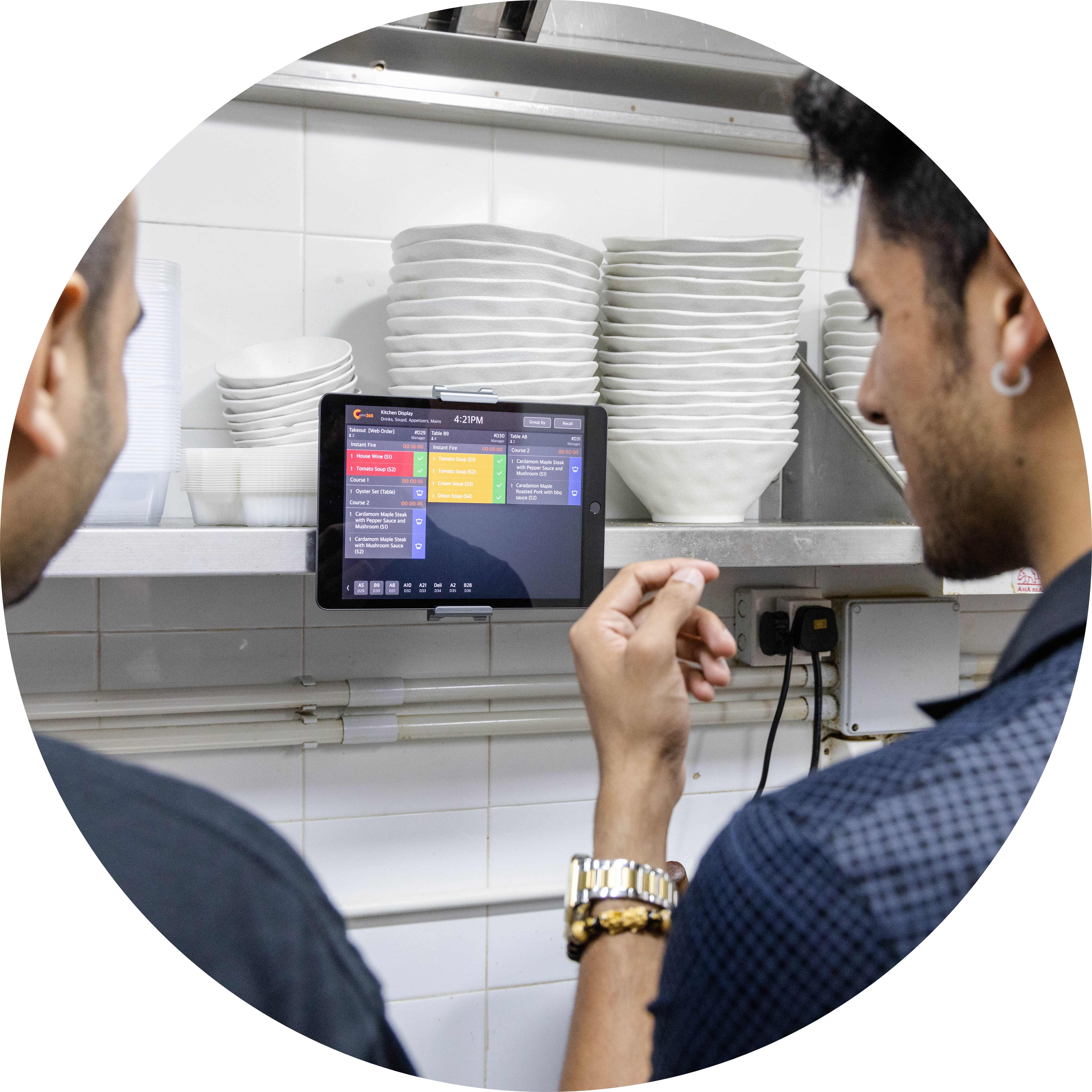
Real-Time Communication Leads to Fewer Delays
With just a few taps of a screen, orders can be sent directly from your front of house ordering touchpoints like your Eats365 POS, mPOS, PhotoMenu, Scan to Order and even Self-Service Kiosks right to the Kitchen Display System in real-time. No complex handwriting, no kitchen tickets that can get lost, just speedy communication that’s clear, concise and not subject to delays by broken printers, a lack of paper, etc.
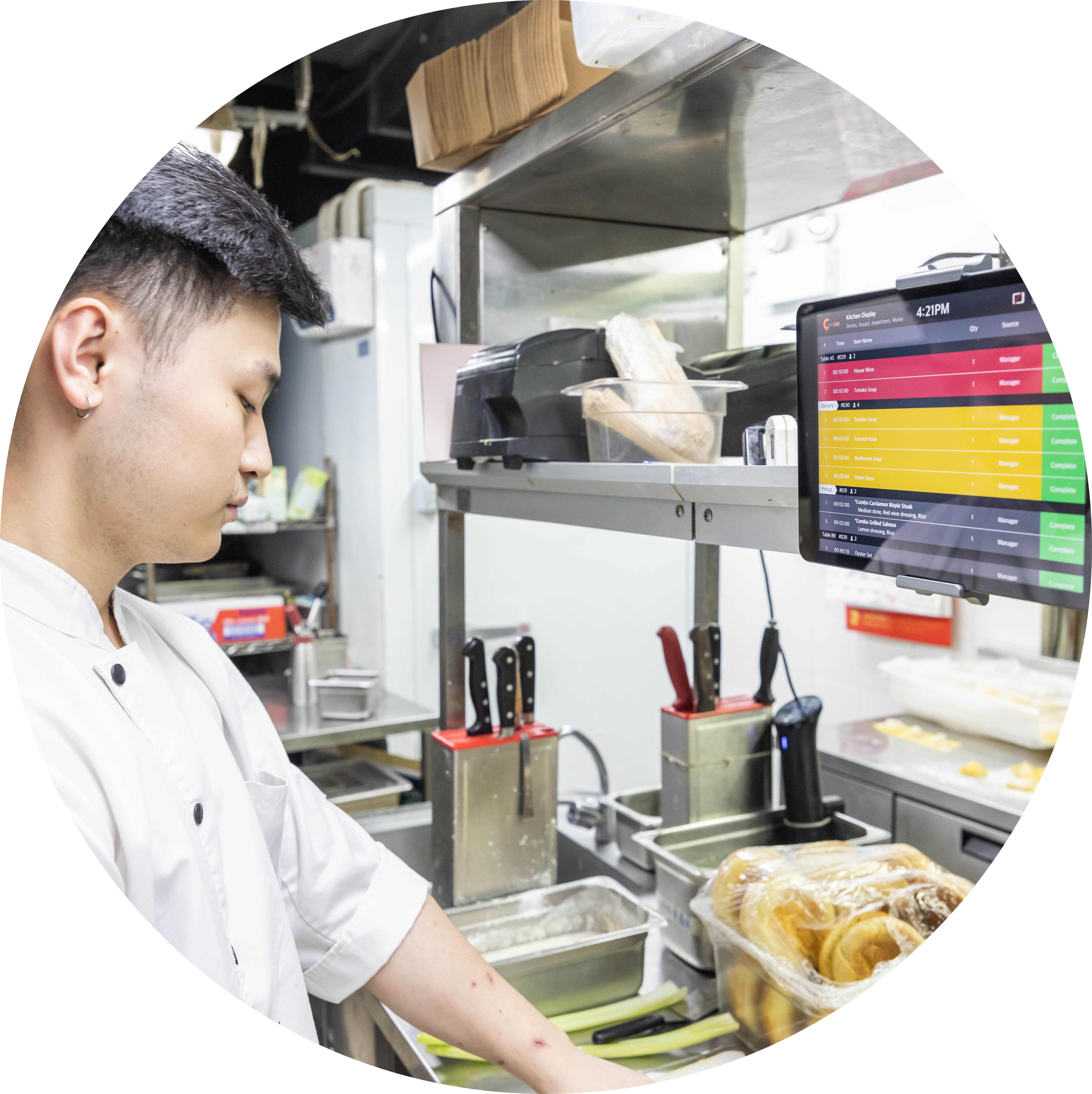
Speed Up How Your Kitchen Operates
Your staff are talented, why stunt their potential by forcing them to work in an environment that isn’t optimized for speed? Once your kitchen order management system is organized and working smoothly, you’ll notice a drastic increase in the speed of dishes sent out.
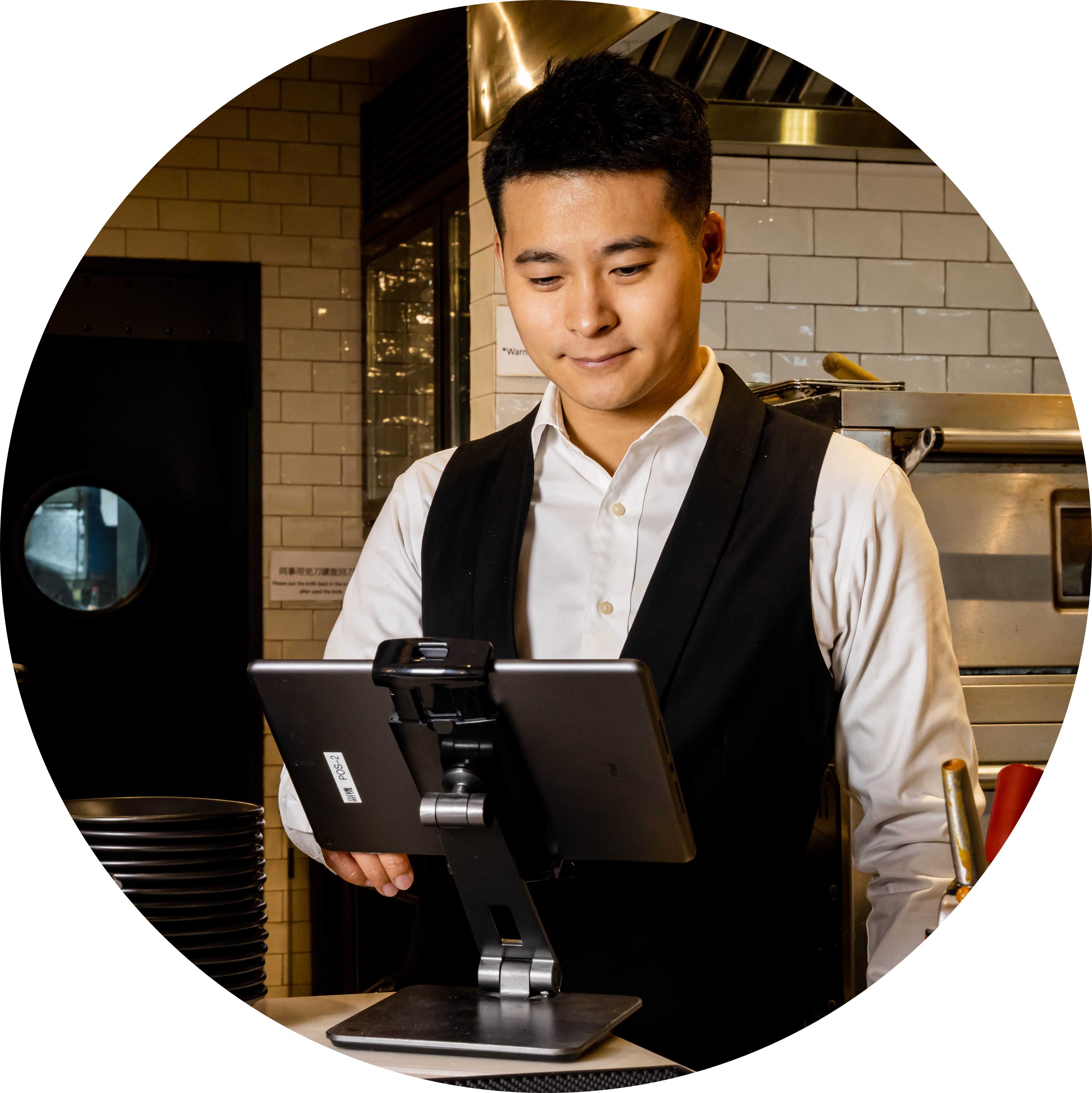
Refine Performance with Measurable Data
Our Kitchen Display System allows you to keep track of how long orders take to prep. The KDS app registers when orders are sent to the kitchen and how long it takes for them to be completed, so you can track the time in between. Analyze this data to monitor staff efficiency or to isolate items that take too long to prepare to be worth keeping in your menu.
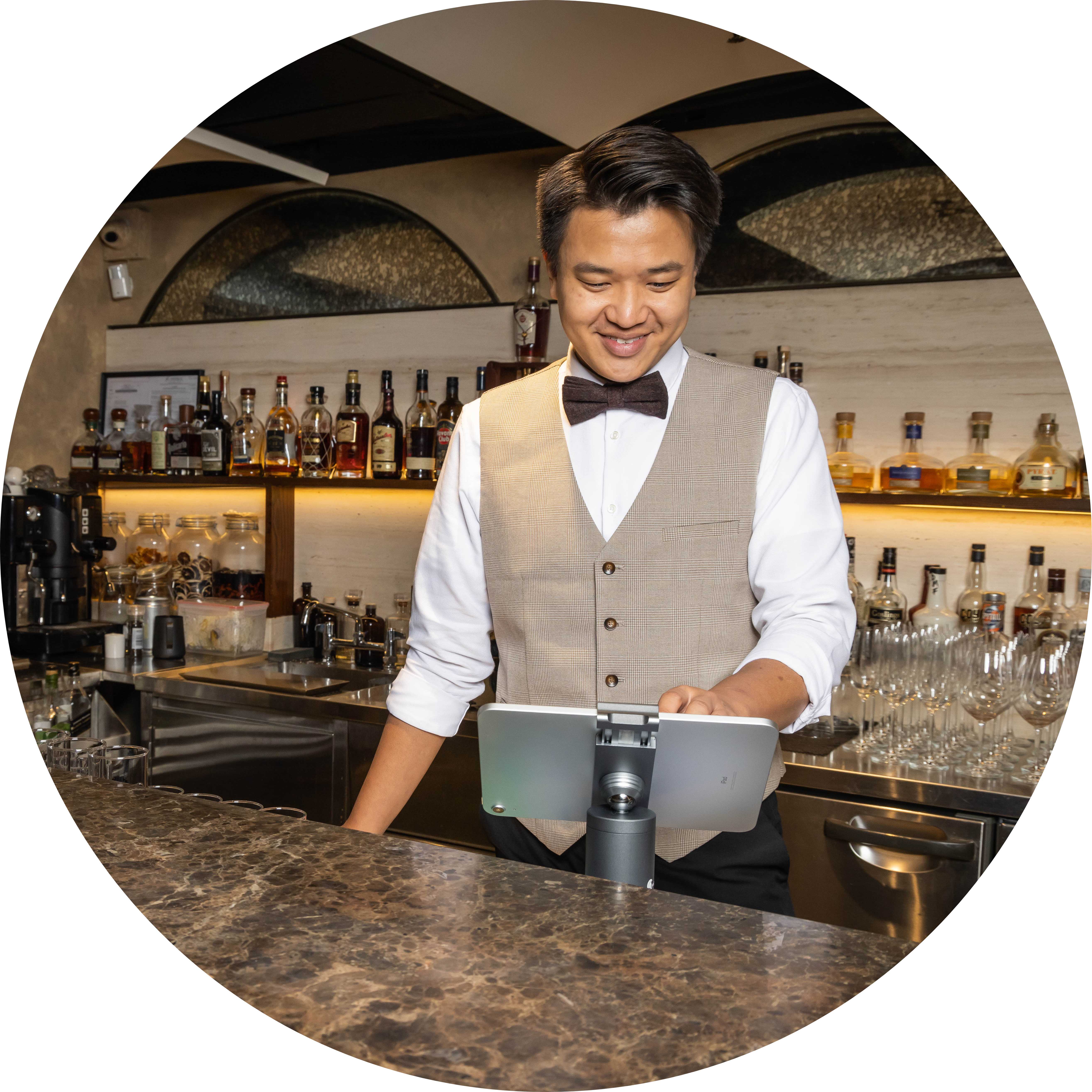
Build a Green Company Image
If your business makes a genuine effort to go green, you could begin attracting customers who value environmental sustainability. The Kitchen Display System gives your restaurant the option to get rid of kitchen tickets completely, which not only boosts organization by aggregating all incoming orders, but differentiates you from the competitors by letting you go green!
Kitchen Display System (KDS) Features Overview
Track Orders Effectively in the Kitchen
 The Kitchen Display System (KDS) registers what time an order is entered
The Kitchen Display System (KDS) registers what time an order is bumped
Set a timer to change the color of an order if it hasn’t been bumped after a specified period of time
The Kitchen Display System (KDS) registers what time an order is entered
The Kitchen Display System (KDS) registers what time an order is bumped
Set a timer to change the color of an order if it hasn’t been bumped after a specified period of time

Switch Between View Modes On the Fly on the KDS
Set orders to be sorted by waiting time in seconds
Set orders to be sorted by category in seconds
Set orders to be sorted by table in seconds
Set orders to be sorted by chronological order in seconds

View Relevant Order Items Only
Specify which kitchen department each Kitchen Display System is assigned to
Only receive relevant order items to your kitchen department
Assign multiple kitchen departments to a single display
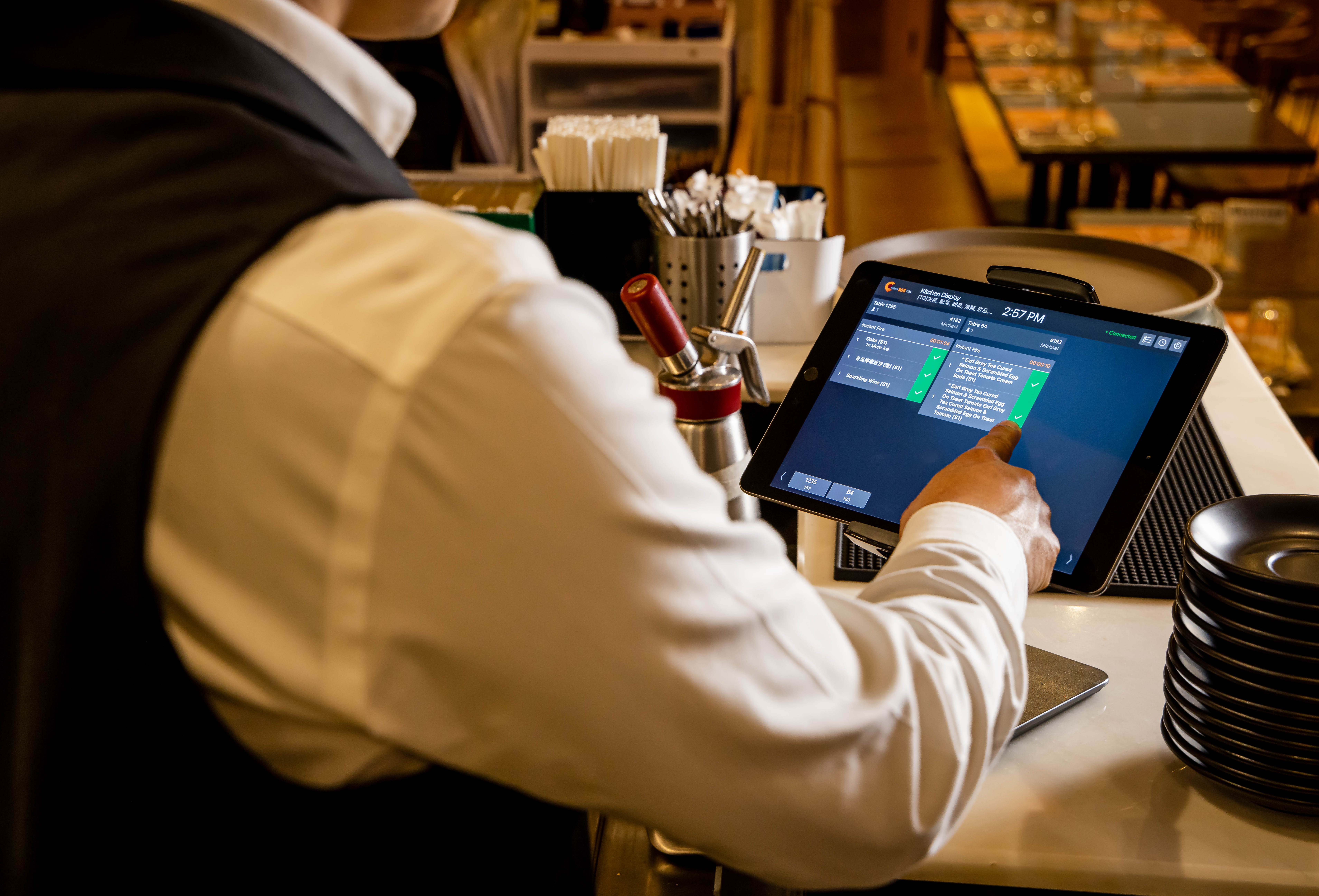
Solve Errors Quickly

Comprehensive order history for easy tracking
Recall bumped items from order history to make amendments
Orders change color based on waiting time
Prioritize orders that have been waiting too long
Track Orders Effectively in the Kitchen
The Kitchen Display System (KDS) registers what time an order is entered
The Kitchen Display System (KDS) registers what time an order is bumped
Set a timer to change the color of an order if it hasn’t been bumped after a specified period of time
Switch Between View Modes On the Fly on the KDS
Set orders to be sorted by waiting time in seconds
Set orders to be sorted by category in seconds
Set orders to be sorted by table in seconds
Set orders to be sorted by chronological order in seconds
View Relevant Order Items Only
Specify which kitchen department each Kitchen Display System is assigned to
Only receive relevant order items to your kitchen department
Assign multiple kitchen departments to a single display
Solve Errors Quickly
Comprehensive order history for easy tracking
Recall bumped items from order history to make amendments
Orders change color based on waiting time
Prioritize orders that have been waiting too long
Kitchen Display System is Perfect for these Restaurant Types


Kitchen Display System is Part of the Following Solution


Restaurants Like Yours Love our Kitchen Display System
FAQs about Eats365 Kitchen Display System
1. What is a Kitchen Display System (KDS) and how does it work?
A Kitchen Display System (KDS) is a digital order management screen that replaces traditional paper tickets. It syncs in real-time with the Eats365 POS, automatically displaying and organizing orders from the POS, mPOS, PhotoMenu, and Self-Order Kiosks as soon as they are fired.
2. How does a KDS improve restaurant kitchen efficiency?
A KDS streamlines communication between the front and back of house by providing a clear, interactive visual of all active orders. It helps prioritize prep tasks, reduces the risk of lost paper tickets, and features a timer alert to notify staff when an order has been in the system for too long.
3. Can Eats365 KDS track how long it takes to prepare an order?
Yes, Eats365 KDS allows kitchen staff to monitor orders in real-time and includes built-in timers. This data helps management identify bottlenecks by tracking precisely how long orders take from the moment they are received until they are marked as complete.
4. Does the Eats365 KDS support different kitchen station layouts?
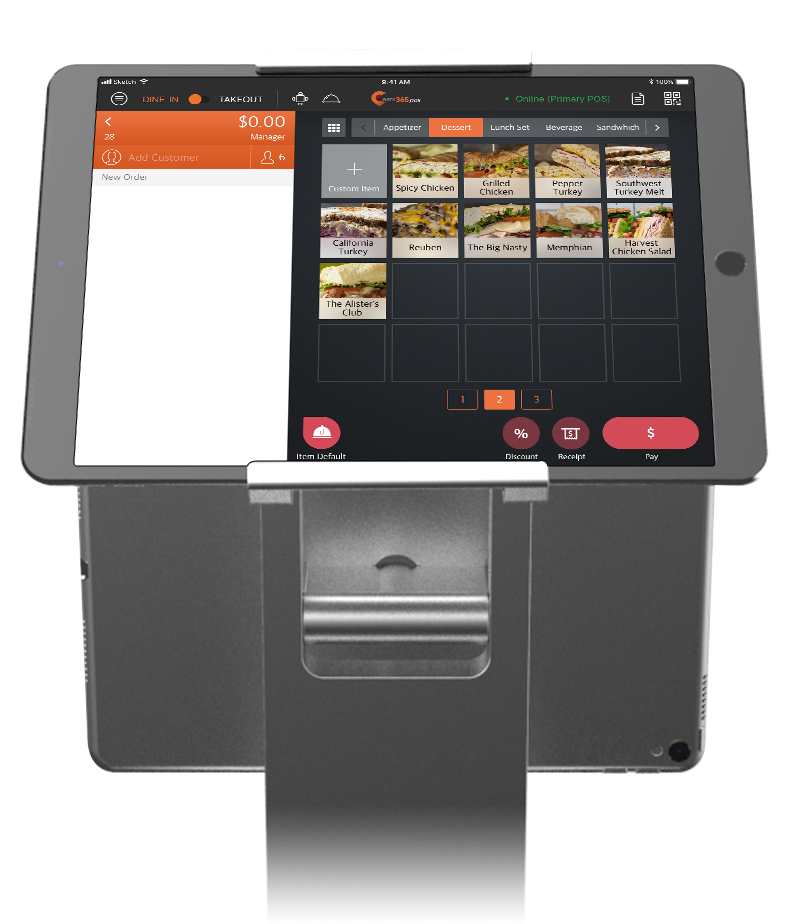
Yes, the KDS is highly customizable, allowing you to arrange keys by bestsellers or other logical groupings to fit your kitchen's specific workflow. You can also upload item photos to the keys for faster visual recognition by the kitchen staff.
5. How do orders from online or self-service kiosks show up on the KDS?
Orders from all connected Eats365 modules—including the Self-Order Kiosk and PhotoMenu—are automatically routed to the KDS via the central POS system. This ensures that every order, whether placed by a server or directly by a customer, appears instantly on the kitchen's digital display.
6. What happens when a kitchen order is finished?
Once an order is prepared, kitchen staff can interact with the screen to remove the completed order from the list. This real-time update keeps the display focused only on pending tasks and communicates the order status back to the POS system.
Learn More about How to Better Manage Kitchen and Orders with a Kitchen Display System
What Is a Central Kitchen? A Complete Guide for F&B Businesses in Singapore
 02 Jul 2025

Discover how central kitchens are transforming Singapore’s F&B industry. Learn what a central kitchen is, how it works, the key benefits for food businesses, and whether an in-house or outsourced model is right for you.
Kitchen management
Read More
5 Myths About Commercial Kitchen Equipment Busted
15 Jul 2025
Could your commercial kitchen equipment be holding you back? Many restaurant owners fall prey to common misconceptions about kitchen gear. Let's debunk five persistent myths about commercial kitchen equipment that could be impacting your efficiency and bottom line.
F&B Entrepreneurship
Read More
How to Organize a Commercial Kitchen in 2026 - A Growth Guide for Restaurant Owners
24 Dec 2024
Revolutionize your restaurant kitchen with cutting-edge tech and proven strategies! Discover how our Kitchen Display System boosts speed, quality, and efficiency to fuel your growth in 2026.
Kitchen management
Foodtech
Read More