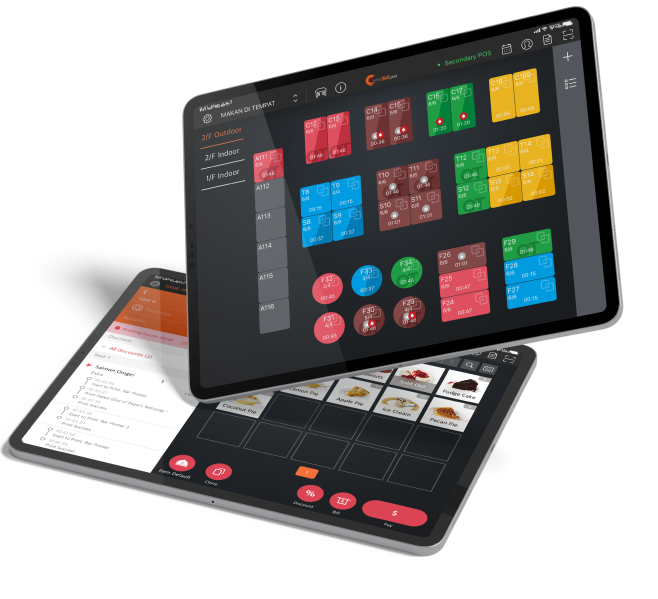
顧客可以直接在「Eats365 電子餐牌」上瀏覽、選擇喜愛的餐點,更能透過預先標註(如:純素、素食、無麩質等資訊)快速了解每道菜色,加速點餐。銷售狀態即時同步將自動隱藏「售完餐點」,提高點餐效率。
電子餐牌
一目瞭然、滿足視覺饗宴,刺激顧客的點餐意願!
生動的菜單讓消費者口水直流!Eats365 電子餐牌化被動為主動,高畫質呈現菜色圖像,搭配細緻的味覺描述,強化各式餐點魅力。讓Eats365電子餐牌助您吸引顧客目光,促成進一步探索與下訂,協助餐廳的營收成長!

「Eats365 電子餐牌」助餐廳創造優質體驗
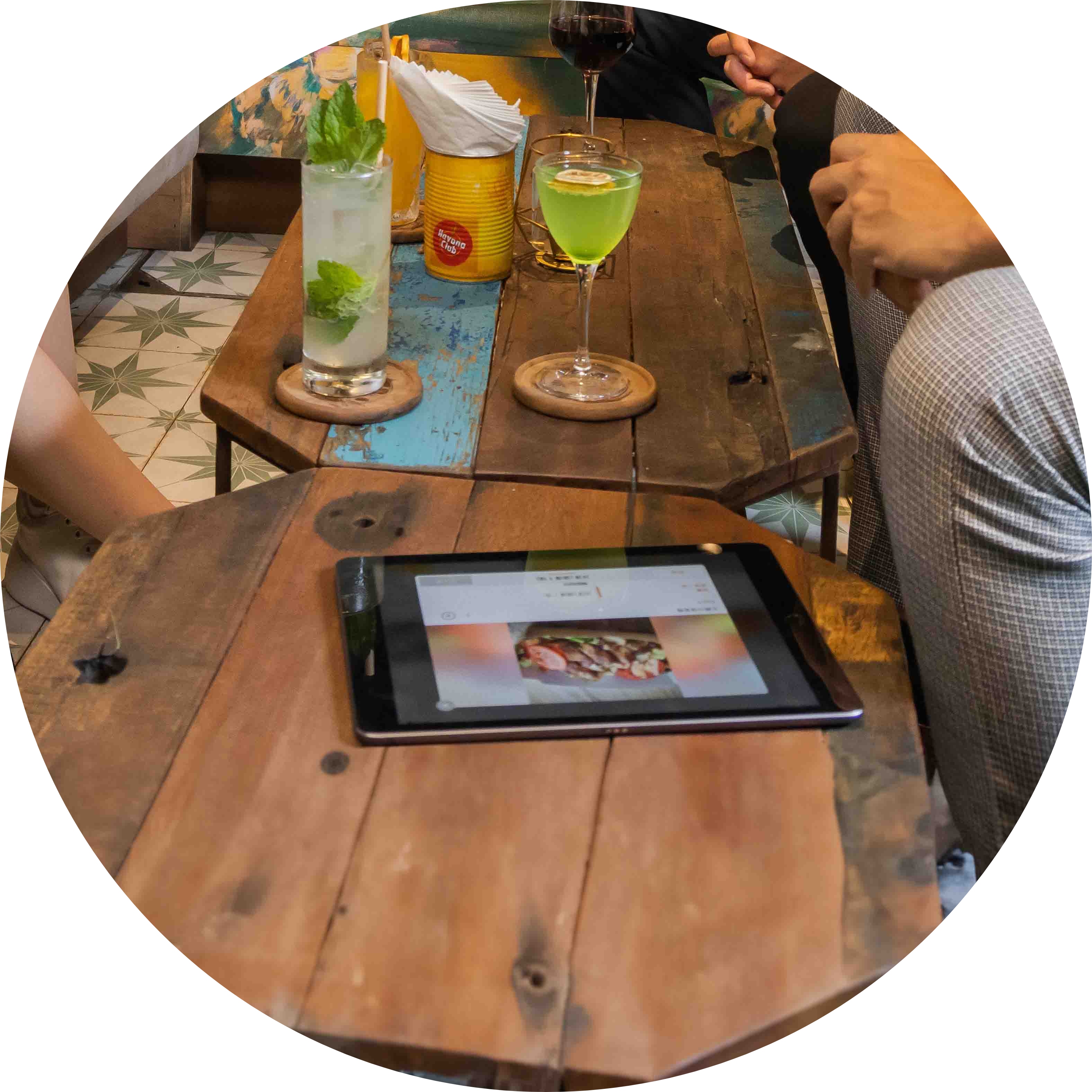
互動式菜單幫助顧客輕鬆點餐
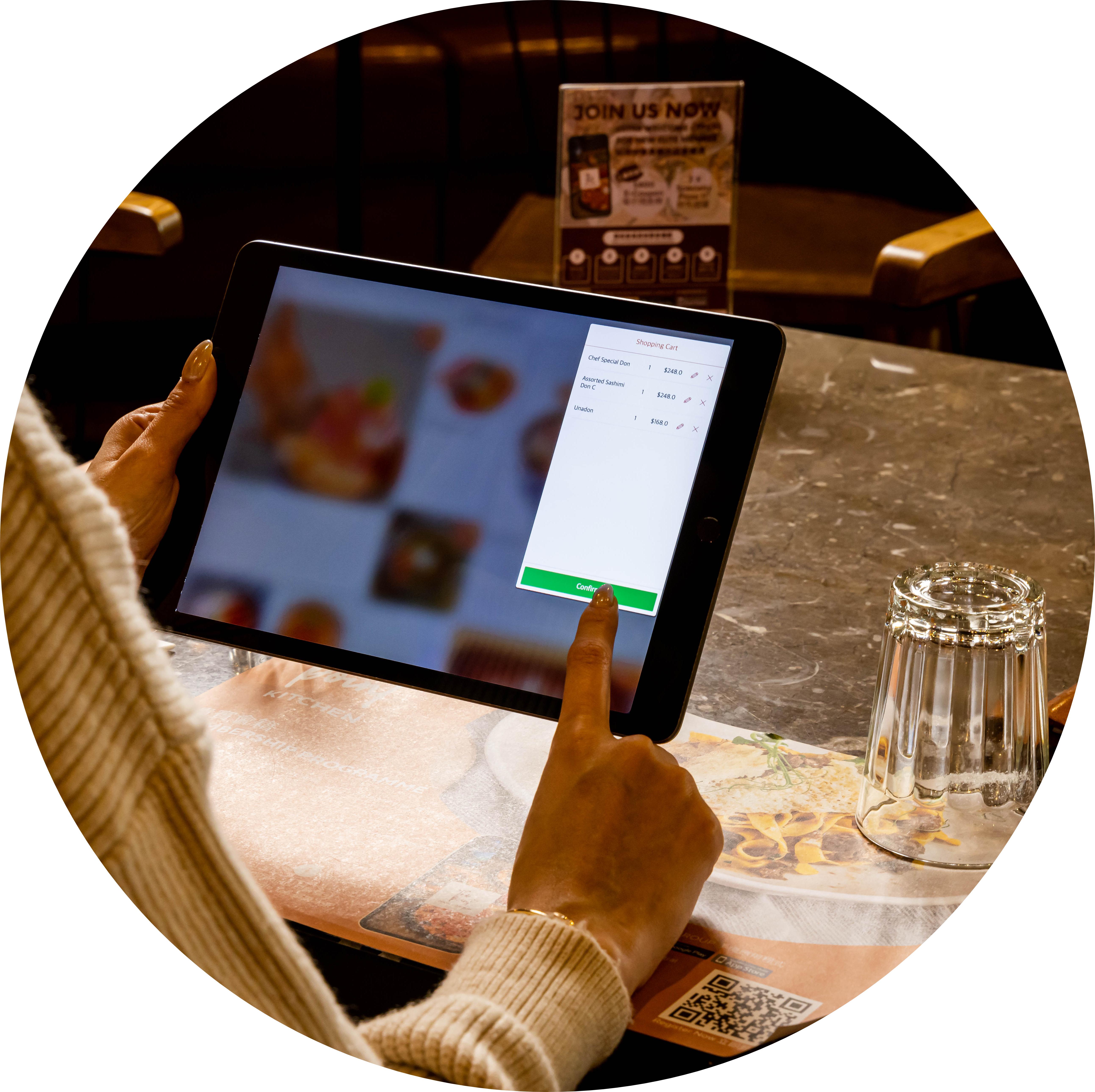
自主掌握點餐流程
顧客可從選擇餐點到下訂都能直接在「Eats365 電子餐牌」上完成。送單後,仍可加點或是修改訂單。彈性的點餐流程,完全不需餐廳人力修改每筆訂單。
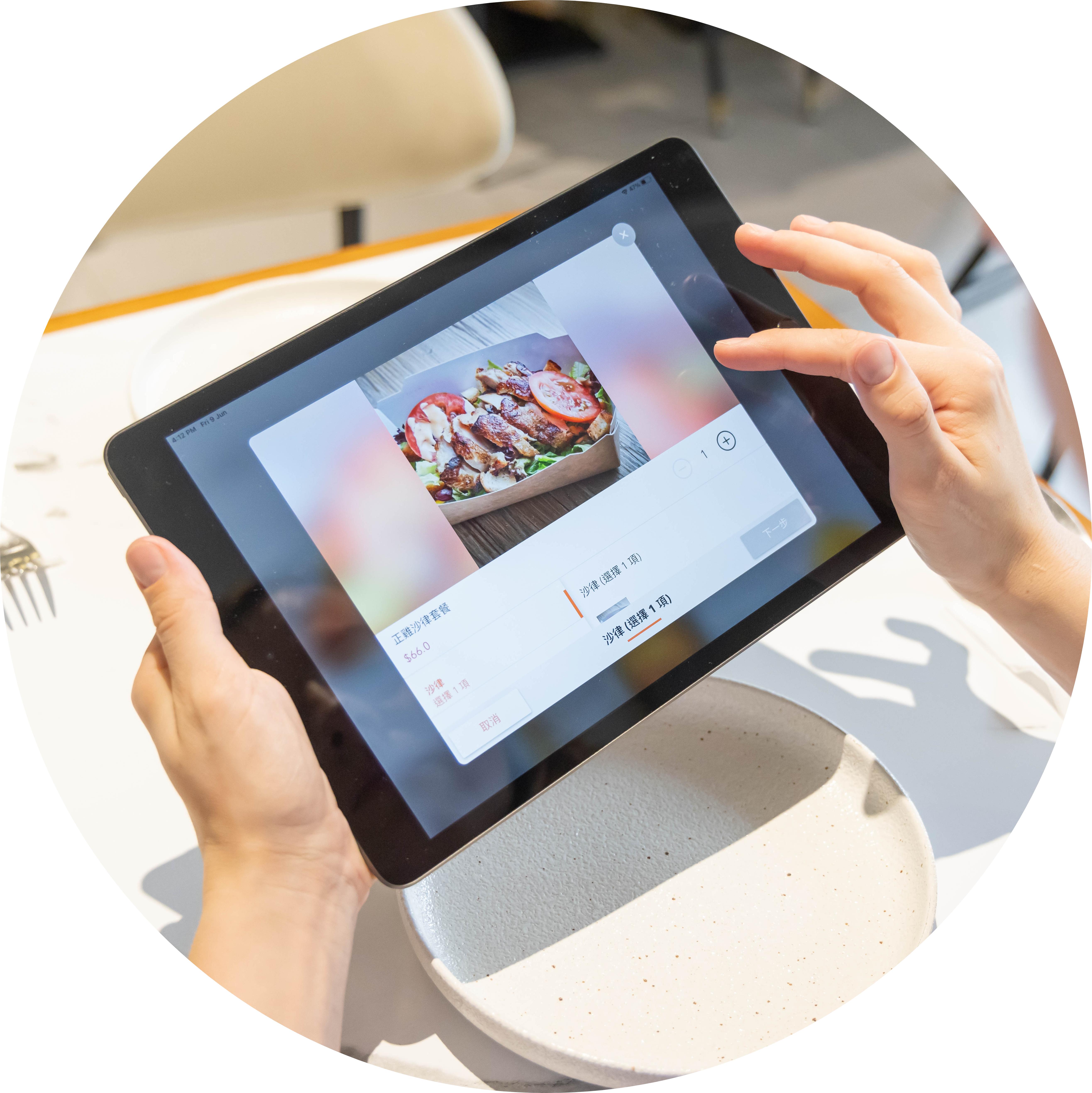
豐富視覺化呈現,顧客更買單
不僅編輯美食圖片,加入優惠資訊的菜單將刺激顧客加點更多!Eats365 電子餐牌取代版面有限的傳統菜單,增加豐富的美食與飲料實照,有效吸引顧客目光。
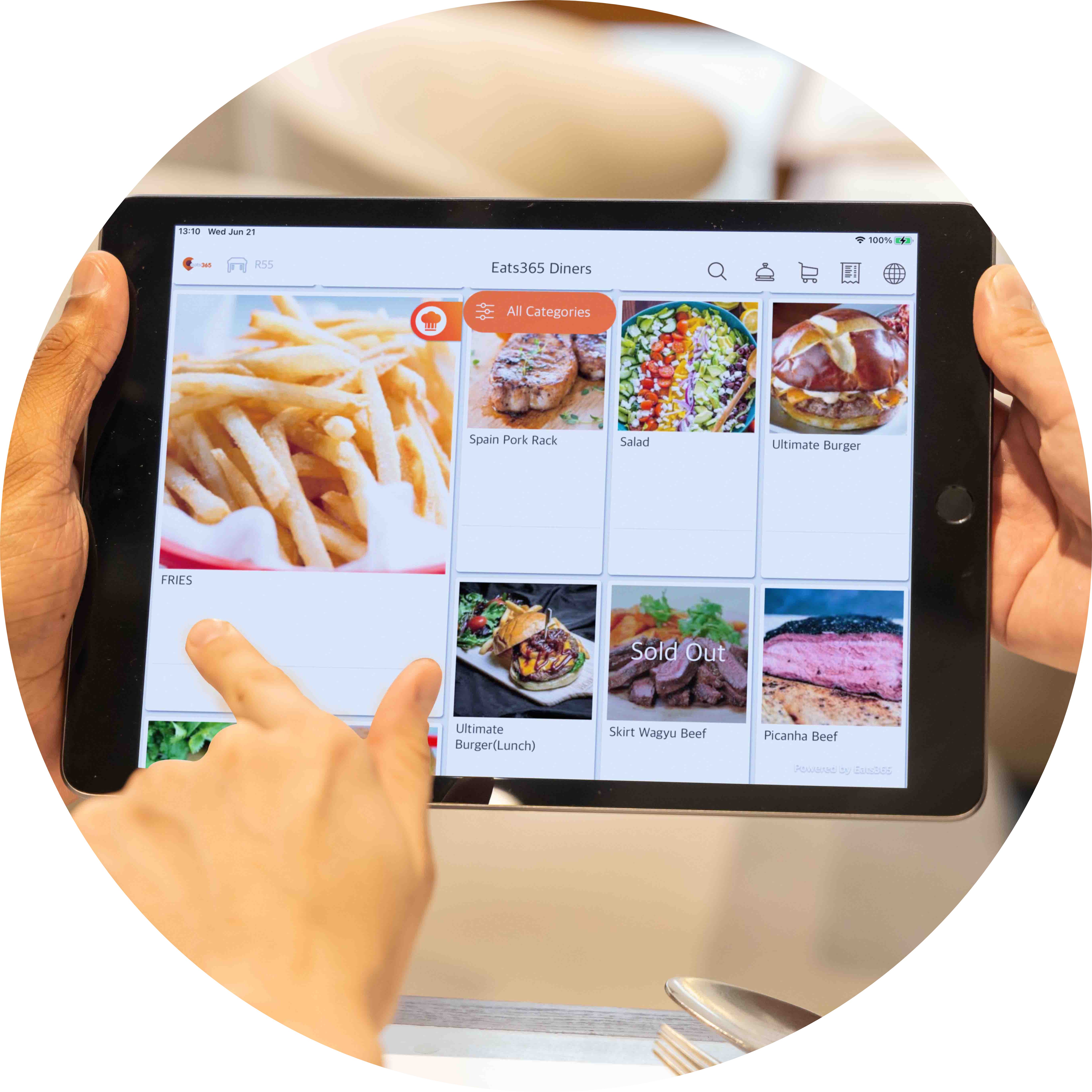
不受限打造屬於您的完美菜單
每一次更新菜單,都能快速與所有 Eats365 模組同步,不需要任何紙本印刷成本,省事又省力。Eats365 電子餐牌讓您可以嘗試各種文案內容與畫面搭配,直到達到心目中最完美的菜單設計。同時,也可以做各種編排與組合測試,透過數據找出能高銷售額的菜單,幫助餐廳掌握成功關鍵。
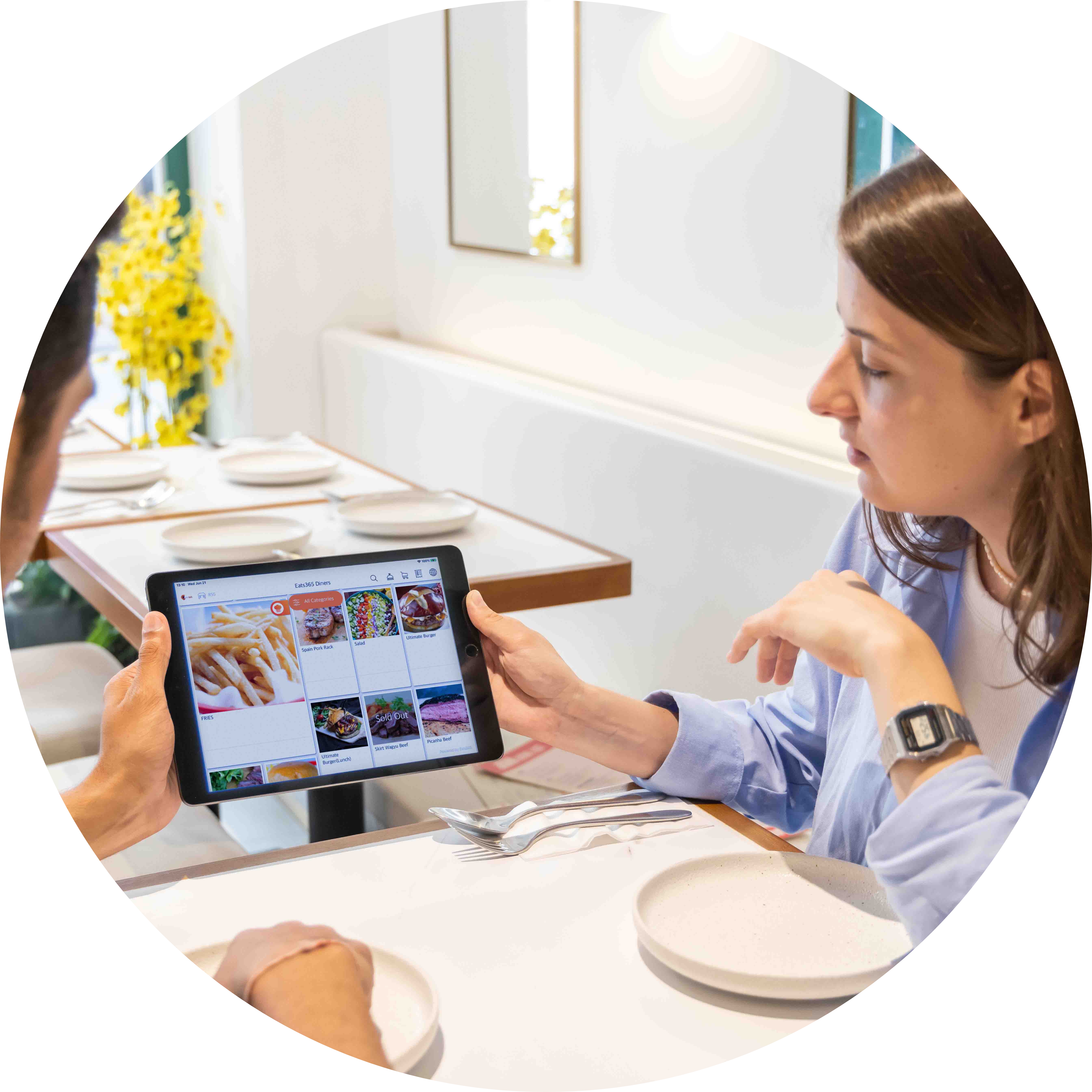
自由變換位置,發揮多樣功能
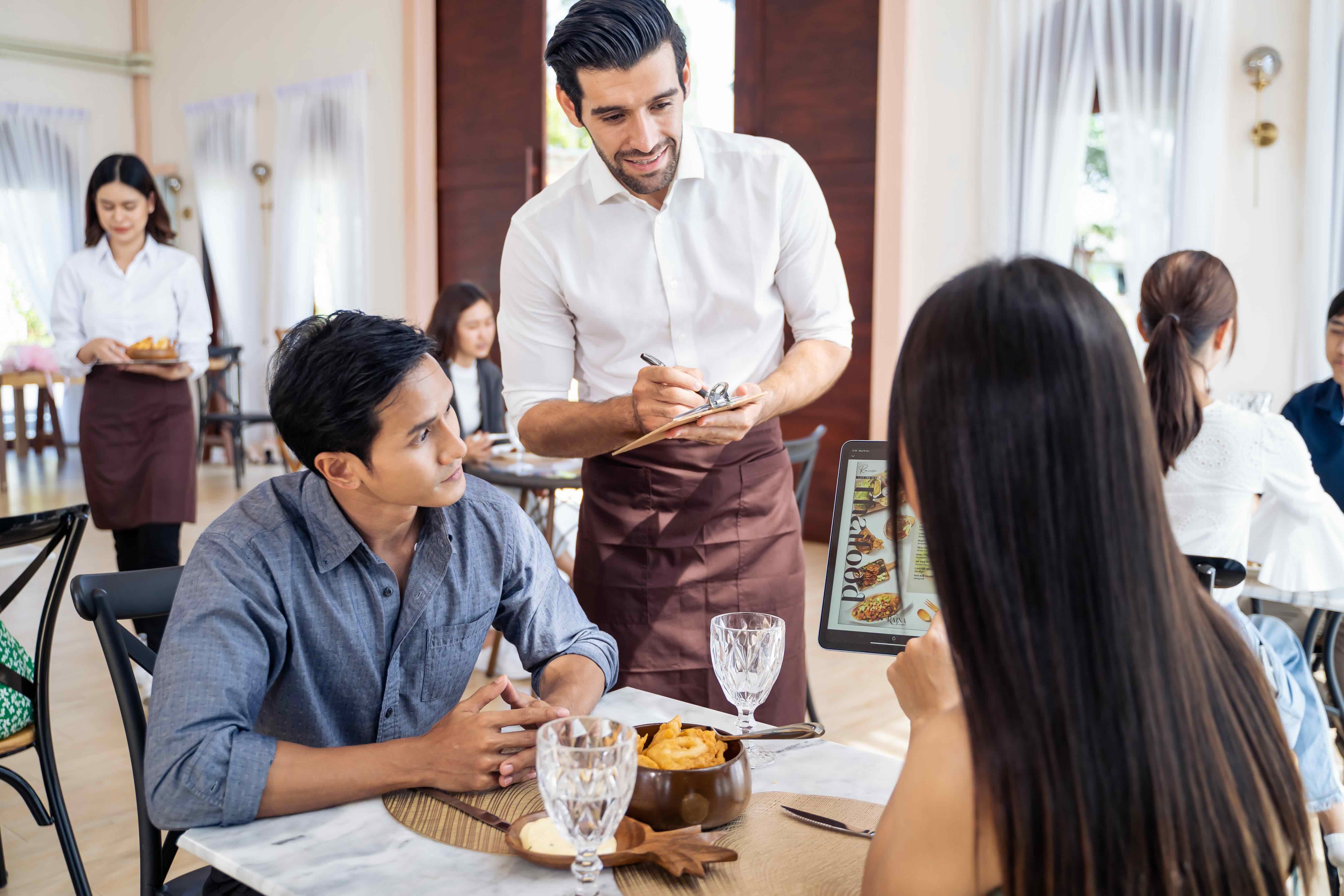
餐廳需要精巧靈活的智慧型菜單。簡單的 iPad,就能輕鬆運作。您可以將每個Eats365電子餐牌裝置綁定桌號,或是由服務人員發配給每組入座的客人,也可以架設在餐廳外,展示優惠資訊與餐點,方便路過的潛在顧客瀏覽您的菜單內容。
Eats365 電子餐牌功能全覽
全面客製化的品牌菜單
 為餐點增加專屬照片
增加餐點的背後的趣味故事
自動變換菜單(如:早餐菜單與午餐菜單)
增加套餐組合、客製化選項(改碼)、折扣優惠與更多
提供不同語言顯示,滿足多國顧客的需求
為餐點增加專屬照片
增加餐點的背後的趣味故事
自動變換菜單(如:早餐菜單與午餐菜單)
增加套餐組合、客製化選項(改碼)、折扣優惠與更多
提供不同語言顯示,滿足多國顧客的需求

能完美符合餐廳營運需求的菜單
從點餐到付款,「電子餐牌」為自助式營運模式提供最便利的選擇
自由選擇行動或是綁定桌號模式,提供餐廳營業所需的高彈性
可作為廣告看板使用,大力推廣全新餐點

具備高互動性且能即時同步
直接從商家管理後台一次更新所有電子菜單
編輯完畢後,所有 Eats365 模組就能即時同步更新
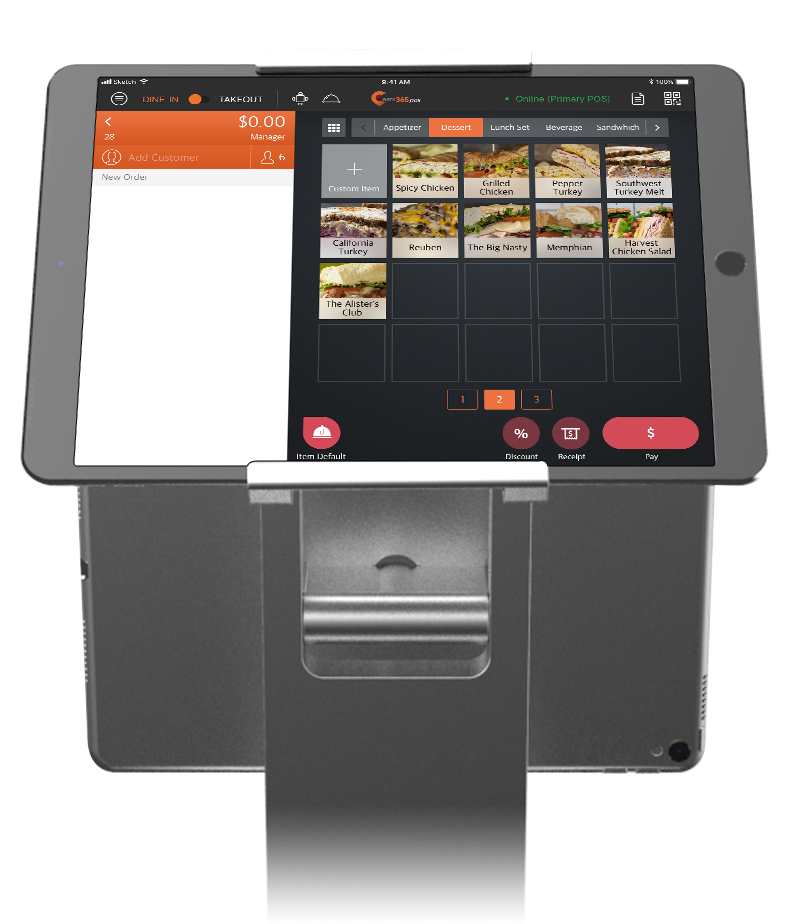
透過電子餐牌下訂的餐點,可以先傳送至 POS 或是 mPOS 系統供同仁確認
庫存品項追蹤功能,協助自動隱藏售完餐點
與 Eats365 其他模組透過雲端無縫連接,提供餐廳聰明的解決方案

Call for Service in a Tap
Guests tap 'Service Call' on the PhotoMenu instead of flagging down staff
They choose the type of service they need
Staff are alerted instantly on the Eats365 POS — pop-up, a bell icon on the table map, and a sound
全面客製化的品牌菜單
為餐點增加專屬照片
增加餐點的背後的趣味故事
自動變換菜單(如:早餐菜單與午餐菜單)
增加套餐組合、客製化選項(改碼)、折扣優惠與更多
提供不同語言顯示,滿足多國顧客的需求
能完美符合餐廳營運需求的菜單
從點餐到付款,「電子餐牌」為自助式營運模式提供最便利的選擇
自由選擇行動或是綁定桌號模式,提供餐廳營業所需的高彈性
可作為廣告看板使用,大力推廣全新餐點
具備高互動性且能即時同步
直接從商家管理後台一次更新所有電子菜單
編輯完畢後,所有 Eats365 模組就能即時同步更新
透過電子餐牌下訂的餐點,可以先傳送至 POS 或是 mPOS 系統供同仁確認
庫存品項追蹤功能,協助自動隱藏售完餐點
與 Eats365 其他模組透過雲端無縫連接,提供餐廳聰明的解決方案
Call for Service in a Tap
Guests tap 'Service Call' on the PhotoMenu instead of flagging down staff
They choose the type of service they need
Staff are alerted instantly on the Eats365 POS — pop-up, a bell icon on the table map, and a sound


餐廳老闆強力推薦

Eats365 電子餐牌 PhotoMenu 相關常見問題
1. 什麼是Eats365 電子餐牌 (Photo Menu) ?與動態電子菜單看板 (Dynamic Digital Menu)有何分別?
動態電子菜單看板 (Dynamic Digital Menu) 主要用於在電視或顯示器上展示餐廳菜單;而Eats365 電子餐牌 (Photo Menu) 則是一個視覺化的自助點餐工具,讓顧客能直接在平板上自行下單。兩者都能突顯商品特色,但功能重點不同。
2. Eats365 電子餐牌(PhotoMenu)可以根據不同時段自動切換嗎?
可以。系統支援自動切換功能,無論是早餐、午餐、晚餐或歡樂時光 (Happy Hour),電子餐牌都會根據設定時段自動顯示對應的商品,無需店員手動調整。
3. 如果我有多間分店,要如何統一管理Eats365 電子餐牌上的價格?
透過 Eats365 POS 或商家界面,連鎖企業可以將價格變更同步應用至所有分店。這種中央化管理能確保各店價格的一致性與即時性,大幅提升營運效率。
4. 使用Eats365 電子餐牌是否一定要搭配 Eats365 POS 系統?
是的。您需要具備 Eats365 POS 才能設置與運行Eats365 電子餐牌,因為所有菜單內容、庫存顯示與價格更新均透過 POS 系統進行即時同步與管理。
5. 我可以自訂Eats365 電子餐牌的介面設計嗎?
可以。Eats365 電子餐牌的配色方案、品牌 LOGO、版面佈局及設計元素皆可自訂,使其成為品牌形象的延伸。您亦可為商品添加信息標籤和生動的文字描述,吸引顧客關注。
5. 同一間餐廳可以設置多個Eats365 電子餐牌嗎?
可以。若您的菜單內容較多或需要顯示不同類別的商品,可以設置多個屏幕。這有助於固定顯示特定內容,或減少頁面輪換的視覺影響,讓顧客更易瀏覽。
「Eats365 電子餐牌」如何幫助您的餐廳

台灣九大【線上點餐系統】費用與合約比較&挑選指南
 23 Jul 2026

想提升外帶接單效率、減少現場排隊,卻不知道 LINE 點餐、線上點餐該怎麼選?本文聚焦台灣餐廳最常見的線上點餐需求,整理Eats365、iCHEF、快一點、微碧、大麥、你訂、inline、Ocard、Oddle九大品牌的線上點餐功能差異、費用結構與適用店型,幫助您避開綁約與隱藏成本,選到真正能改善營運流程的系統。
線上點餐
QR Code
API
閱讀更多
2026 四款【平板點餐系統】比一比,點餐功能、方案預算懶人包
04 Feb 2026
想知道如何用平板點餐讓餐廳效率翻倍?台灣餐飲數位化趨勢已不可逆,透過自助點餐系統已成為餐廳提升營運效能的關鍵工具,至於哪些餐廳、什麼營運情境適合使用平板點餐呢?本文為您解析 2026 年最新的市況與挑選建議!
雲端POS
iPad POS
閱讀更多
【2026最新】9 間台灣餐飲POS系統比較:不同店型怎麼選功能、價格一次看
24 Apr 2026
開店要選餐飲 POS,最怕的不是花得多,而是導入後才發現不適合自己的店型、出單流程或未來展店節奏。對台灣餐飲業者來說,真正影響導入成敗的,往往不只是功能表上的「有或沒有」,而是前台操作是否順手、斷網時能不能持續收銀、廚房與櫃台是否協作順暢、能不能整合電子發票、多元支付、外送平台,以及日後加店時會不會被系統架構卡住。
餐廳經營
餐飲創業
閱讀更多