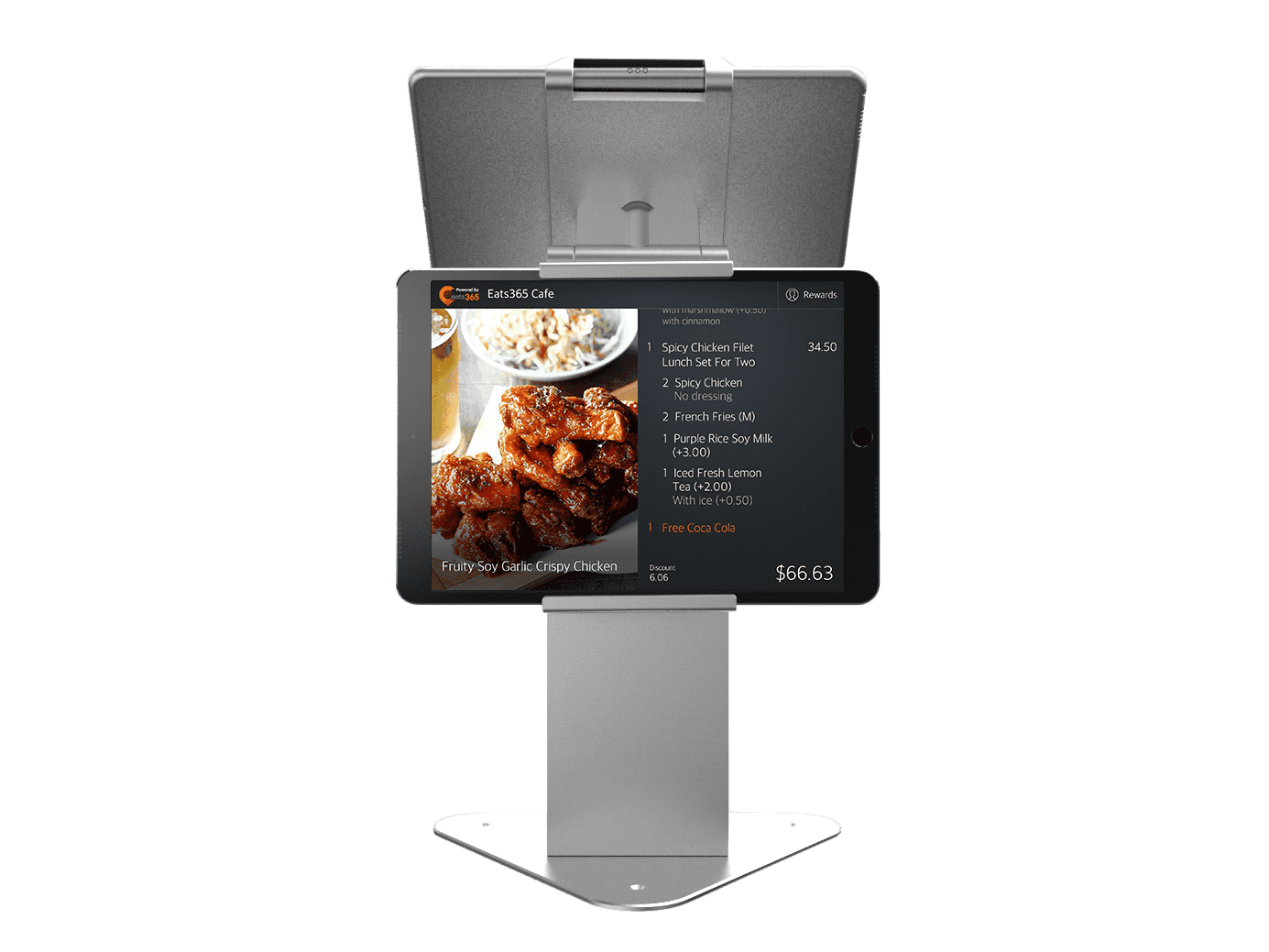
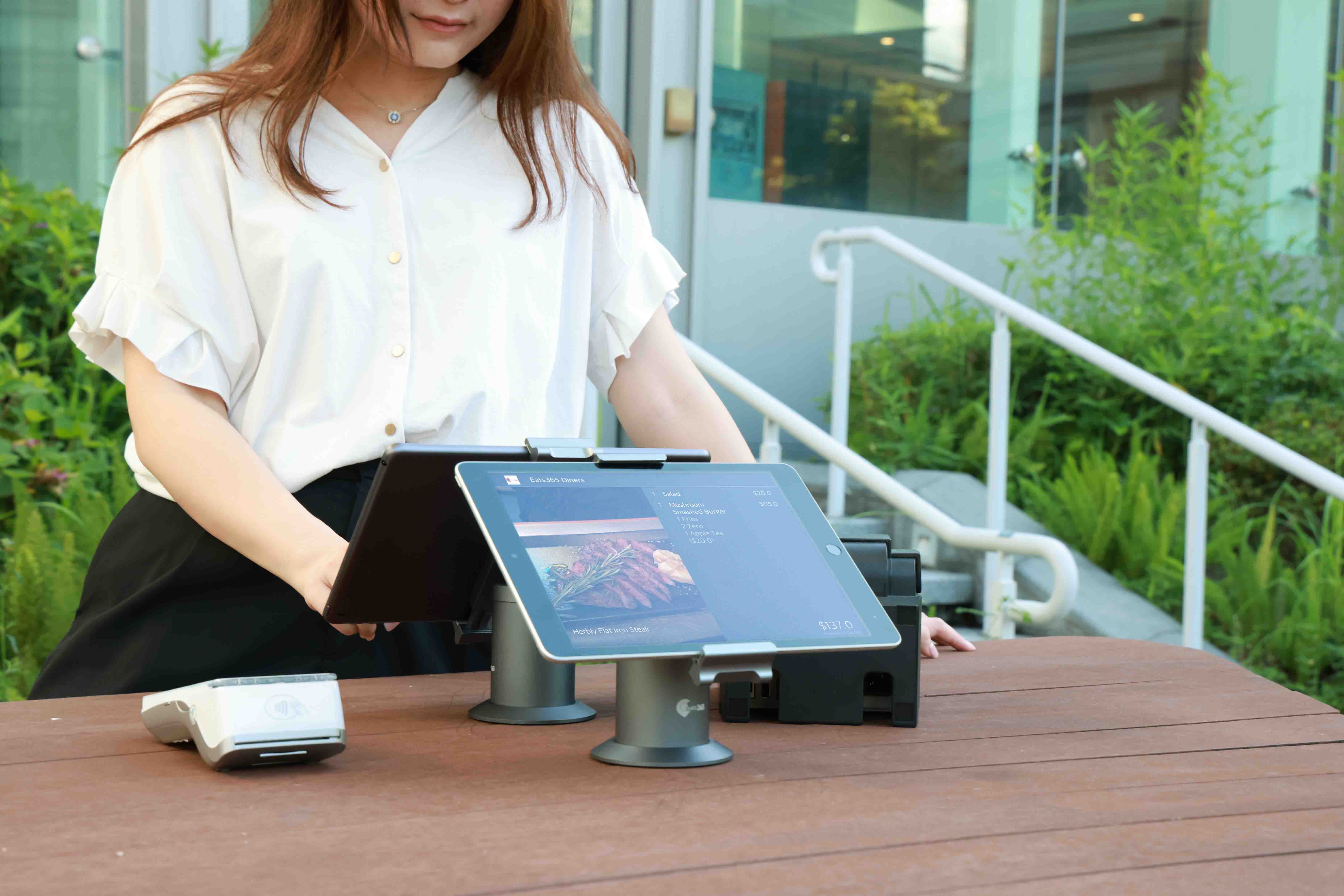
客製化的消費流程有助於建立信任感,能巧妙增加顧客的回訪意願。「顧客端顯示螢幕」呈現每項餐點價格、附加費用、稅金等細項,提供給顧客仔細瀏覽、確認結帳金額,增進溝通且提高顧客滿意度。
顧客端顯示系統
個人化結帳體驗,服務效率再提升
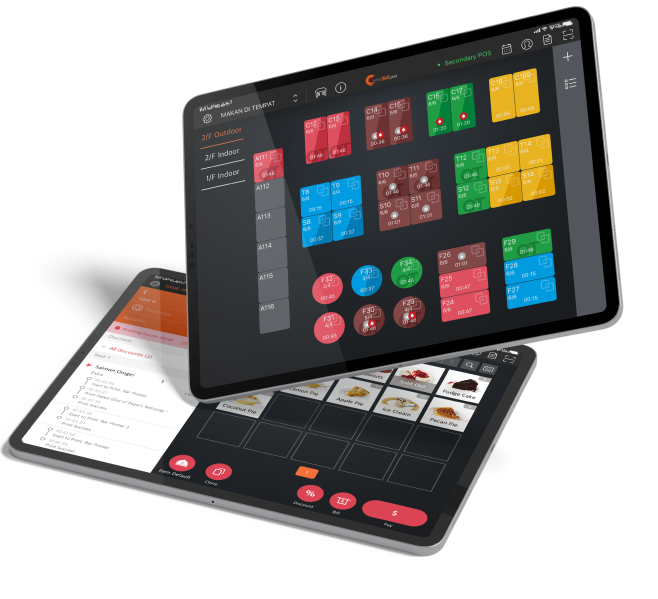
「Eats365 顧客端顯示系統」推出個人化的現代結帳體驗,加深餐廳的專業與親民形象。搭配 Eats365 POS 系統整合顧客訂單資訊,全面提高顧客滿意度。
「Eats365 顧客端顯示系統」如何提升顧客體驗?
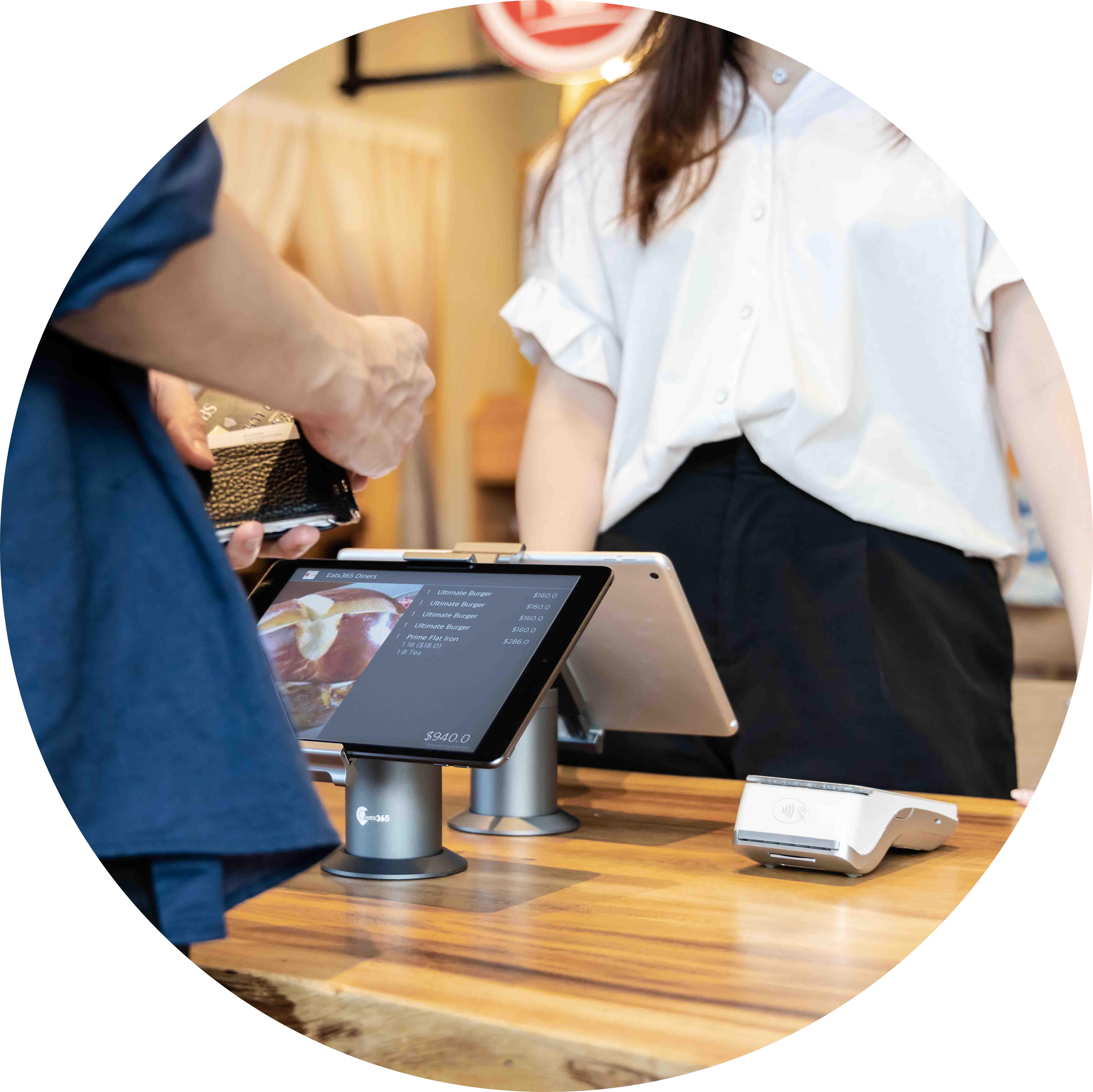
個人化結帳服務,加深顧客的信任感
發生錯誤?快速修正!
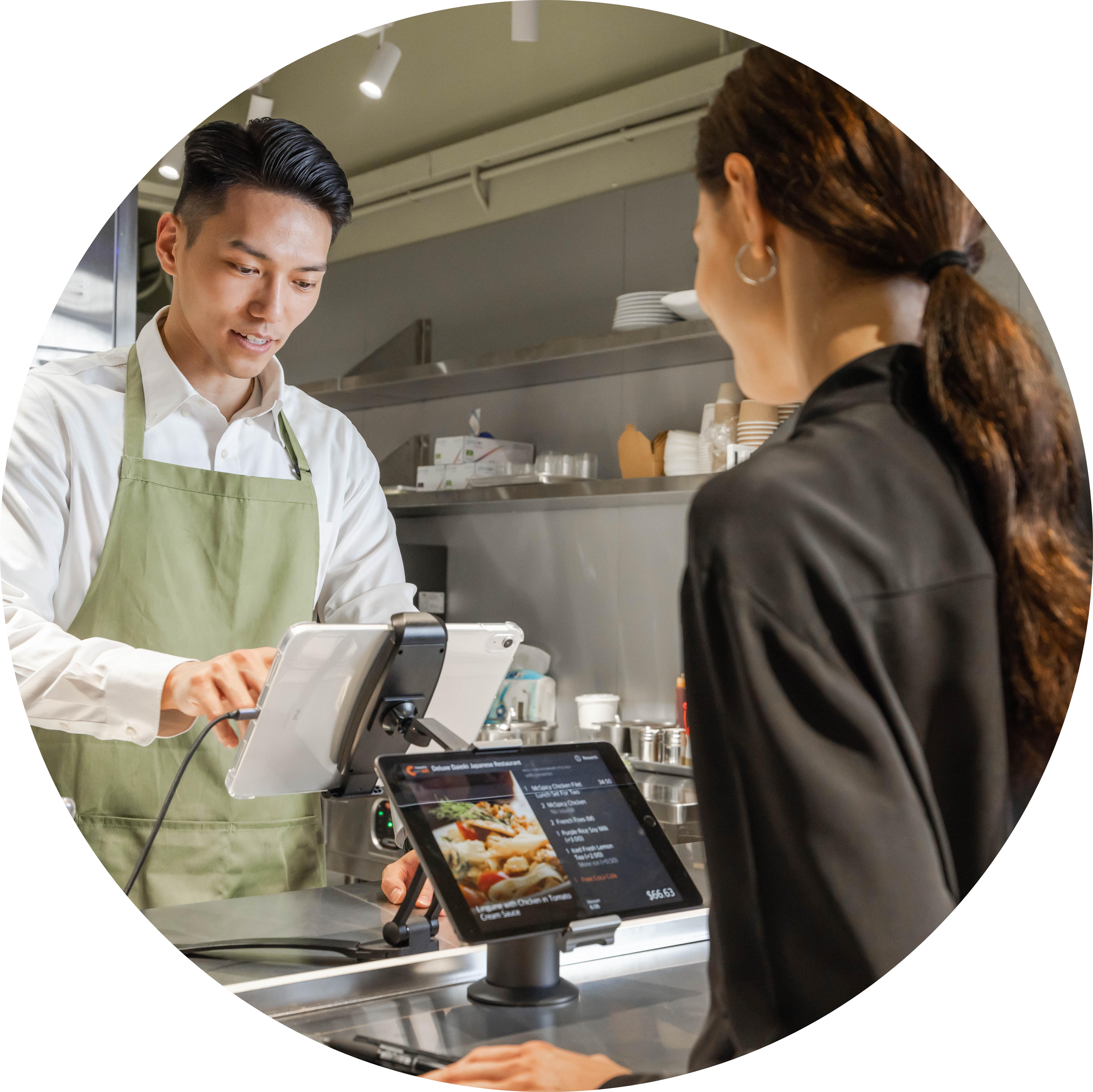
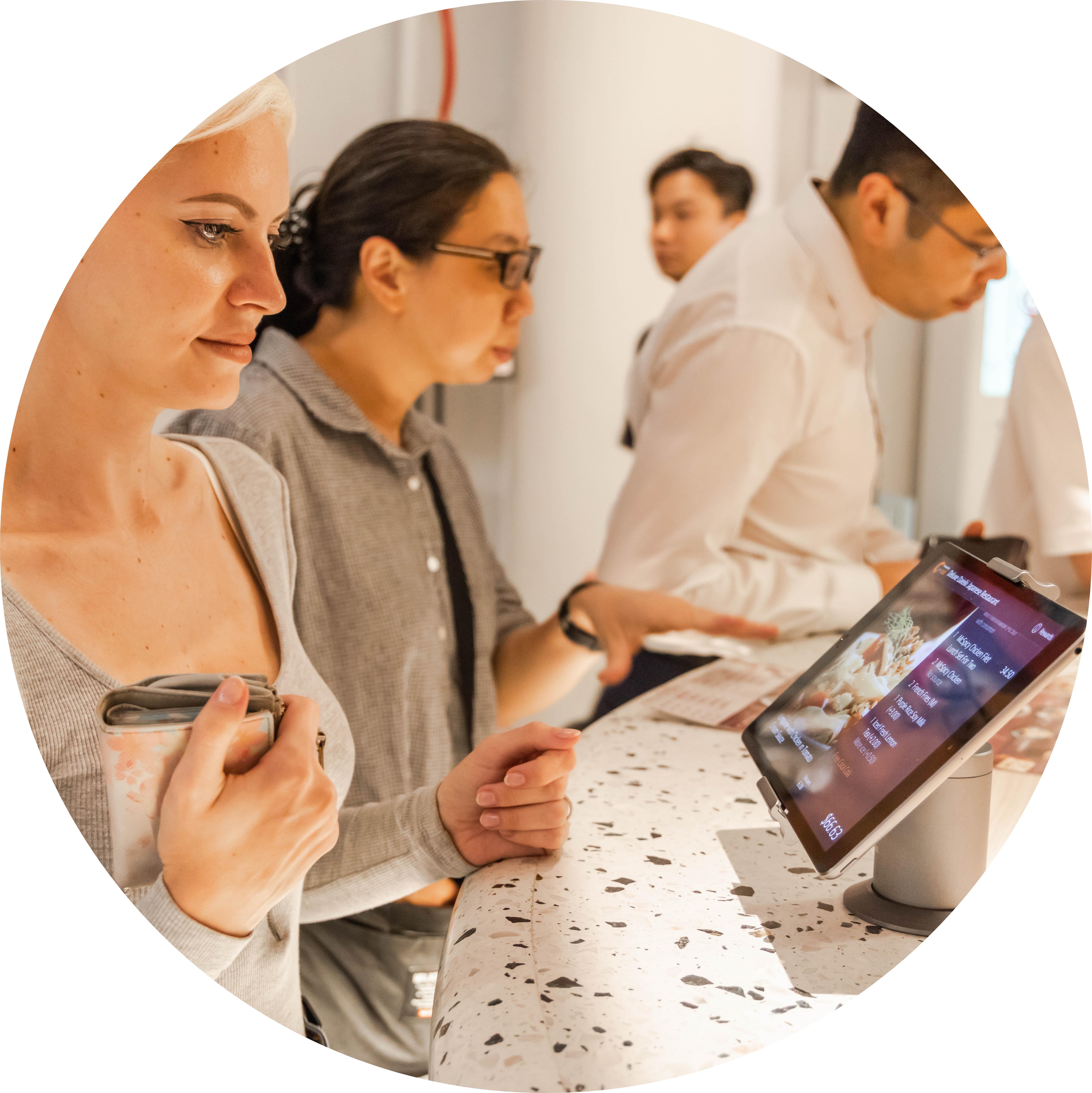
如果顧客在瀏覽訂單明細時發現錯誤,員工當下就能立即修正,避免之後收到客訴電話,找不到舊單據。當下即刻預防潛在問題,維持餐廳營運流暢,並確保顧客開心。
完美融入餐廳環境的顧客端顯示系統
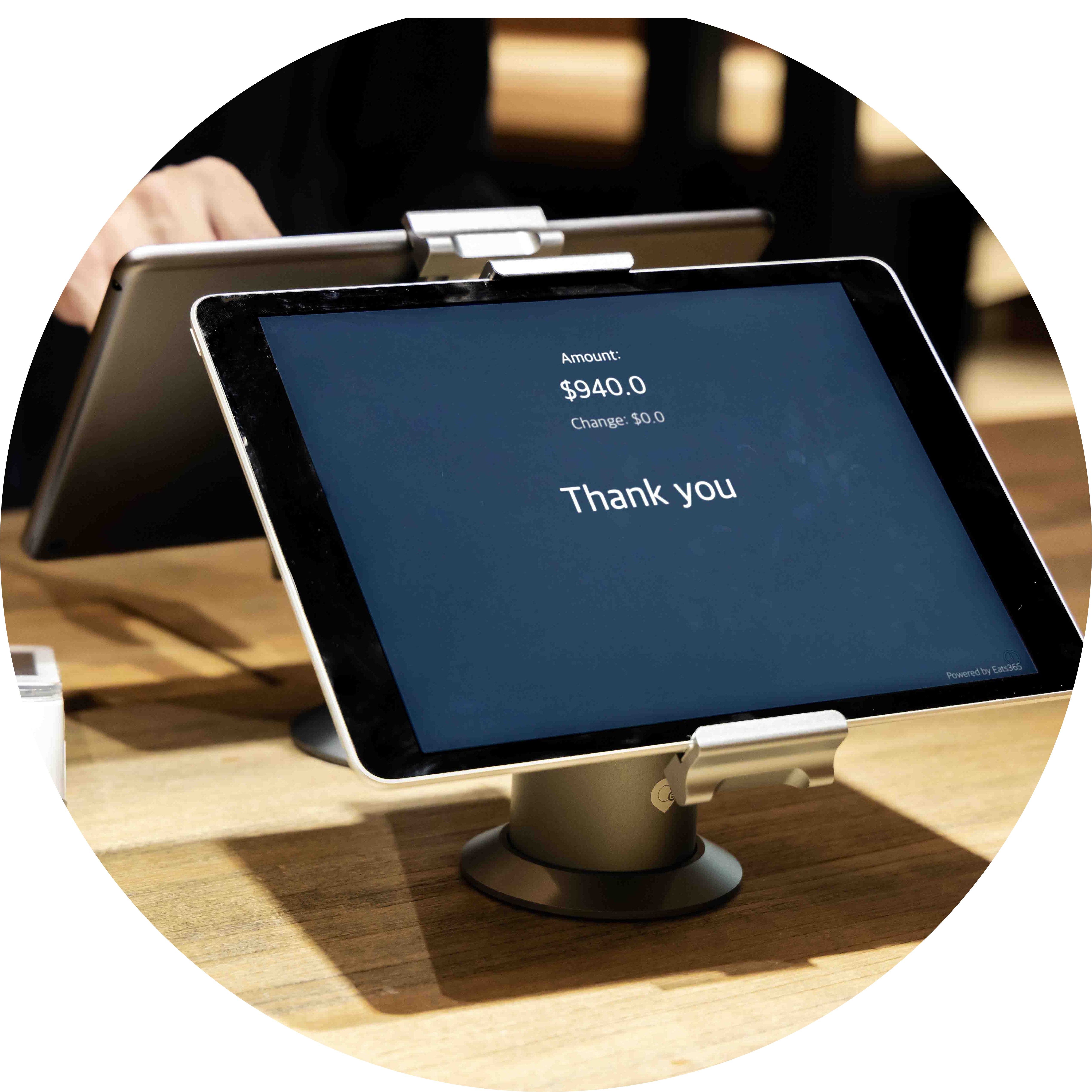
不論經營的餐廳規模大小,Eats365 精簡的「顧客端顯示器」都能輕易融入餐廳環境。若選擇雙螢幕支架,則可以同時在店家配置 POS、在顧客端安裝「顧客顯示器」,節省空間。
善用宣傳管道,吸引顧客再次回顧

「顧客端顯示系統」幫助餐廳向顧客展現自家特色。在顯示系統內增加圖像或影片,大力宣傳優惠訊息、新餐點品項或是驚喜的促銷活動,結帳過程不僅能建立顧客對餐廳的信任感,更能佈局行銷,吸引顧客再次造訪。
「Eats365 顧客端顯示系統」功能全覽

完整的訂單明細
 提供所有餐點品項的詳細資料
顯示個別餐點項目的價格及總價,方便顧客核對
顯示所有額外稅金與附加費用,達到帳單透明化
提供所有餐點品項的詳細資料
顯示個別餐點項目的價格及總價,方便顧客核對
顯示所有額外稅金與附加費用,達到帳單透明化
整合資訊減少錯誤
透過雲端與「Eats365 POS」 達成完全整合
訂單資訊能從 POS 即時傳送至顧客端顯示系統
即時檢視訂單,不需等候就能加速結帳流程
宣傳促銷活動
上傳促銷優惠資訊,如影像、影片等至顧客端顯示系統
設定行銷文案出現順序
選擇輪播或是固定畫面模式
完整的訂單明細
提供所有餐點品項的詳細資料
顯示個別餐點項目的價格及總價,方便顧客核對
顯示所有額外稅金與附加費用,達到帳單透明化
整合資訊減少錯誤
透過雲端與「Eats365 POS」 達成完全整合
訂單資訊能從 POS 即時傳送至顧客端顯示系統
即時檢視訂單,不需等候就能加速結帳流程
宣傳促銷活動
上傳促銷優惠資訊,如影像、影片等至顧客端顯示系統
設定行銷文案出現順序
選擇輪播或是固定畫面模式


餐廳老闆強力推薦

Eats365 顧客端顯示系統 相關常見問題
1.什麼是顧客端顯示系統 (CFD)?
Eats365 顧客端顯示系統(Customer Facing Display)是一款面向消費者的螢幕顯示模組,與 Eats365 POS 系統同步。它能即時顯示訂單明細,包括餐點項目、單價、總額及稅項,讓顧客在確認訂單前核對資訊,提升交易透明度。
2. 顧客端顯示系統能如何提升點餐效率?
透過在螢幕上即時呈現點餐資訊與優惠訊息,顧客可以快速確認品項與價格,減少與店員來回溝通的時間。這不僅能避免點餐錯誤產生的誤會,還能加快整體下單與結帳流程,進而提高餐廳營業額。
3. Eats365 的顧客顯示屏除了顯示訂單,還有哪些功能?
除了顯示訂單細節,Eats365 顧客顯示屏還能處理小費功能。商家可以啟用小費提示,讓顧客直接透過螢幕選擇或輸入小費。此外,系統平時可用於展示品牌廣告或當期促銷資訊,加強品牌互動。
4. Eats365 顧客端顯示系統支援顯示會員資訊嗎?
是的,當店員在 POS 端分配顧客或掃描會員後,Eats365 顧客端顯示系統會同步顯示該會員的相關資訊,例如客戶名稱、獎勵積分餘額以及電子郵件,讓顧客隨時掌握自己的會員狀態。
5. 如果訂單品項過多,顧客可以完整查看到所有內容嗎?
可以。當點餐商品數量過長超出螢幕範圍時,顧客端顯示系統支援垂直滾動功能,讓顧客能自行滑動查看完整的訂單清單,確保結帳前的每項商品與金額都準確無誤。
6. 如何安裝與設定 Eats365 顧客顯示屏 (CFD)?
商家只需從 App Store 直接下載 Eats365 顧客顯示屏 App 並進行配置。安裝後透過網路與主 POS 系統連結,即可實現點餐資訊、小費提示及會員數據的即時同步顯示。
深入了解顧客端顯示系統如何協助您的餐廳

QR code掃碼點餐怎麼挑?台灣四大掃碼點餐系統廠商推薦!
 22 May 2026

台灣掃碼點餐系統百百種,想要依照您的店型找桌位管理、支付整合、是否支援吃到飽規則、費用結構,以及能不能跟 POS/KDS/多店營運一起運作?這篇文章手把手教您挑選掃碼點餐系統時需要注意的重點,並且比較台灣四大掃碼點餐系統:Eats365、iChef、微碧、快一點。
餐廳經營
閱讀更多
2026 四款【平板點餐系統】比一比,點餐功能、方案預算懶人包
04 Feb 2026
想知道如何用平板點餐讓餐廳效率翻倍?台灣餐飲數位化趨勢已不可逆,透過自助點餐系統已成為餐廳提升營運效能的關鍵工具,至於哪些餐廳、什麼營運情境適合使用平板點餐呢?本文為您解析 2026 年最新的市況與挑選建議!
雲端POS
iPad POS
閱讀更多
自助點餐機(kiosk)是什麼、怎麼挑?台灣餐廳評估指南2026最新版
09 Apr 2026
各位老闆們是否也正經歷缺工、人事成本飆高、訂單錯誤等營運痛點?那您可能可以理解為什麼有越來越多的店家開始導入自助點餐機了,這篇就帶您一起看看自助點餐機是否也適合您的營運需求,以及應該從哪些方面進行評估!
餐廳經營
閱讀更多