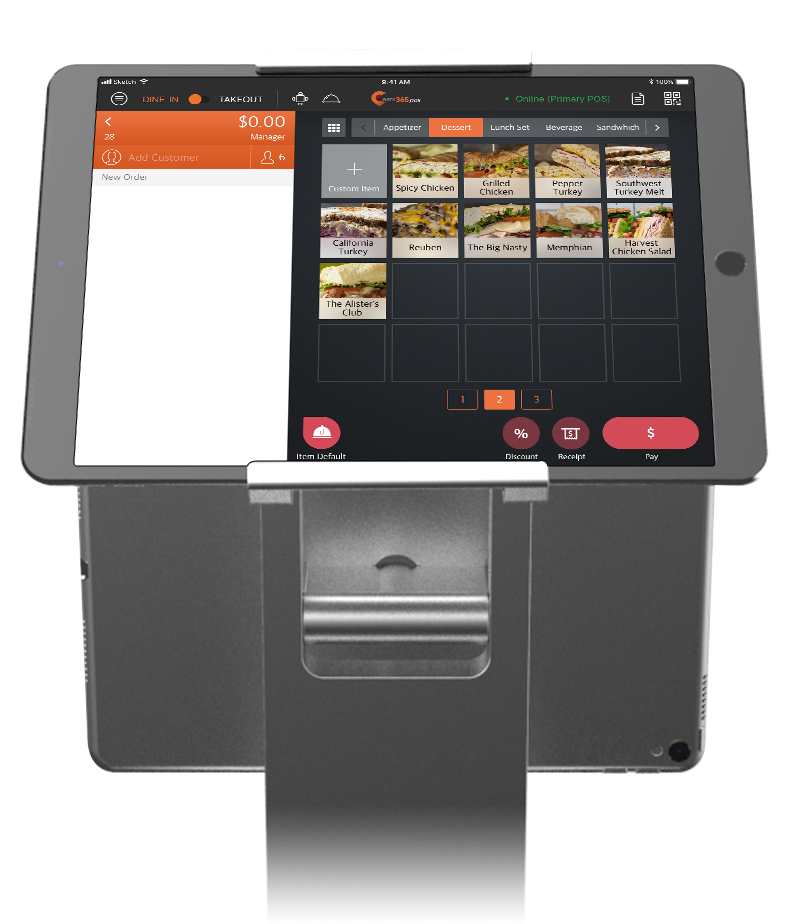
ความไว้ใจคือสิ่งสำคัญของร้านอาหาร การชำระเงินที่ราบรื่นและโปร่งใสช่วยให้ลูกค้ากลับมาใช้บริการซ้ำ จอฝั่งลูกค้าแสดงรายละเอียดออเดอร์ครบ ทั้งราคาแต่ละเมนู ค่าบริการ ภาษี และส่วนลด ลูกค้าเช็กยอดรวมได้ก่อนจ่าย รู้สึกสบายใจและอยากกลับมาอีก
ระบบแสดงผลลูกค้า
สร้างความประทับใจให้ลูกค้าตั้งแต่ชำระเงินจนเดินออกจากร้าน
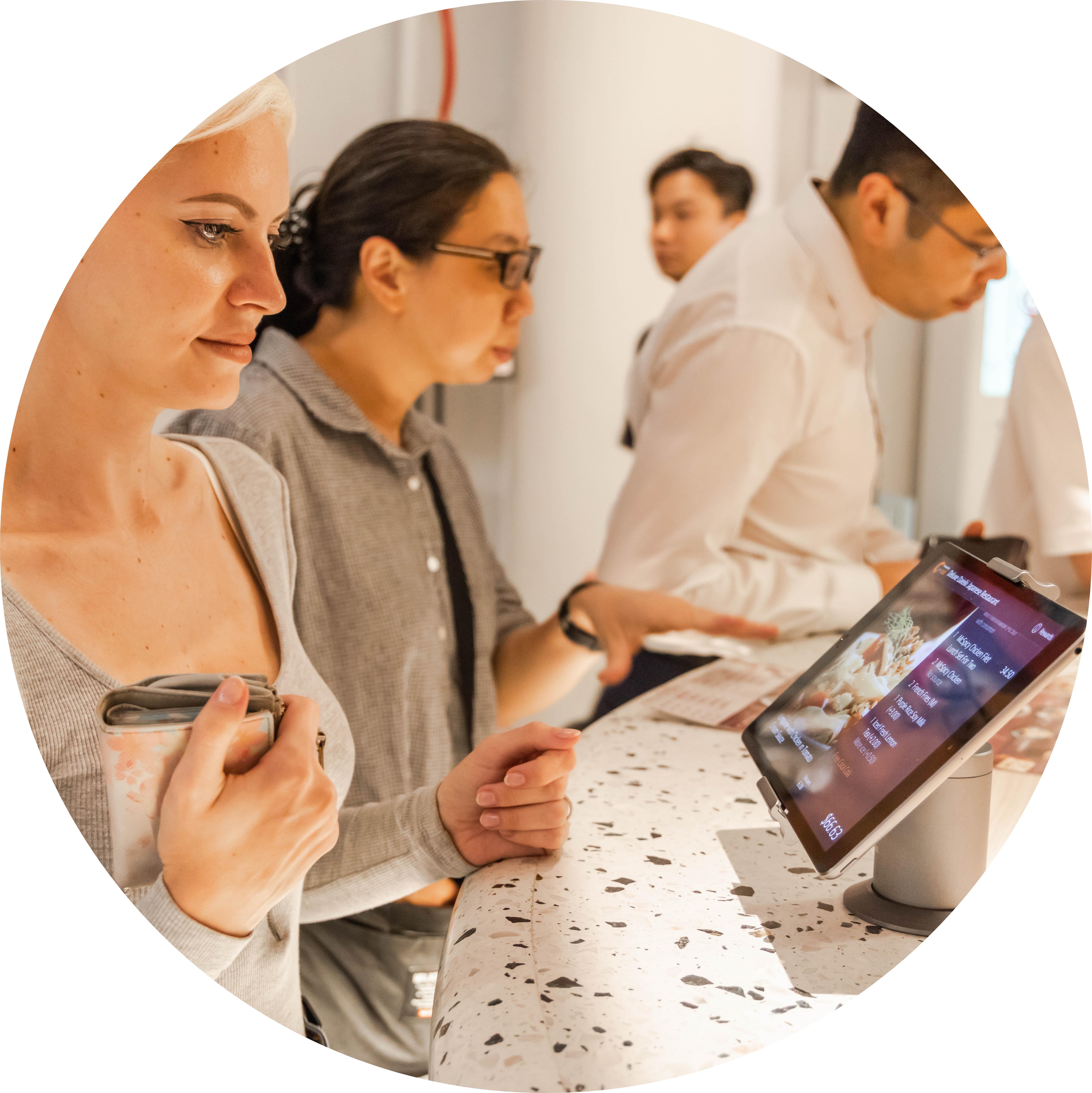
ให้ลูกค้าเห็นรายการอาหารและยอดเงินชัดเจนตอนชำระเงิน เมื่อใช้คู่กับ Eats365 POS จอฝั่งลูกค้าจะแสดงรายละเอียดออเดอร์ครบทุกรายการ ลูกค้าเช็กได้เองก่อนจ่าย มั่นใจขึ้นและประทับใจร้านมากขึ้น
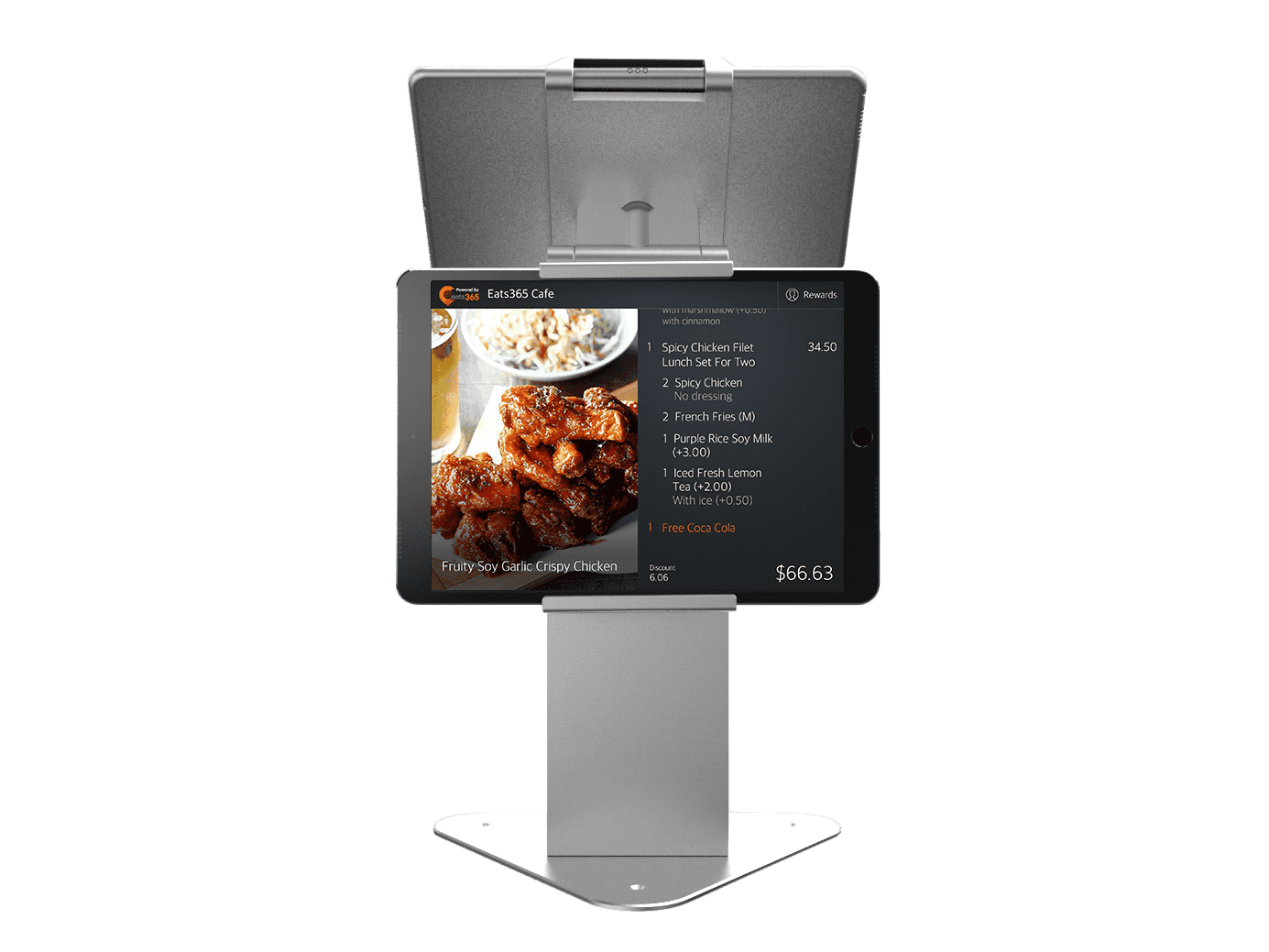
จอแสดงผลฝั่งลูกค้าช่วยร้านคุณได้อย่างไร?
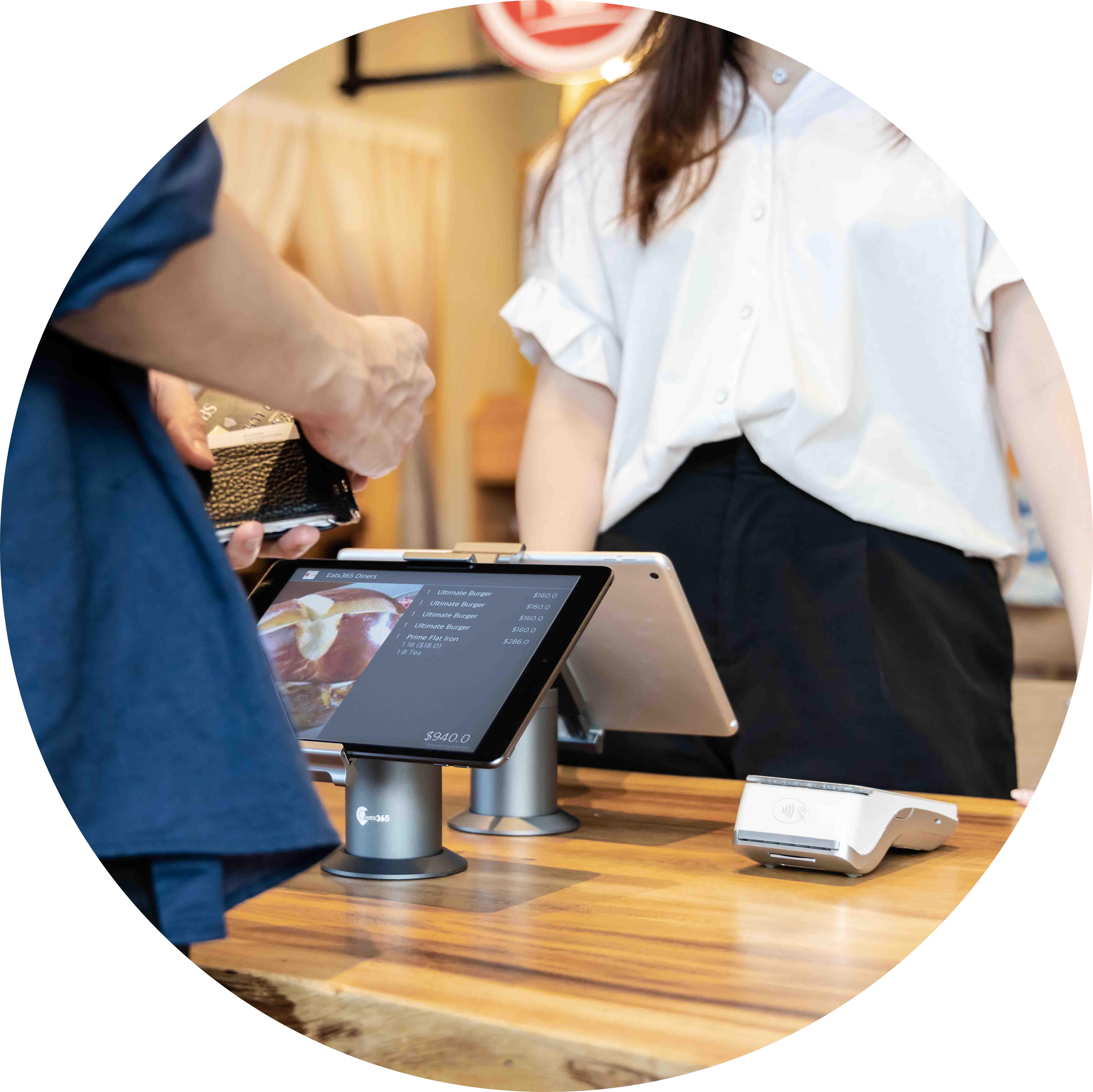
ชำระเงินราบรื่น ลูกค้าเช็กยอดได้เอง
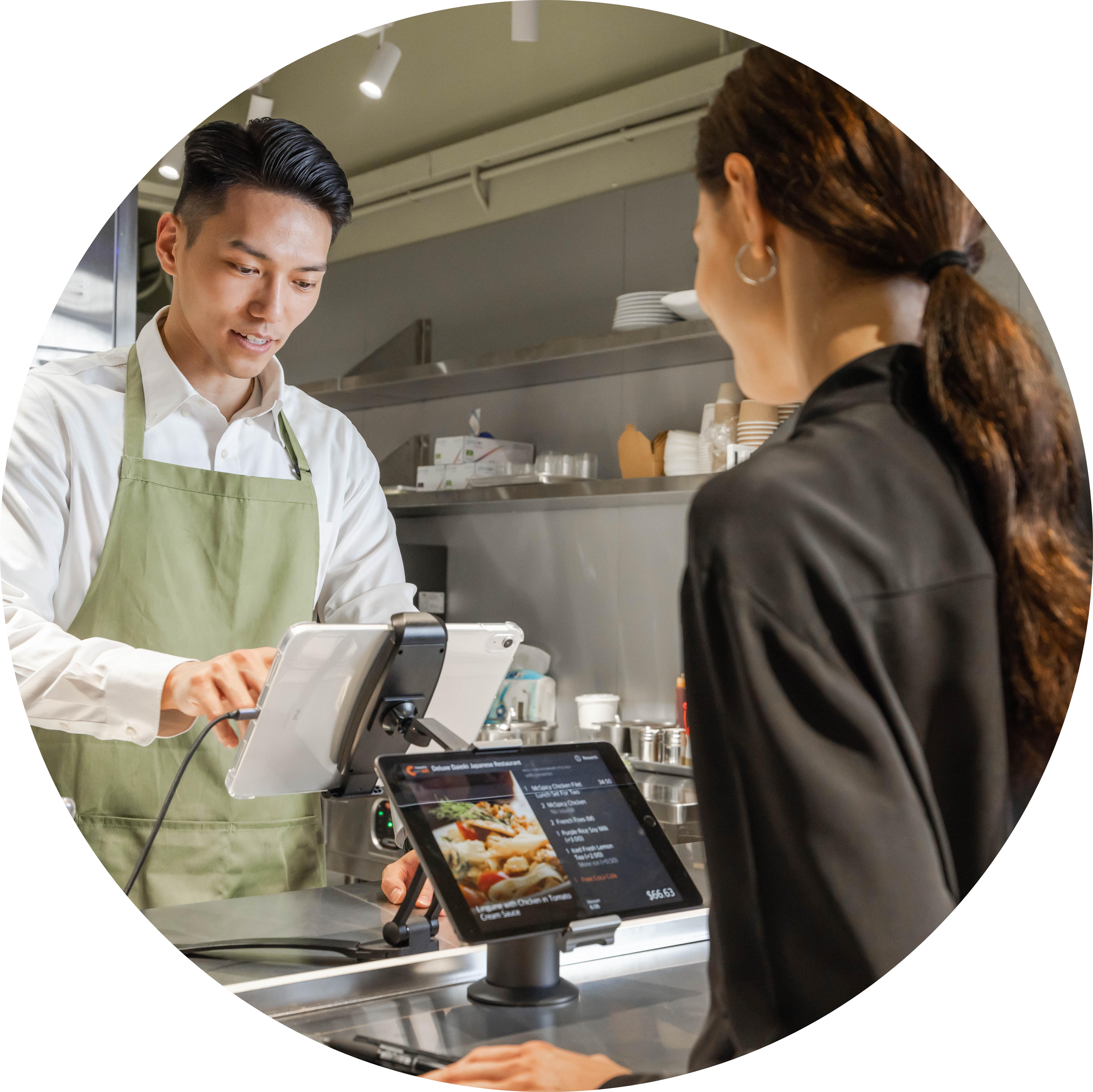
แก้ไขข้อผิดพลาดได้ทันที!
หากลูกค้าเห็นว่าออเดอร์ผิด พนักงานแก้ได้ทันทีที่หน้าแคชเชียร์ ไม่ต้องตามหาบิลเก่า ลดเรื่องร้องเรียน แก้ปัญหาได้เร็ว ร้านก็ทำงานลื่นไหล ลูกค้าก็พอใจ
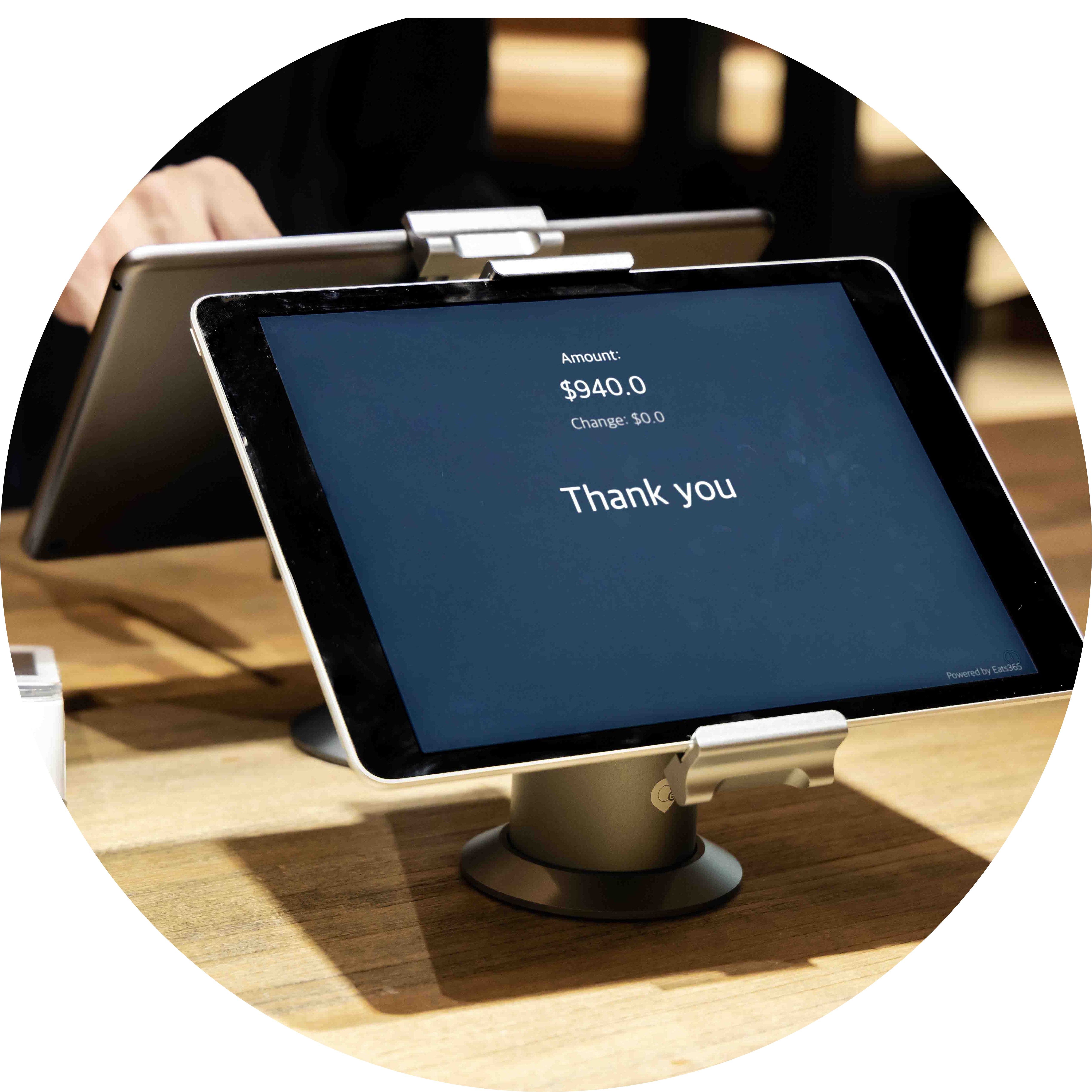
จอขนาดกะทัดรัด วางตรงไหนของร้านก็ลงตัว
ไม่ว่าร้านเล็กหรือใหญ่ ก็ต้องการจุดวางจอฝั่งลูกค้าที่เหมาะที่สุด Eats365 มีจอแสดงผลฝั่งลูกค้าขนาดกะทัดรัด ติดตั้งและจัดวางง่าย เข้ากับบรรยากาศร้าน ถ้าใช้ขาตั้งแบบจอคู่ จอ POS และจอฝั่งลูกค้าจะแสดงผลแยกกันอย่างอิสระ
ใช้รูปและวิดีโอชวนลูกค้ากลับมาอีก
จอแสดงผลฝั่งลูกค้า หรือ Customer Display System (CDS) ไม่ได้มีไว้โชว์ยอดเงินอย่างเดียว คุณเพิ่มรูปหรือวิดีโอเพื่อโปรโมตเมนูใหม่ โปรโมชั่น หรือข้อเสนอพิเศษได้ ทำให้ช่วงชำระเงินกลายเป็นโอกาสทางการตลาด และชวนให้ลูกค้ากลับมาใช้บริการอีก
คุณสมบัติหลักของจอแสดงผลฝั่งลูกค้า (Customer-Facing Display)

รายละเอียดการสั่งซื้อที่ครบถ้วน
 แสดงรายการอาหารในแต่ละออเดอร์อย่างละเอียดบนหน้าจอ
แสดงราคาของแต่ละรายการและยอดรวมทั้งหมด เพื่อให้ลูกค้าตรวจสอบได้ง่าย
แสดงภาษีและค่าธรรมเนียมเพิ่มเติมทั้งหมด เพื่อความโปร่งใสในการคิดเงิน
แสดงรายการอาหารในแต่ละออเดอร์อย่างละเอียดบนหน้าจอ
แสดงราคาของแต่ละรายการและยอดรวมทั้งหมด เพื่อให้ลูกค้าตรวจสอบได้ง่าย
แสดงภาษีและค่าธรรมเนียมเพิ่มเติมทั้งหมด เพื่อความโปร่งใสในการคิดเงิน
รวมข้อมูลเพื่อลดข้อผิดพลาด
เชื่อมต่อกับ Eats365 POS ผ่านระบบคลาวด์
ข้อมูลออเดอร์ส่งจาก Eats365 POS ไปขึ้นจอแสดงผลฝั่งลูกค้าแบบเรียลไทม์
ลูกค้าเช็กออเดอร์ได้ทันที ไม่ต้องรอ ชำระเงินได้เร็วขึ้น

โชว์โปรโมชั่นบนจอ
อัปโหลดรูปภาพหรือวิดีโอโปรโมชั่นขึ้นจอแสดงผลฝั่งลูกค้า
กำหนดลำดับการแสดงผลของโปรโมชั่น
เลือกรูปแบบการแสดงผล: สไลด์โชว์ หรือ ภาพนิ่ง
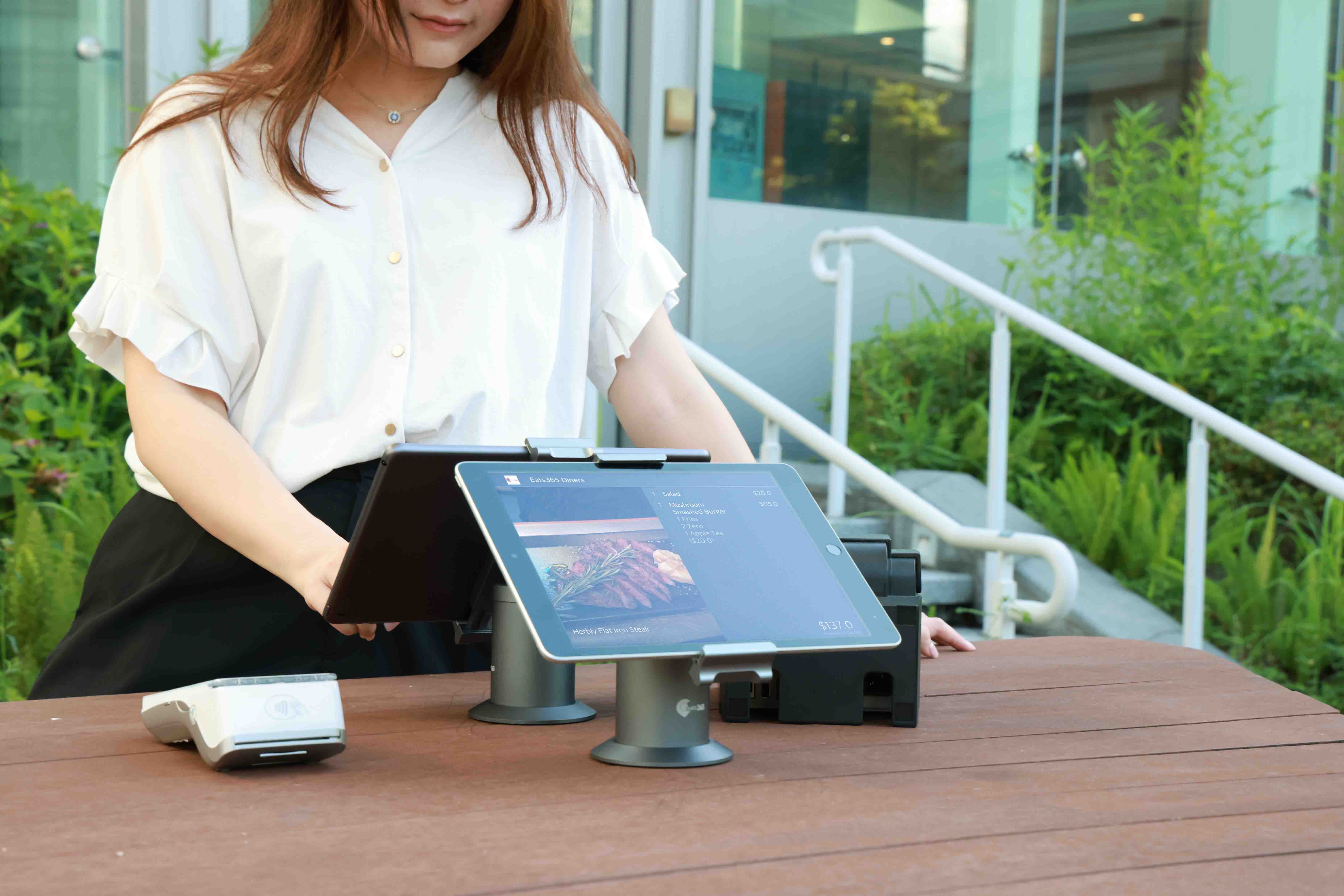
รายละเอียดการสั่งซื้อที่ครบถ้วน
แสดงรายการอาหารในแต่ละออเดอร์อย่างละเอียดบนหน้าจอ
แสดงราคาของแต่ละรายการและยอดรวมทั้งหมด เพื่อให้ลูกค้าตรวจสอบได้ง่าย
แสดงภาษีและค่าธรรมเนียมเพิ่มเติมทั้งหมด เพื่อความโปร่งใสในการคิดเงิน
รวมข้อมูลเพื่อลดข้อผิดพลาด
เชื่อมต่อกับ Eats365 POS ผ่านระบบคลาวด์
ข้อมูลออเดอร์ส่งจาก Eats365 POS ไปขึ้นจอแสดงผลฝั่งลูกค้าแบบเรียลไทม์
ลูกค้าเช็กออเดอร์ได้ทันที ไม่ต้องรอ ชำระเงินได้เร็วขึ้น
โชว์โปรโมชั่นบนจอ
อัปโหลดรูปภาพหรือวิดีโอโปรโมชั่นขึ้นจอแสดงผลฝั่งลูกค้า
กำหนดลำดับการแสดงผลของโปรโมชั่น
เลือกรูปแบบการแสดงผล: สไลด์โชว์ หรือ ภาพนิ่ง
จอแสดงผลฝั่งลูกค้าเหมาะกับร้านอาหารประเภทนี้


จอแสดงผลฝั่งลูกค้าเป็นส่วนหนึ่งของโซลูชันต่อไปนี้


ร้านแบบเดียวกับคุณเลือกใช้ระบบของ Eats365

คำถามที่พบบ่อยเกี่ยวกับจอแสดงผลฝั่งลูกค้าของ Eats365
1. จอแสดงผลฝั่งลูกค้า (CFD) ในร้านอาหารคืออะไร?
จอแสดงผลฝั่งลูกค้าคือจอดิจิทัลที่แสดงรายละเอียดออเดอร์ให้ลูกค้าเห็นแบบเรียลไทม์ ขณะที่พนักงานคีย์รายการเข้า POS ลูกค้าเช็กราคาแต่ละรายการ ภาษี และค่าบริการเพิ่มเติมได้ก่อนจ่าย ช่วยลดการสั่งผิดและสร้างความไว้ใจ
2. จอแสดงผลฝั่งลูกค้าซิงค์กับ Eats365 POS อย่างไร?
จอแสดงผลฝั่งลูกค้าจับคู่กับ Eats365 POS โดยตรง เมื่อพนักงานเพิ่มรายการในออเดอร์ผ่าน POS ข้อมูลจะอัปเดตบนจอฝั่งลูกค้าอัตโนมัติแบบเรียลไทม์ ลูกค้าจึงเห็นบิลล่าสุดเสมอ
3. โชว์โฆษณาหรือโปรโมชั่นบนจอฝั่งลูกค้าได้ไหม?
ได้ คุณอัปโหลดชุดสื่อ ทั้งรูปภาพและวิดีโอ ขึ้นจอแสดงผลฝั่งลูกค้าได้ ช่วงที่ไม่มีการคิดเงิน จอจะใช้โปรโมตเมนูใหม่ ดีลที่กำลังจะมา หรือระบบสมาชิก ให้ลูกค้ามีอะไรดูระหว่างรอ
4. จอแสดงผลฝั่งลูกค้าของ Eats365 รองรับการให้ทิปไหม?
รองรับ จอแสดงผลฝั่งลูกค้าตั้งค่าให้ถามเรื่องทิประหว่างชำระเงินได้ ลูกค้าเลือกเปอร์เซ็นต์ที่ตั้งไว้หรือใส่จำนวนเองได้ ให้ทิปได้สะดวกและเป็นส่วนตัว
5. ติดตั้งและจับคู่จอแสดงผลฝั่งลูกค้าอย่างไร?
เข้าสู่ระบบเครื่อง Eats365 POS ไปที่ Settings แล้วเลือก 'Device Pairing' จากนั้นเลือก 'Customer Facing Display' เพื่อเชื่อมจอที่สองเข้ากับเครื่อง POS หลัก
6. จอที่สองสำหรับลูกค้ามีประโยชน์อย่างไร?
จอที่สองช่วยให้ออเดอร์ถูกต้องขึ้น เพราะลูกค้าเห็นจุดผิดได้เร็ว ภาษีและค่าบริการโปร่งใส และคิดเงินได้เร็วขึ้น นอกจากนี้ยังใช้เป็นเครื่องมือการตลาด โชว์สื่อและโปรโมชั่นของร้าน ช่วยให้ลูกค้ากลับมาใช้บริการซ้ำ
อ่านเพิ่มเติม: จอแสดงผลฝั่งลูกค้าช่วยร้านอาหารของคุณได้อย่างไร
The Rise of Cashless Payments: What It Means for Your Restaurant
 14 May 2025

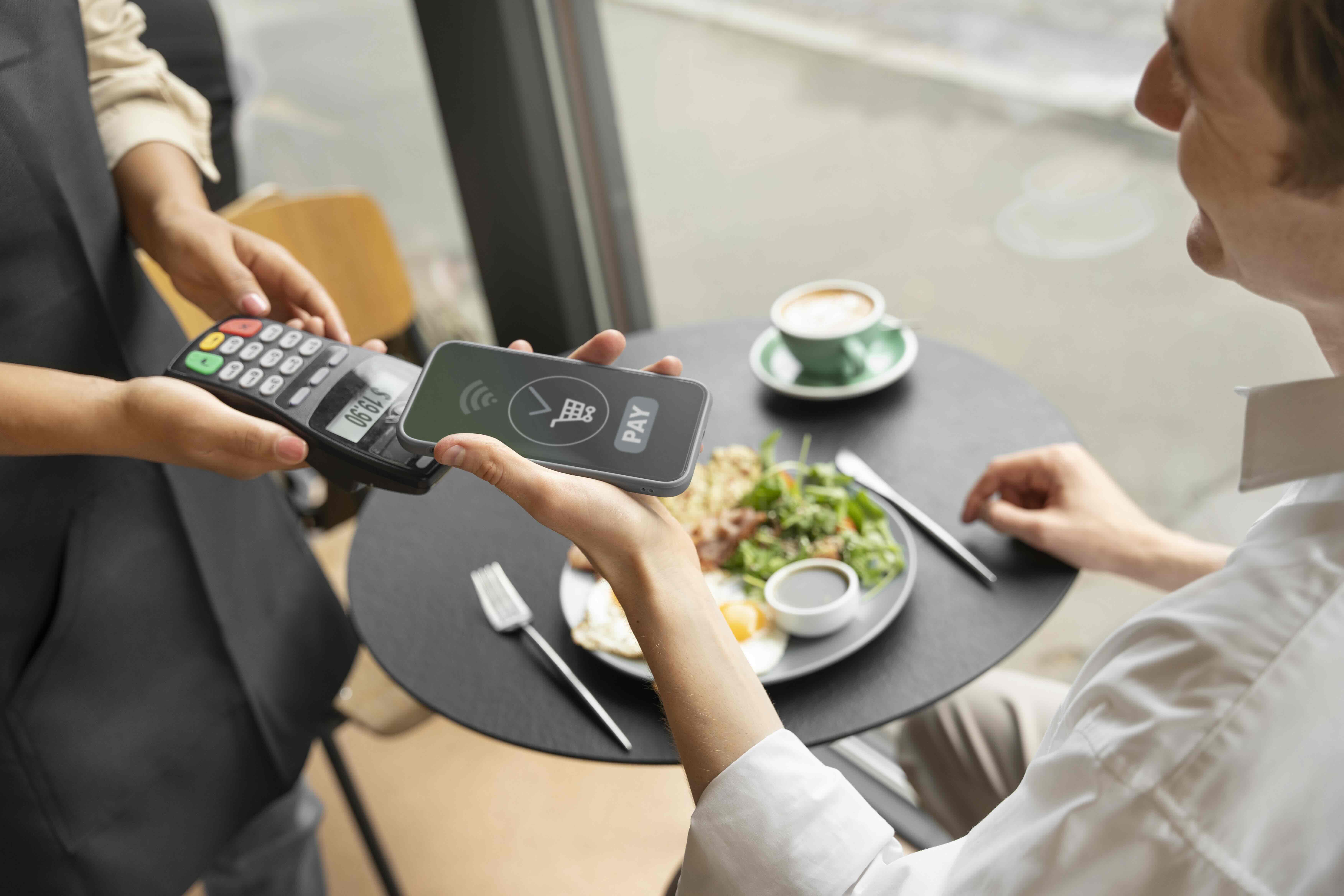
Swipe, tap, or scan – how are you keeping up? Understanding what is cashless payment is crucial for your restaurant's efficiency, security, and future success.
支付工具
Restaurant POS Features
F&B Trends
Read More
Top Digital Signage Strategies for Quick Service Restaurants
18 Jun 2025
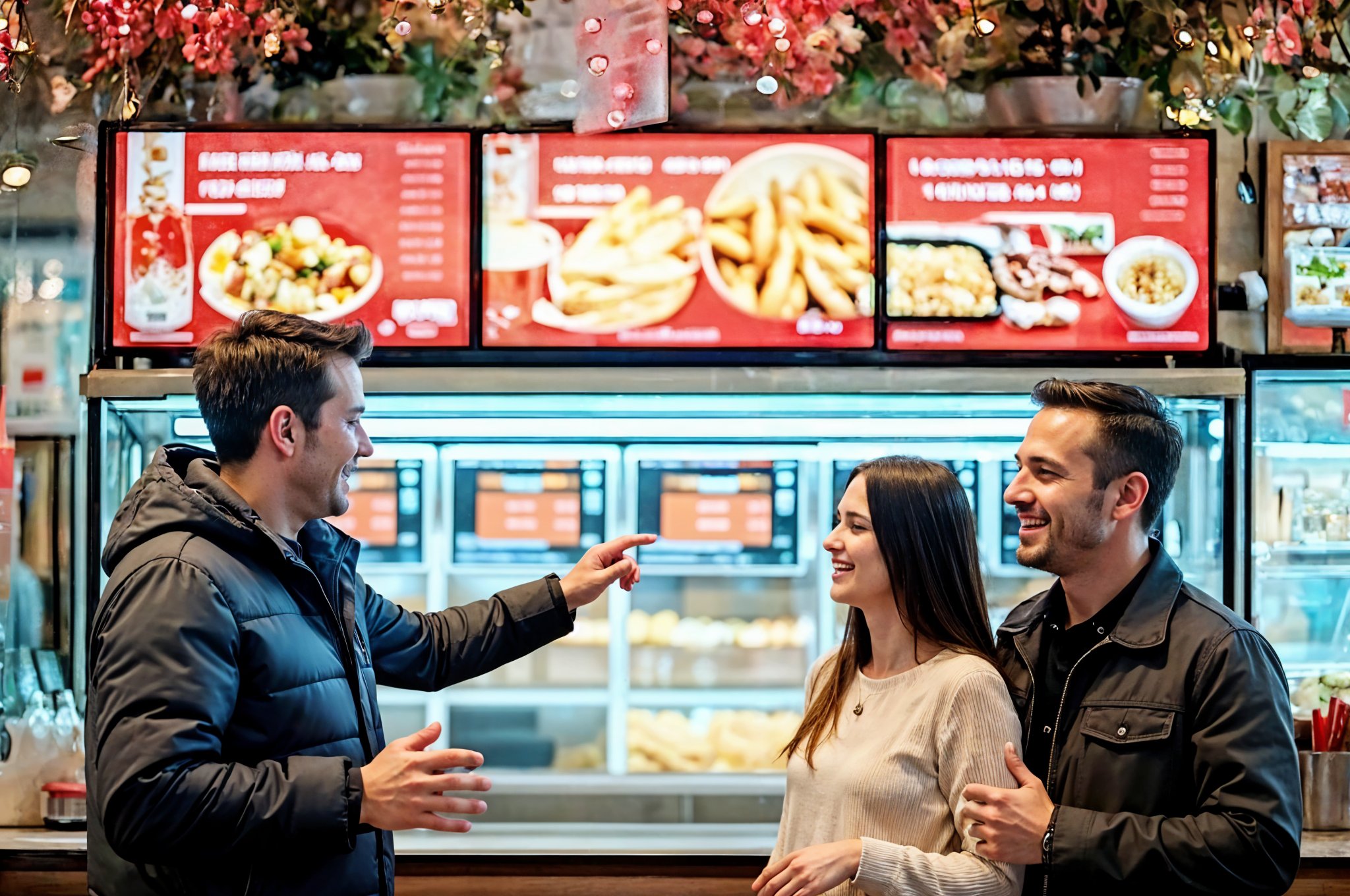
Are your static menus and long wait times hurting sales? This guide explores how quick service restaurant digital signage boosts revenue, enhances customer experience, and streamlines operations.
Foodtech
Read More
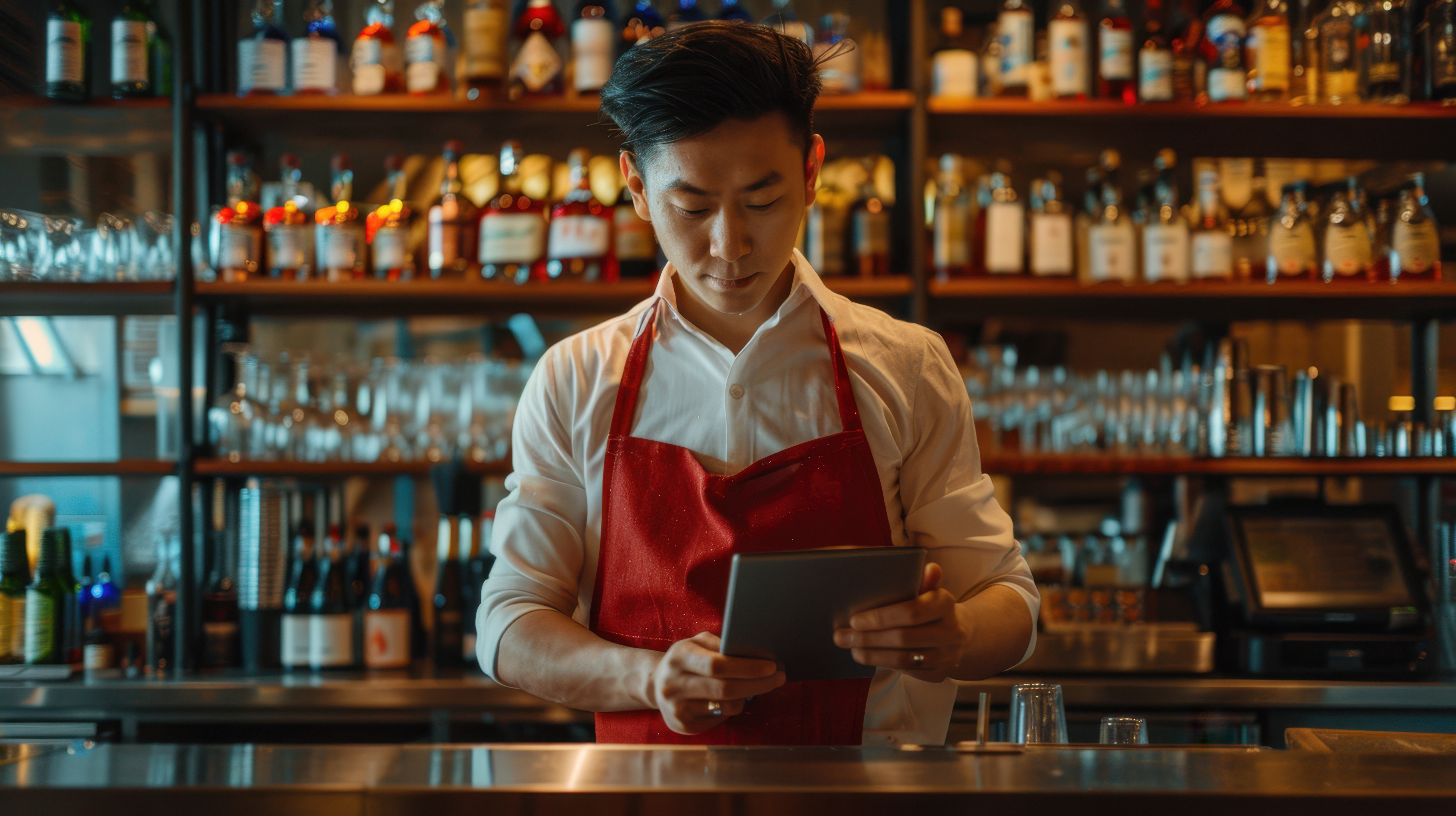
Best POS System for US Bar & Nightclub in 2026
13 Oct 2026
Are peak bottlenecks slowing down your service? This article compares five leading U.S. bar POS systems, examining the essential features like fast tab management, hardware flexibility, and actual costs to help you eliminate bottlenecks and keep service moving.
Bars & Nightclubs
Restaurant POS Features
Read More
