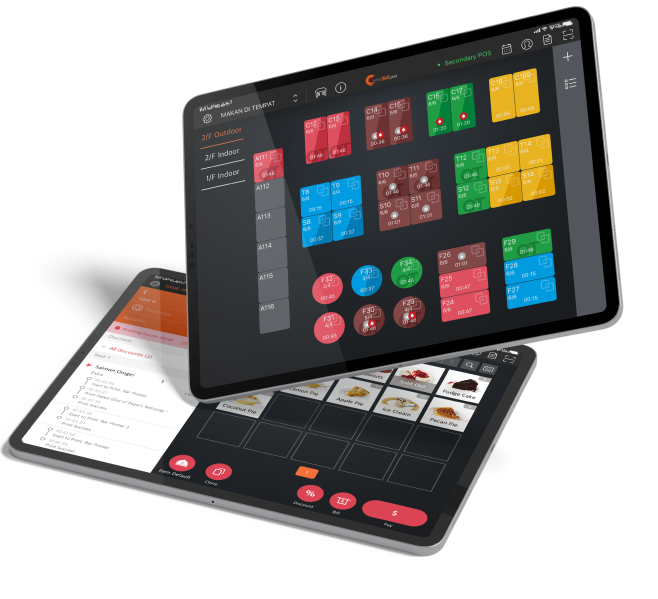
ไม่ว่าจะอยู่ในย่านชุมชนที่เงียบสงบ หรือห้างสรรพสินค้าที่พลุกพล่าน ระบบจัดการคิวที่โดดเด่นก็สามารถดึงดูดสายตาของลูกค้าได้ จอแสดงผลที่คมชัดจะแสดงหมายเลขคิวที่ถูกเรียกอย่างชัดเจน และเมื่อทำงานร่วมกับเสียงเรียกของตู้กดบัตรคิว ก็จะช่วยให้มั่นใจว่าลูกค้าจะไม่พลาดการเรียกคิวอีกต่อไป
ระบบจัดการคิว
เพิ่มความเร็วในการรอคิว ยกระดับประสบการณ์ลูกค้า
การมีคิวยาวหน้าร้านอาจเป็นสัญญาณที่ดีของธุรกิจที่กำลังเติบโต แต่หากการจัดการคิวล่าช้า จะส่งผลเสียต่อภาพลักษณ์ของร้านและประสบการณ์ของลูกค้า ระบบจัดการคิวที่ดีจะทำงานร่วมกับซอฟต์แวร์ POS และอุปกรณ์ต่างๆ เช่น จอแสดงผลคิว และเครื่องคิวอัตโนมัติ เพื่อให้ลูกค้าได้รับการแจ้งเตือนเมื่อถึงคิว ช่วยเพิ่มความรวดเร็วและประสิทธิภาพในการบริหารจัดการคิว

ระบบจัดการคิว ช่วยให้คุณจัดการคิวได้เร็วขึ้นได้อย่างไร?
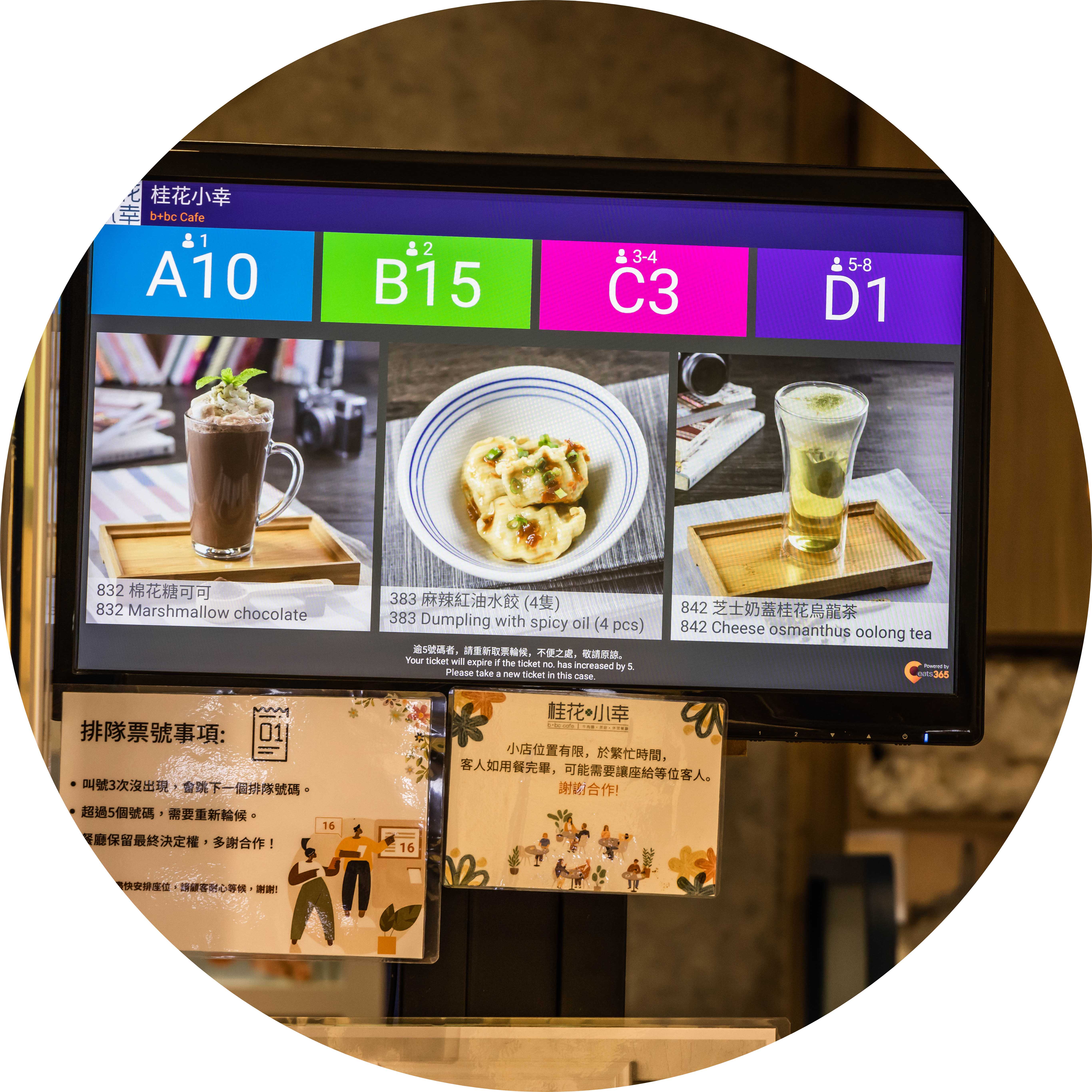
การเรียกคิวที่แม่นยำ ไม่พลาดทุกการเรียก
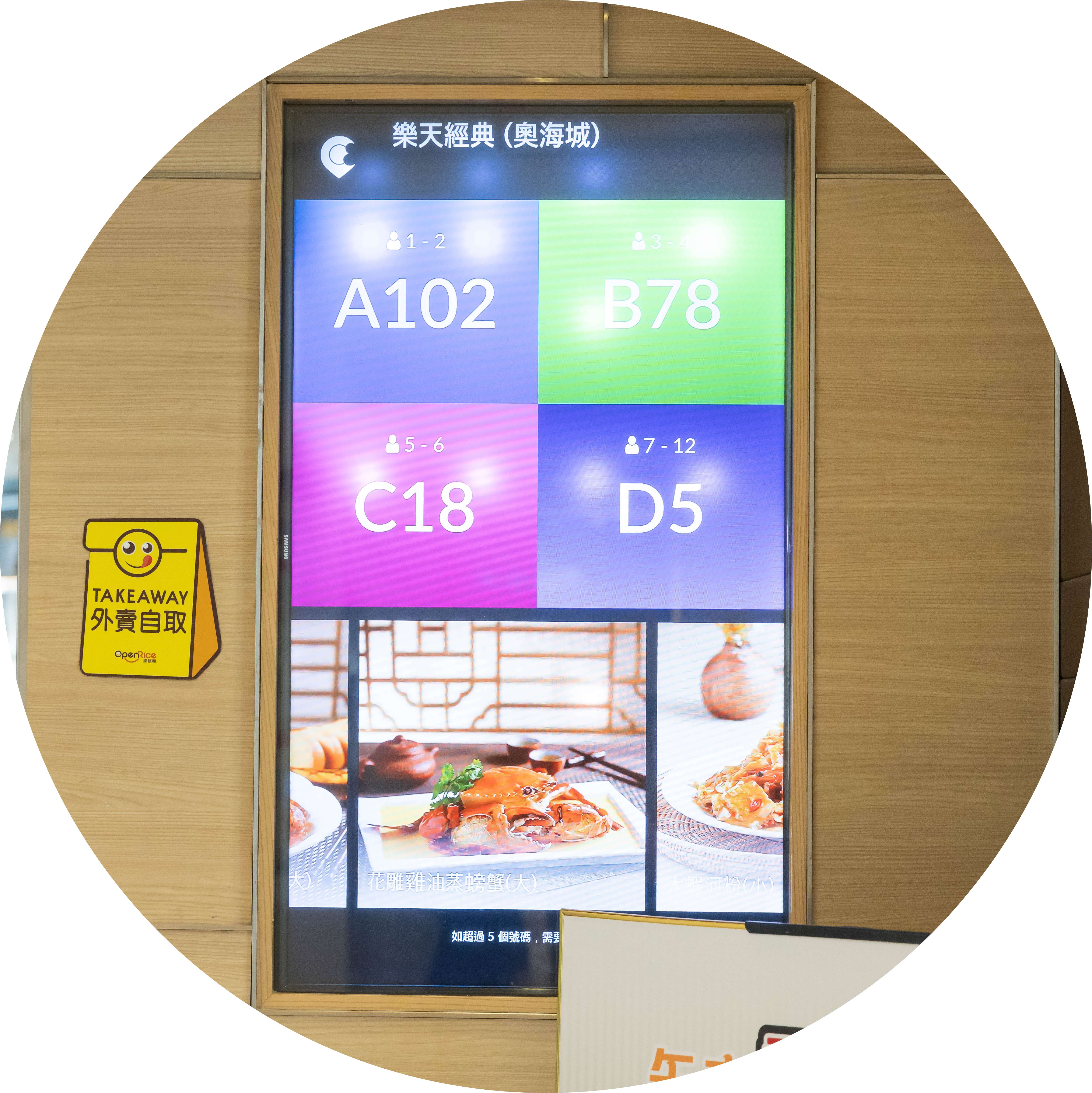
เปลี่ยนเวลาการรอคิวให้กลายเป็นช่วงเวลาทองในการเพิ่มยอดขาย
เมื่อลูกค้ากำลังรอโต๊ะอยู่ ทำไมไม่ใช้เวลานี้เป็นโอกาสทองในการโฆษณา? ให้ "ระบบจัดการคิว" แสดงเมนูใหม่น่าสนใจ โปรโมชั่นสุดคุ้ม และชุดเมนูที่น่ารับประทาน เพื่อให้ลูกค้าเลือกอาหารได้ในระหว่างรอคิว ช่วยลดเวลาการสั่งอาหารเมื่อได้โต๊ะ!

การผสานรวมเทคโนโลยี ลูกค้า และพนักงานอย่างลงตัว
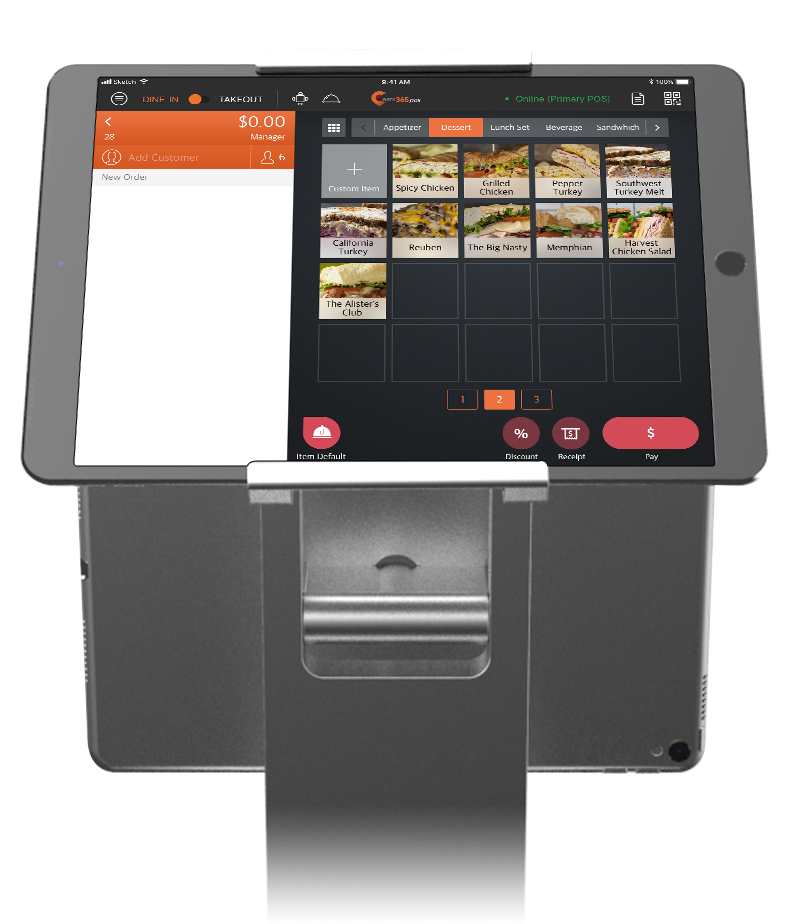
"ระบบแสดงผลคิว" สามารถทำงานร่วมกับโมดูลต่างๆ เช่น "ตู้กดบัตรคิว" และ "Eats365 POS" เพื่อสร้างขั้นตอนการสื่อสารที่ครบวงจรซึ่งเชื่อมโยงลูกค้ากับพนักงาน เมื่อลูกค้าใช้ "ตู้กดบัตรคิว" พนักงานจะได้รับการแจ้งเตือนข้อมูลคิวของลูกค้าทันทีบนระบบ "Eats365 POS" เมื่อโต๊ะพร้อม พนักงานสามารถดำเนินการบน POS เพื่อส่งข้อมูลไปยัง "ตู้กดบัตรคิว" และ "ระบบแสดงผลคิว" เพื่อแจ้งให้ลูกค้าเตรียมตัวเข้าที่นั่ง การส่งข้อมูลที่ราบรื่นช่วยให้การสื่อสารระหว่างลูกค้ากับพนักงานเป็นไปอย่างราบรื่น
คุณสมบัติที่สำคัญของ "ระบบจัดการคิว"
อัปเดตข้อมูลคิวแบบเรียลไทม์
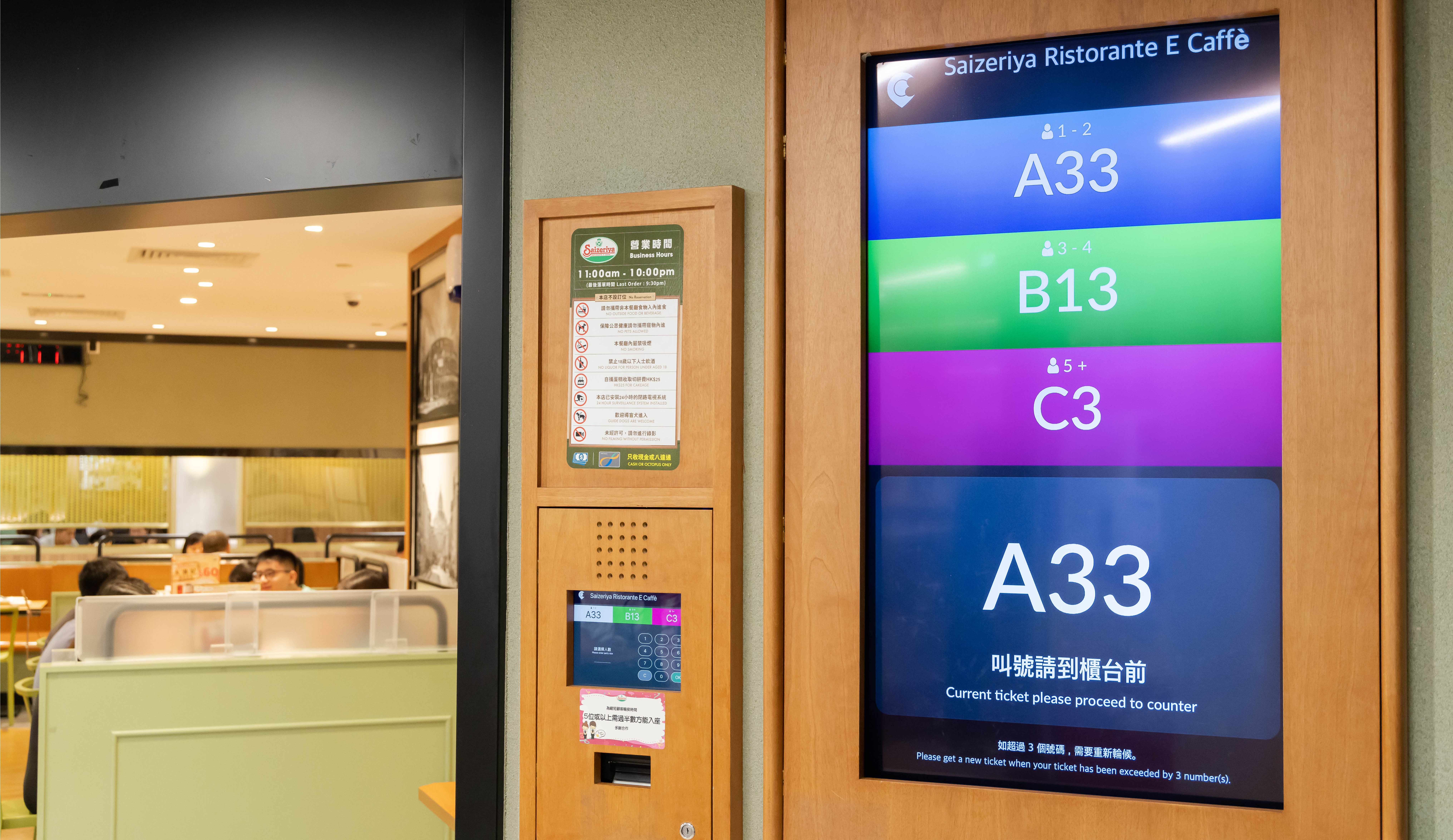
 "ระบบจัดการคิว" จะแสดงหมายเลขคิวที่พนักงานเรียกจาก POS ได้แบบเรียลไทม์
แสดงหมายเลขคิวที่พร้อมให้บริการได้พร้อมกันหลายหมายเลข
ลบหมายเลขคิวที่เลยคิวแล้วออกจาก "ระบบจัดการคิว" ได้ทันทีหรือภายในเวลาที่กำหนด
ซิงค์ข้อมูลที่นั่งกับ POS ผ่านระบบคลาวด์
Organizes tickets from the POS, Queue Kiosk and Branded Online Store into one sequence — walk-ins and online bookings together
"ระบบจัดการคิว" จะแสดงหมายเลขคิวที่พนักงานเรียกจาก POS ได้แบบเรียลไทม์
แสดงหมายเลขคิวที่พร้อมให้บริการได้พร้อมกันหลายหมายเลข
ลบหมายเลขคิวที่เลยคิวแล้วออกจาก "ระบบจัดการคิว" ได้ทันทีหรือภายในเวลาที่กำหนด
ซิงค์ข้อมูลที่นั่งกับ POS ผ่านระบบคลาวด์
Organizes tickets from the POS, Queue Kiosk and Branded Online Store into one sequence — walk-ins and online bookings together
ปรับแต่งจอแสดงผลได้ตามต้องการ
รองรับจอแสดงผลหลากหลายขนาด ร้านอาหารสามารถเลือกขนาดที่เหมาะสมได้อย่างอิสระ
ปรับขนาดตัวอักษรได้อิสระ
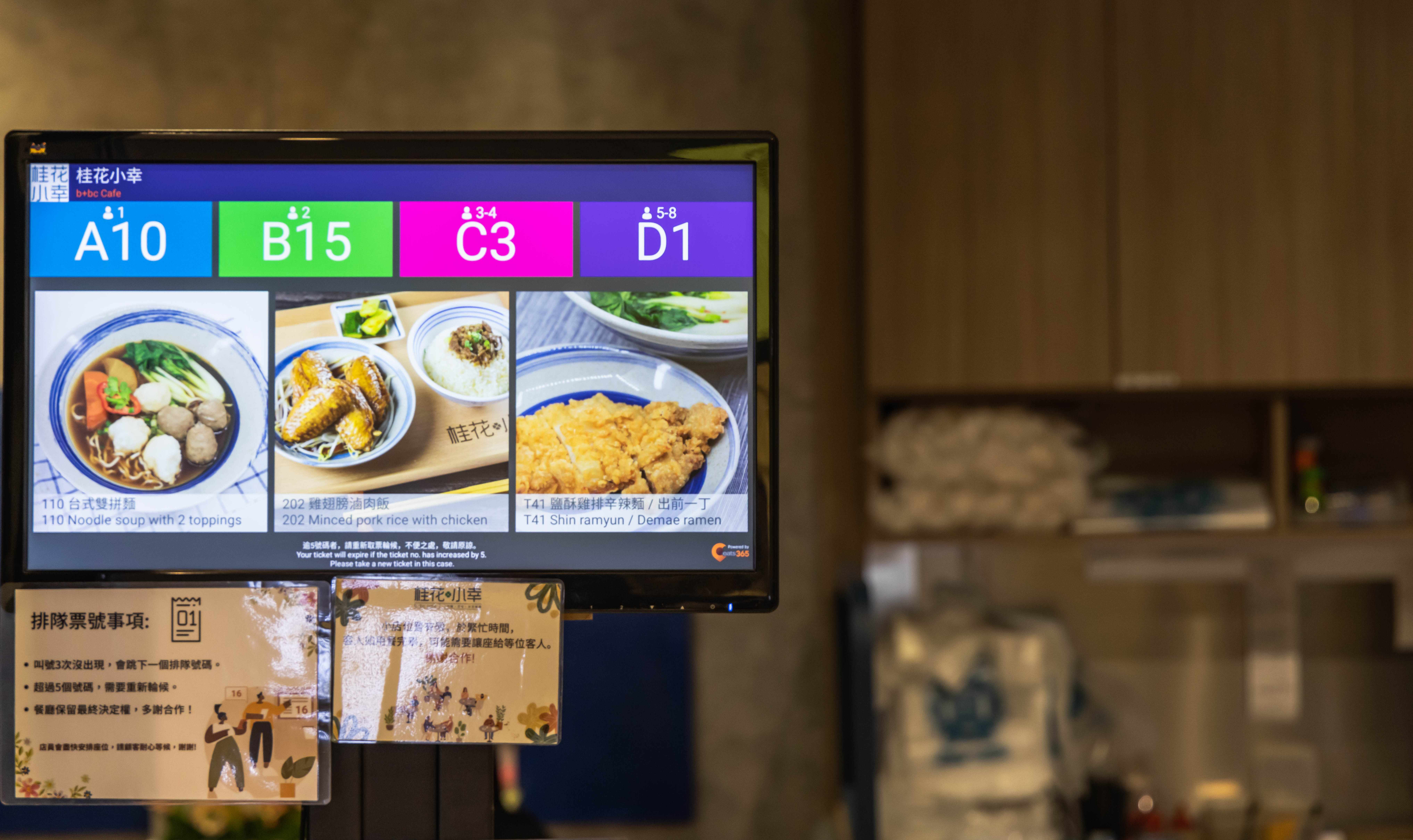
เพิ่มข้อมูลโปรโมชั่นอาหารแนะนำ เพื่อดึงดูดลูกค้า
Runs on any Android or Apple TV–supported screen, from tablets to large-format displays
Pick your font size
Run promotional content alongside called numbers to upsell while guests wait
Even More with a Paired Queue Kiosk
Automatic 'Now Serving' voice announcements alert guests even when they're not watching the screen
Multi-language announcements — ideal for Malaysia's mixed-language diners
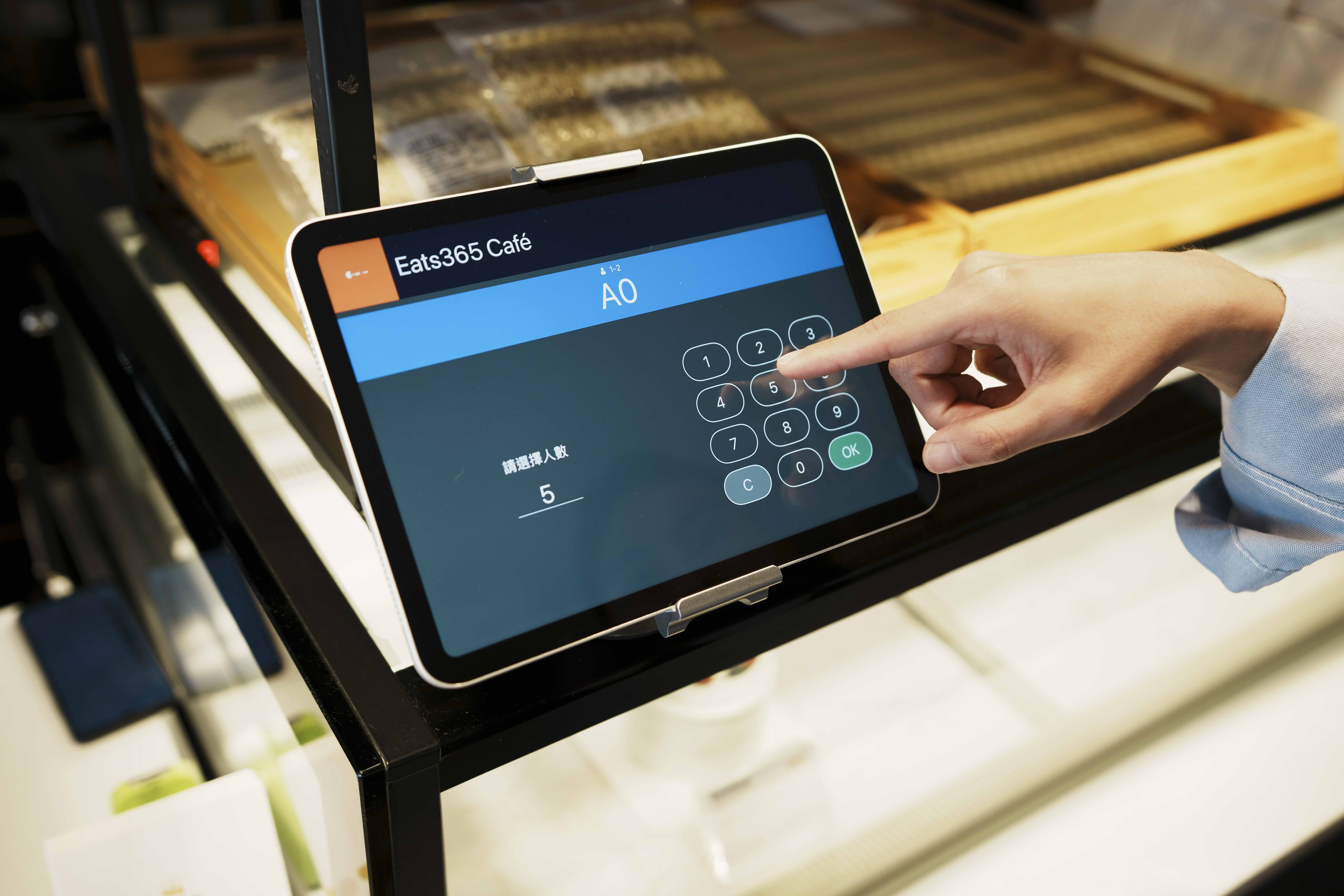
A printed QR code lets guests track their queue status on their phone and wait comfortably nearby
อัปเดตข้อมูลคิวแบบเรียลไทม์
"ระบบจัดการคิว" จะแสดงหมายเลขคิวที่พนักงานเรียกจาก POS ได้แบบเรียลไทม์
แสดงหมายเลขคิวที่พร้อมให้บริการได้พร้อมกันหลายหมายเลข
ลบหมายเลขคิวที่เลยคิวแล้วออกจาก "ระบบจัดการคิว" ได้ทันทีหรือภายในเวลาที่กำหนด
ซิงค์ข้อมูลที่นั่งกับ POS ผ่านระบบคลาวด์
Organizes tickets from the POS, Queue Kiosk and Branded Online Store into one sequence — walk-ins and online bookings together
ปรับแต่งจอแสดงผลได้ตามต้องการ
รองรับจอแสดงผลหลากหลายขนาด ร้านอาหารสามารถเลือกขนาดที่เหมาะสมได้อย่างอิสระ
ปรับขนาดตัวอักษรได้อิสระ
เพิ่มข้อมูลโปรโมชั่นอาหารแนะนำ เพื่อดึงดูดลูกค้า
Runs on any Android or Apple TV–supported screen, from tablets to large-format displays
Pick your font size
Run promotional content alongside called numbers to upsell while guests wait
Even More with a Paired Queue Kiosk
Automatic 'Now Serving' voice announcements alert guests even when they're not watching the screen
Multi-language announcements — ideal for Malaysia's mixed-language diners
A printed QR code lets guests track their queue status on their phone and wait comfortably nearby
ระบบแสดงผลการจัดการคิว


ระบบจัดการคิว รวมอยู่ในโซลูชันต่อไปนี้


ร้านอาหารประเภทเดียวกันกับคุณแนะนำระบบแสดงคิวหน้าร้านอย่างยิ่ง
FAQs about Eats365 Queue Display
1. What is a restaurant Queue Display system?
A restaurant Queue Display is a digital screen that provides real-time updates to customers regarding their position in line or order status. It serves as a visual communication tool that eliminates the need for manual calling by displaying ticket numbers and announcing when a customer is being served.
2. How does the Queue Display integrate with the Eats365 POS?
The Queue Display is fully integrated with the Eats365 POS and Table Management system. When staff call or seat a guest on the POS, the status is automatically synced and updated on the display screen in real time, ensuring accurate and instant communication.
3. Does the Queue Display support voice announcements for ticket numbers?
Yes, the system includes a 'Now Serving' announcement feature. This automatic voice notification alerts customers when it is their turn, ensuring they are informed even if they are not actively looking at the display screen.
4. Can customers check their queue status from their own phones?
Yes, when integrated with our Queue Kiosk, customers receive a ticket with a printed QR code. By scanning this code with their smartphone, they can track their real-time queue status remotely, allowing them to wait more comfortably outside the immediate area.
5. What hardware can be used for the Eats365 Queue Display?
The Queue Display can be set up using an iPad or Android terminal, or it can be connected to external large-format screens using eSignage. This flexibility allows restaurants to choose a hardware setup that best fits their space and visibility requirements.
6. Can the Queue Display handle both walk-ins and phone-in tickets?
Yes, the system organizes all queuing tickets issued from both the POS and the self-service Queue Kiosk. This prevents tickets from getting lost and ensures that walk-in guests and those who booked ahead are managed in a single, streamlined sequence.
ค้นพบวิธีที่ "ระบบจัดการคิว" จะยกระดับธุรกิจของคุณ
 17 Feb 2023

Read More
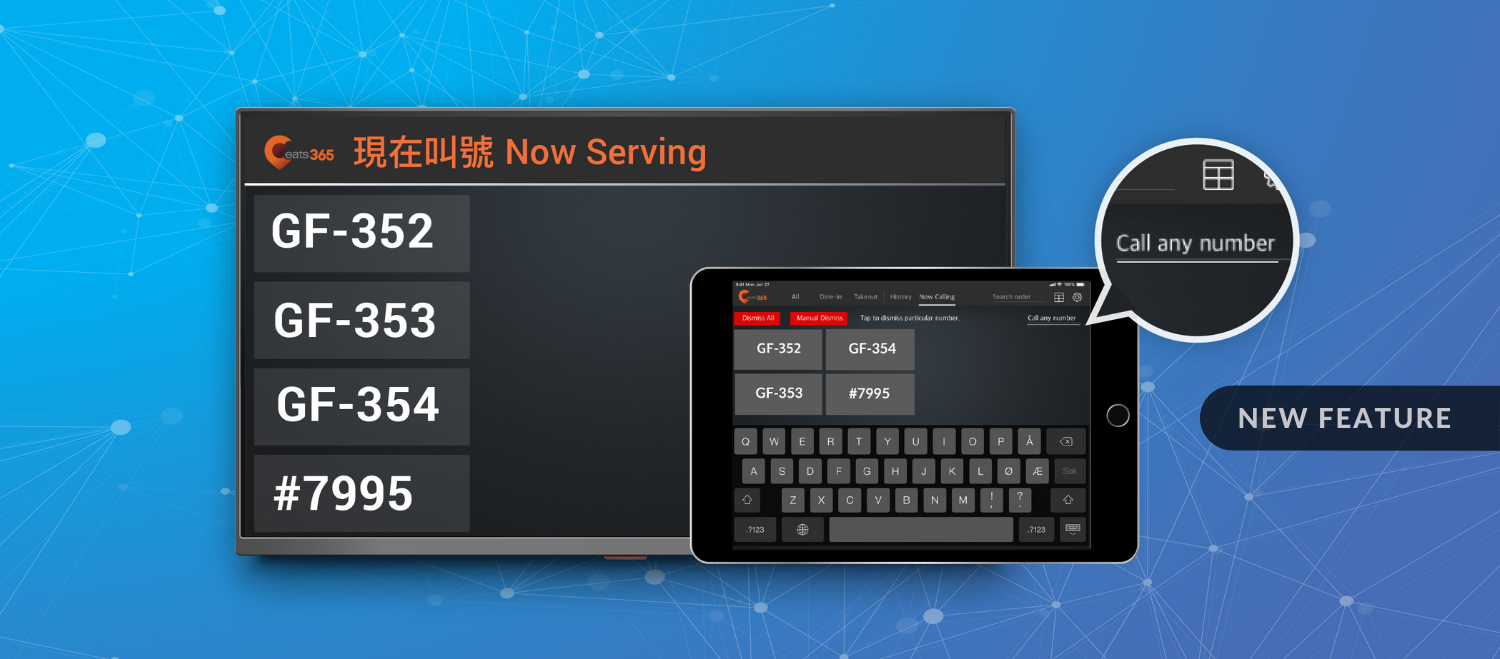
New Feature: Input and Call Any Number from the Expedite App to the Pickup Display
22 Apr 2022
Support pickup from third-party delivery companies seamlessly with flexible order numbers
Fast food
Read More

What is Eats365’s Kitchen Display System and How Can It Benefit Your Restaurant Business?
16 Feb 2021
Don’t allow chaos in the kitchen to ruin your restaurant’s efficiency, profits and reputation
Read More