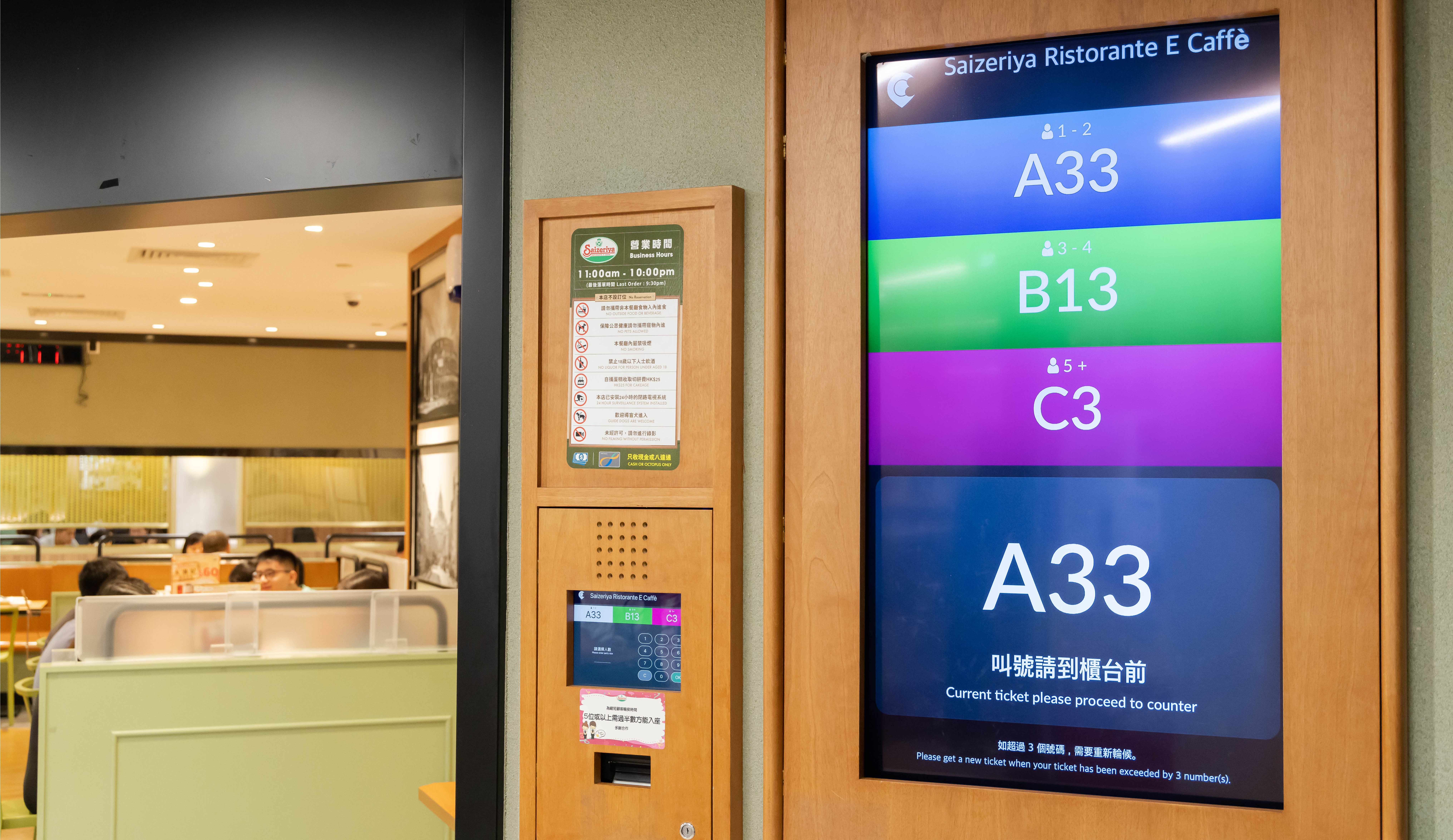
No matter if you’re in a quiet neighbourhood or a bustling mall, if you need to get your customers’ attention, you can do so easily. With bold visuals on display to show which number is being called, there’s no chance your customers will miss their number when it’s announced, especially if you use a Queue Kiosk to add audio cues!
Queue Display
Display Called Numbers and Making Queues Move Faster
While a long queue outside your restaurant may indicate that you’re super popular, it’s ultimately bad for business if your queues are moving slowly because of inefficiencies and poor communication. The right queue display paired with a Queue Kiosk will ensure waiting customers show up immediately when their number is called, speeding up the overall queueing process.

How Can a Queue Display Can Help You Speed Up Queueing?
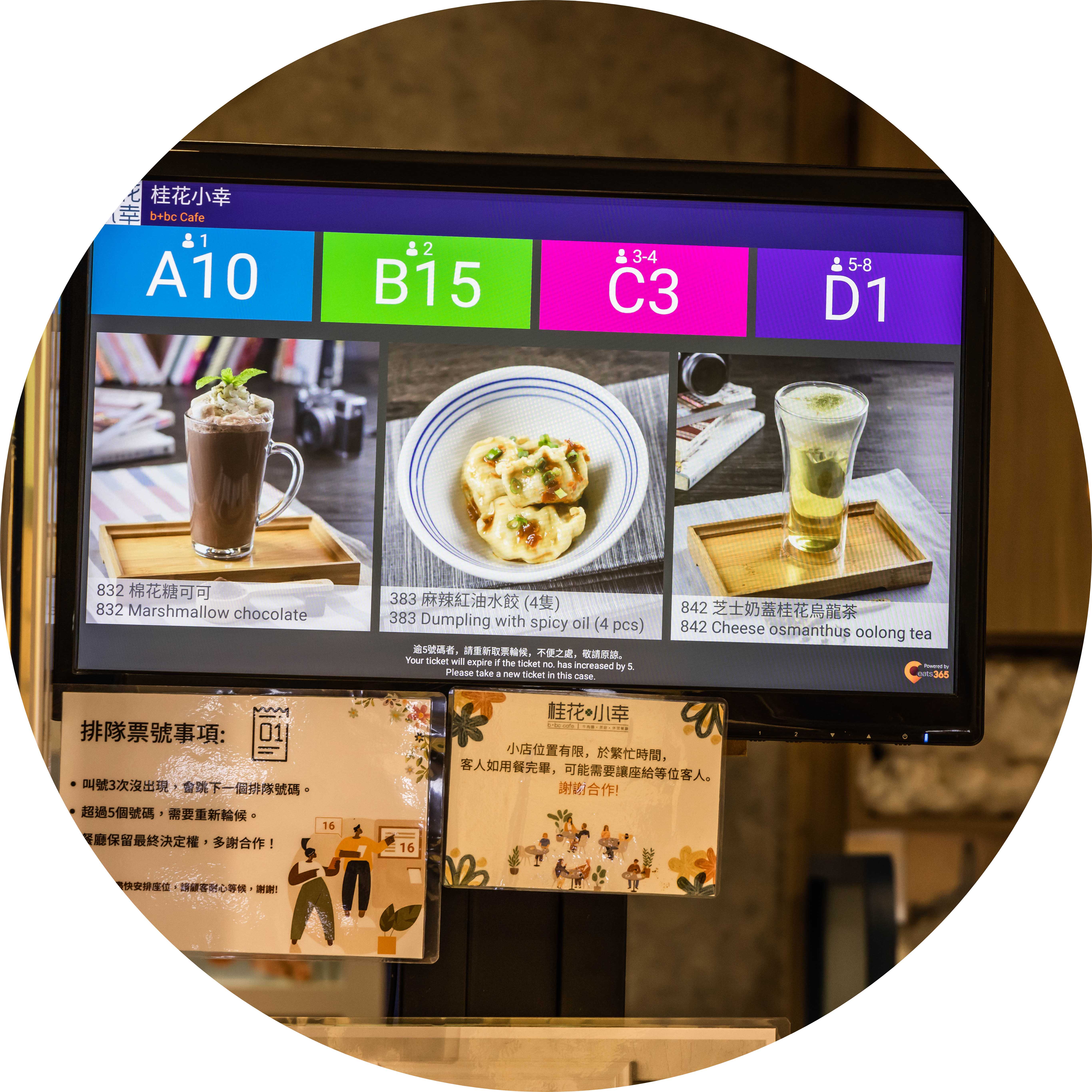
Guaranteed to Grab the Customer’s Attention
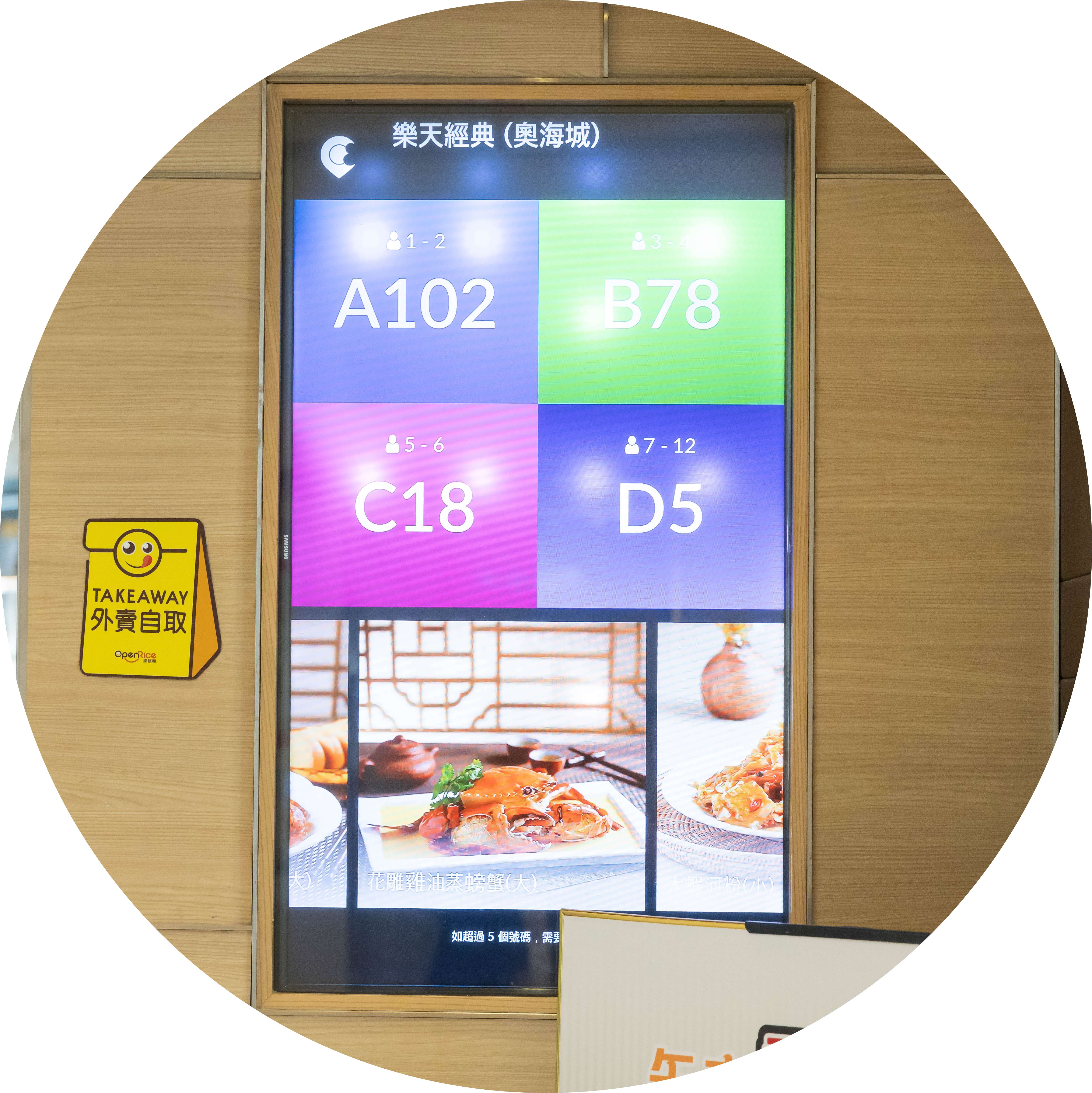
Turn the Waiting Process into a Selling Process
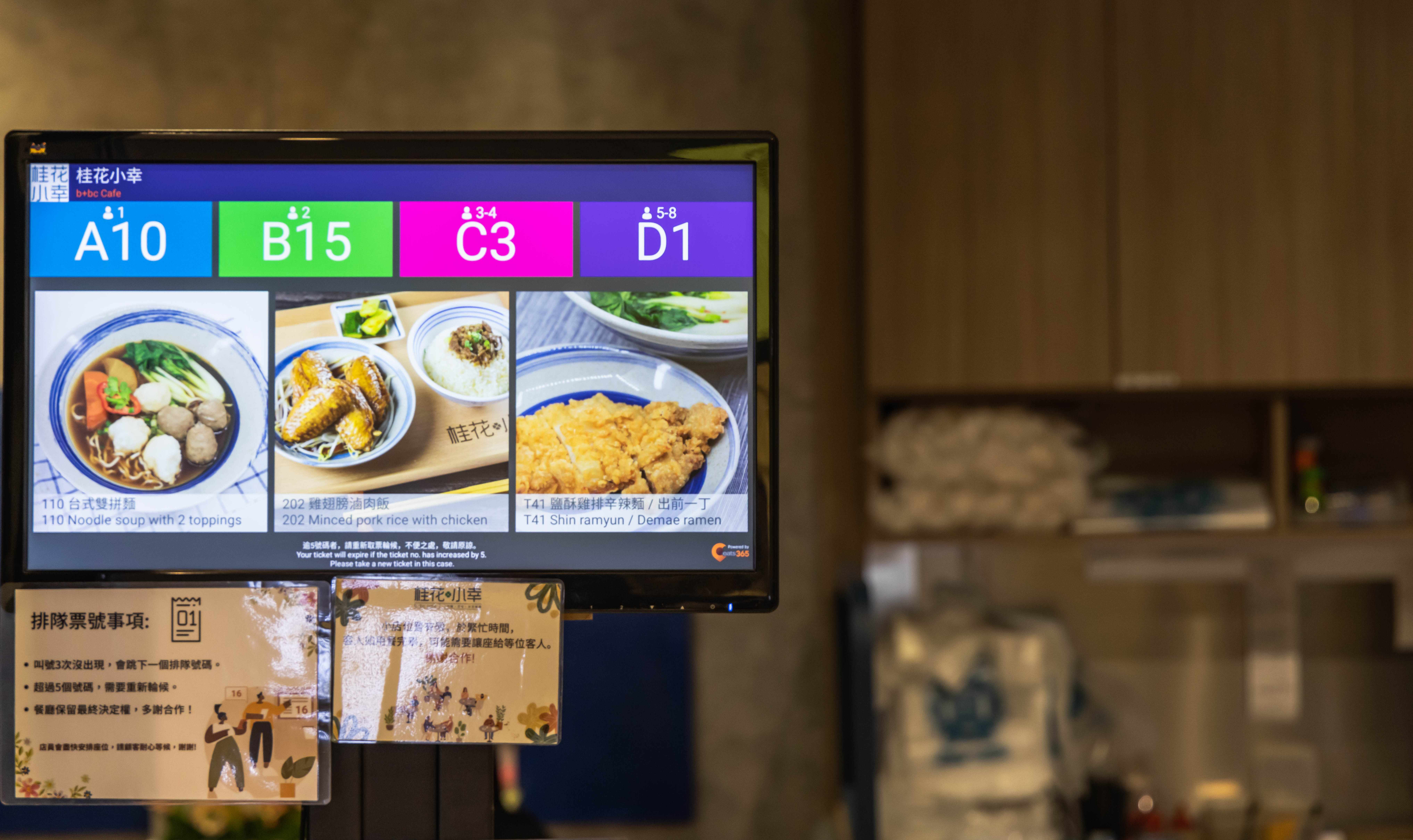
Customers waiting in a queue are undoubtedly hungry. Why add boredom to that list, too? Transform your Queue Display into an advertising medium by displaying enticing images of new items, great deals, and mouth-watering combos alongside called numbers. Your customers may actually make a decision in line of what they want to eat, which will even speed up the ordering process once they’re seated!

Connect Your Tech, Customers and Staff
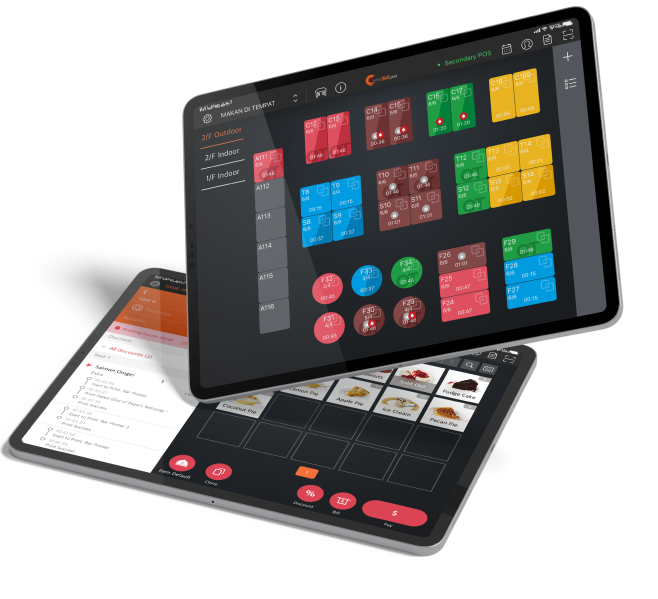
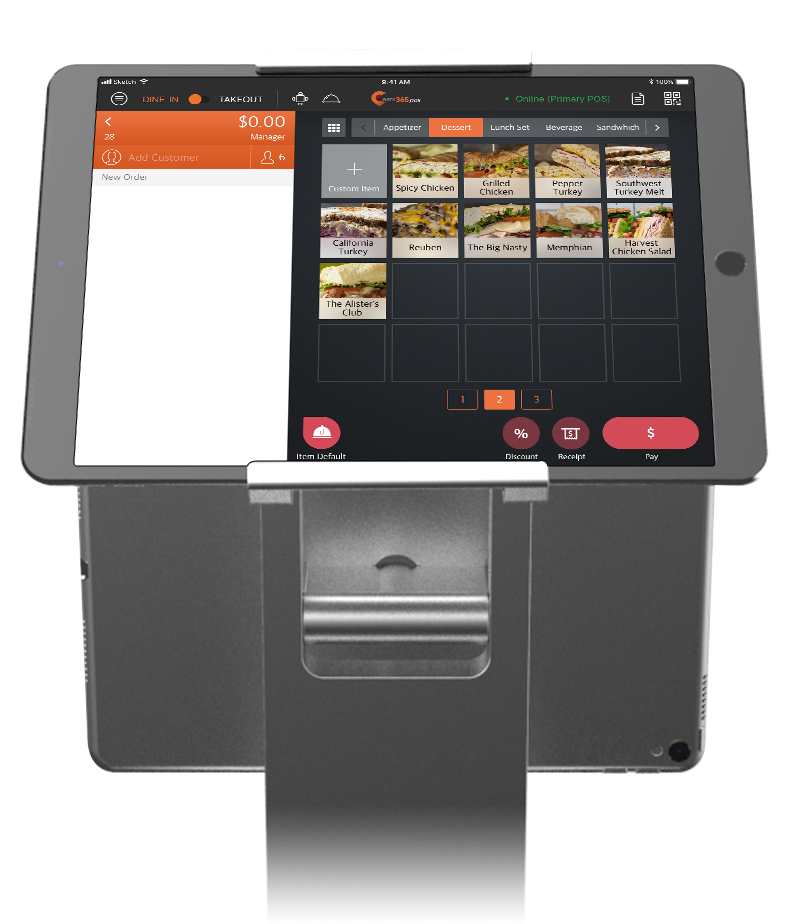
Pair your Queue Display with modules like the Queue Kiosk and Eats365 POS to create a connected system that automates the sharing of relevant data between your staff and your customers. Your Queue Kiosk instantly lets your staff know when a customer is waiting for a table and what their queue number is, right on their POS. When a suitable table is available, your staff can use a POS to instantly share to the Queue Kiosk and Queue Display that the waiting customer is ready to be seated. This fluid queue number calling system makes staff-customer communication simple!
Queue Display Features Overview
Real-time Queue Number Updates
 When your staff indicates a table is ready on the POS, it shows up on the Queue Display immediately
Multiple called numbers can be displayed at the same time as they’re ready for seating
Immediate or specifically-timed removal of numbers from the Queue Display once they’re called
Connected to the POS via cloud for real-time updates as tables are ready
Organizes tickets from the POS, Queue Kiosk and Branded Online Store into one sequence — walk-ins and online bookings together
When your staff indicates a table is ready on the POS, it shows up on the Queue Display immediately
Multiple called numbers can be displayed at the same time as they’re ready for seating
Immediate or specifically-timed removal of numbers from the Queue Display once they’re called
Connected to the POS via cloud for real-time updates as tables are ready
Organizes tickets from the POS, Queue Kiosk and Branded Online Store into one sequence — walk-ins and online bookings together
Customized to Your Needs
Works on displays of all sizes, so you can pick the one that is best for you
Pick your font size
Add advertising so that customers will order items you’re promoting
Runs on any Android or Apple TV–supported screen, from tablets to large-format displays
Pick your font size
Run promotional content alongside called numbers to upsell while guests wait
Even More with a Paired Queue Kiosk
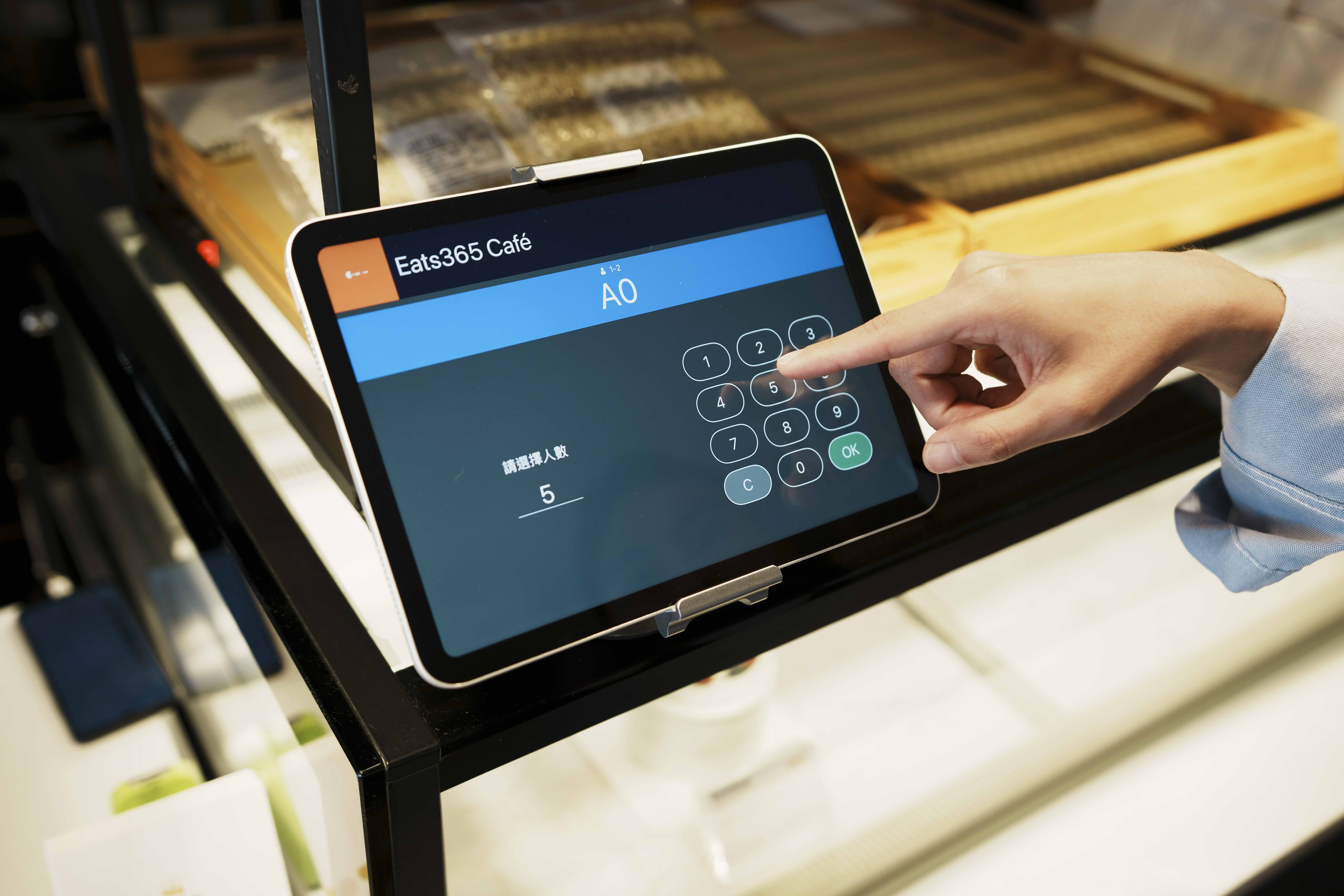
Automatic 'Now Serving' voice announcements alert guests even when they're not watching the screen
Multi-language announcements — ideal for Malaysia's mixed-language diners
A printed QR code lets guests track their queue status on their phone and wait comfortably nearby
Real-time Queue Number Updates
When your staff indicates a table is ready on the POS, it shows up on the Queue Display immediately
Multiple called numbers can be displayed at the same time as they’re ready for seating
Immediate or specifically-timed removal of numbers from the Queue Display once they’re called
Connected to the POS via cloud for real-time updates as tables are ready
Organizes tickets from the POS, Queue Kiosk and Branded Online Store into one sequence — walk-ins and online bookings together
Customized to Your Needs
Works on displays of all sizes, so you can pick the one that is best for you
Pick your font size
Add advertising so that customers will order items you’re promoting
Runs on any Android or Apple TV–supported screen, from tablets to large-format displays
Pick your font size
Run promotional content alongside called numbers to upsell while guests wait
Even More with a Paired Queue Kiosk
Automatic 'Now Serving' voice announcements alert guests even when they're not watching the screen
Multi-language announcements — ideal for Malaysia's mixed-language diners
A printed QR code lets guests track their queue status on their phone and wait comfortably nearby
Queue Display is Perfect for these Restaurant Types


Queue Display is Part of the Following Solutions


Restaurants Like Yours Love the Queue Display
FAQs about Eats365 Queue Display
1. What is a restaurant Queue Display system?
A restaurant Queue Display is a digital screen that provides real-time updates to customers regarding their position in line or order status. It serves as a visual communication tool that eliminates the need for manual calling by displaying ticket numbers and announcing when a customer is being served.
2. How does the Queue Display integrate with the Eats365 POS?
The Queue Display is fully integrated with the Eats365 POS and Table Management system. When staff call or seat a guest on the POS, the status is automatically synced and updated on the display screen in real time, ensuring accurate and instant communication.
3. Does the Queue Display support voice announcements for ticket numbers?
Yes, the system includes a 'Now Serving' announcement feature. This automatic voice notification alerts customers when it is their turn, ensuring they are informed even if they are not actively looking at the display screen.
4. Can customers check their queue status from their own phones?
Yes, when integrated with our Queue Kiosk, customers receive a ticket with a printed QR code. By scanning this code with their smartphone, they can track their real-time queue status remotely, allowing them to wait more comfortably outside the immediate area.
5. What hardware can be used for the Eats365 Queue Display?
The Queue Display can be set up using an iPad or Android terminal, or it can be connected to external large-format screens using eSignage. This flexibility allows restaurants to choose a hardware setup that best fits their space and visibility requirements.
6. Can the Queue Display handle both walk-ins and phone-in tickets?
Yes, the system organizes all queuing tickets issued from both the POS and the self-service Queue Kiosk. This prevents tickets from getting lost and ensures that walk-in guests and those who booked ahead are managed in a single, streamlined sequence.
Learn More about How a Queue Display Can Help You Manage Queues Effectively
Explore the Top 6 Self-Ordering Systems for Small Businesses in Australia
 30 Apr 2025

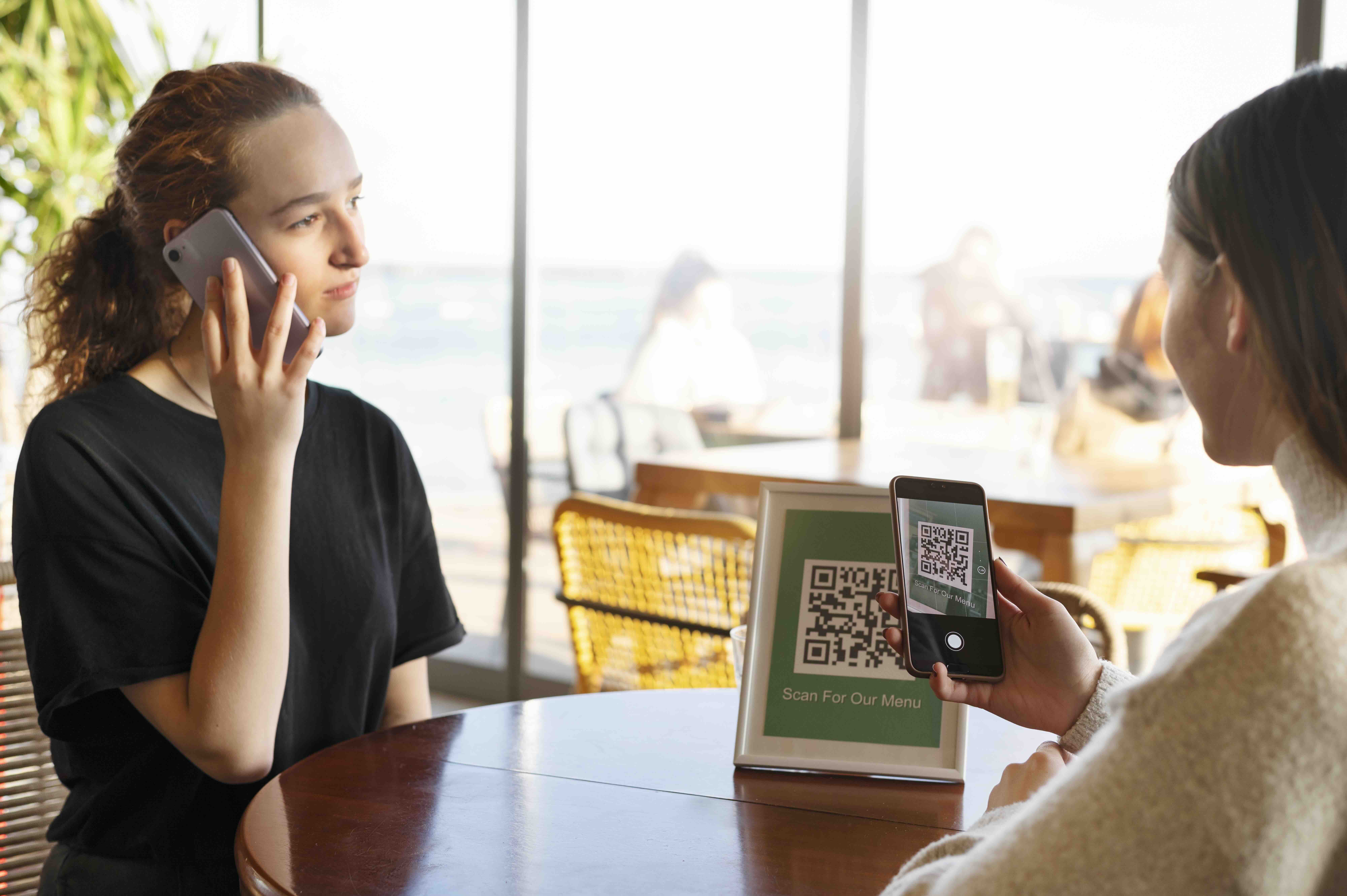
Are you constantly grappling with increasing labor costs and lengthy queues at your cafe or restaurant in Australia? Introducing a self-ordering system into your establishment could revolutionize your operations and boost customer satisfaction!
Online ordering
Restaurant POS Features
Read More
Why Self-Ordering Kiosks Are Essential for Modern Restaurants
05 Sep 2025
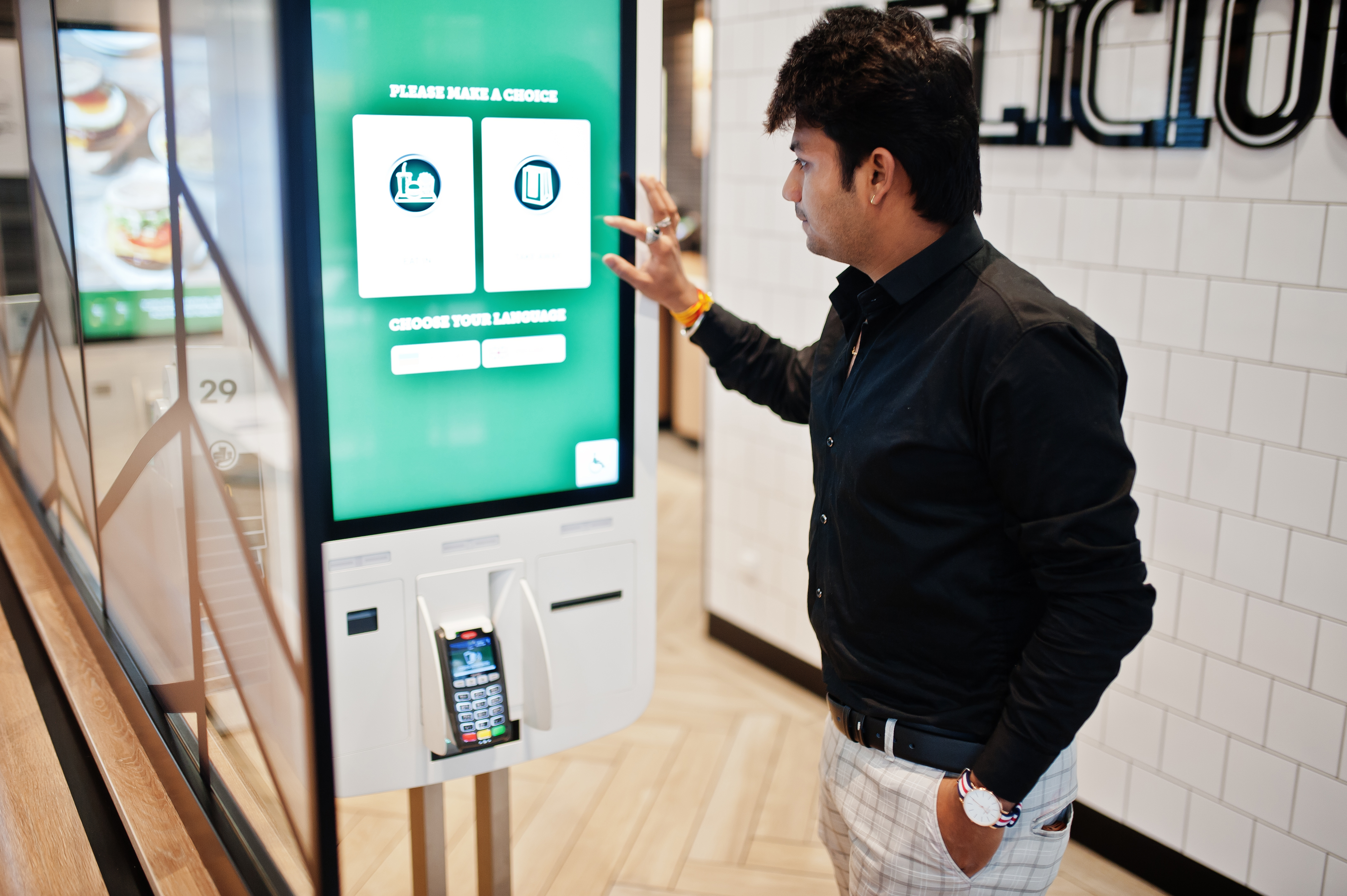
Self-ordering kiosks are transforming Singaporean dining. Are you ready to boost sales and enhance customer experience by reducing wait times and errors?
Foodtech
Read More
Quick Hacks to Speed Up Your Café’s Checkout Line
16 Sep 2025
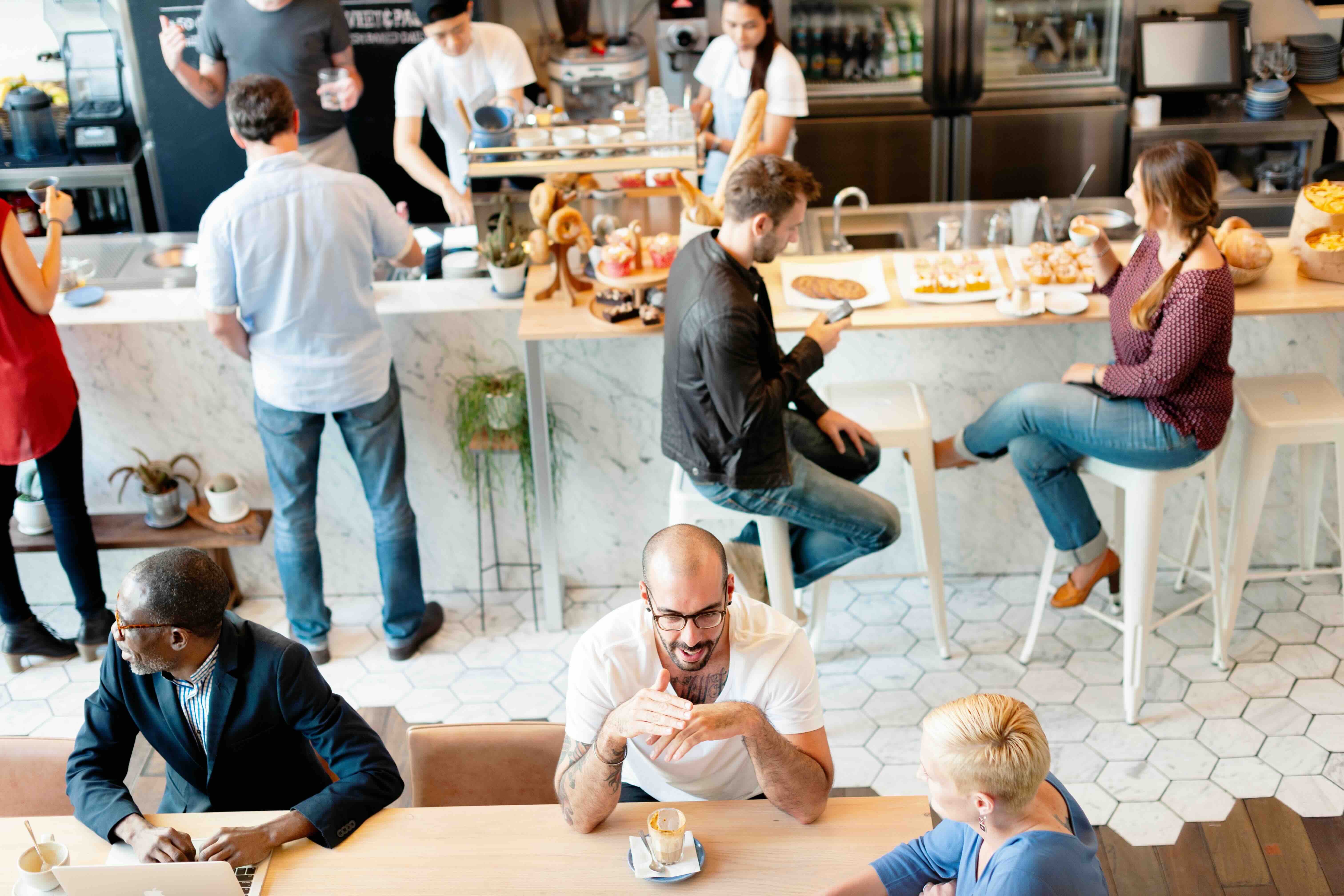
Australian cafés are facing intense competition, where every second of customer experience matters. This guide reveals how an intelligent iPad POS system can transform your checkout process, reduce wait times, and keep customers coming back for more.
Cafe
iPad POS
Eats365
Read More