
ด้วยแอปรับออเดอร์บนมือถือ Android พนักงานรับออเดอร์ได้ทุกที่ในร้าน และมีเวลาดูแลลูกค้ามากขึ้น
mPOS
แอปรับออเดอร์สำหรับพนักงานเสิร์ฟ
รับออเดอร์ที่โต๊ะได้ทันที มีเวลาดูแลลูกค้ามากขึ้น
ร้านที่มีหลายชั้นหรือพื้นที่กว้าง ไม่ต้องให้พนักงานจำออเดอร์หรือจดด้วยมืออีกต่อไป แอปรับออเดอร์บนมือถือที่ใช้ง่ายนี้ช่วยให้พนักงานมีเวลาดูแลลูกค้ามากขึ้น สร้างความประทับใจ และทำให้ลูกค้าอยากกลับมาที่ร้านอีก

แอปรับออเดอร์ช่วยให้คุณดูแลโต๊ะและออเดอร์ได้มากขึ้นอย่างไร?

พนักงานรับออเดอร์ได้ทุกจุดในร้าน
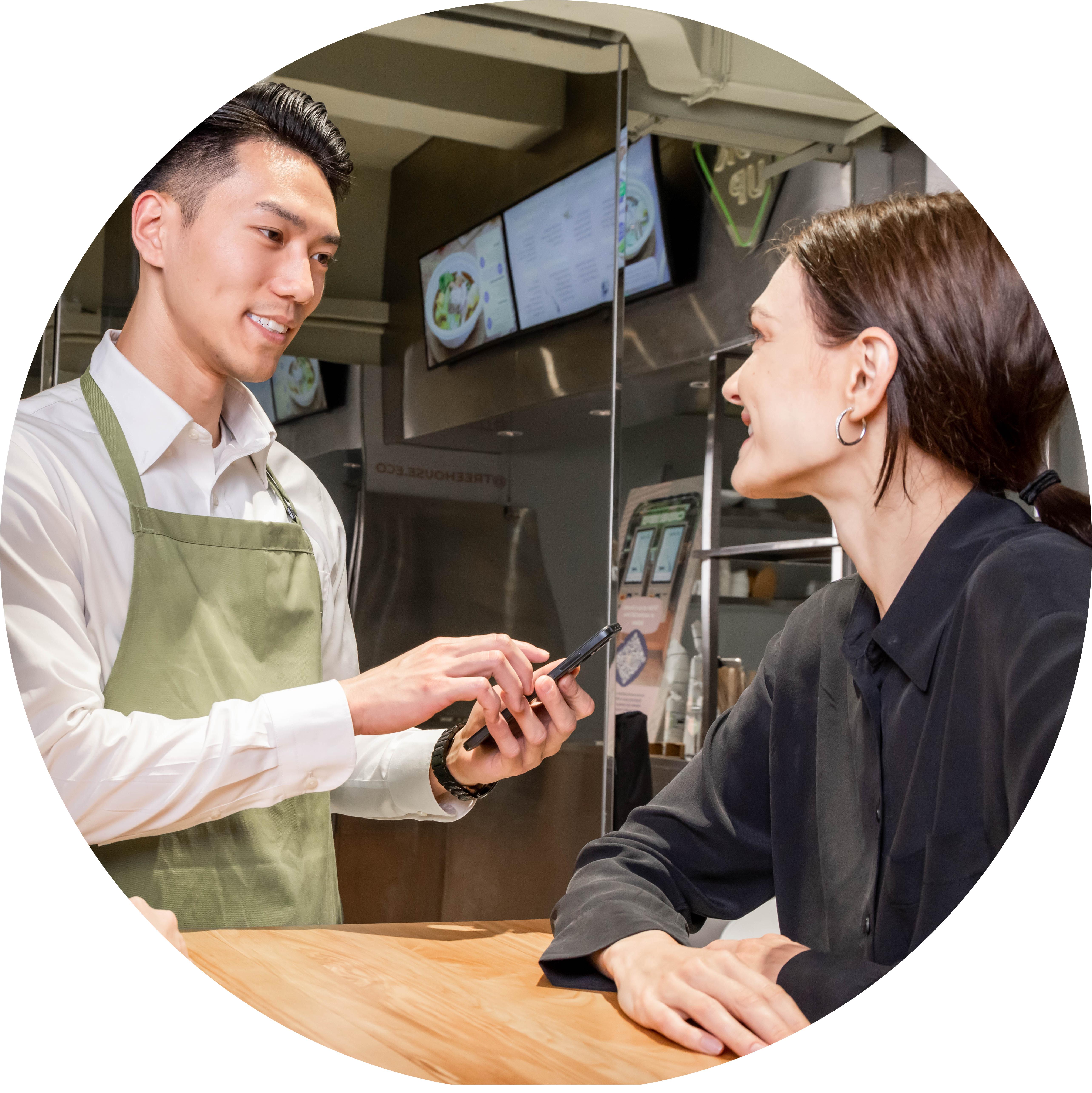
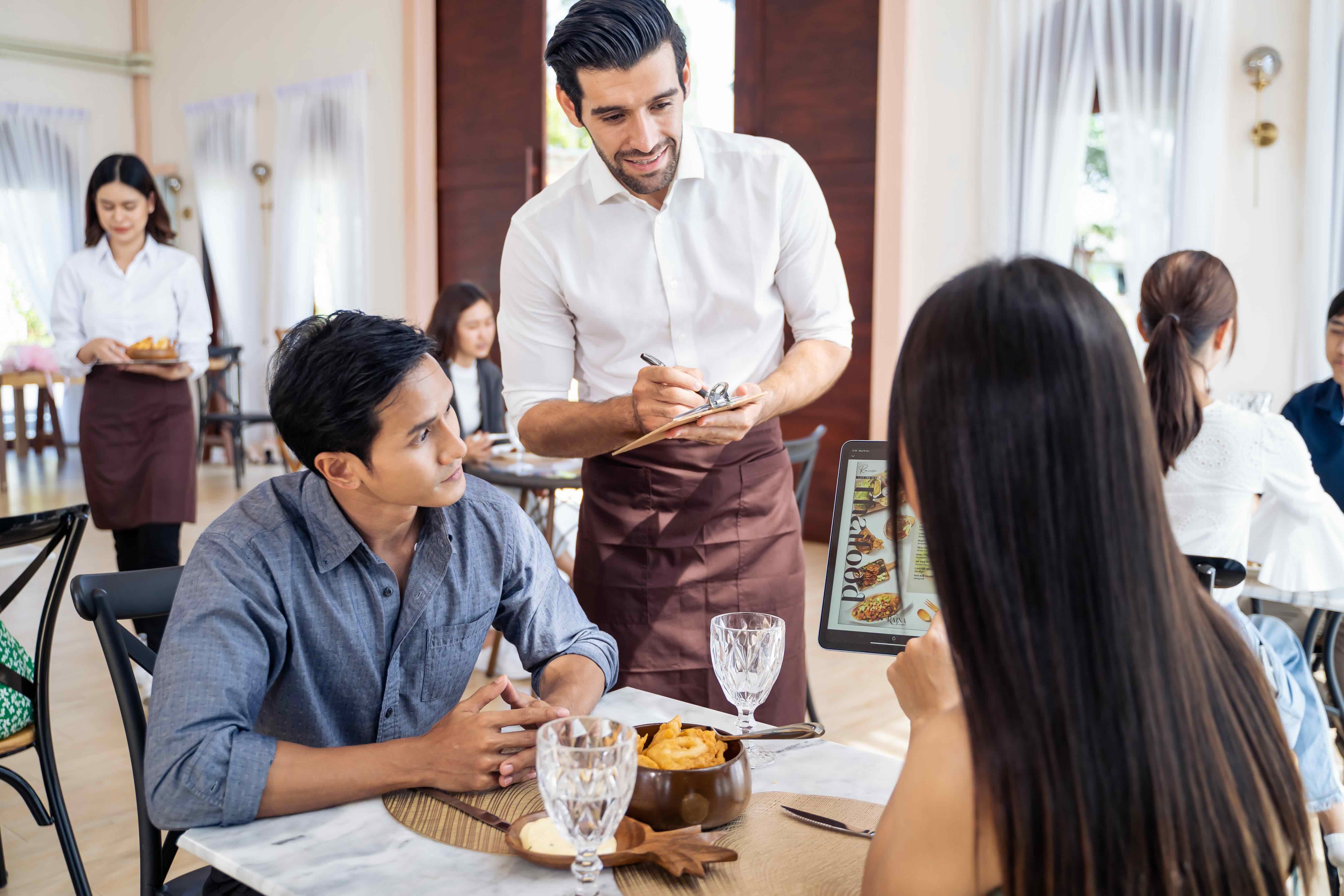
รับออเดอร์ที่โต๊ะ ลดความผิดพลาด
การเดินไปกลับระหว่างโต๊ะกับครัวทำให้จดออเดอร์ผิดได้ง่าย แอปรับออเดอร์สำหรับพนักงานเสิร์ฟมีครบทุกอย่างที่ต้องใช้ ทั้งตัวเลือกเพิ่มเติม (เช่น เปลี่ยนส่วนผสม), หมายเหตุ, ชุดเมนู และรายการอาหารทั้งหมด ช่วยลดความยุ่งยากและโอกาสผิดพลาด
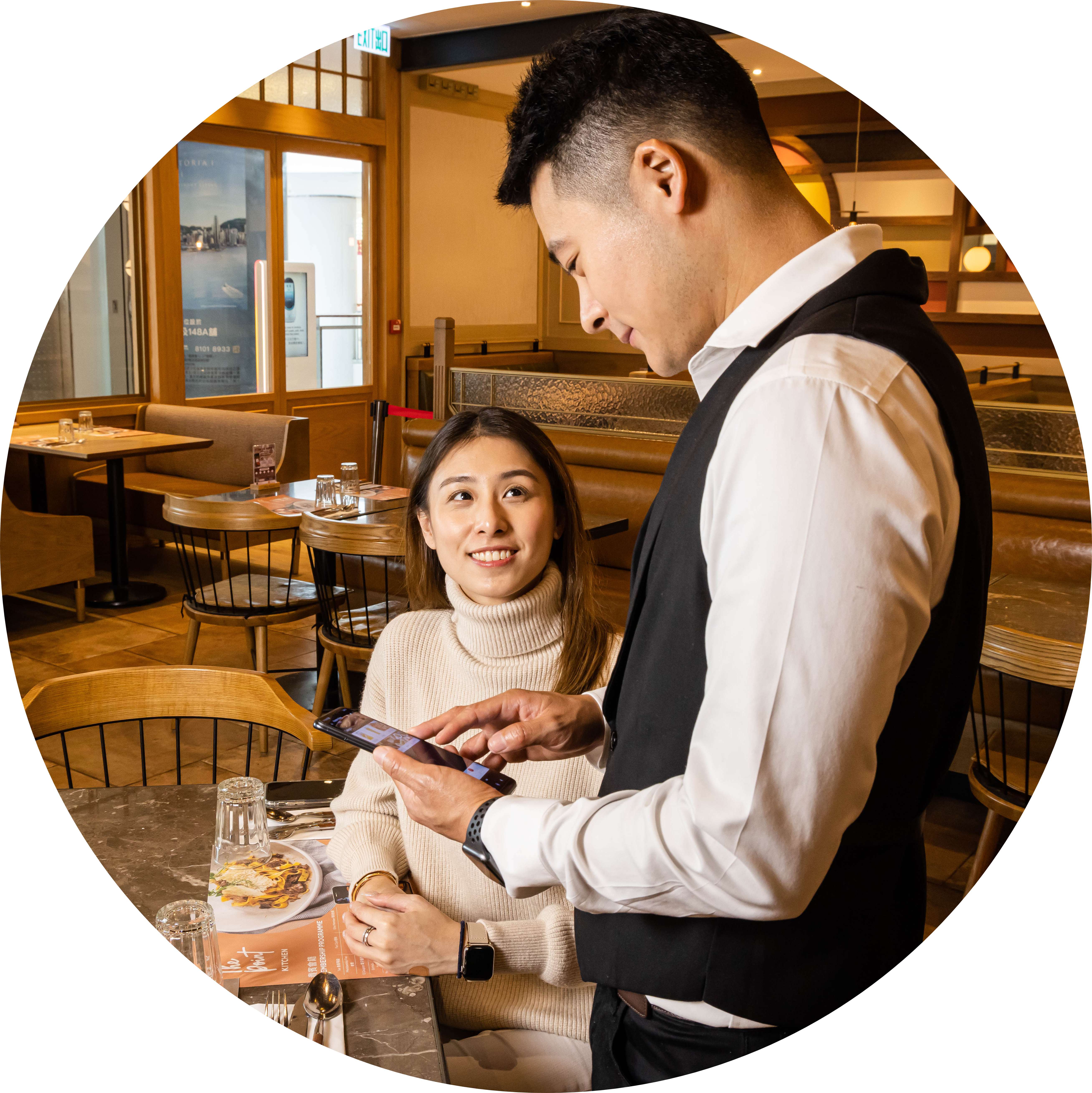
ประหยัดเวลา บริการได้มากขึ้น
การให้พนักงานเดินไปกลับระหว่างเครื่อง POS กับโต๊ะ หรือวิ่งเอาใบออเดอร์เข้าครัว ทำให้ร้านทำงานช้าลง แอปรับออเดอร์สำหรับพนักงานเสิร์ฟส่งออเดอร์เข้าจอครัว (KDS) หรือเครื่องพิมพ์ได้ทันทีโดยอัตโนมัติ และซิงค์กับ Eats365 POS ในเวลาเดียวกัน พนักงานไม่ต้องคีย์ออเดอร์ซ้ำ
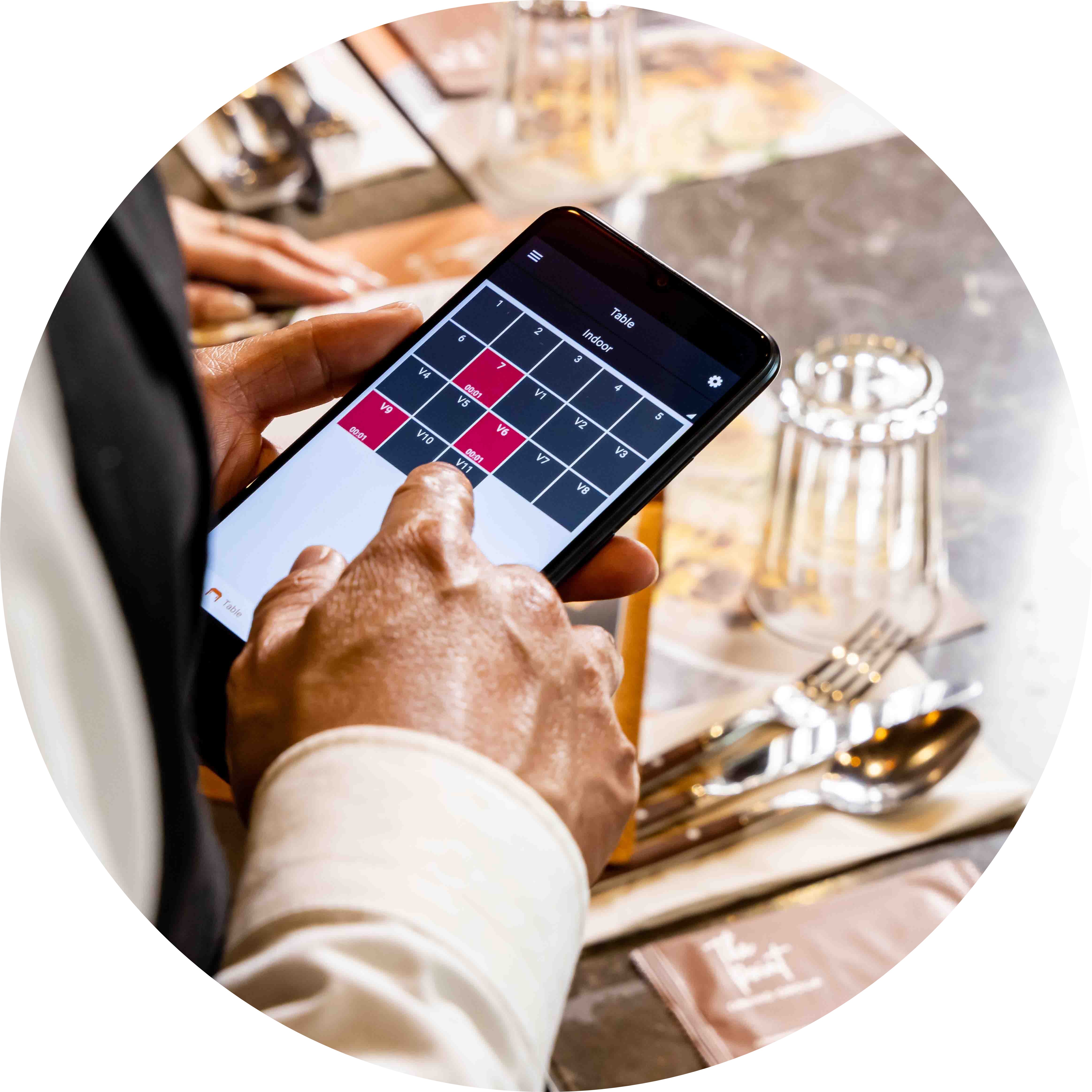
ใช้ฮาร์ดแวร์เพียงเล็กน้อย
แค่มีมือถือหรืออุปกรณ์ Android ทั่วไปก็ใช้แอปรับออเดอร์ได้ ช่วยประหยัดงบฮาร์ดแวร์ และยังใช้กับเครื่อง Android POS ที่รับชำระเงินในตัวได้ เช่น Sunmi V2
ฟีเจอร์เด็ดของแอปพลิเคชันรับออร์เดอร์สำหรับพนักงานเสิร์ฟ
เครื่องเล็ก ทำได้ครบ
 อุปกรณ์พกพาที่มาพร้อมฟังก์ชัน POS หลัก
พนักงานเสิร์ฟเคลื่อนไหวได้สะดวก แม้ในร้านอาหารขนาดเล็ก
ไม่ต้องจดออเดอร์ด้วยกระดาษอีกต่อไป
ใช้กับอุปกรณ์ Android ที่รองรับได้หลากหลายรุ่น
อุปกรณ์พกพาที่มาพร้อมฟังก์ชัน POS หลัก
พนักงานเสิร์ฟเคลื่อนไหวได้สะดวก แม้ในร้านอาหารขนาดเล็ก
ไม่ต้องจดออเดอร์ด้วยกระดาษอีกต่อไป
ใช้กับอุปกรณ์ Android ที่รองรับได้หลากหลายรุ่น
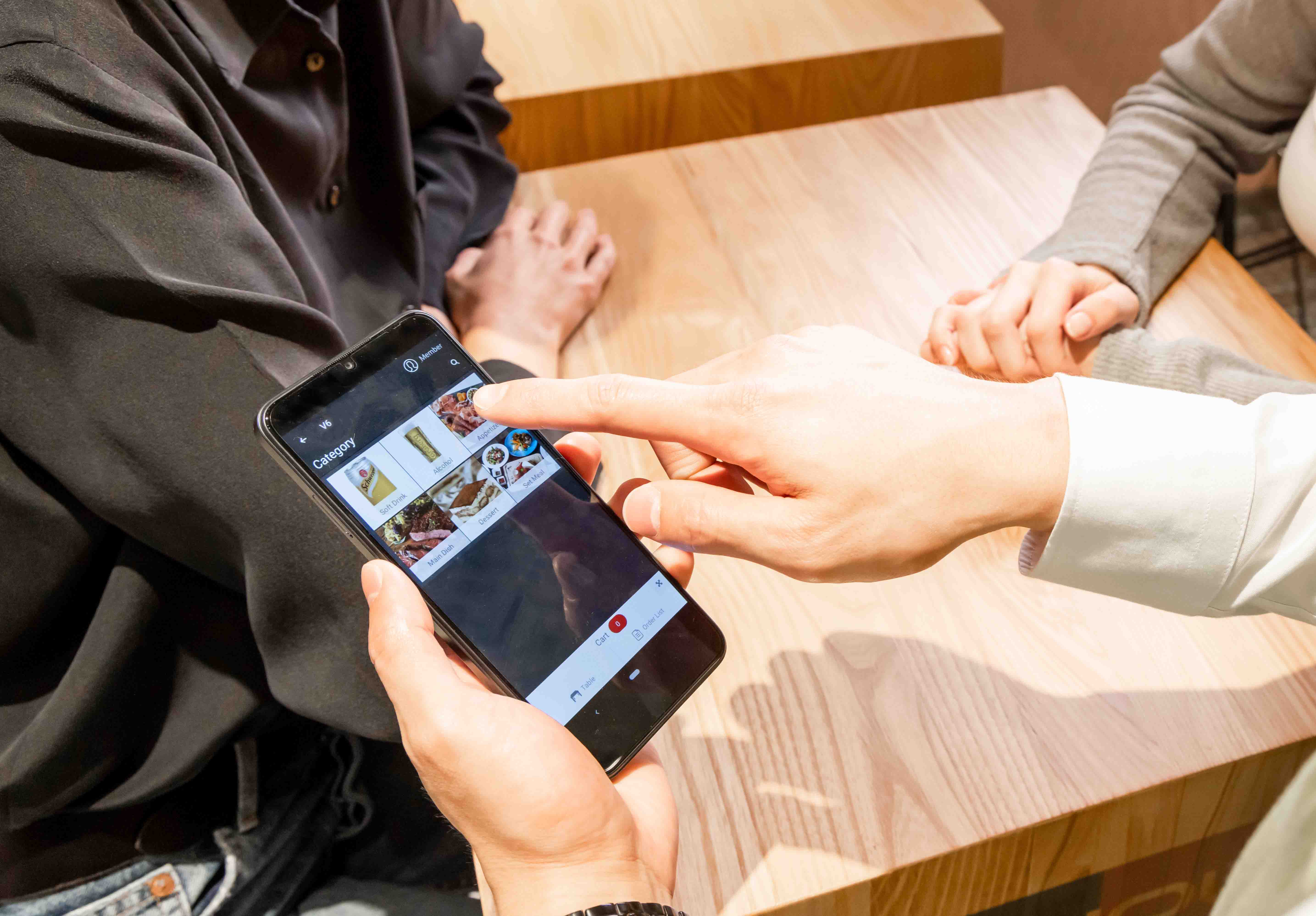
ทำให้การสั่งอาหารที่โต๊ะเป็นเรื่องง่าย
เลือกตัวเลือกเพิ่มเติม (เช่น เพิ่มท็อปปิ้ง), ชุดเมนู และเมนูหลายรูปแบบได้ครบ
ไม่ต้องป้อนข้อมูลการสั่งอาหารซ้ำๆ หรือส่งใบสั่งอาหารเข้าครัวด้วยตัวเอง
ข้อมูลออเดอร์ทั้งหมดซิงค์แบบเรียลไทม์ พร้อมประวัติออเดอร์ครบถ้วน
เชื่อมต่อกับอุปกรณ์ชำระเงินต่างๆ เพื่อการชำระเงินที่รวดเร็วและสะดวกยิ่งขึ้น
พิมพ์ใบเสร็จได้จากเครื่องที่มีเครื่องพิมพ์ในตัว (เช่น Sunmi V2s, iMin Swift 2 Pro) ส่วนมือถือ Android รุ่นอื่นจะสั่งพิมพ์ผ่านเครื่อง POS
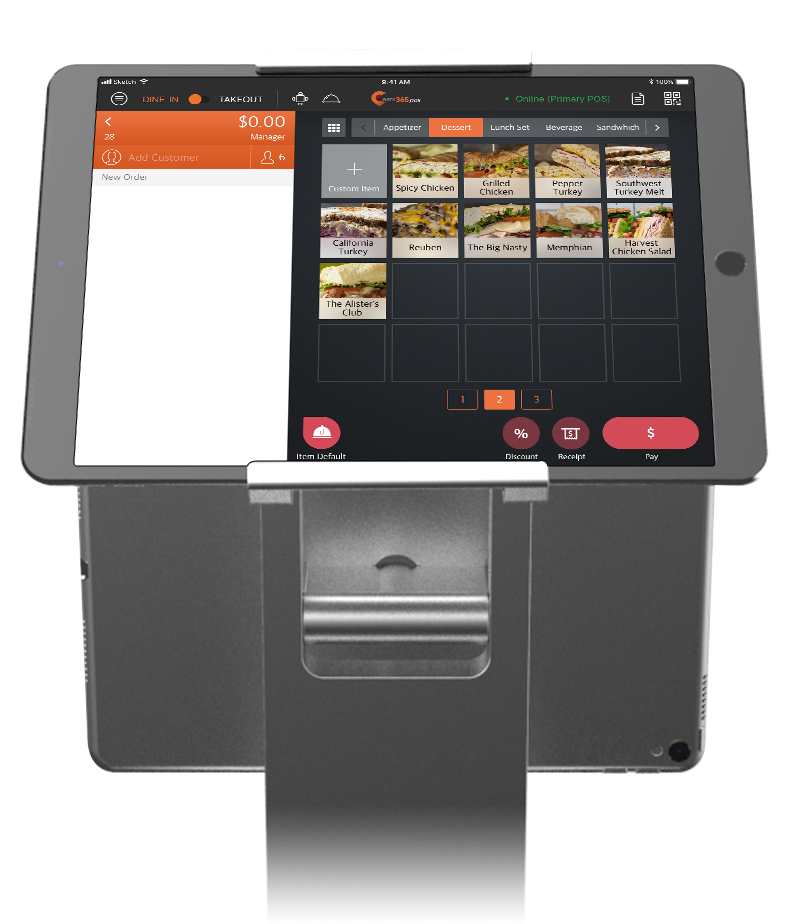
จัดการสถานะโต๊ะได้ทุกที่ทุกเวลา
ดูสถานะโต๊ะทั้งหมดได้ในแอปพนักงานเสิร์ฟ
ใช้สีเพื่อระบุสถานะของแต่ละโต๊ะ
ลดเวลาที่ลูกค้าต้องรอ เพิ่มประสิทธิภาพการจัดการโต๊ะ และเพิ่มรายได้

ผูกสมาชิกกับออเดอร์ได้ที่โต๊ะ
ค้นหาสมาชิกด้วยชื่อ เบอร์โทร หรือหมายเลขบัตร แล้วเพิ่มเข้าออเดอร์ได้ที่โต๊ะ
ระบบบันทึกยอดใช้จ่ายของสมาชิกอัตโนมัติ เพื่อใช้กับระบบสมาชิก สะสมแต้ม และโปรโมชั่น
เครื่องเล็ก ทำได้ครบ
อุปกรณ์พกพาที่มาพร้อมฟังก์ชัน POS หลัก
พนักงานเสิร์ฟเคลื่อนไหวได้สะดวก แม้ในร้านอาหารขนาดเล็ก
ไม่ต้องจดออเดอร์ด้วยกระดาษอีกต่อไป
ใช้กับอุปกรณ์ Android ที่รองรับได้หลากหลายรุ่น
ทำให้การสั่งอาหารที่โต๊ะเป็นเรื่องง่าย
เลือกตัวเลือกเพิ่มเติม (เช่น เพิ่มท็อปปิ้ง), ชุดเมนู และเมนูหลายรูปแบบได้ครบ
ไม่ต้องป้อนข้อมูลการสั่งอาหารซ้ำๆ หรือส่งใบสั่งอาหารเข้าครัวด้วยตัวเอง
ข้อมูลออเดอร์ทั้งหมดซิงค์แบบเรียลไทม์ พร้อมประวัติออเดอร์ครบถ้วน
เชื่อมต่อกับอุปกรณ์ชำระเงินต่างๆ เพื่อการชำระเงินที่รวดเร็วและสะดวกยิ่งขึ้น
พิมพ์ใบเสร็จได้จากเครื่องที่มีเครื่องพิมพ์ในตัว (เช่น Sunmi V2s, iMin Swift 2 Pro) ส่วนมือถือ Android รุ่นอื่นจะสั่งพิมพ์ผ่านเครื่อง POS
จัดการสถานะโต๊ะได้ทุกที่ทุกเวลา
ดูสถานะโต๊ะทั้งหมดได้ในแอปพนักงานเสิร์ฟ
ใช้สีเพื่อระบุสถานะของแต่ละโต๊ะ
ลดเวลาที่ลูกค้าต้องรอ เพิ่มประสิทธิภาพการจัดการโต๊ะ และเพิ่มรายได้
ผูกสมาชิกกับออเดอร์ได้ที่โต๊ะ
ค้นหาสมาชิกด้วยชื่อ เบอร์โทร หรือหมายเลขบัตร แล้วเพิ่มเข้าออเดอร์ได้ที่โต๊ะ
ระบบบันทึกยอดใช้จ่ายของสมาชิกอัตโนมัติ เพื่อใช้กับระบบสมาชิก สะสมแต้ม และโปรโมชั่น
แอปรับออเดอร์ mPOS ช่วยร้านอาหารของคุณได้อย่างไร


ใช้ mPOS รับออเดอร์ที่โต๊ะ ให้การสั่งอาหารลื่นไหลขึ้น


ร้านอาหารแบบเดียวกับคุณเลือกใช้แอปรับออเดอร์ mPOS
คำถามที่พบบ่อยเกี่ยวกับ Eats365 mPOS
1. mPOS คืออะไร และใช้ในร้านอาหารอย่างไร?
mPOS (mobile POS) คือเครื่อง POS แบบพกพาที่มีฟังก์ชันหลักของ POS แต่ถือไปไหนมาไหนได้เหมือนมือถือหรือแท็บเล็ต ในร้านอาหาร พนักงานใช้รับออเดอร์ที่โต๊ะแล้วส่งเข้าครัวได้ทันที ไม่ต้องเดินกลับไปที่เครื่อง POS
2. ใช้มือถือเครื่องไหนเป็น mPOS ของ Eats365 ได้บ้าง?
Eats365 mPOS ใช้งานบนอุปกรณ์ Android ที่รองรับ เพียงติดตั้งแอป mPOS บนเครื่อง Android แบบพกพาหรือสมาร์ทโฟน พนักงานก็ดูแลโต๊ะ คีย์ออเดอร์ และยืนยันคำขอของลูกค้าได้จากทุกจุดในร้าน
3. mPOS ช่วยให้บริการในร้านเร็วขึ้นได้อย่างไร?
mPOS ช่วยลดเวลาที่พนักงานต้องเดินไปกลับระหว่างโต๊ะกับเครื่อง POS พนักงานคีย์ออเดอร์ได้ที่โต๊ะ จึงผิดพลาดน้อยลง และหน้าร้านกับครัวสื่อสารกันเร็วขึ้น ช่วยให้รอบโต๊ะหมุนเร็วขึ้น
4. Eats365 mPOS รับและแก้ไขออเดอร์ที่โต๊ะได้ไหม?
ได้ พนักงานเสิร์ฟคีย์ออเดอร์ที่โต๊ะได้โดยตรง และตรวจสอบ แก้ไข หรือยืนยันออเดอร์ที่ลูกค้าสั่งเองได้ ข้อมูลซิงค์แบบเรียลไทม์ ครัวจึงได้ข้อมูลล่าสุดของทุกโต๊ะเสมอ
5. ใช้งาน mPOS ต้องมีอะไรบ้าง และมีข้อจำกัดอะไร?
mPOS ใช้งานบนอุปกรณ์ Android ที่รองรับ และต้องเชื่อมกับ Eats365 POS เสมอ ใช้งานแยกเดี่ยวไม่ได้ คุณต้องมีแพ็กเกจระดับ Advanced และไลเซนส์ mPOS 1 ไลเซนส์ต่อเครื่อง โดย mPOS ต้องอยู่ในเครือข่ายเดียวกับ POS และมีอินเทอร์เน็ตที่เสถียร mPOS ใช้รับออเดอร์ทานที่ร้านที่โต๊ะ ส่วนการแก้ไข ยกเลิก และออเดอร์ซื้อกลับบ้านต้องทำบน POS
6. ตั้งค่าเครื่อง mPOS ใหม่กับระบบที่ใช้อยู่ได้อย่างไร?
ดาวน์โหลดแอปลงบนอุปกรณ์ Android ที่รองรับ แล้วล็อกอินด้วย Merchant ID ของคุณ จากนั้นตั้งค่าเฉพาะเครื่องได้ในเมนูการตั้งค่าทั่วไป เช่น มุมมองออเดอร์เริ่มต้น และการออกจากระบบอัตโนมัติ
อ่านเพิ่มเติม: mPOS ช่วยร้านอาหารได้อย่างไร
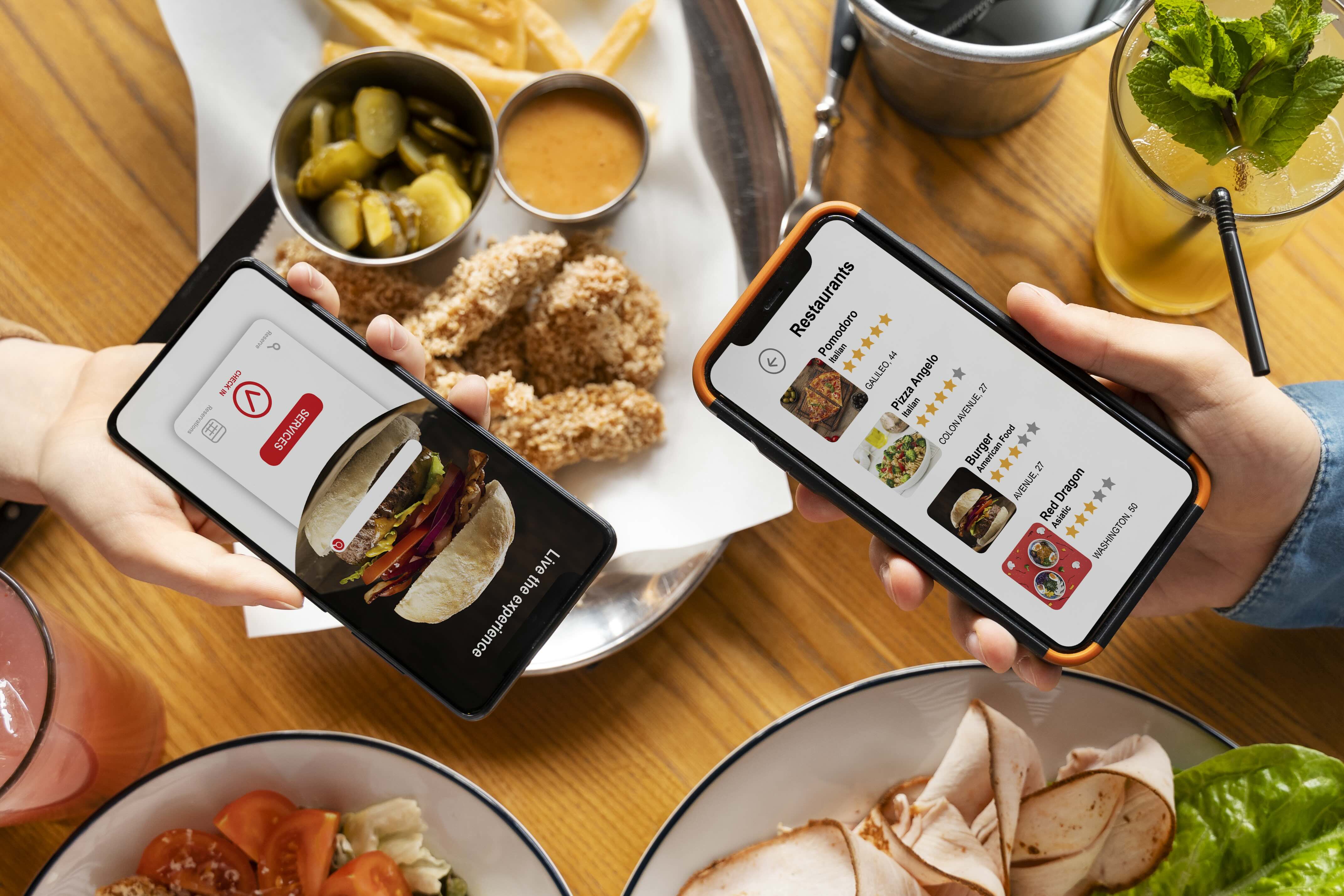
Set Up Restaurant Online Ordering: A Complete Guide for Owners
 07 May 2025

Eager to meet modern diners’ demands? Learn how to create online ordering for your restaurant and significantly boost your orders and efficiency with our guide.
Online ordering
Restaurant POS Features
Foodtech
Read More
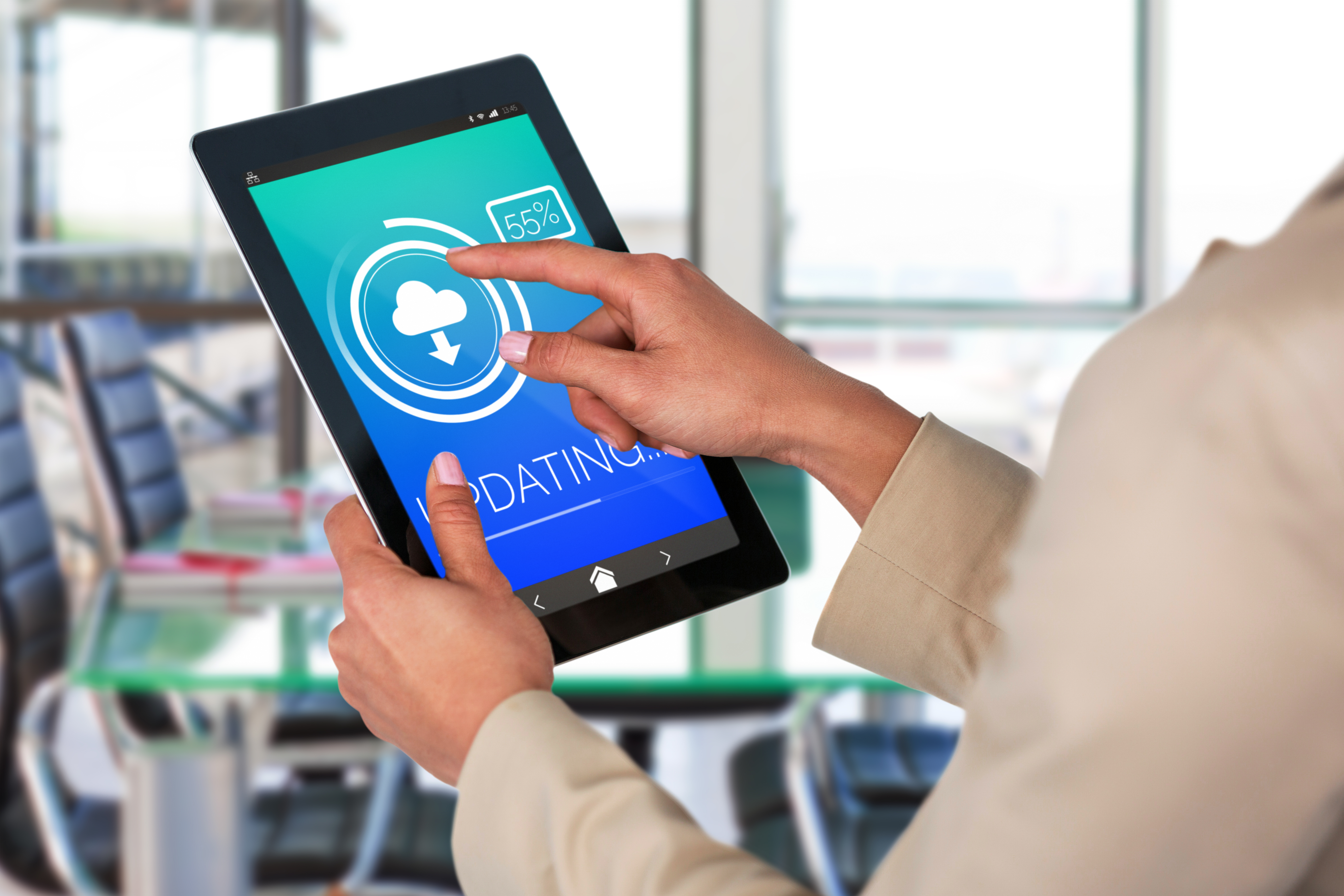
10 Major Advantages of a Cloud-based POS System for Restaurants
19 Dec 2024
A Cloud POS is a revolutionary tool for restaurants to streamline operations. From real-time data access to seamless updates, discover how cloud-based systems outperform traditional POS solutions for modern F&B businesses!
Restaurant POS System
ระบบ POS บนคลาวด์
Read More
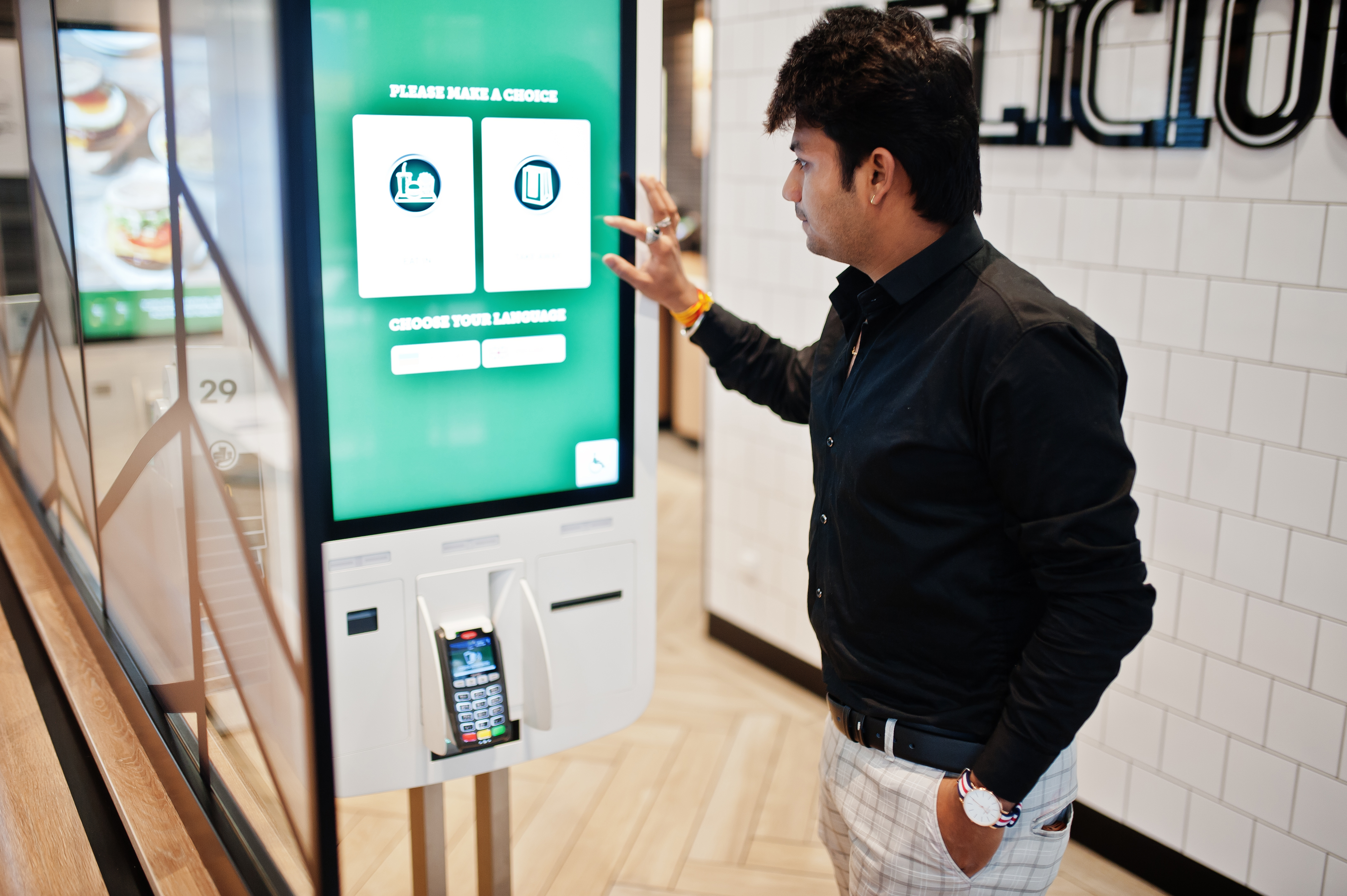
What is Self-Service Kiosk? How It Benefits Restaurants & Takeaways?
03 Feb 2026
Boost efficiency in your restaurant, takeaway businesses with self-service kiosks! Discover how these interactive tools streamline ordering, reduce errors, and drive profits while enhancing customer experience. Learn their benefits and tips to choose one!
Online ordering
Menu management
Read More
