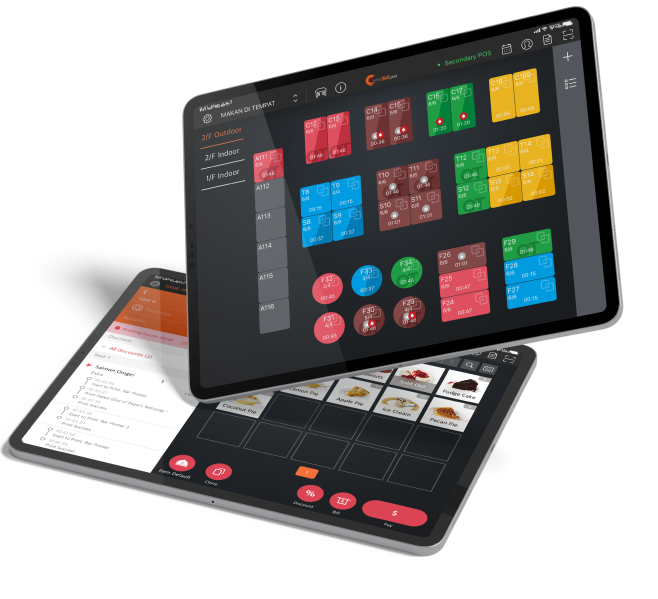
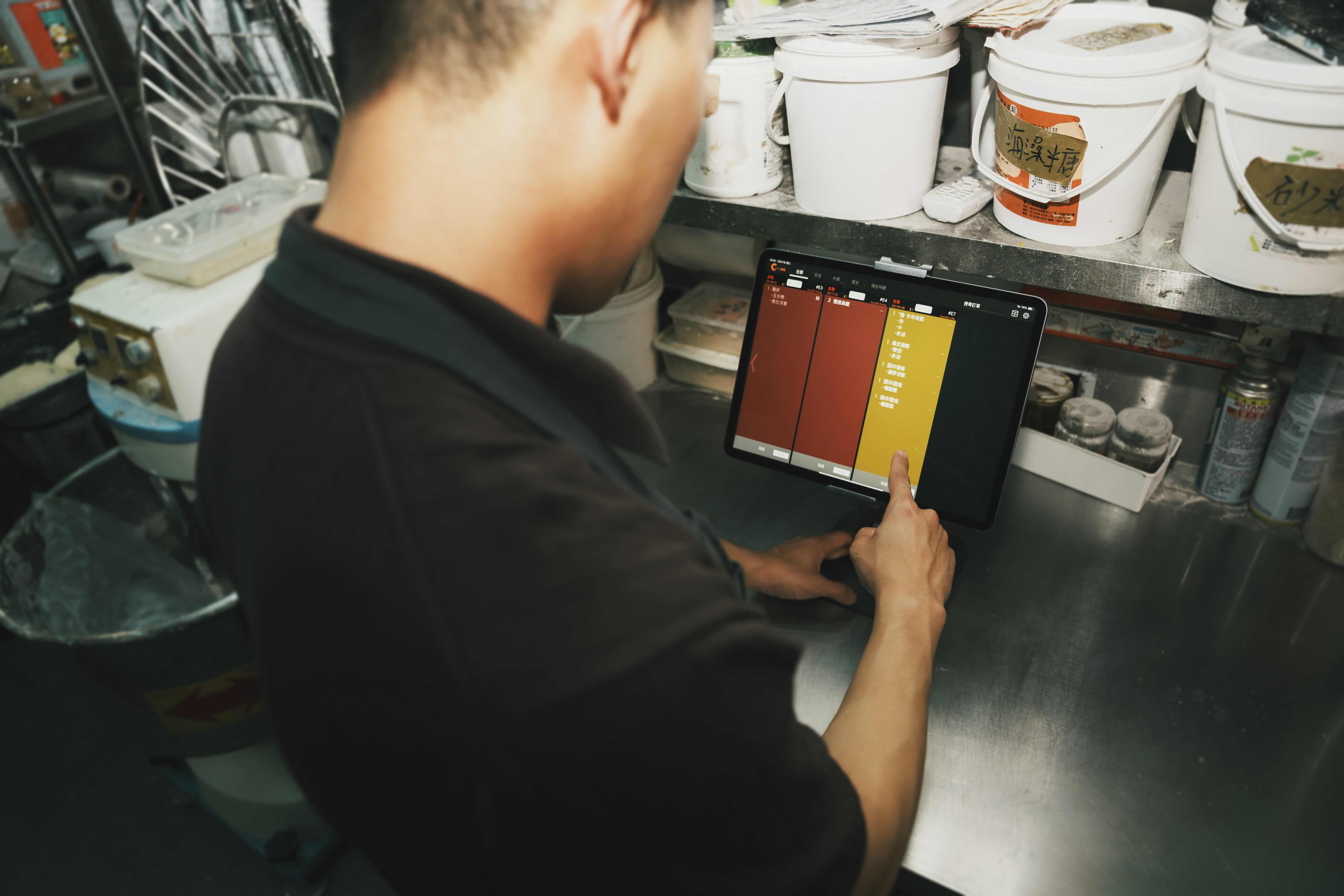
裝袋與出餐同仁不用看沾上油漬的廚房單確認餐點,可以在單一台 iPad 瀏覽訂單與更新狀態。一次解決:從接單、料理到出餐過程中,不必要的拖延與浪費,確保顧客享受高品質的服務。
出餐管理系統
有效管理餐點訂單,打造最流暢的出餐流程
精準掌握每位顧客的用餐喜好、協助獲得正確餐點,是餐廳成功的一大關鍵。用「出餐管理系統」簡化出餐流程,第一時間讓出餐夥伴知道每筆訂單情況,便能用對的餐點滿足顧客需求,提升用餐體驗。

「出餐管理系統」如何幫助餐廳?
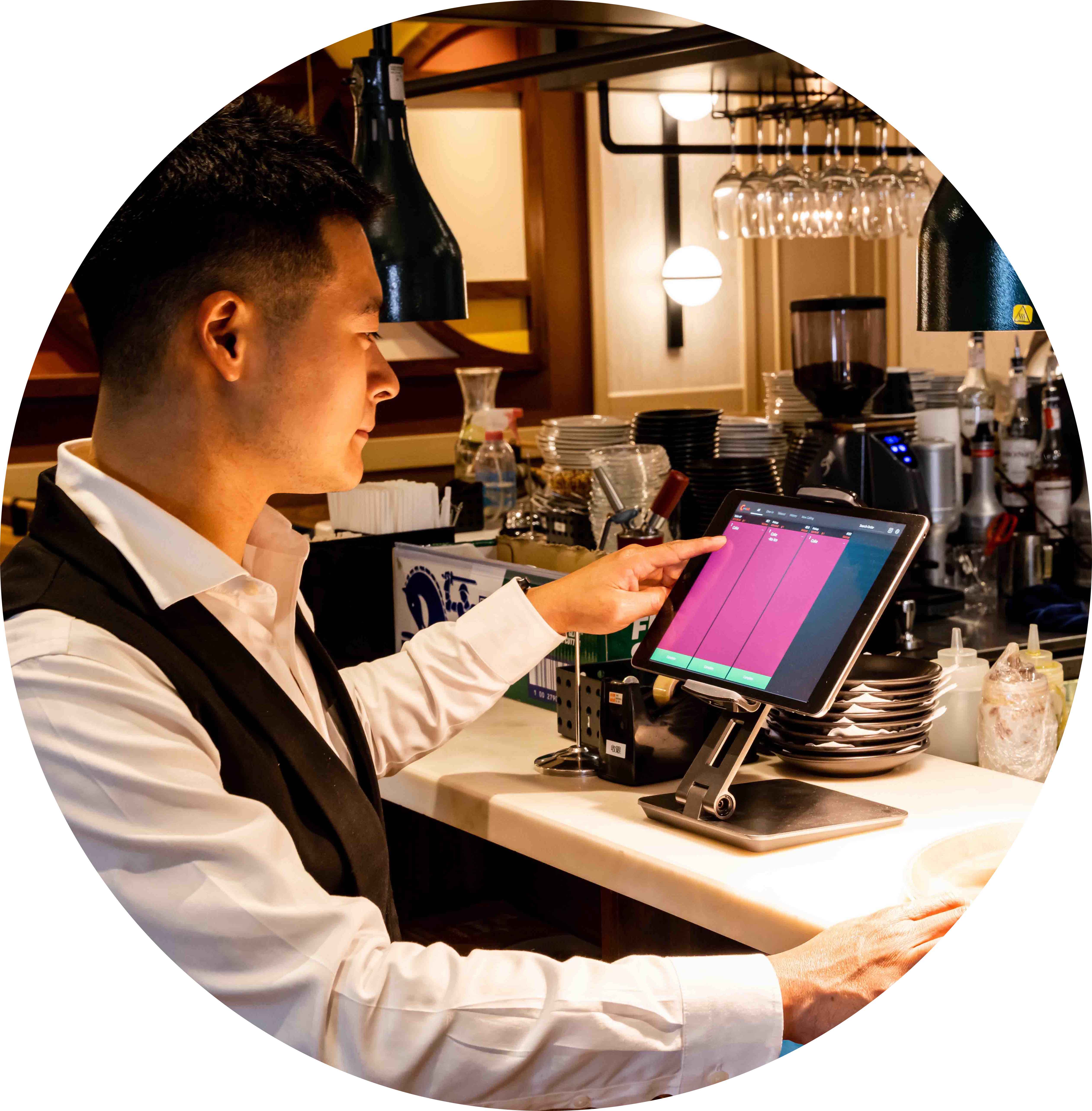
條理分明的流程,讓出餐速度更快速

高效率出餐流程,為顧客留住餐點的美味
如果打包人員的速度過慢,就會發生顧客拿到的冷掉的、品質不佳的餐點。「出餐管理系統」協助打包人員一目瞭然所有的出餐狀況,可以俐落完成所有作業流程,還可以同時提供有用的數據資料以幫助管理人員找出改良的策略。如此一來,顧客可以在最快的時間內享用到熱騰騰的美味佳餚。
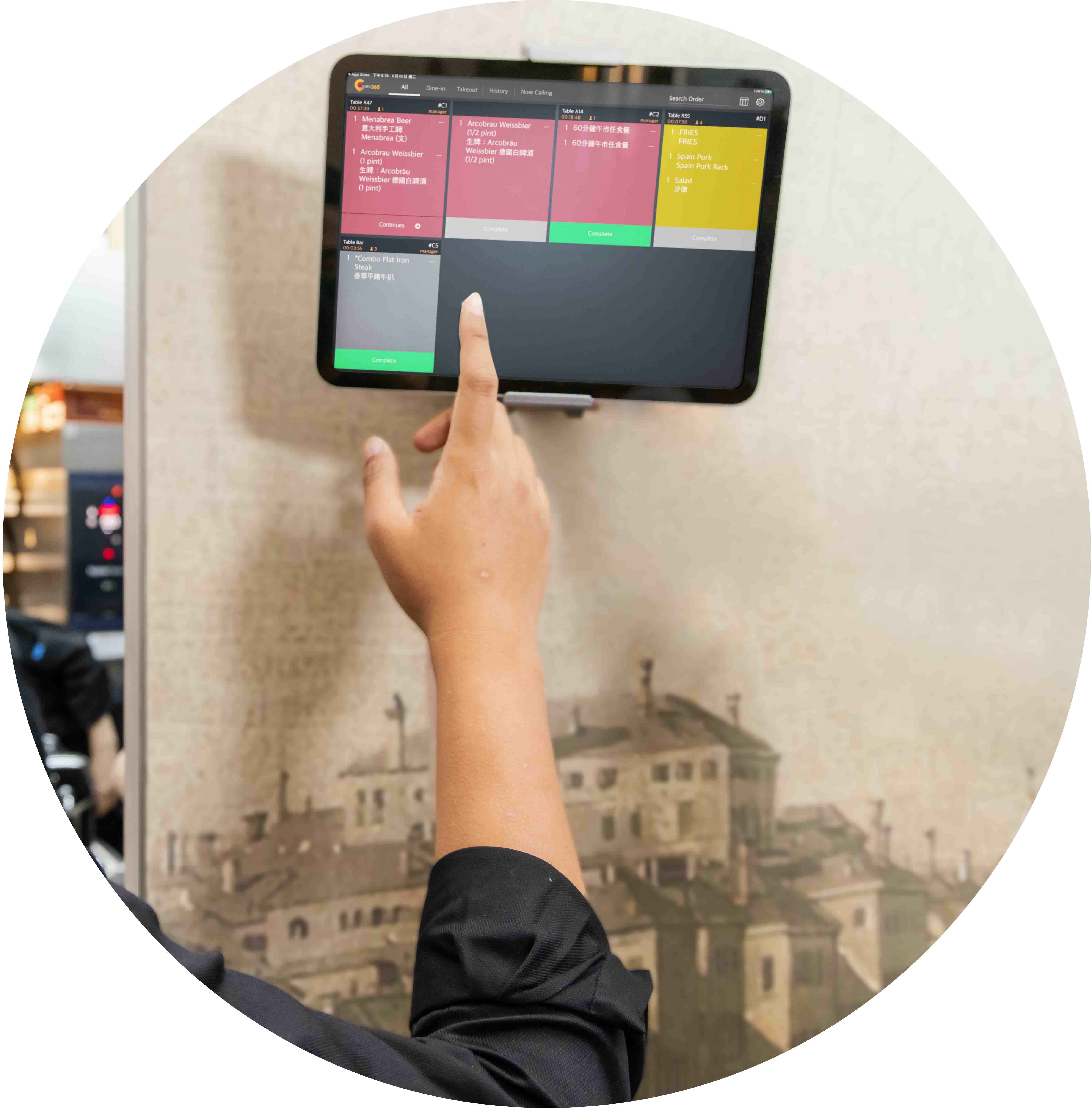
內、外場完美搭配,讓營運更流暢
打造完美的作業流程,外場與內場無縫銜接,為餐廳帶來無限好處。將外場模組(如: Eats365 POS、取餐叫號顯示器、取餐呼叫器)與內場模組(如:出餐顯示器、廚房顯示器)等妥善搭配,就能擁有自動化的營運流程。訂單數據能快速同步,團隊之間溝通無礙,與顧客的應對也能清楚明瞭,確保每一個餐點都不出錯。
「出餐管理系統」功能全覽
一次管理所有餐點訂單
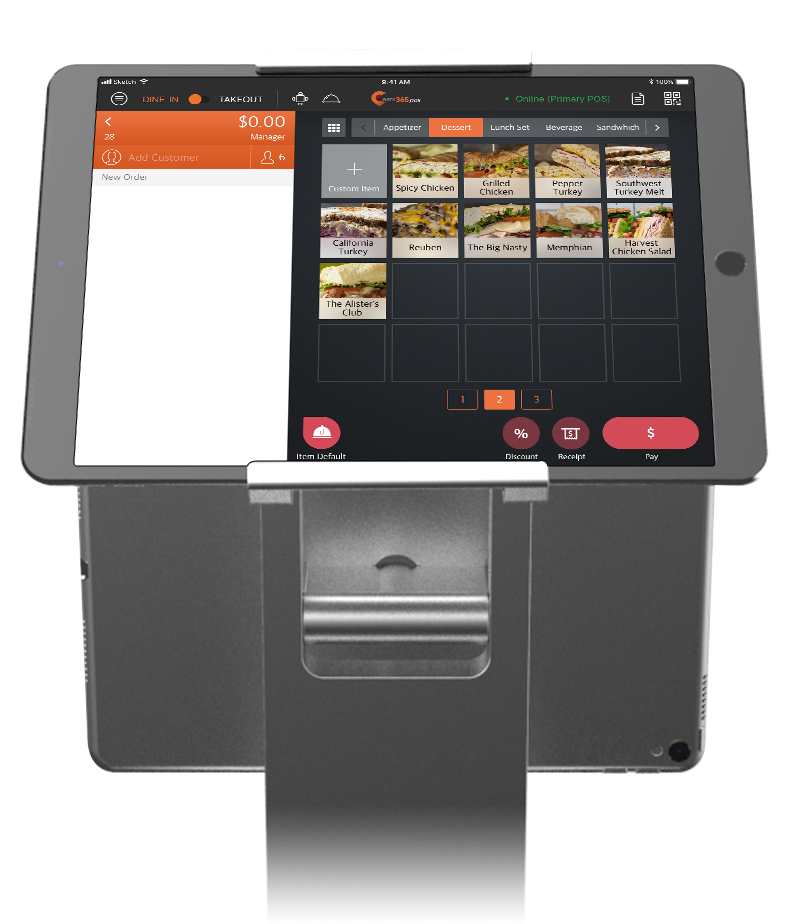
 將所有餐點訂單整合於單一裝置,讓訂單管理更便利
完成的歷史訂單紀錄,可以輕鬆確認與叫出所需資料
Complete order history you can reference and recall orders from
將所有餐點訂單整合於單一裝置,讓訂單管理更便利
完成的歷史訂單紀錄,可以輕鬆確認與叫出所需資料
Complete order history you can reference and recall orders from

清楚的餐點訂單明細資料
清楚檢視每筆訂單的明細資料
顯示每項餐點的數量
顯示每項餐點對應的桌號

講求高速出餐的設計
顯示餐點烹調完成的時間
每項餐點品項在完成後都會清楚標記
餐點訂單根據等待時間顯示不同顏色的標記
* 外送服務即將推出

「取餐叫號系統」完成自動化取餐
訂單完成後,即時叫號取餐
完成的餐點訂單會同步顯示在「取餐叫號系統」
「出餐管理系統」能搭配「取餐呼叫器」使用

更好的服務
整合 Eats365 相關,打造更順暢的溝通與作業流程
完美連接內、外場,讓員工可以在第一時間將餐點送到顧客手中
Print Expeditor Tickets
Print a physical expeditor ticket for dine-in, takeout and catering orders
Show order number, service-type indicator and kitchen station name on the ticket
Add a scannable QR code, order remarks and cutlery requests
Dual-language ticket printing — useful for multicultural teams
Combine identical items and choose how combos display
一次管理所有餐點訂單
將所有餐點訂單整合於單一裝置,讓訂單管理更便利
完成的歷史訂單紀錄,可以輕鬆確認與叫出所需資料
Complete order history you can reference and recall orders from
清楚的餐點訂單明細資料
清楚檢視每筆訂單的明細資料
顯示每項餐點的數量
顯示每項餐點對應的桌號
講求高速出餐的設計
顯示餐點烹調完成的時間
每項餐點品項在完成後都會清楚標記
餐點訂單根據等待時間顯示不同顏色的標記


* 外送服務即將推出
「取餐叫號系統」完成自動化取餐
訂單完成後,即時叫號取餐
完成的餐點訂單會同步顯示在「取餐叫號系統」
「出餐管理系統」能搭配「取餐呼叫器」使用
更好的服務
整合 Eats365 相關,打造更順暢的溝通與作業流程
完美連接內、外場,讓員工可以在第一時間將餐點送到顧客手中
Print Expeditor Tickets
Print a physical expeditor ticket for dine-in, takeout and catering orders
Show order number, service-type indicator and kitchen station name on the ticket
Add a scannable QR code, order remarks and cutlery requests
Dual-language ticket printing — useful for multicultural teams
Combine identical items and choose how combos display


餐廳老闆強力推薦

Eats365 出餐管理系統 相關常見問題
1. Eats365 出餐管理螢幕(Expedite Display)是什麼?
Eats365 出餐管理螢幕是一塊數位螢幕,作為管理和完成訂單的中央樞紐。與標準的備餐區 KDS 不同,Eats365 出餐管理螢幕允許主廚或出餐專員查看所有廚房站點的狀態,並在每道菜品準備完成後將整筆訂單標記為已完成。
2. Eats365 出餐管理系統如何與 Eats365 POS 配合運作?
Eats365 出餐管理系統與 Eats365 POS 完全即時同步。當在 POS 上建立訂單時,它會自動顯示在螢幕上;一旦在出餐管理螢幕上標記為準備完成,系統狀態就會更新,通知服務員或顧客。
3. 我可以不使用獨立備餐區,單獨使用Eats365 出餐管理系統嗎?
可以,Eats365 可將廚房設置為單純使用Eats365 出餐管理系統,或將其與多個備餐區 KDS 單元結合,適用於需要按站點追蹤特定菜品的複雜廚房操作。
4. Eats365 出餐管理系統是否支援追蹤訂單備餐時間?
可以,Eats365 出餐管理系統包含計時器警示功能。若訂單在系統中的時間超過預設閾值,會通知出餐專員和廚房人員,有助於維持服務速度並識別瓶頸。
5. 如果訂單被誤標為已完成,我可以改回來嗎?
可以。您可以從Eats365 出餐管理系統中查看已完成訂單的歷史記錄,若訂單需要進一步處理或被過早移除,可將其召回至訂單列表。
了解「出餐管理系統」如何幫助您的餐廳
2026最熱門的【自助點餐系統】你的餐廳適合哪一種?
 30 Jan 2026

2026年,全台灣應該沒有人沒用過自助點餐了吧?不管是使用掃碼點餐、線上點餐、或是自助點餐機,對台灣的消費者來說都已是稀鬆平常。 對於還在觀望、不確定哪種比較適合自己餐廳的流程的老闆,這篇文章會直接從台灣餐廳最常見的 5 種自助點餐模式切入,幫您一次看懂各自適合的場景、常見限制,以及導入前真正該先問清楚的關鍵。
線上點餐
閱讀更多

【提高翻桌率】五個準則!餐廳翻桌率計算方式與如何提高?
07 Nov 2024
想必所有的餐廳老闆們都聽過翻桌率,翻桌率越高,意味著餐廳能在相同的營業時間內服務更多的顧客、創造更高營收。但翻桌率並不僅是加快顧客用餐速度,更牽涉到餐廳整體的營運效率,本篇文章我們來討論有哪些情境會拉低您的翻桌率,以及能夠如何改善!
餐廳經營
顧客經營
閱讀更多
商用餐廳廚房設計規劃指南|四步驟打造內場高效率
13 Mar 2025
在開設餐廳時,商業廚房規劃與設計是決定營運效率與成功與否的關鍵因素。一個良好的廚房設計不僅能提升工作效率,還能確保食品安全與員工舒適度。本文將從預算、動線規劃、設備選購到餐廳消防法規,提供完整的餐廳廚房設計指南,幫助您打造高效且符合需求的商用廚房。
廚房管理
餐廳經營
閱讀更多