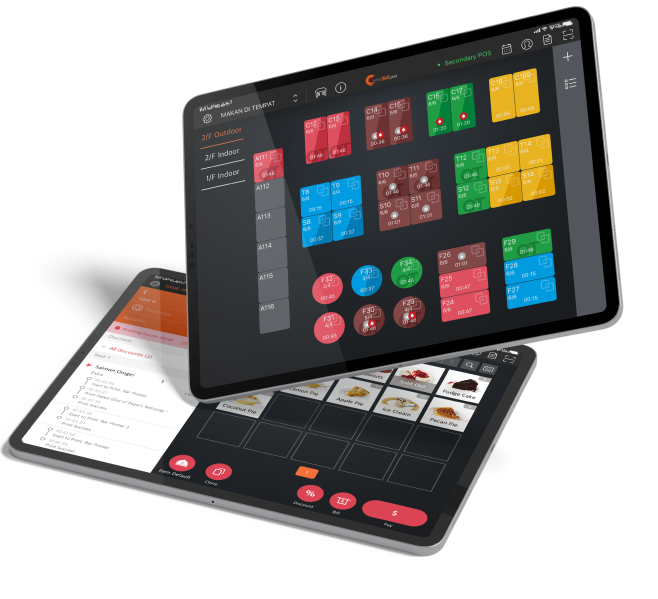


In today’s day and age, a good menu will serve as an interactive touchpoint that creates a true wow-factor to make your dishes stand out. By letting your customers interact directly with your iPad menu, they can quickly pick dishes that appeal to them by learning which ones are vegan, vegetarian, gluten-free, etc, without having to rely on your wait staff constantly running to the kitchen to find out. Thanks to real-time item tracking, your tablet menu will also hide sold-out items so that your customers never order things that are no longer available.
PhotoMenu
When Customers Eat With Their Eyes, They Always Order More
How to best convey how amazing your food is when your customers often can’t be immersed in the smell, taste and presentation before ordering? Well, a digital menu solution like PhotoMenu lets you weave a compelling narrative per dish, add mouth-watering photos and ensure your customers can order everything on your menu right from their PhotoMenu!
How Eats365's PhotoMenu Can Help You Sell More
Interactive E-Menu Detail Makes Happier Customers
A Flexible Digital Ordering Experience
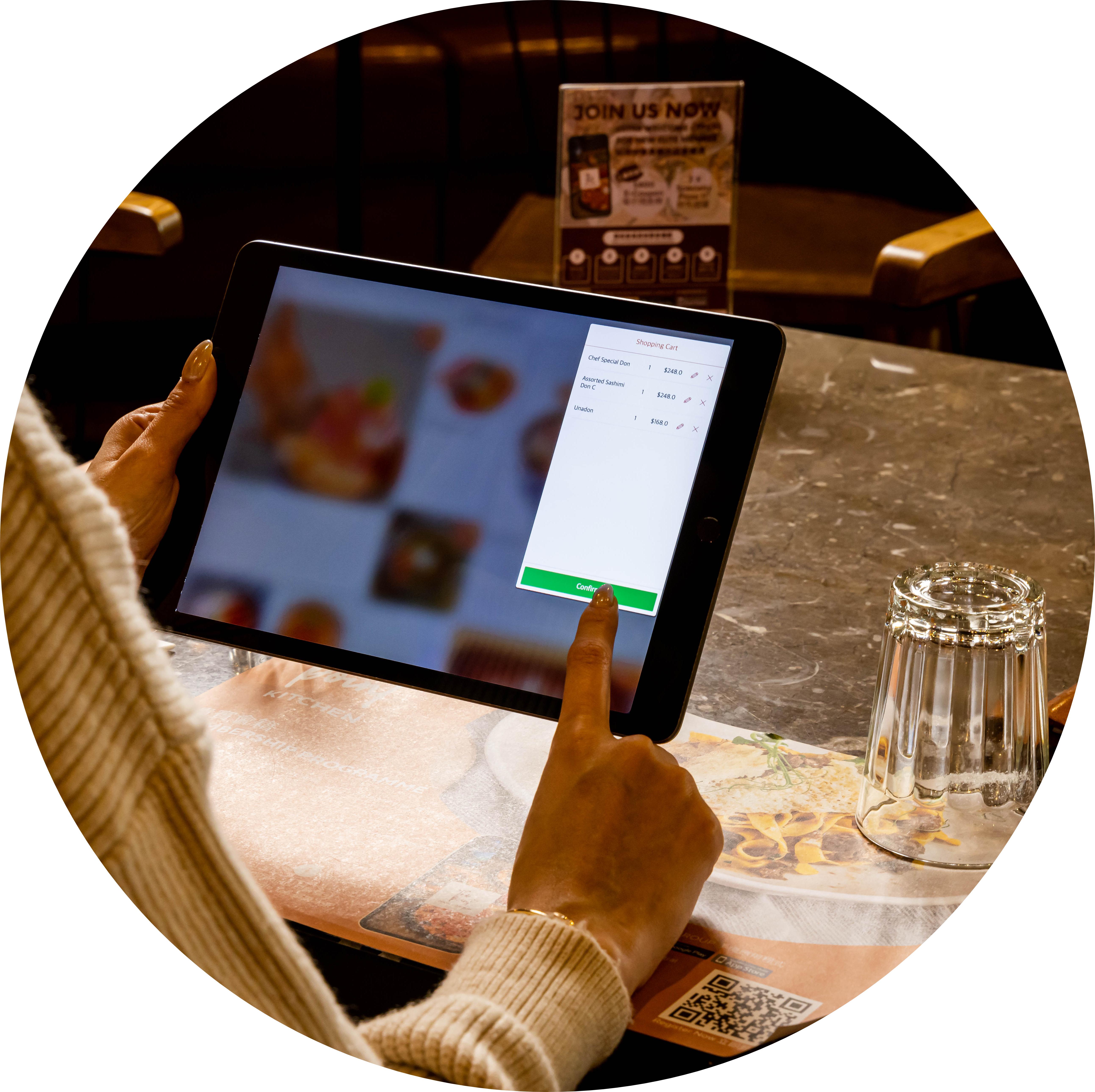
Let the customer handle everything from picking their orders to placing them directly on the PhotoMenu. Once an order is placed digitally, your customers can still add items and even edit their orders if they change their minds. A flexible digital ordering experience means staff are not required to handle changes to orders.
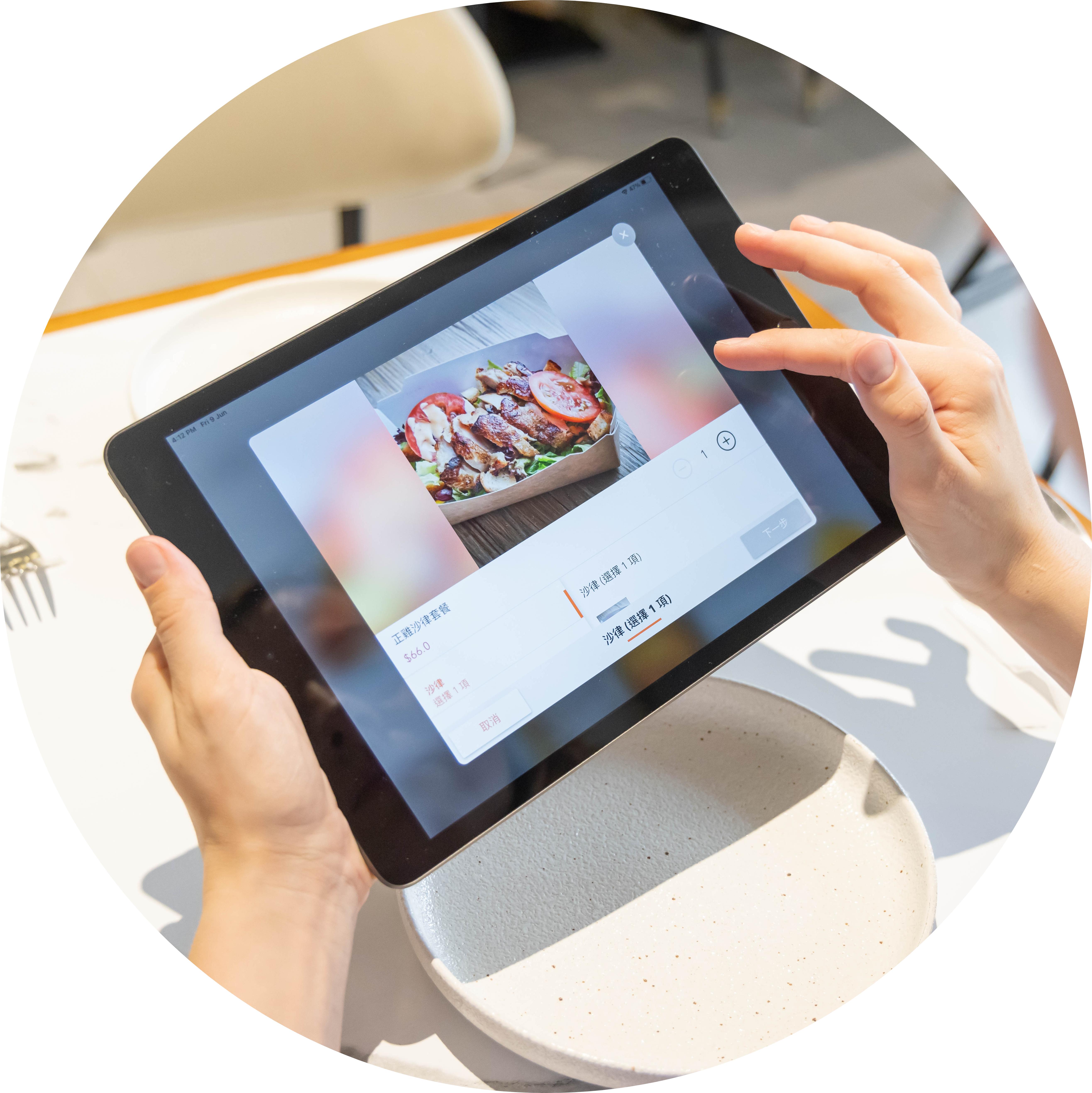
A Digital Menu With Visuals That Spark Hunger
What better way to ensure your customers are keen to order more than by using delicious visuals to spark their hunger? Unlike a traditional menu with limited space, your PhotoMenu lets you add loads of photos of your food and drinks digitally so that your customers are more inclined to increase their spend amount.
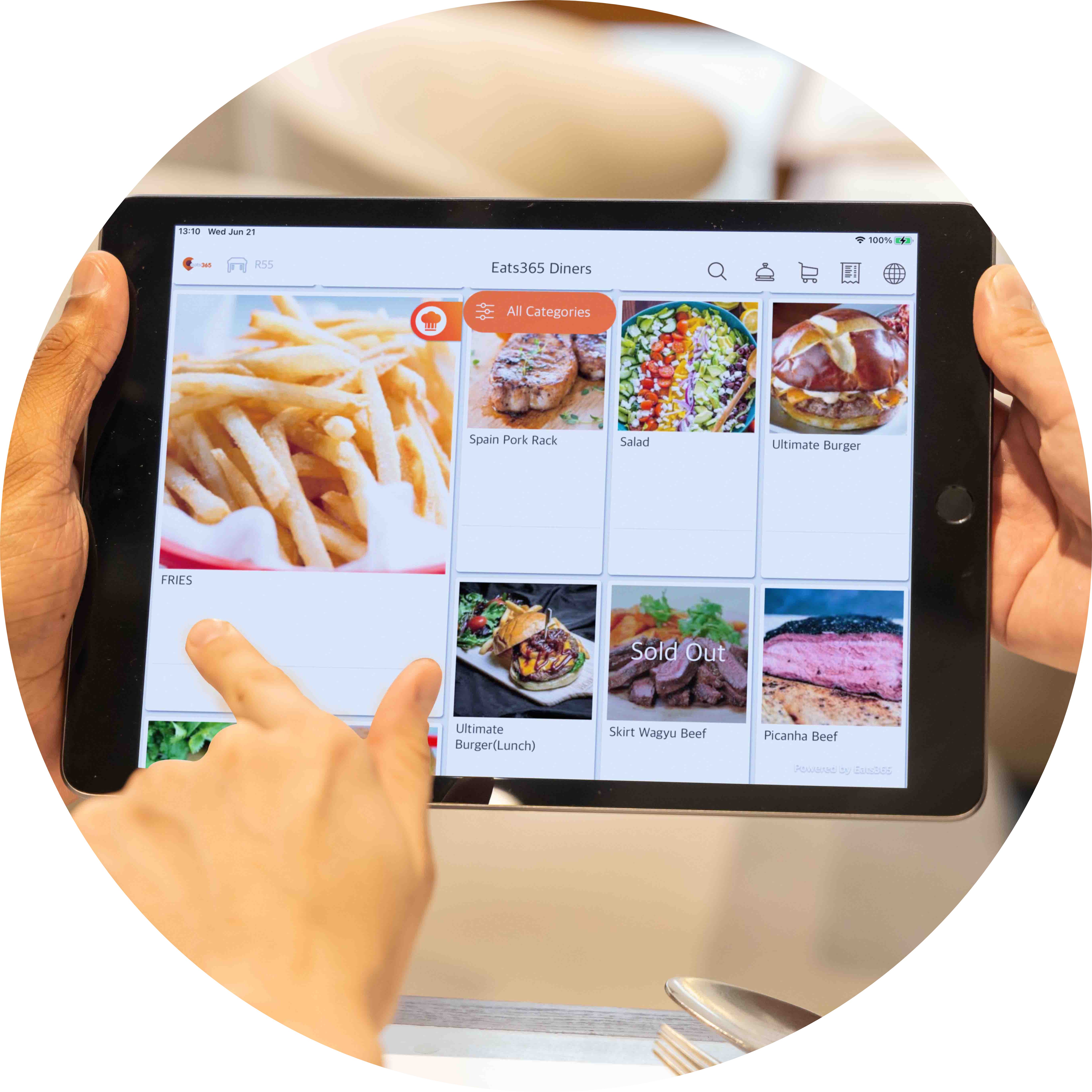
Limitless Possibilities to Build the Perfect E-Menu
Each time you update your menus digitally, they’ll sync across all relevant Eats365 modules so you can see how they look with zero printing and paper costs. This lets you try out an unlimited combination of text and image variations until you’re one hundred percent satisfied with how your menu looks and feels on the iPad. You can further set your restaurant for success by testing different menu variants and accessing data to see which one brought in the highest sales amount.
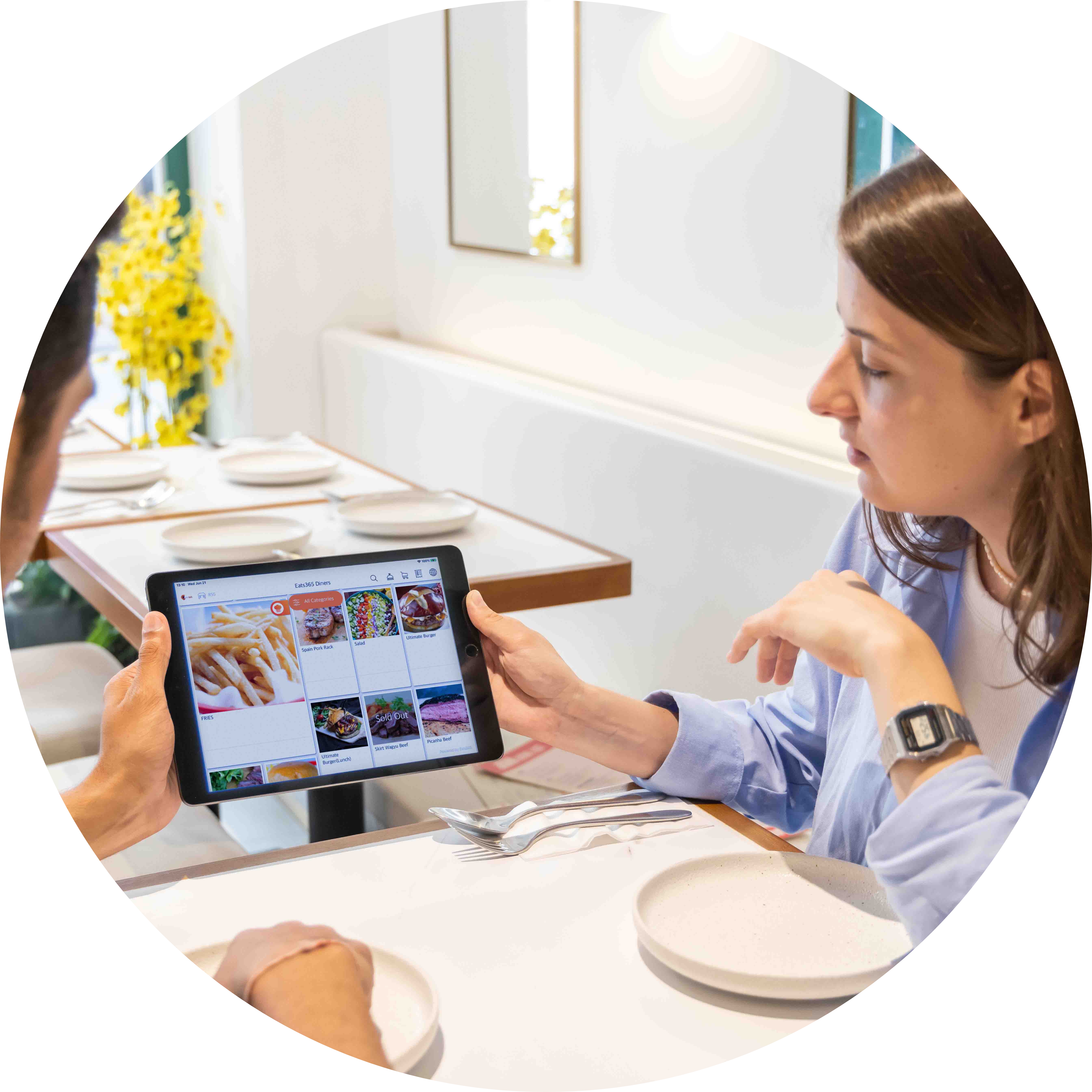
Position iPad Menus Anywhere for Any Purpose
Your business needs menus that are flexible and smart. Running off of a simple tablet, you can fix each PhotoMenu to specific tables, use them in a free mode where they can be handed out as needed, or fix them outside your restaurant so customers can view promotions and browse your digital menu easily even without entering your restaurant.
PhotoMenu Features Overview
Totally Customize Your Digital Menus
 Add custom photos for every menu item
Create exciting backstories to description.
Automatically switch between menus (e.g. breakfast menu and lunch menu)
Add in combos, modifiers, discounts and more
Offer multiple languages to make your guests feel welcome
Add custom photos for every menu item
Create exciting backstories to description.
Automatically switch between menus (e.g. breakfast menu and lunch menu)
Add in combos, modifiers, discounts and more
Offer multiple languages to make your guests feel welcome

The Perfect Fit for Your Restaurant Style
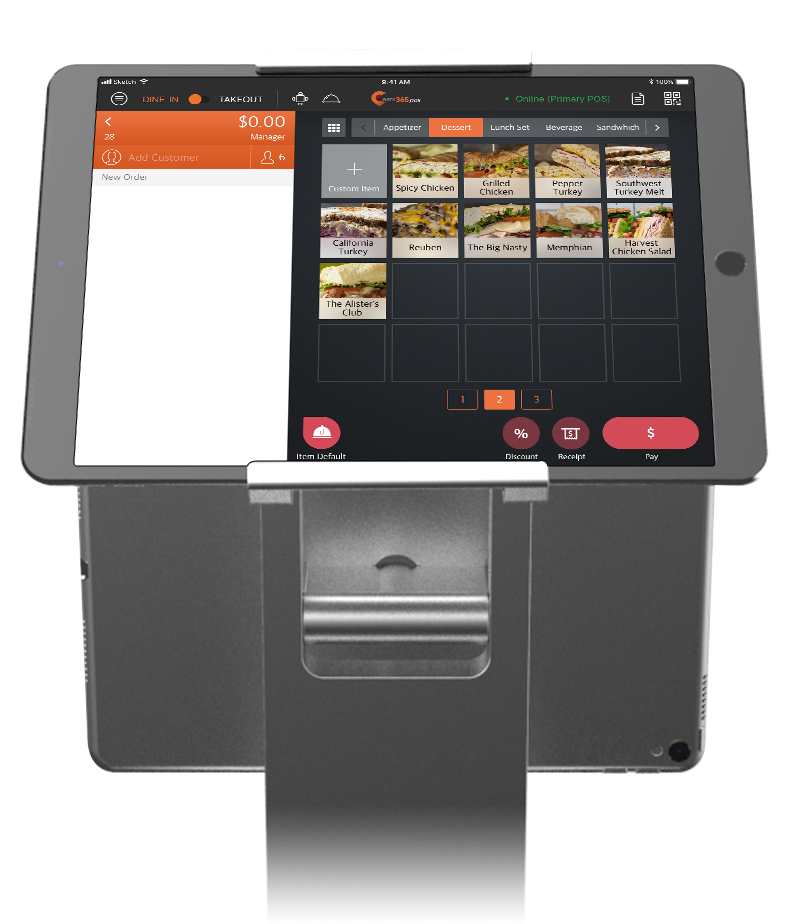
From ordering to payment, your PhotoMenu can fit a self-service business model
Mobile and stationary modes to give you full flexibility
Use your PhotoMenus as signage to advertise new items
A Fully-Connected and Interactive Menu
Update all your PhotoMenus at once directly from the Merchant Portal
Once updated, menu changes sync across all relevant Eats365 modules
Orders placed through the PhotoMenu can be sent to a POS (Point of Sale) system or mPOS for approval first
Inventory tracking lets you hide items that are no longer in stock
Seamless integration through the cloud with other Eats365 modules to create a smart solution
Call for Service in a Tap

Guests tap 'Service Call' on the PhotoMenu instead of flagging down staff
They choose the type of service they need
Staff are alerted instantly on the Eats365 POS — pop-up, a bell icon on the table map, and a sound
Totally Customize Your Digital Menus
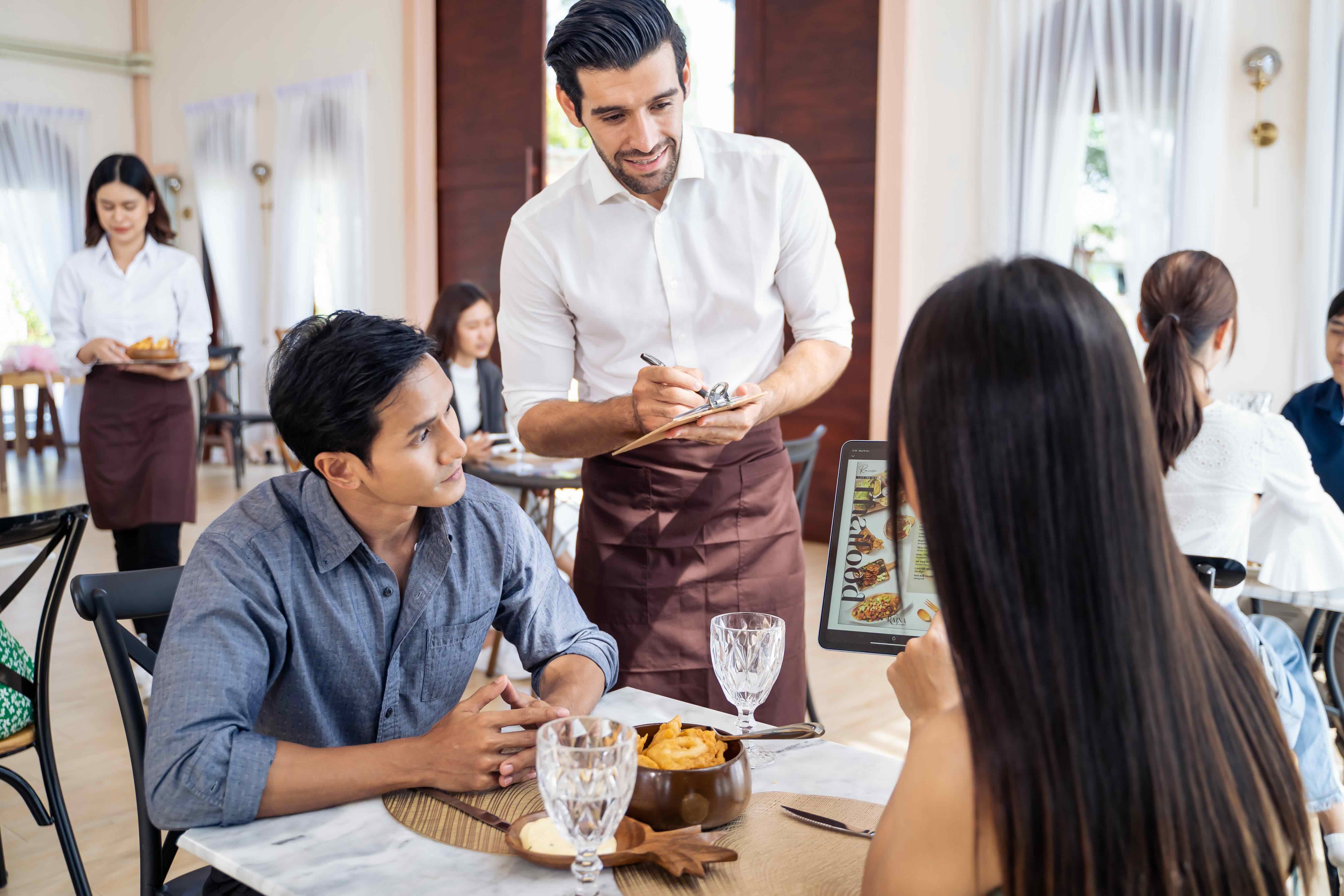
Add custom photos for every menu item
Create exciting backstories to description.
Automatically switch between menus (e.g. breakfast menu and lunch menu)
Add in combos, modifiers, discounts and more
Offer multiple languages to make your guests feel welcome
The Perfect Fit for Your Restaurant Style
From ordering to payment, your PhotoMenu can fit a self-service business model
Mobile and stationary modes to give you full flexibility
Use your PhotoMenus as signage to advertise new items
A Fully-Connected and Interactive Menu
Update all your PhotoMenus at once directly from the Merchant Portal
Once updated, menu changes sync across all relevant Eats365 modules
Orders placed through the PhotoMenu can be sent to a POS (Point of Sale) system or mPOS for approval first
Inventory tracking lets you hide items that are no longer in stock
Seamless integration through the cloud with other Eats365 modules to create a smart solution
Call for Service in a Tap
Guests tap 'Service Call' on the PhotoMenu instead of flagging down staff
They choose the type of service they need
Staff are alerted instantly on the Eats365 POS — pop-up, a bell icon on the table map, and a sound
PhotoMenu is Perfect for these Restaurant Types


PhotoMenu is Part of the Following Solutions


Restaurants Like Yours Love the PhotoMenu
FAQs about Eats365 PhotoMenu
1. What is the Eats365 PhotoMenu?
The PhotoMenu is a digital tablet-based menu that allows customers to browse high-quality images, detailed descriptions, and ingredient lists of your dishes directly from their table. It serves as an interactive self-ordering interface that bridges the gap between traditional service and digital efficiency.
2. How does the PhotoMenu benefit restaurant operations?
PhotoMenu streamlines operations by allowing customers to place orders directly, which reduces the workload on waitstaff and minimizes ordering errors. Real-time synchronization ensures that menu updates made in the Merchant Portal—such as price changes or out-of-stock items—are instantly reflected on all tablet devices.
3. Can customers request staff assistance through the PhotoMenu?
Yes, the PhotoMenu includes a 'Service Call' feature. This allows customers to notify restaurant staff when they need assistance and specify the type of service required, ensuring a faster and more organized response from the floor team.
4. Does the PhotoMenu support menu customization and modifiers?
Yes, it fully supports combos and modifiers, giving guests the ability to customize their meals with specific options or additions. This interactive setup helps drive sales by making upselling and cross-selling options clearly visible to every customer.
5. Can I assign a PhotoMenu tablet to a specific table?
Yes, you can configure PhotoMenu settings to assign a device to a fixed table number. This ensures that orders placed from that specific tablet are automatically routed to the correct table in the POS system without manual input from staff.
5. Is it possible to customize the layout of the PhotoMenu?
Individual or shared PhotoMenu settings can be modified through the Eats365 POS or the Merchant Portal. You can customize the app’s layout, branding, and media sources to match your restaurant’s aesthetic and behavior preferences.
Learn More about How PhotoMenus Can Help Your Restaurant Sell More
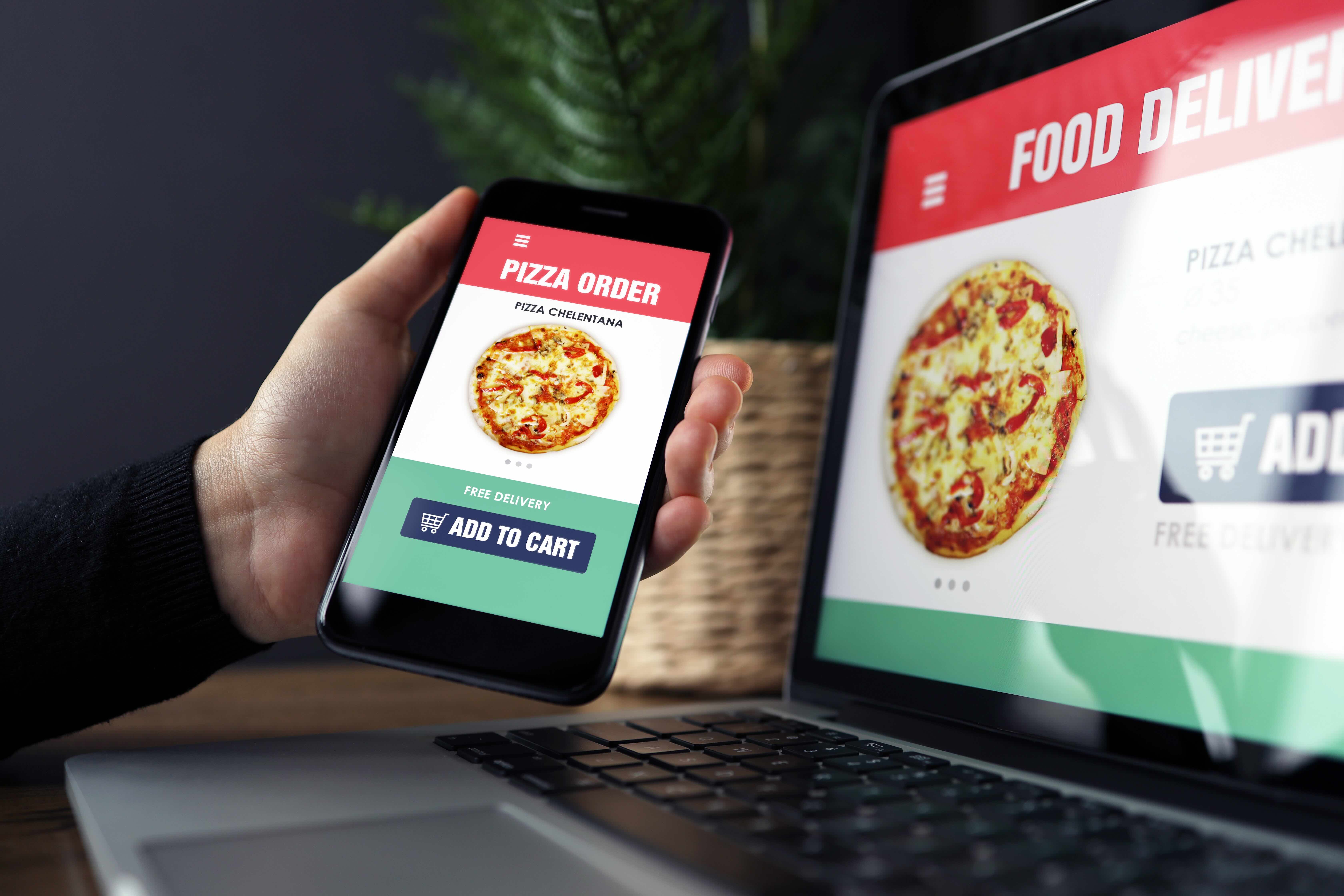
Top 4 QR Code Ordering Systems in Hong Kong - Price & Function Compared
 15 May 2025

What features should a practical system have? How should businesses choose? This article will briefly explain key selection points and compare four major HK systems: Eats365, DimOrder, PinMe, and Caterlord.
QR Code
Restaurant POS System
Read More
AYCE Tablet Ordering: How to Actually Stop Menu Abuse in 2026
05 Dec 2025
Is your all-you-can-eat (AYCE) restaurant losing $12k weekly to food waste and hidden liabilities? Discover how smart tablet ordering can stop menu abuse, safeguard your margins, and prevent compliance headaches in 2026.
Eats365
Menu management
Scan-to-Order
Read More
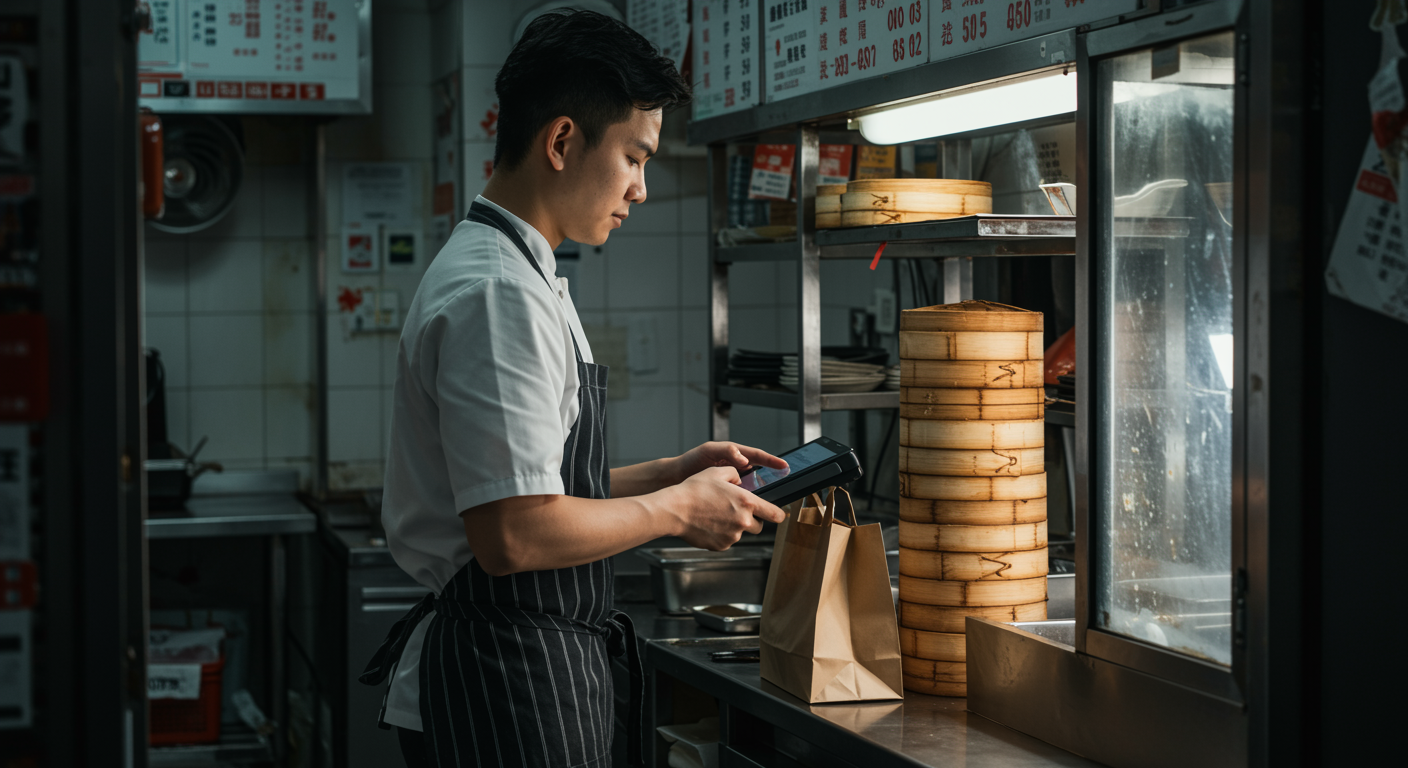
Eats365 Biz or Lite? Cut Costs for Your Stall Without Losing Sales
13 Feb 2026
Feeling the squeeze on your Hong Kong food stall's margins? Learn how eats365 Biz and Biz Lite can simplify operations, cut costs, and help increase sales without sacrificing quality or customer experience.
Eats365
Cloud-based POS
Online ordering
Read More