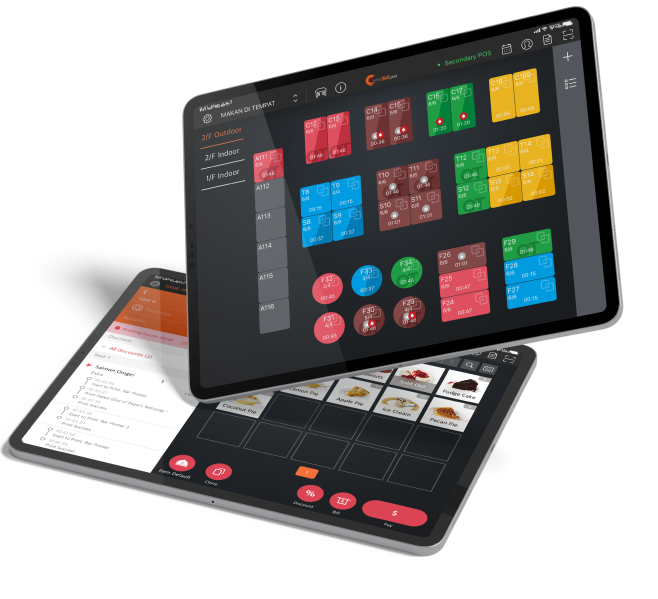
Every order tells a story — which dishes fly, which sit, when your rushes really hit. Eats365 turns that into clear numbers you can act on, not spreadsheets you'll never open. Spot your hero dishes, cut the dead weight, and staff for the hours that actually matter.
QR Ordering

Turn Every Scan Into a Bigger Order
With Real AI

Digitize your order flow with zero extra hardware — customers scan, order, and it syncs straight to your POS, even when the restaurant is packed. Sell more with built-in, real AI recommendations that suggest what customers "may also like," turning every scan into a chance to grow the order.
Why Choose Eats365 QR Ordering System?

Your Menu Knows What Sells. Now You Will Too.
Delivery Orders in the Same Flow
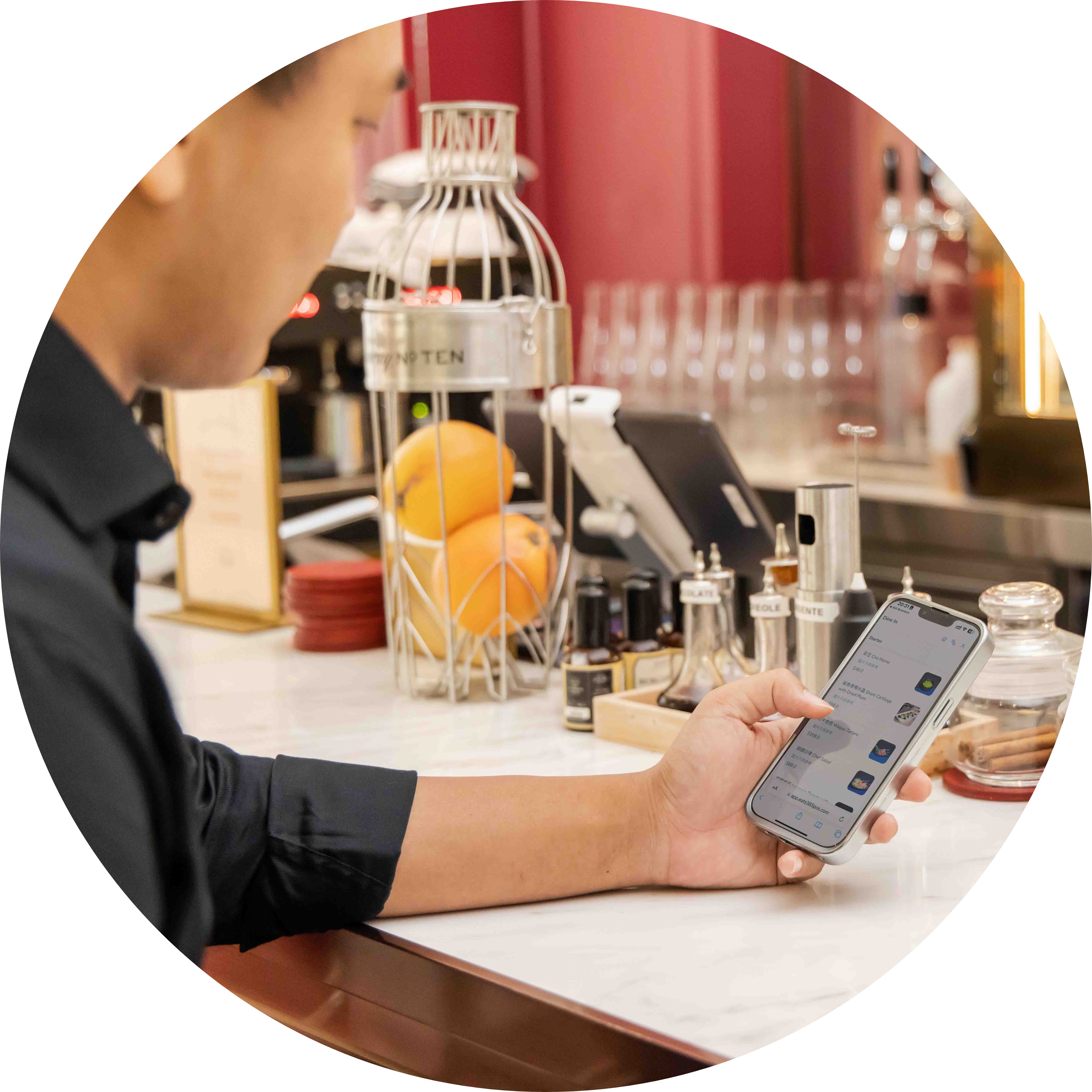
Bring delivery and dine-in QR orders into the same POS and kitchen queue, so your team isn’t juggling separate tablets when the rush hits.
Pay First or Pay Later — Your Call
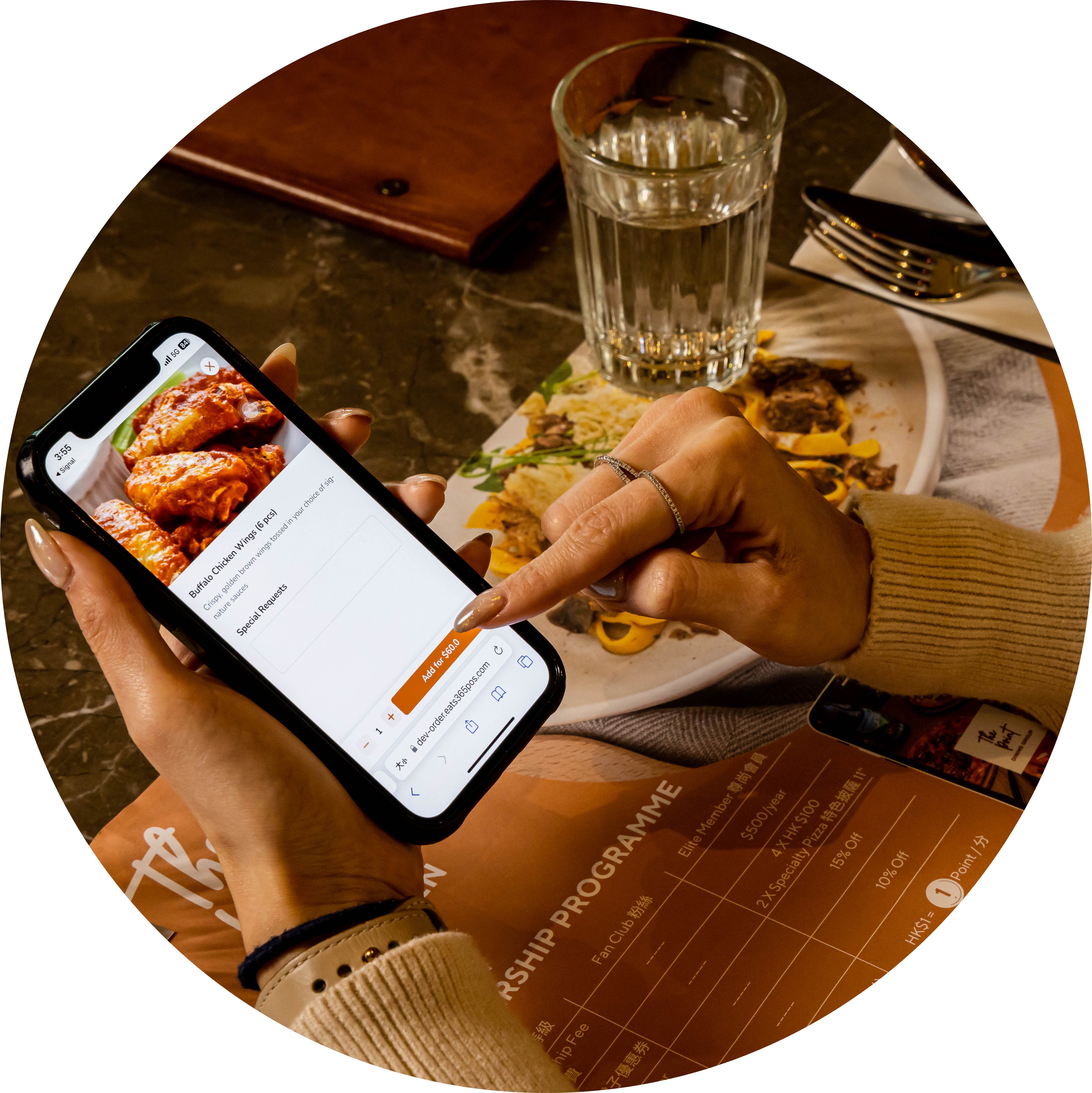
You choose pay-first or pay-later for QR ordering—guests can settle with cards, e-wallets, and other local payment options when you enable payment at order or at the end.
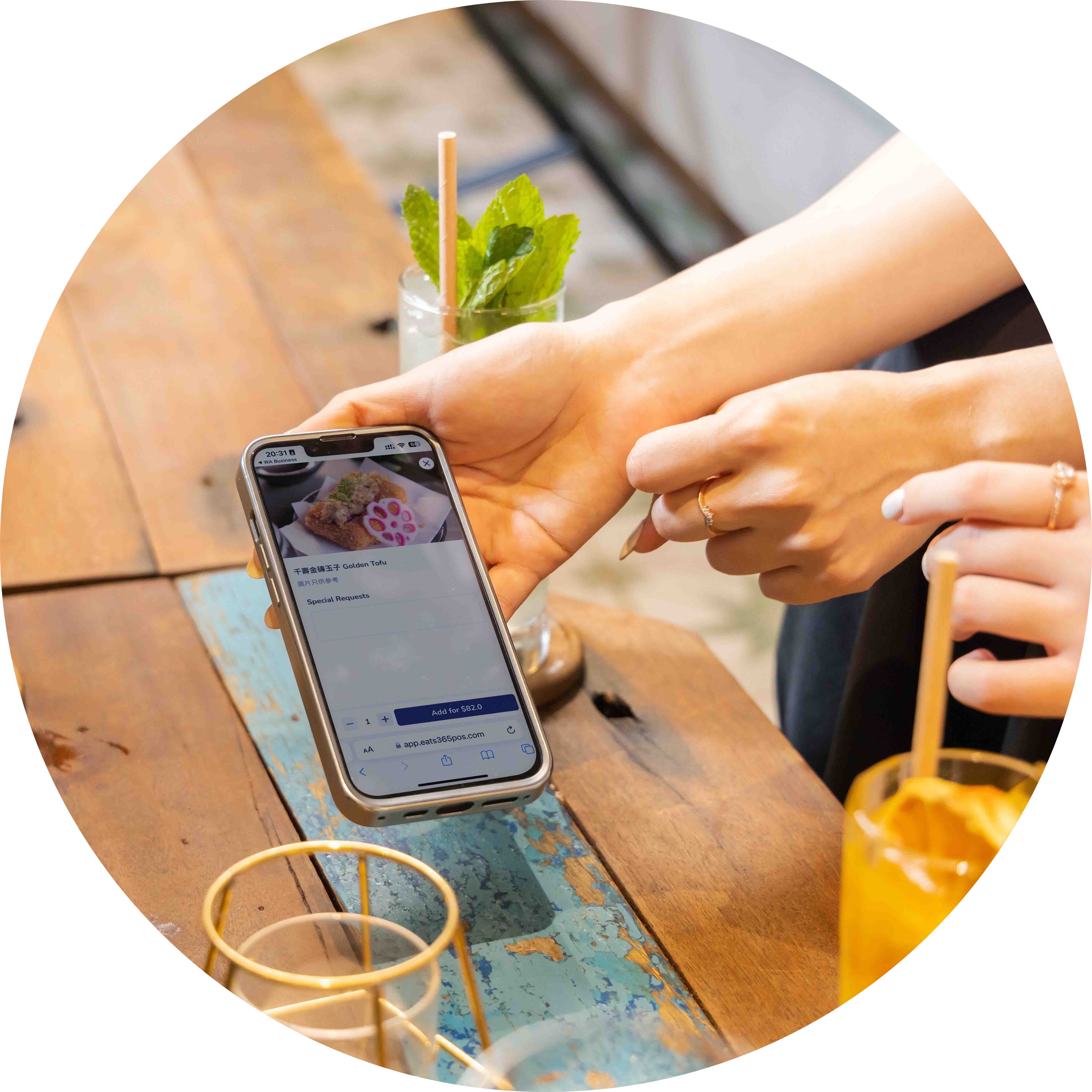
Seamless Menu Sync Across Chains
Eats365 auto-syncs menus to every outlet instantly. One click rolls out seasonal specials like Valentine's Day or CNY chain-wide, while AI "You May Also Like" recommendations — learned from real sales and order history — grow every order automatically.
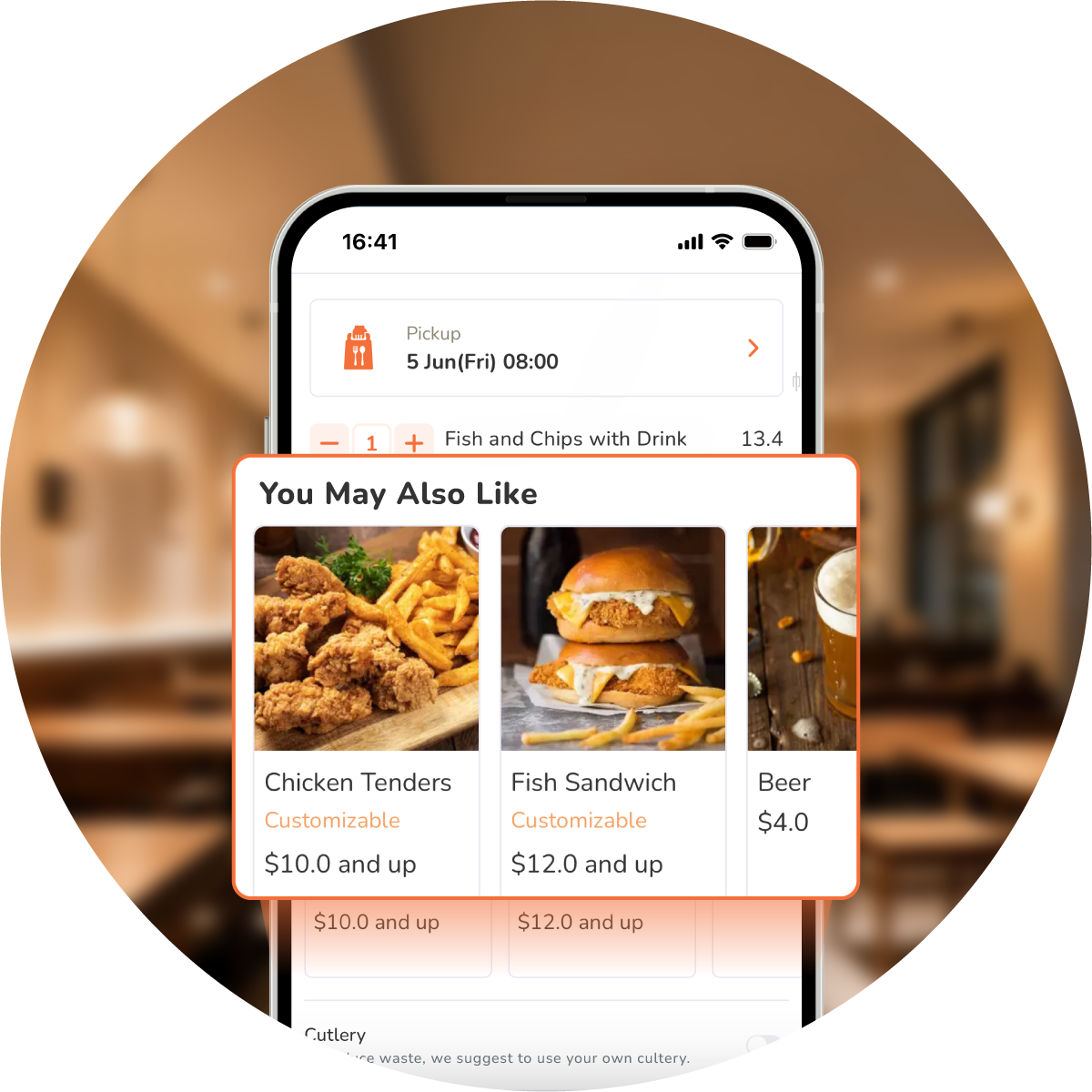
Sell More with AI-Powered Menus
Go beyond static menus at every location. Eats365 digital QR menus show mouth-watering photos that spark hunger, then go further with real AI recommendations: "You May Also Like" learns from actual sales data and each guest's past orders — genuine AI predictions, not a fixed list, growing every order.
Maximize QR Potential
 Deploy three QR modes: activate static, dynamic, and all-you-can-eat options
Set all three modes to link specific table numbers
All 3 modes can combine multiple customers’ orders from the same table on one bill
Reuse static QR codes affixed to specific tables for easier access
Clear static QR orders after bill payment
Secure dynamic QR links uniquely, expire after payment
Equip all-you-can-eat mode with timers, tiers, order limits
Deploy three QR modes: activate static, dynamic, and all-you-can-eat options
Set all three modes to link specific table numbers
All 3 modes can combine multiple customers’ orders from the same table on one bill
Reuse static QR codes affixed to specific tables for easier access
Clear static QR orders after bill payment
Secure dynamic QR links uniquely, expire after payment
Equip all-you-can-eat mode with timers, tiers, order limits
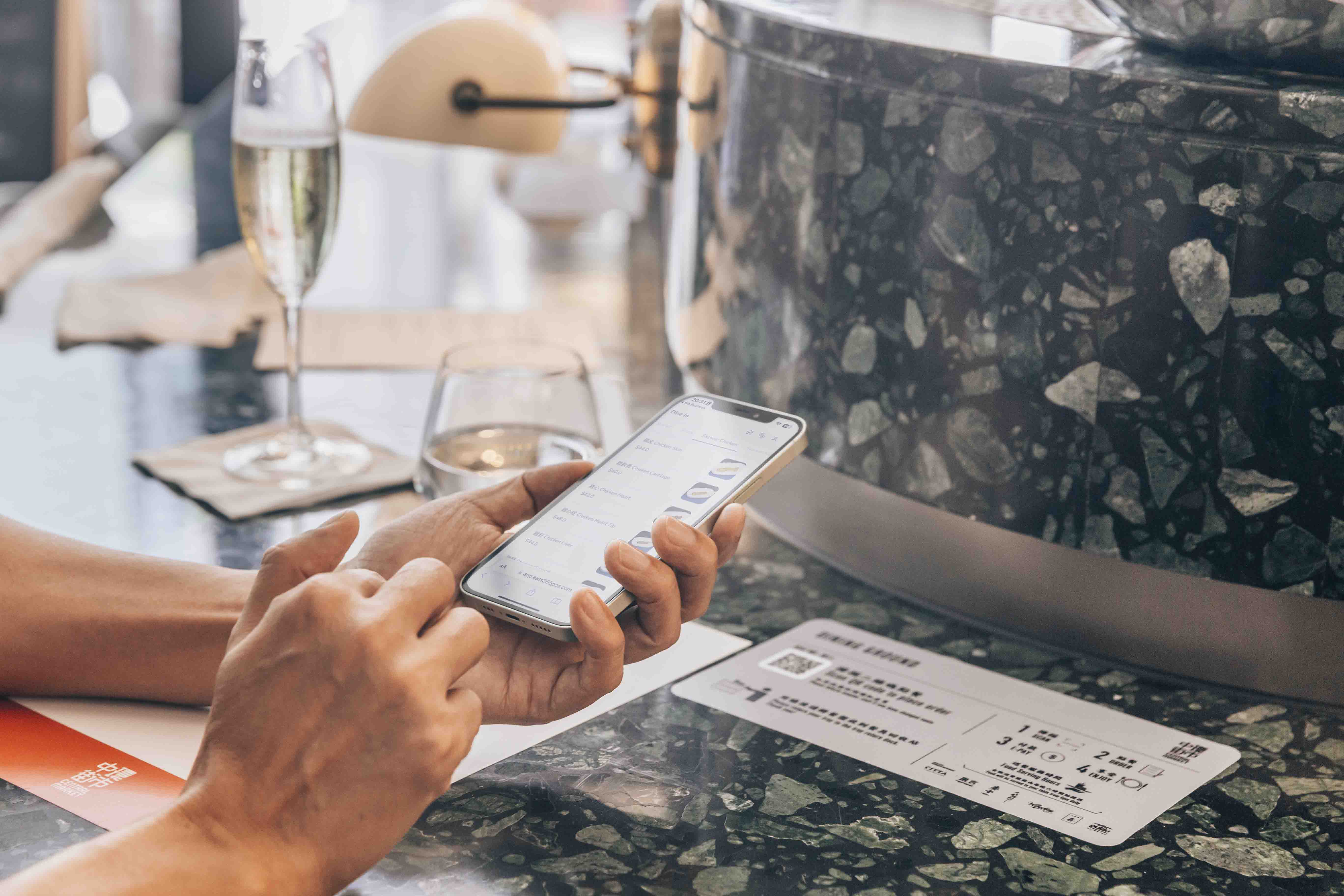
Customize Menus & Brand Remotely
Add items, combos, and modifiers remotely
Amend pricing on portal and sync with Eats365 POS
Schedule menus to appear at set times
Add photos and organize menu categories
Enable promo codes at customer checkout
Apply your logo and brand color palette
Use your own photos and menu wording

Empower Speedy Self-Ordering
Scan and order instantly via static or dynamic QR codes
Works on any smart device, orders confirmed instantly
Order multiple times or devices, linked to one bill
Simple steps, multiple languages, comfortable for every customer

Pay First or Pay Later Ordering
Choose pay-first or pay-later for QR ordering
Auto-accept paid orders when you enable it
Set a minimum charge before guests order
Smarter Upsells, Backed by Data
AI “You May Also Like” from real sales & order history
Show pop-up offers when the menu opens
Prompt add-on items before checkout
Track upsell conversion in performance reports

Maximize QR Potential
Deploy three QR modes: activate static, dynamic, and all-you-can-eat options
Set all three modes to link specific table numbers
All 3 modes can combine multiple customers’ orders from the same table on one bill
Reuse static QR codes affixed to specific tables for easier access
Clear static QR orders after bill payment
Secure dynamic QR links uniquely, expire after payment
Equip all-you-can-eat mode with timers, tiers, order limits
Customize Menus & Brand Remotely
Add items, combos, and modifiers remotely
Amend pricing on portal and sync with Eats365 POS
Schedule menus to appear at set times
Add photos and organize menu categories
Enable promo codes at customer checkout
Apply your logo and brand color palette
Use your own photos and menu wording
Empower Speedy Self-Ordering
Scan and order instantly via static or dynamic QR codes
Works on any smart device, orders confirmed instantly
Order multiple times or devices, linked to one bill
Simple steps, multiple languages, comfortable for every customer
Pay First or Pay Later Ordering
Choose pay-first or pay-later for QR ordering
Auto-accept paid orders when you enable it
Set a minimum charge before guests order
Smarter Upsells, Backed by Data
AI “You May Also Like” from real sales & order history
Show pop-up offers when the menu opens
Prompt add-on items before checkout
Track upsell conversion in performance reports
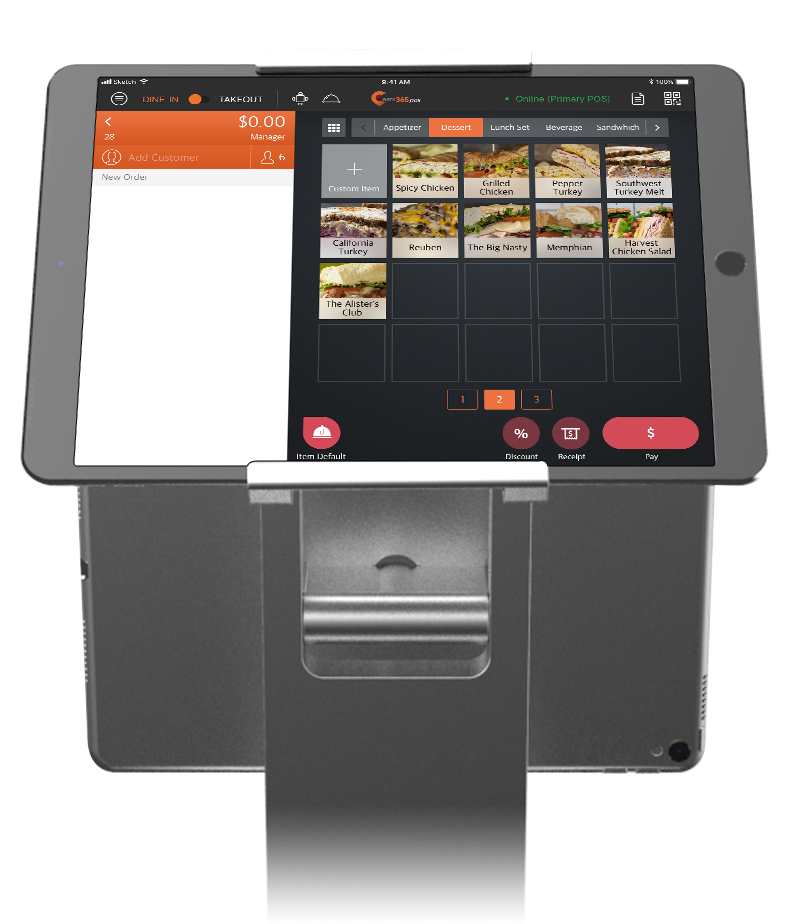
Eats365 QR Ordering Suits These F&B Types


Eats365 QR Ordering Powers These Solutions


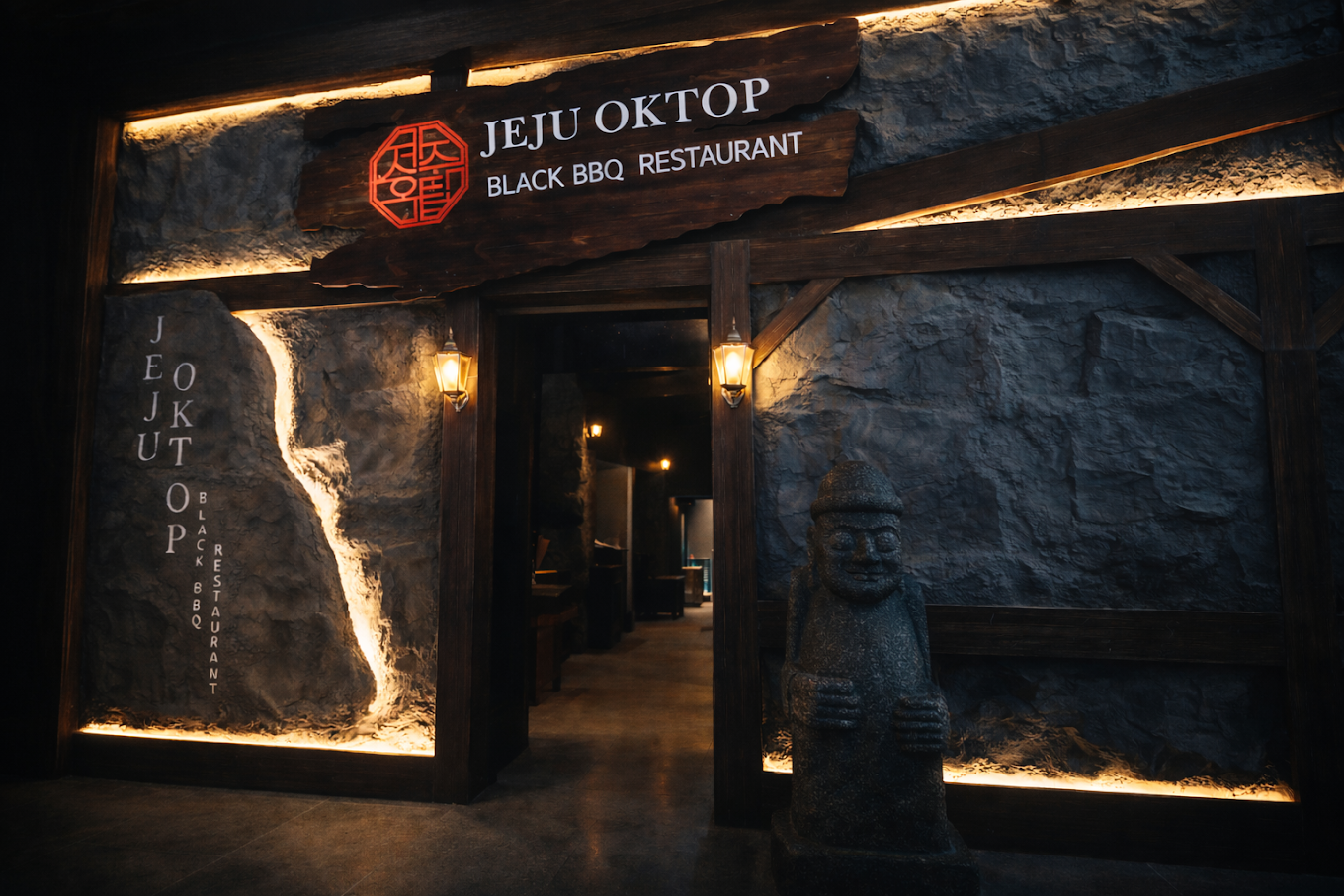
Restaurants Like Yours Love Scan-to-Order (BYOD)
FAQs about Eats365 QR Ordering System
1. What is Scan-to-Order (QR Ordering) and how does it work?
Scan-to-order, also known as QR ordering, lets guests scan a table code, browse your digital menu on their phone, and place dine-in orders that sync to your Eats365 POS and kitchen—no separate order-taking step on the floor.
2. Do customers need to download an app?
No. On Eats365 QR ordering, guests scan with their phone camera and the menu opens in the browser—no app install before they can order.
3. Can I use pay-first or pay-later with Eats365 QR ordering?
Yes. Eats365 lets you set pay-first (pay before the kitchen gets the order) or pay-later (order first, settle after), so QR ordering follows your full-service or faster floor workflow—not a one-size checkout rule.
4. Does Eats365 use real AI for menu recommendations?
Yes. Eats365 “You May Also Like” learns from real sales and order patterns—not a fixed suggestion list you maintain by hand—and surfaces add-ons from co-orders, the current cart, and guest history when available.
5. Can I keep menus consistent across multiple stores or brands?
Yes. Eats365 is built for multi-store, multi-brand, franchise, and enterprise teams: update from HQ and roll menu and pricing changes across outlets, instead of rebuilding each shop’s QR menu separately.
Your Eats365 Growth Guide
Eats365 QR Code Ordering System & All-You-Can-Eat Features
 13 Jun 2023

In this article, we help you identify the features you need in a QR code ordering system for your restaurant business and explain the unique benefits of Eats365's QR code table ordering system!
Restaurant POS Features
Foodtech
QR Code
Read More
Set Up Restaurant Online Ordering: A Complete Guide for Owners
07 May 2025
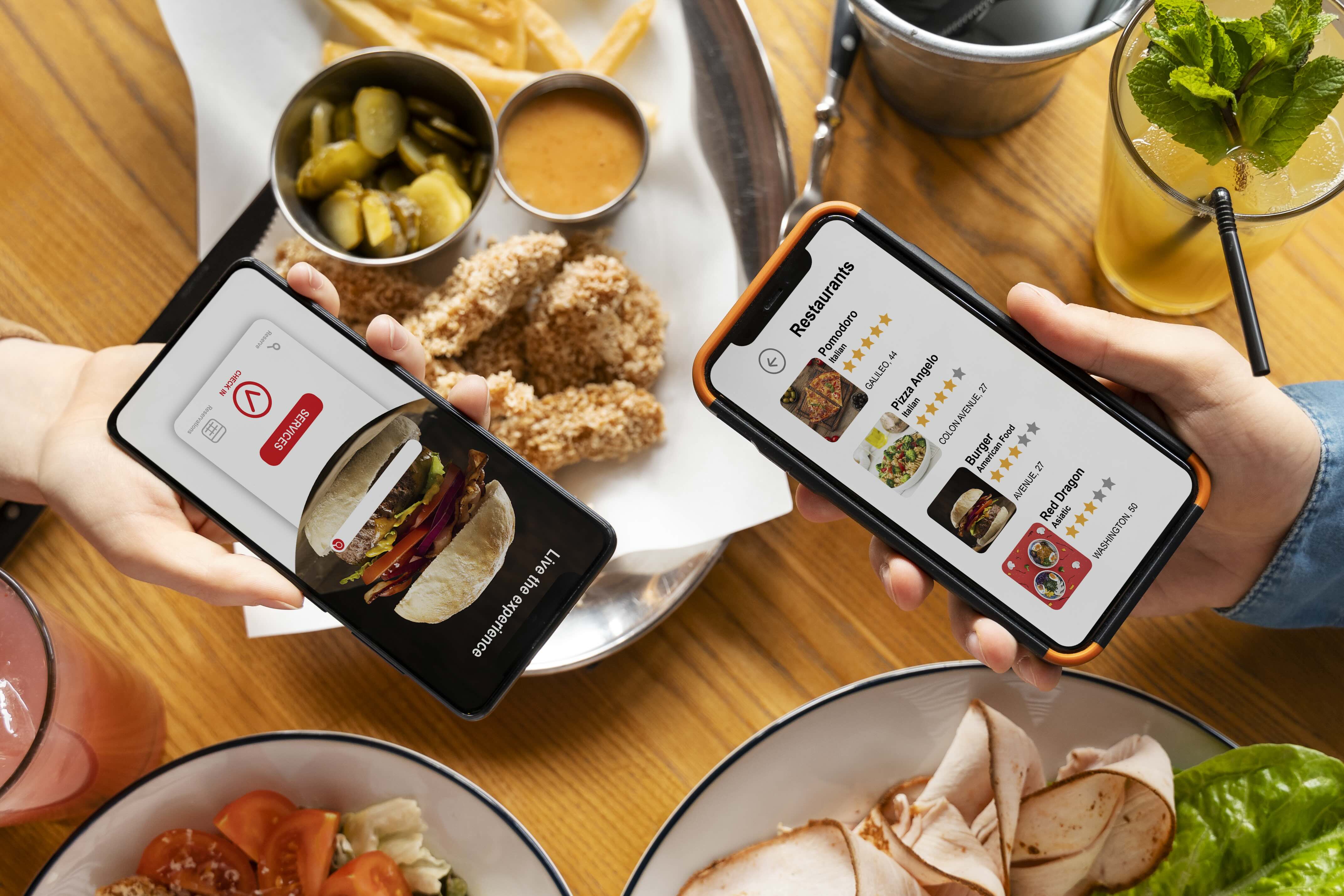
Eager to meet modern diners’ demands? Learn how to create online ordering for your restaurant and significantly boost your orders and efficiency with our guide.
Online ordering
Restaurant POS Features
Foodtech
Read More
Self Ordering Systems: Kiosk vs App vs QR Code
24 Sep 2025
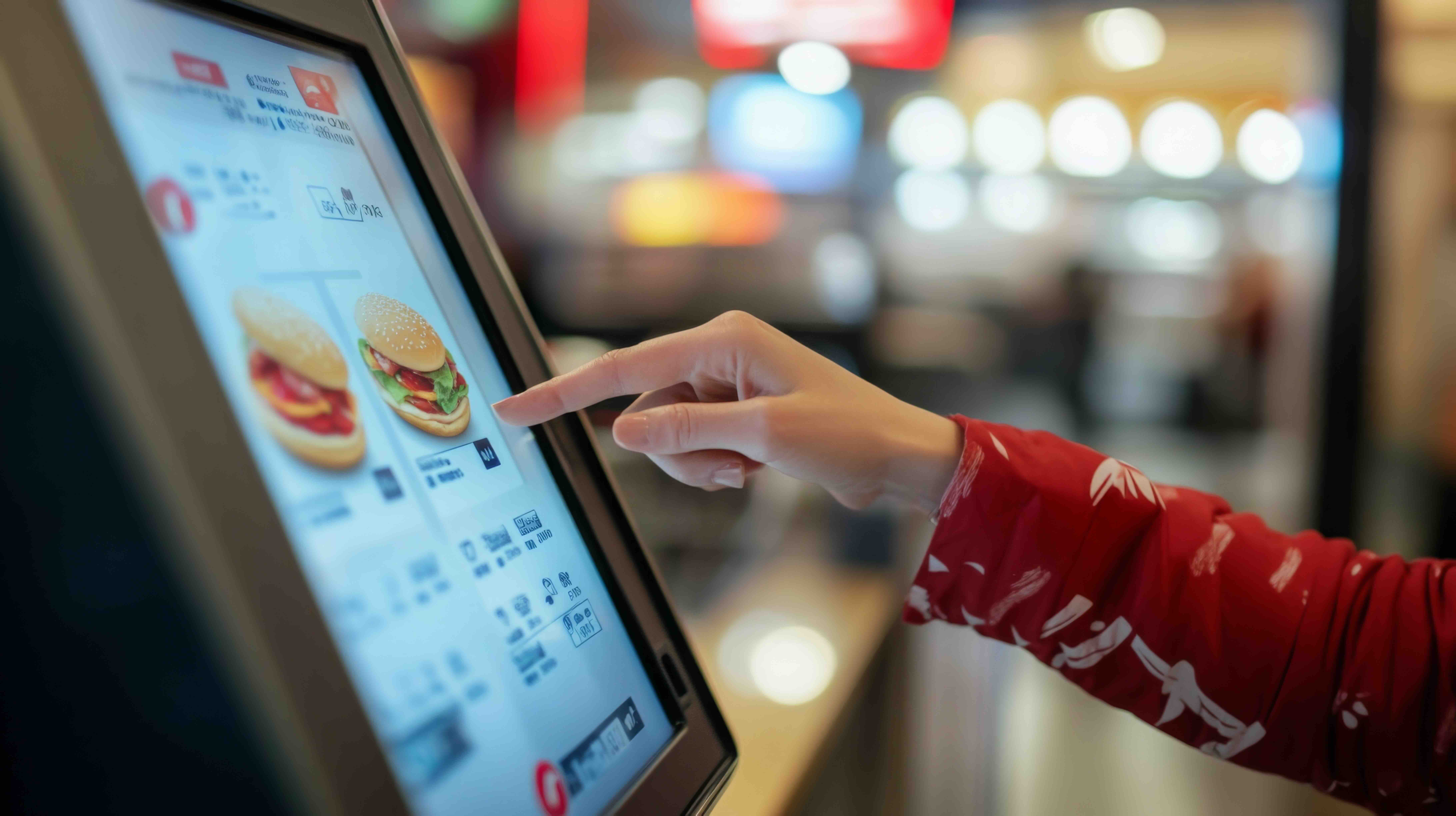
Could a self-ordering system be the game-changer of your New Zealand restaurant? Self-ordering systems are transforming the hospitality landscape, offering restaurants innovative ways to streamline operations and enhance dining experience. This article will compare 3 most common self-ordering technologies: kiosks, mobile apps, and QR code platforms.
QR Code
Online ordering
Restaurant POS System
Read More