What is Self-Service Kiosk? How It Benefits Restaurants & Takeaways?
Boost efficiency in your restaurant, takeaway businesses with self-service kiosks! Discover how these interactive tools streamline ordering, reduce errors, and drive profits while enhancing customer experience. Learn their benefits and tips to choose one!
 03 Feb 2026

 Eats365
Contents
What is Self-Service Kiosk & How Does It Work?
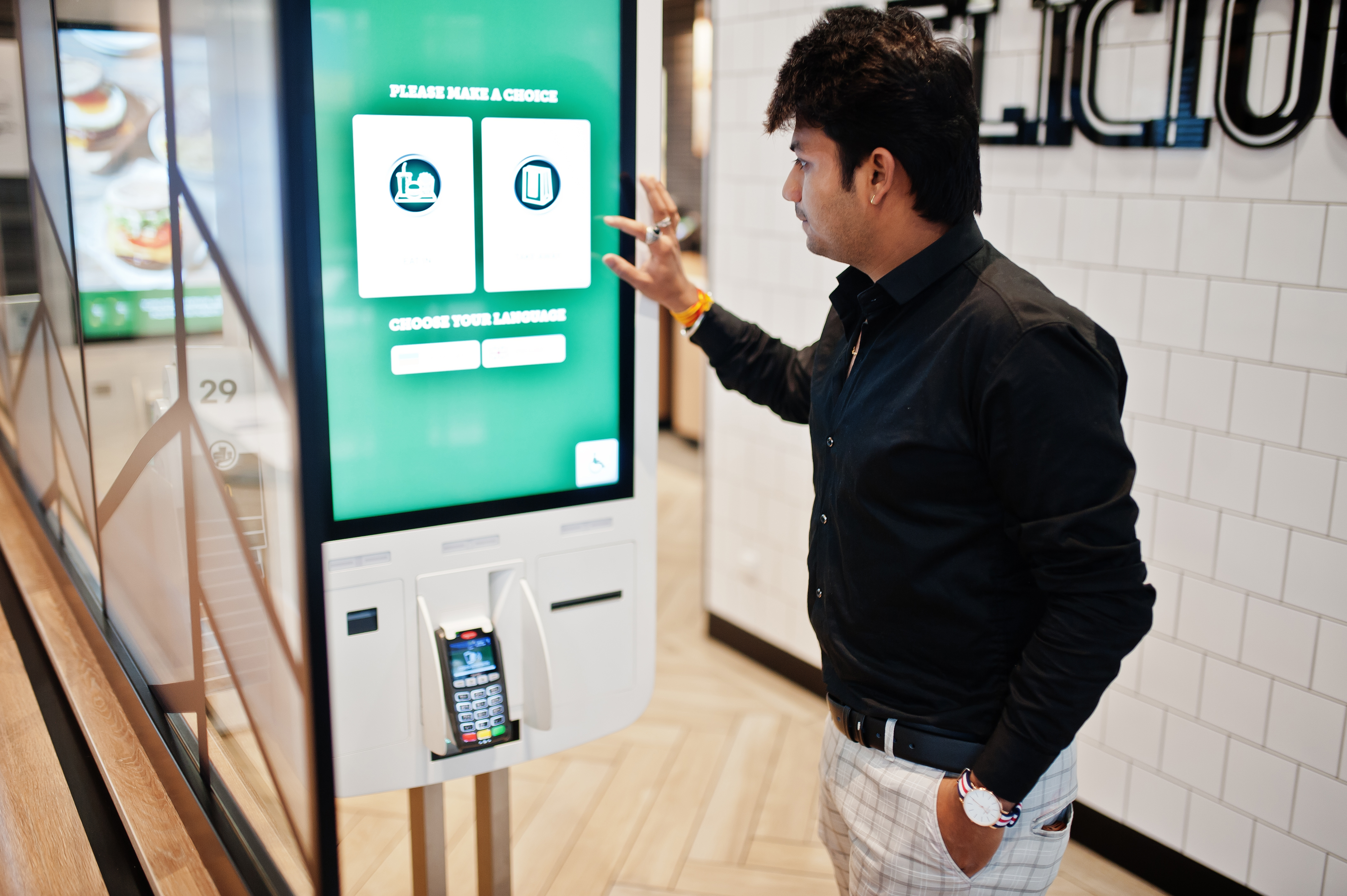
A self-service kiosk is a digital POS terminal that enables customers to order and pay independently. Featuring an intuitive touchscreen, these kiosks allow guests to navigate menus and complete transactions without staff assistance.
In restaurants and takeaways, self-service kiosks streamline the ordering process by letting customers browse the menu, customize their orders, and pay in one seamless flow. For example, in a fast-food restaurant, customers can walk up to the kiosk, select their items, pay with a credit card or mobile payment, and receive a receipt or order number for pickup. This eliminates the need to queue up at the counter and reduces wait times.
The technology behind these kiosks often integrates with the restaurant’s point-of-sale (POS) system. This ensures orders are transmitted directly to the kitchen, reducing the risk of human error and speeding up order fulfillment. By automating these tasks, self-service kiosks not only enhance the customer experience but also free up staff to focus on more complex or customer-oriented tasks.
The Future of Hospitality: Self-Service Kiosk Trends Heading into 2026
As we approach 2026, the global self-service kiosk market is projected to grow significantly, driven by advancements in AI and biometric integration. Key trends include the rise of AI-driven personalization, where kiosks use past purchase data to suggest tailored meal combinations, and voice-activated ordering to further enhance accessibility. Additionally, integration with hyper-local loyalty programs is becoming standard, rewarding customers instantly as they order. In the Australian market, there is a growing emphasis on sustainability, with kiosks now offering digital-only receipts and carbon-offsetting options at checkout to meet consumer demand for eco-friendly dining experiences.
Types of Self-Service Kiosk
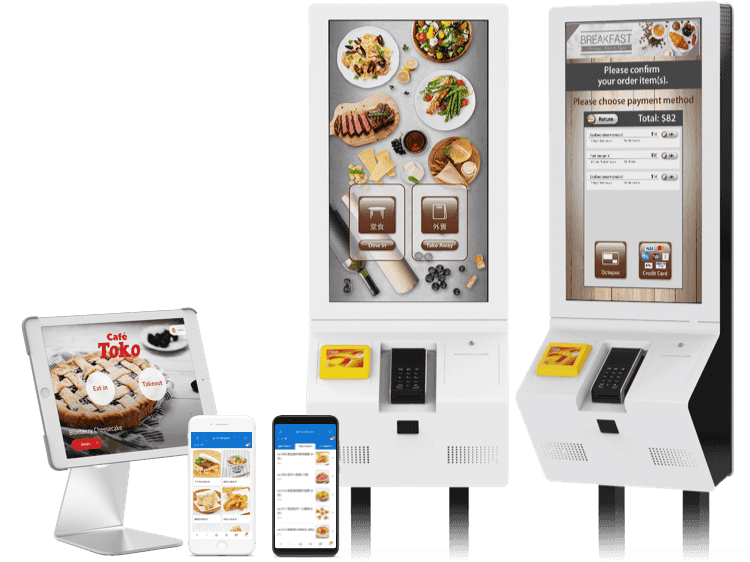
1. Self-Ordering Kiosk
Self-ordering kiosks allow guests to browse digital menus and finalize payments independently. High-volume enterprise chains use them to manage peaks, utilizing vivid imagery to help customers make faster, informed choices.
Self-ordering kiosks also allow customization options, like adding extra toppings, removing ingredients, or selecting portion sizes. Once the order is confirmed, customers can proceed to payment using various methods like credit cards, mobile payments, or gift cards. The kiosk then sends the order directly to the kitchen, ensuring a streamlined process with minimal errors.
Operational Process:
From an operational standpoint, the workflow is automated from start to finish. Once a guest completes their selection and payment at the kiosk, the POS system instantly routes the order to the Kitchen Display System (KDS). Staff members do not need to manually enter data; they simply prepare the meal based on the digital ticket. Once ready, the order status is updated on a customer-facing screen, allowing for a frictionless handoff.
2. Queue Kiosk
Queue kiosks manage guest flow in high-traffic spots like food courts by assigning digital numbers upon arrival. This reduces perceived wait times and prevents counter congestion, allowing customers to wait comfortably.
Operational Process:
Operationally, when a customer interacts with a queue kiosk, their entry is logged into a centralized queue management system. Staff can monitor the live waiting list through their POS or a tablet. As tables become available or order numbers are called, staff trigger a notification that updates the lobby display or sends an SMS to the customer. This removes the need for physical lines and allows staff to focus on service rather than crowd control.
Why Self-Service Matters for Modern Restaurants and Takeaways
1. Precision in Every Order
Human error during order-taking is a major cost center for takeaways. Kiosks put the power of input in the customer's hands, ensuring modifications—like 'no onions' or 'extra sauce'—are recorded exactly as intended.
2. Drastic Reduction in Labor Strain and Wait Times
By offloading the transactional work to kiosks, your front-of-house team can be repurposed to focus on hospitality and food quality. This speeds up the throughput of the restaurant, allowing more orders to be processed per hour without increasing staff headcount.
3. Maximized Revenue through Intelligent Upselling
Unlike staff who might forget to suggest a side or a drink, a kiosk is programmed to offer relevant add-ons every single time. High-quality visuals of desserts or premium toppings prompt impulse buys, naturally increasing the average transaction value (ATV) by up to 20-30%.
Key Considerations to Choosing the Right Kiosk
When choosing a self-service kiosk for your restaurant or takeaway, several factors should be considered to ensure it meets your business needs. Here are some tips to help you make the right choice:
-
Smooth User Interface & Menu Management: The kiosk software should feel as familiar and responsive as a modern smartphone app. Look for a system with a clutter-free design that allows for easy menu management, enabling you to update items, prices, and high-quality visuals in real-time across all terminals to keep the guest experience fresh and informed.
-
Stability During Peak Hours: Reliability is non-negotiable. Ensure the kiosk possesses the processing power and stable software architecture to handle high transaction volumes without lagging or crashing during your busiest Friday night rushes, ensuring a consistent flow from order to kitchen.
-
Loyalty Program Integration: For maximum impact, the kiosk should natively integrate with your loyalty programs. This allows customers to log in, earn points, and redeem rewards directly at the terminal, creating a personalized experience and encouraging repeat visits without requiring staff intervention.
-
Customizable Features & Upselling: Opt for a kiosk system that supports "forced modifiers" (like choosing a cooking temp) and intelligent suggestive selling prompts. Native integration with your POS is crucial here to prevent data lag and ensure accurate inventory tracking.
-
Hardware Durability, Maintenance & Support: Hardware in takeaways must withstand heavy use and spills. Choose durable designs with high-quality screens and ensure the vendor provides a comprehensive support ecosystem, including 24/7 technical assistance and easy hardware maintenance to minimize potential downtime.
-
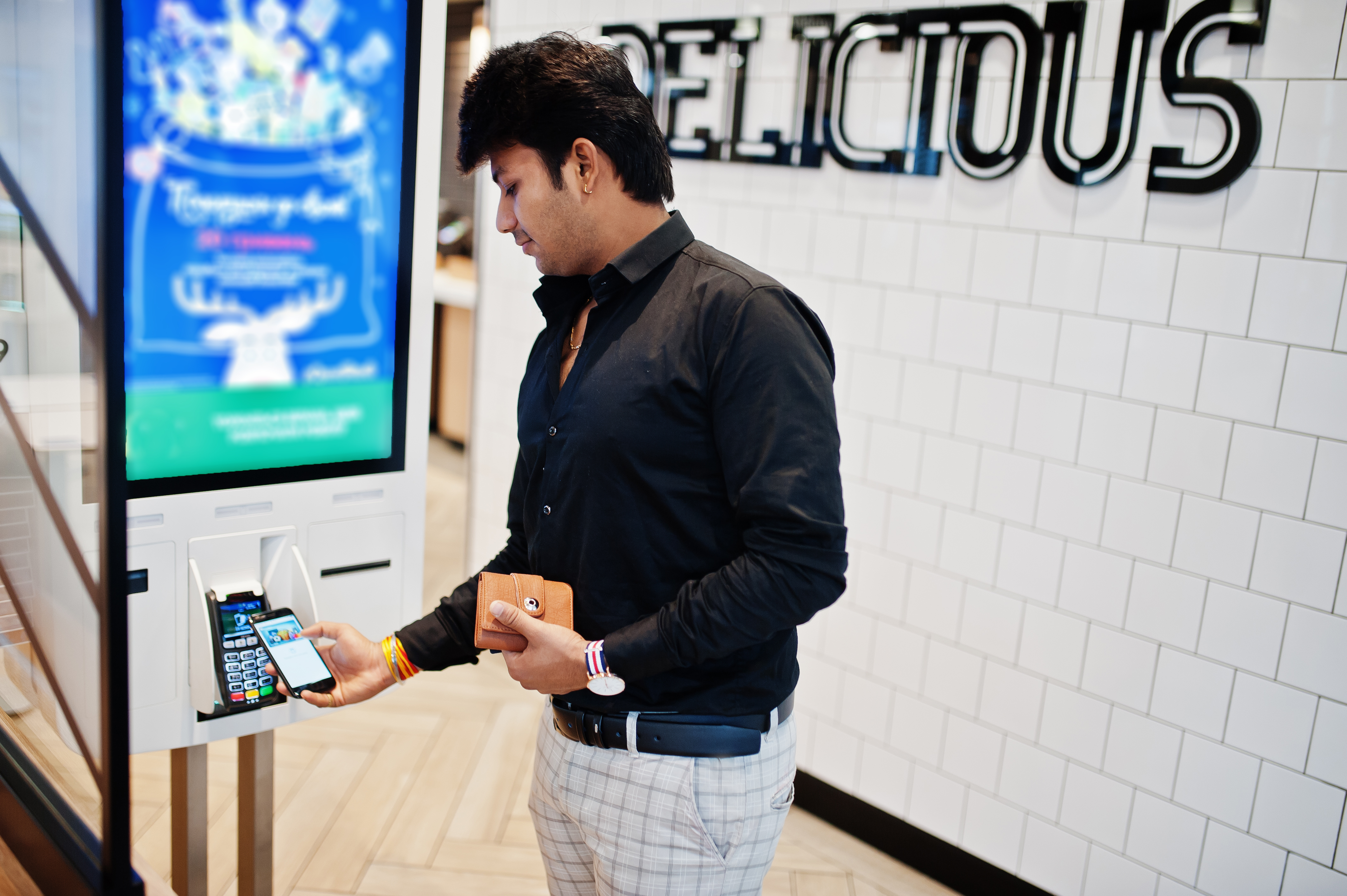
Payment Flexibility & Security: Beyond credit cards, ensure the kiosk supports local Australian payment preferences like eftpos payment, Apple Pay, and Google Pay. Check for PCI-DSS compliance to ensure customer data is always protected.
Empowering Your Restaurant’s Future
Self-service technology is no longer a luxury reserved for global fast-food giants; it is a vital tool for any Australian restaurant or takeaway looking to remain competitive, efficient, and profitable. By integrating kiosks, you can streamline your operations from the moment a customer enters to the moment they receive their meal, all while capturing valuable data to grow your business.
Choosing the right system requires a balance of user-friendly hardware and powerful, integrated software. If you are looking to see how a fully-connected ecosystem can transform your daily operations, we invite you to learn more about tailored solutions.
FAQs about Self-Service Kiosks
Q: What exactly is a self-service kiosk in a restaurant?
A self-service kiosk is an interactive POS terminal that allows customers to browse the digital menu, customize their orders, and pay independently. This technology automates the ordering process, freeing up staff and reducing wait times for customers.
Q: How do self-service kiosks improve order accuracy?
Kiosks put the ordering process directly into the customer's hands. By allowing guests to select their own modifications—such as specific toppings or dietary preferences—and confirming their selections on-screen, the risk of human error during manual entry by staff is virtually eliminated.
Q: Can self-service kiosks really increase a restaurant's revenue?
Yes. Kiosks are programmed to provide consistent upselling prompts, such as suggesting sides, drinks, or premium add-ons with every order. This systematic approach, combined with high-quality visuals, can increase the average transaction value (ATV) by 20-30%.
Q: Are self-service kiosks suitable for small takeaways or just large chains?
While popularized by global giants, kiosks are highly beneficial for businesses of all sizes, including small takeaways and food court vendors. They help manage high foot traffic and labor strain by automating the transactional side of the business.
Q: Do kiosks integrate with existing POS systems?
Modern self-service kiosks, like those from Eats365, are designed to integrate natively with your central point-of-sale (POS) and Kitchen Display System (KDS). This ensures that orders are synced in real-time, inventory is tracked accurately, and the kitchen receives tickets instantly.
Q: What payment methods can customers use at a kiosk?
To meet consumer preferences, kiosks should support a wide range of payment options including EFTPOS, credit cards, and mobile wallets like Apple Pay and Google Pay, all while maintaining strict PCI-DSS security compliance.