Maximize Your Restaurant Space: A Complete Guide to Efficient Layouts
A well-designed restaurant floor plan goes beyond aesthetics—it's the key to smooth operations, better customer flow, and higher profits. Learn how to optimize your layout from kitchen to dining space and create a seamless dining experience.
 17 Jul 2025

 Eats365
Contents
Understanding Restaurant Floor Plan Efficiency
An efficient restaurant floor plan is far more than just a well-placed arrangement of tables and chairs—it’s a strategic layout that maximizes every square foot to streamline operations, enhance guest satisfaction, and ultimately increase profitability. A thoughtfully designed layout considers the movement patterns of both guests and staff, reduces congestion, and promotes a seamless workflow. The result? A better dining experience and a more successful restaurant business.
Key Elements of an Efficient Layout
Kitchen Integration
As the operational core of any restaurant, the kitchen should occupy approximately 40% of the total floor area. Its placement and accessibility are critical to ensuring efficient food prep and delivery. Seamless integration with the dining area—through clear, unobstructed pathways—helps reduce unnecessary movement, improve communication, and accelerate service. A well-organized kitchen layout translates directly into faster ticket times and higher customer satisfaction.
Dining Area Dynamics
The dining area typically comprises 60% of your total space, and its layout significantly impacts guest comfort, seating capacity, and turnover rates. Tables should be spaced to allow easy navigation for guests and staff while still maximizing occupancy. Offering a variety of seating options—such as two-tops, booths, and communal tables—accommodates different group sizes and dining preferences, encouraging flexibility and repeat business.
Strategic Bar Placement
If your restaurant includes a bar, its location plays a crucial role in both guest experience and operational flow. Ideally, the bar should be highly visible and easily accessible, drawing attention while remaining integrated into the overall layout. A strategically placed bar can act as both a visual centerpiece and a secondary revenue stream, especially during peak hours or for walk-in traffic.
Efficient Service Stations
Service stations serve as vital support zones for waitstaff. Properly located near high-traffic dining areas—but without obstructing guest movement—these stations should provide quick access to silverware, glassware, menus, and cleaning supplies. This setup reduces the need for frequent kitchen trips, allowing servers to spend more time with guests and improving overall service efficiency.
How to Create a Restaurant Floor Plan
1. Define Your Space and Assess Visibility
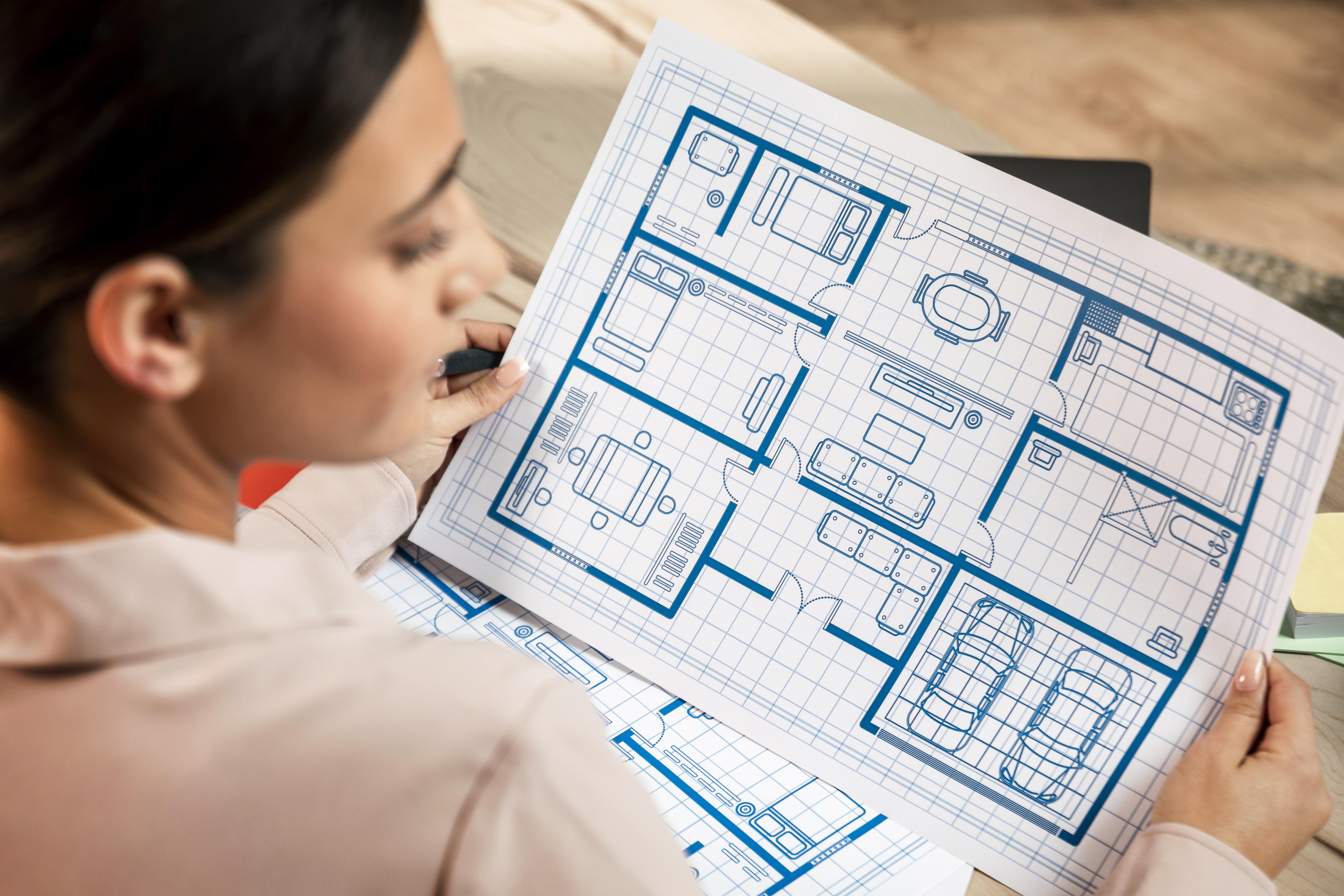
Start by measuring the dimensions of your restaurant premises accurately. Pay attention to structural elements like columns, load-bearing walls, and the placement of utility lines (water, gas, and electricity).
Consider external visibility: large front-facing windows can enhance curb appeal, let in natural light, and attract walk-in traffic. Also, identify the locations of existing ventilation systems—especially critical for kitchen planning.
2. Identify and Allocate Key Zones
Organize the layout by dividing the space into functional zones, such as:
-
Dining area: Prioritize comfort and aesthetics.
-
Kitchen: Ensure proximity to service areas and compliance with health regulations.
-
Bar or counter: Often best positioned near the entrance for accessibility.
-
Waiting area: Allocate space to avoid crowding the entrance.
-
Restrooms: Position for convenience while maintaining privacy.
-
Storage and staff areas: Strategically located to streamline operations.
Maintaining a logical flow between zones enhances both staff workflow and guest movement.
3. Select Furniture and Equipment Strategically
When selecting furniture and kitchen equipment for your restaurant, prioritize options that align with your brand’s style while ensuring maximum functionality. Choose durable, easy-to-clean materials that can withstand daily use and maintain a polished appearance. All kitchen equipment should comply with local safety and hygiene regulations to meet industry standards. Additionally, consider ergonomics and space efficiency to support a comfortable and productive working environment for your staff. Striking the right balance between aesthetics and practicality will help you create a cohesive and efficient dining space that enhances the overall customer experience.
4. Define the Concept and Ambience
Your layout should reinforce your restaurant’s brand identity. Carefully consider:
-
Color schemes
-
Lighting design (natural and artificial)
-
Materials and finishes
-
Decor elements
These components influence how customers perceive your space and affect their dining experience. A fine-dining restaurant, for example, may opt for warm lighting and luxurious materials, while a fast-casual venue may prioritize bright lighting and minimalist design.
5. Visualize the Layout with Floor Plan Software
Using professional restaurant floor plan software allows you to:
-
Create scaled floor plans
-
Experiment with various layout configurations
-
Optimize seating arrangements
-
Ensure compliance with spacing regulations (e.g., ADA, fire codes)
Tools like TheFork Manager can also integrate your seating chart with your reservation system, streamlining front-of-house operations.
6. Consult Industry Professionals
If your restaurant layout involves complex design elements or structural changes, consider hiring:
-
Interior architects
-
Restaurant designers
-
Compliance consultants
These experts bring valuable insights into space optimization, building codes, and current design trends, ensuring your layout is both attractive and functional.
Read more: How to Design High-Performing Outdoor Dining Spaces That Boost Revenue
Tips for Small Restaurant Layouts: Maximize Space
1. Maximize Every Square Foot
To make the most of a compact space, think creatively:
-
Install bar seating along walls or windows to increase covers without cluttering.
-
Place small, two-top tables in tight corners or window nooks.
-
Use lightweight, smaller furniture to maintain a sense of openness and flexibility.
Even awkward corners or narrow spaces can become valuable with the right design solutions.
2. Use Visual and Physical Dividers to Structure Space
Create distinct zones and natural walkways using:
-
Room dividers or shelving units
-
Low-profile furniture to separate sections without closing the space
-
Decorative elements to visually elevate less desirable areas
These dividers can help guide customer flow while maintaining a clean, cohesive aesthetic.
3. Prioritize Multi-Functional and Vertical Design
Small restaurant layouts benefit greatly from multi-use furniture and vertical storage:
-
Opt for folding tables, stackable chairs, or benches with hidden storage.
-
Install wall-mounted shelving to store supplies or display décor without consuming floor space.
This approach not only saves room but enhances operational efficiency during peak service hours.
4. Streamline the Customer Journey
An efficient customer flow design is crucial in a small restaurant layout to prevent congestion and ensure smooth operations. Clearly define entrance and exit paths, designate specific areas for waiting and queuing, and establish unobstructed routes for staff movement between the kitchen, POS, and dining tables.
Thoughtful furniture placement can help guide guests intuitively through the space while allowing servers to navigate efficiently, ultimately enhancing both the customer experience and overall service speed.
5.Enhance Flow with a Smart POS System
A modern Point of Sale (POS) system complements your layout by improving service efficiency:
-
Speeds up ordering and payment processes
-
Enables real-time table turnover tracking
-
Supports queue and reservation management
-
Reduces wait times and errors, enhancing the guest experience
When integrated with your floor plan, a POS system allows for data-driven layout decisions and smarter seating management.
Streamline Your Restaurant with Eats365
Optimizing your restaurant's floor plan is crucial for success, but true operational excellence extends beyond physical layout. By integrating a powerful cloud-based POS system like Eats365, you can further enhance efficiency, from seamless QR code ordering to streamlined kitchen display systems, ensuring your team focuses on exceptional service. Discover how Eats365's comprehensive solutions can elevate your restaurant's performance and profitability – contact Eats365 to learn more!
FAQs
1. How do I design a restaurant floor plan that balances customer experience and staff efficiency?
An effective restaurant floor plan prioritizes both customer comfort and operational workflow. This includes ensuring smooth traffic flow between the kitchen, service stations, and dining area, optimizing table spacing, and strategically placing key zones like restrooms and bars. A well-balanced layout reduces congestion, shortens service times, and enhances the overall dining experience.
2. How can I maximize space in a small restaurant layout?
To make the most of limited space, consider using compact, multi-functional furniture like folding tables or stackable chairs, and utilize vertical storage solutions such as wall-mounted shelving. Incorporate bar seating and small tables in corners or window nooks. Visual dividers and well-planned customer pathways help structure the layout without making the space feel cramped.
3. What tools can I use to create a professional restaurant floor plan?
There are several specialized restaurant floor plan software tools available, such as TheFork Manager, SmartDraw, or RoomSketcher. These platforms allow you to create scaled layouts, experiment with different seating arrangements, and ensure compliance with safety regulations. Many also integrate with POS and reservation systems to improve table management and service flow.