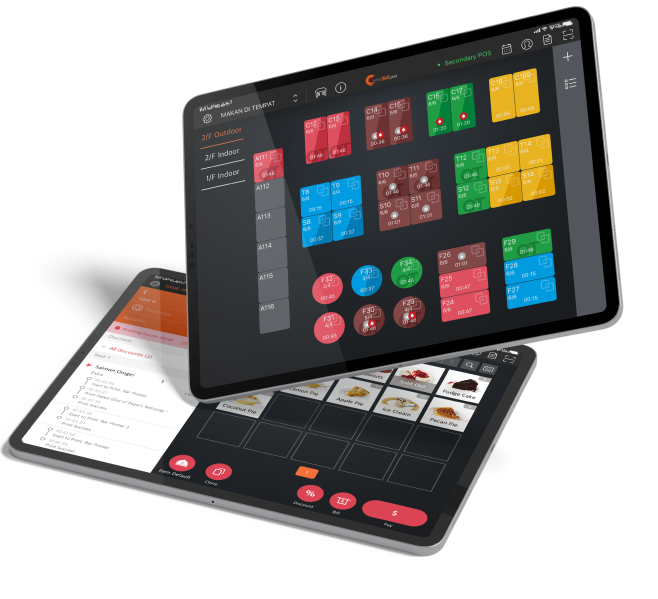
Organize your self-service menu strategically, so your customers can quickly discover discounts and combos that not only improve their meal, but also increase the chances of them ordering more than they initially planned. Self-ordering kiosks also allow you to run your business with fewer staff, reducing labor costs by reallocating front-of-house staff to other tasks and minimizing the number of workers needed during peak times. This enables you to hire staff that bring unique skills to the table that add value to your restaurant.
Self-Service Kiosk
Streamlined Self-Ordering For Improved Quality and Faster Service
If you’re running a quick-serve restaurant, then speed and accuracy are your best friends. Taking fast, accurate orders means you can boost turnover and spend less time correcting avoidable errors. When you empower your customers to place their own orders through an Android or iPad Self-Service Kiosk, not only are they less likely to make mistakes, but the simple user interface makes the whole ordering process super-fast, intuitive and efficient!
How a Self-Service Kiosk Can Help You Serve Faster

The Same Great Features on Hardware that Suits Your Needs
iPad
Android

iPad Self-Service Kiosk

Requiring just an iPad, a stand and a connected printer, you can have your affordable new Self-Service Kiosk up and running in your restaurant no time at all.
Android Self-Service Kiosk
Combined into a single unit, the Android Self-Service Kiosk features a large screen, ticket printer and integrated payment options for self-order customers all conveniently combined into one unit.
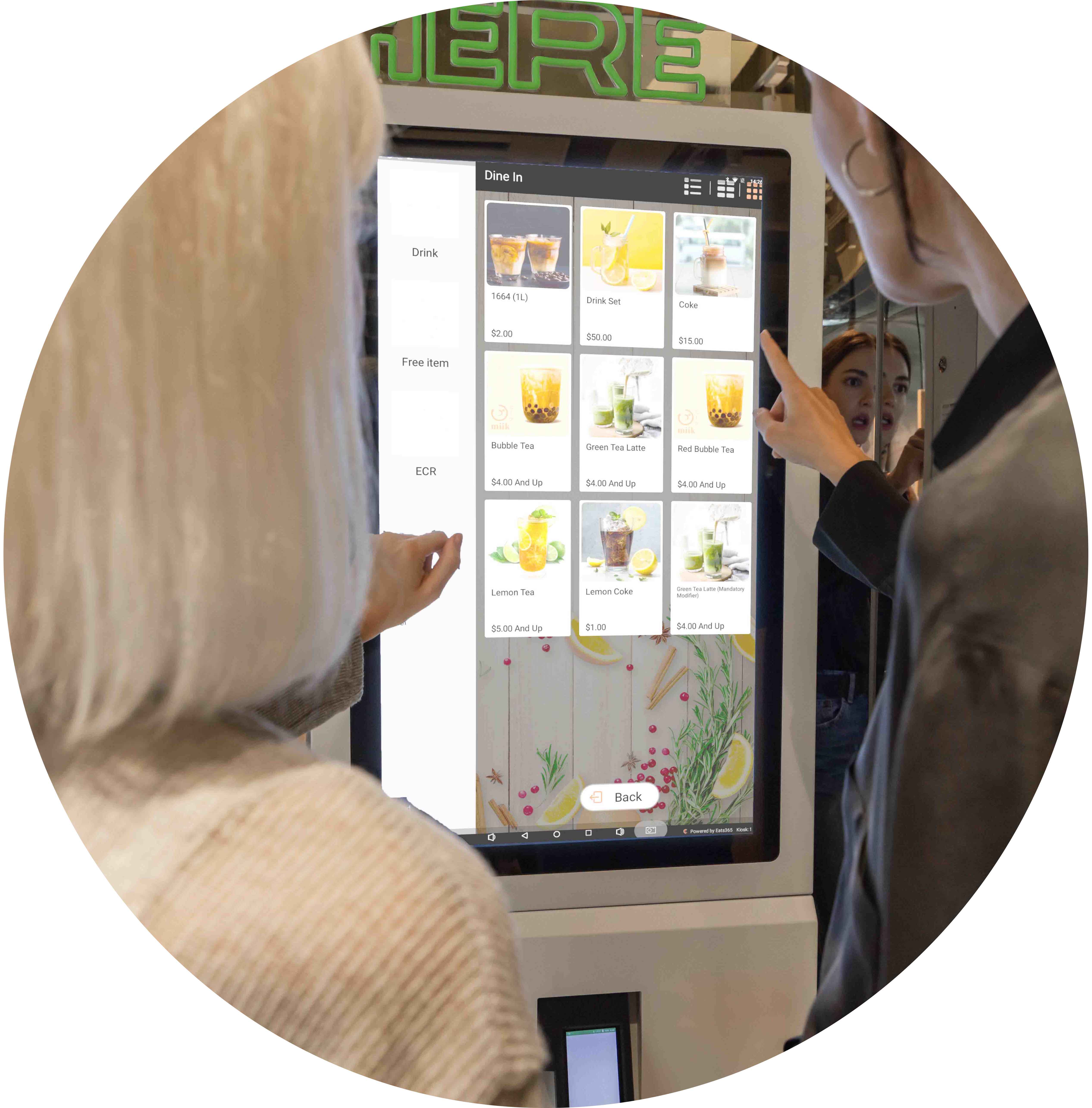
Larger Orders, Less Labor-Intensive
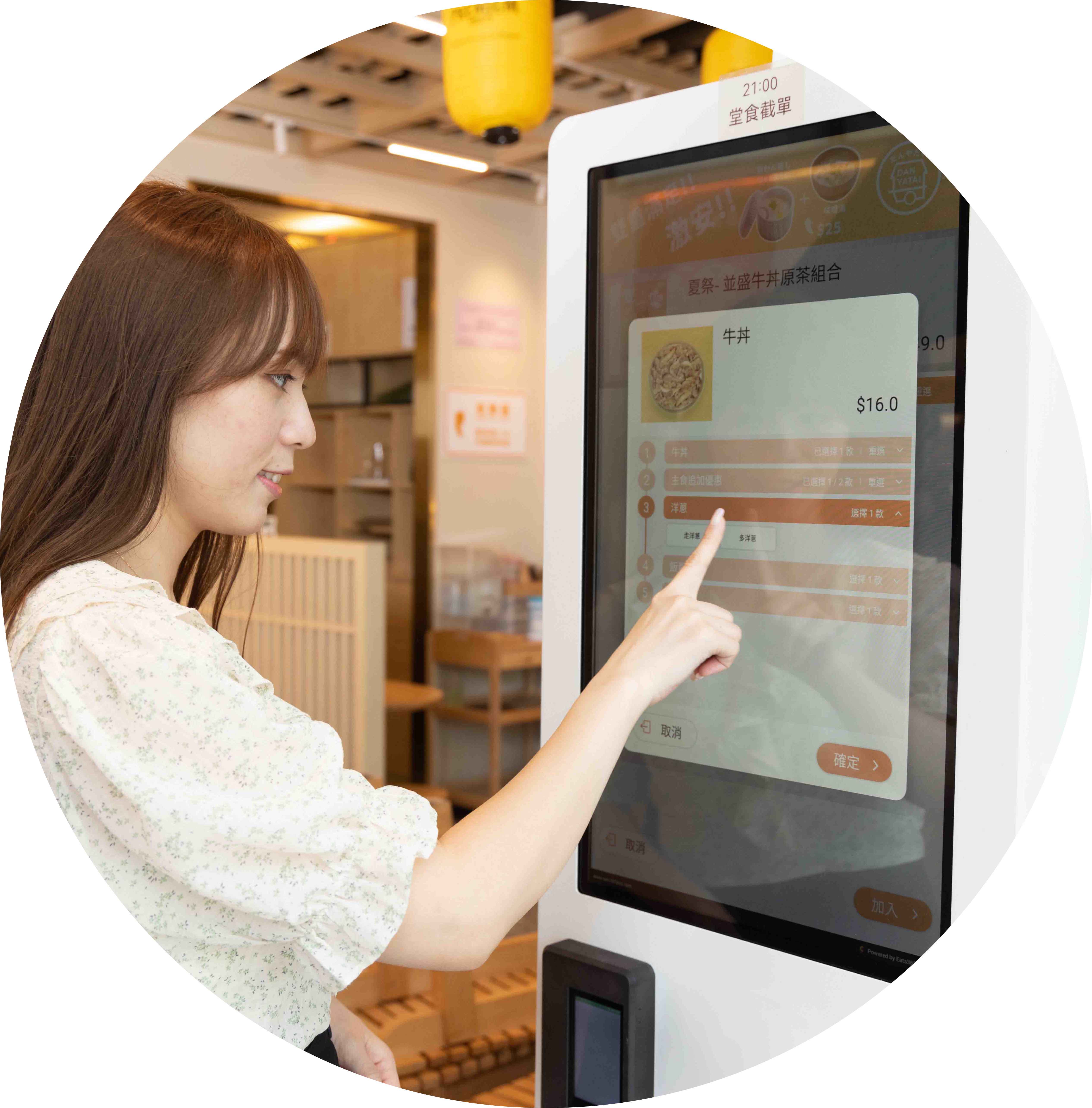
A Kiosk User Interface that Makes Sense

What’s the point of having cool new tech if no one can figure out how it works? Creating a self-order flow is straightforward, and connecting the necessary hardware is simple, thanks to pre-made templates that streamline the process. By offering a user-friendly experience on your self-service kiosks, your customers will intuitively understand how to place their orders; even if it’s the first time they use your ordering kiosk.

Don’t Let Ordering Errors Eat Into Your Profits
If you’ve ever experienced having to deal with incorrect orders during a busy period, you know it can be an absolute nightmare to handle. If your customers can place their own orders with self-service kiosks, you won’t lose time and money because of communication errors that force you to remake orders and waste time.

Let Your Customers Order their Way
If human touch is an important part of your restaurant business, you can present customers with the option to pick between ordering themselves with self-service kiosks or placing their order through a member of staff. Choice is always appreciated by customers and lets you reduce congestion.
Self-Service Kiosk Features Overview
Tailor Your Kiosk Menu Interface to Boost Sales
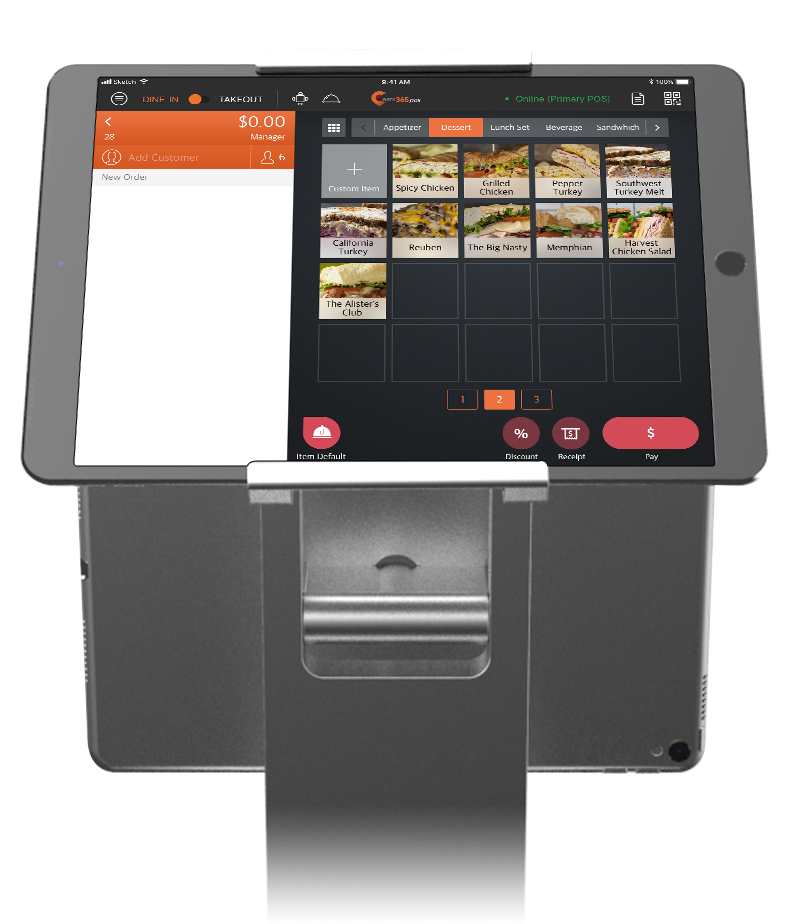
 Organize your menu easily into useful categories
Write up exciting descriptions
Offer special requests
Showcase amazing discounts
Offer to upgrade single items with additional items
Organize your menu easily into useful categories
Write up exciting descriptions
Offer special requests
Showcase amazing discounts
Offer to upgrade single items with additional items
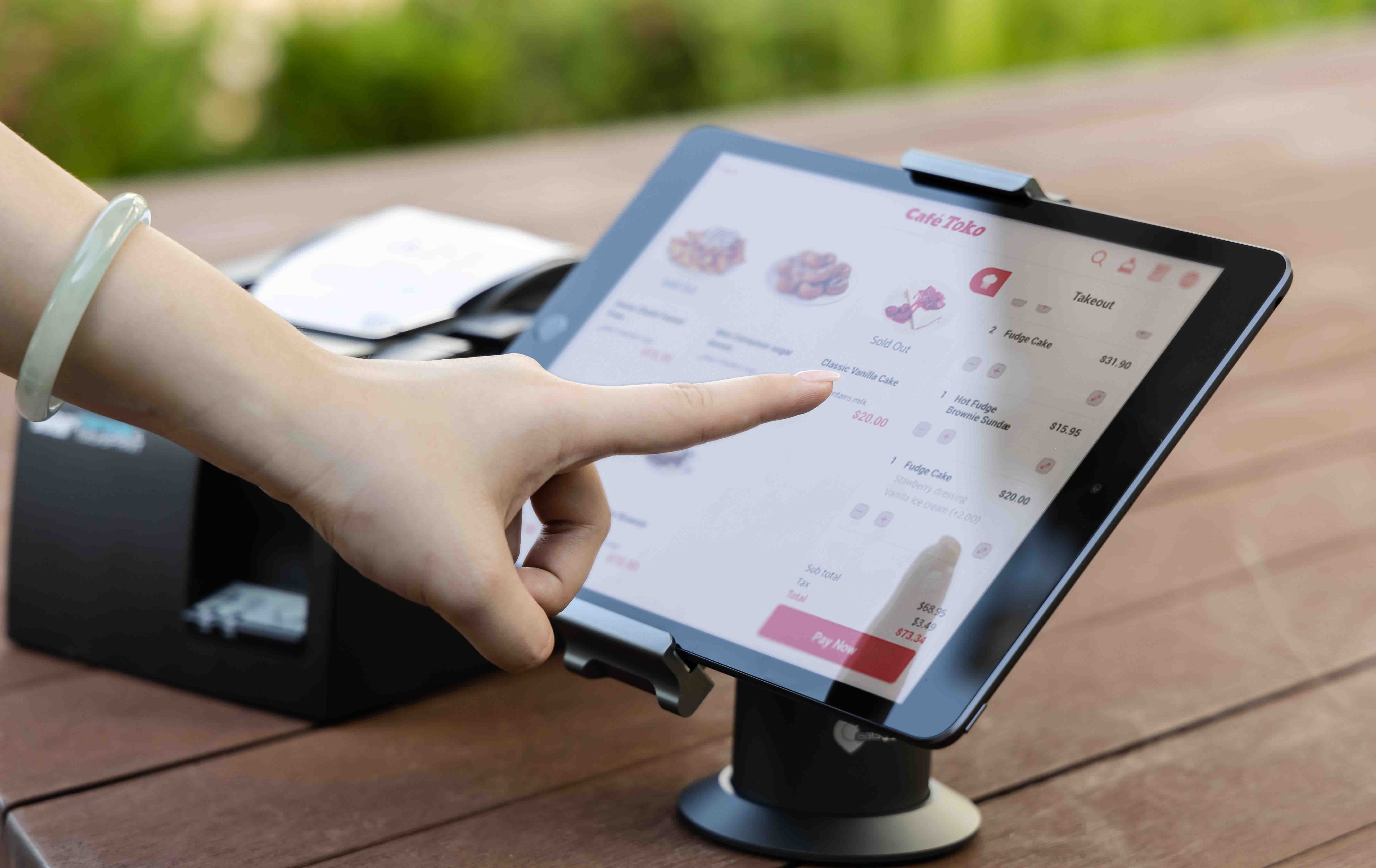
Versatile and Intuitive Self-Ordering for Customers
Let customers easily browse through your menu items
Running a food court? Your customers can take a look at all the restaurants available
Use bright images, clear icons and legible text to keep things user-friendly

Automate Your Restaurant’s Ordering Process
Choose to send orders directly to the kitchen
Pick which items go to which kitchen station
Paired through the cloud with other relevant Eats365 products
Seamless order flow from order to kitchen
No staff required for the entire ordering procedure
Customize Your Kiosk Menu Anytime, Anywhere through Your Merchant Portal

Add new items, combos and modifiers
Amend pricing as you please
Switch between different menus at different times
Add new photos of your food and drinks
Syncs automatically with the rest of your Eats365 solution
Tailor Your Kiosk Menu Interface to Boost Sales
Organize your menu easily into useful categories
Write up exciting descriptions
Offer special requests
Showcase amazing discounts
Offer to upgrade single items with additional items
Versatile and Intuitive Self-Ordering for Customers
Let customers easily browse through your menu items
Running a food court? Your customers can take a look at all the restaurants available
Use bright images, clear icons and legible text to keep things user-friendly
Automate Your Restaurant’s Ordering Process
Choose to send orders directly to the kitchen
Pick which items go to which kitchen station
Paired through the cloud with other relevant Eats365 products
Seamless order flow from order to kitchen
No staff required for the entire ordering procedure
Customize Your Kiosk Menu Anytime, Anywhere through Your Merchant Portal
Add new items, combos and modifiers
Amend pricing as you please
Switch between different menus at different times
Add new photos of your food and drinks
Syncs automatically with the rest of your Eats365 solution

Self-Service Kiosk is Perfect for these Restaurant Types


Self-Service Kiosk is Part of the Following Solution


Restaurants Like Yours Love the Self-Service Kiosk
FAQs about Eats365 Self-Service Kiosk
1. What is a self-service kiosk and how does it benefit my restaurant?
A self-service kiosk is an interactive terminal that allows customers to browse menus, place orders, and pay independently. For your restaurant, it reduces labor costs by automating order entry and improves customer satisfaction by decreasing wait times and increasing order accuracy.
2. What hardware do I need to set up an Eats365 Self-Service Kiosk?
Setting up an Eats365 kiosk is highly accessible and requires only an iPad, a compatible stand, and a connected printer. This streamlined setup allows restaurants to deploy a self-ordering solution quickly without heavy investment in proprietary industrial hardware.
3. Does the kiosk support upselling to increase average check sizes?
Yes, the kiosk is designed to drive revenue through automated upselling and cross-selling. The interface prompts customers with relevant add-ons and modifiers during the ordering process, ensuring every customer is presented with opportunities to upgrade their meal.
4. Can the self-service kiosk handle digital payments and loyalty programs?
Yes, the Eats365 kiosk supports various payment methods, including credit cards and digital wallets like 365pay and Alipay. It also integrates with CRM features, allowing members to access exclusive items and earn rewards directly through the kiosk interface.
5. Does the kiosk sync in real-time with my main POS and kitchen?
Yes, the Self-Service Kiosk pairs directly with your Eats365 POS. Orders are sent instantly to the Kitchen Display System (KDS) or kitchen printers, ensuring a seamless flow of information that prevents manual entry errors and speeds up food preparation.
6. What happens if an item is sold out or the shop temporarily closes?
The kiosk stays synchronized with your POS inventory. If a shop status is set to 'Closed' or an item is out of stock in the POS, a 'Closed' shop indicator or item-specific status will automatically reflect on the kiosk screen to prevent customers from placing unavailable orders.
Learn More about How a Self-Service Kiosk Can Speed Up Your Restaurant Operations
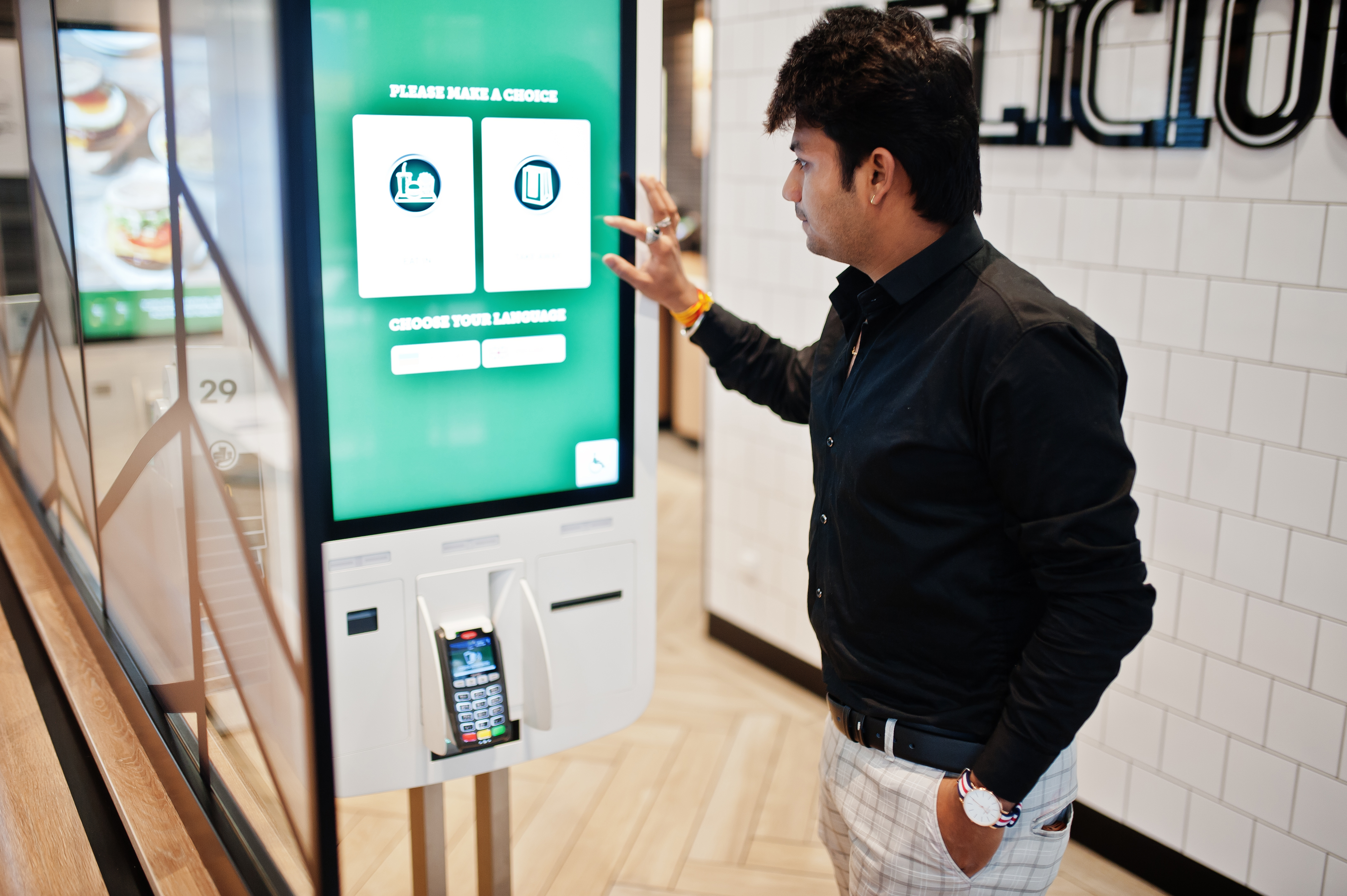
What is Self-Service Kiosk? How It Benefits Restaurants & Takeaways?
 03 Feb 2026

Boost efficiency in your restaurant, takeaway businesses with self-service kiosks! Discover how these interactive tools streamline ordering, reduce errors, and drive profits while enhancing customer experience. Learn their benefits and tips to choose one!
Online ordering
Menu management
Read More
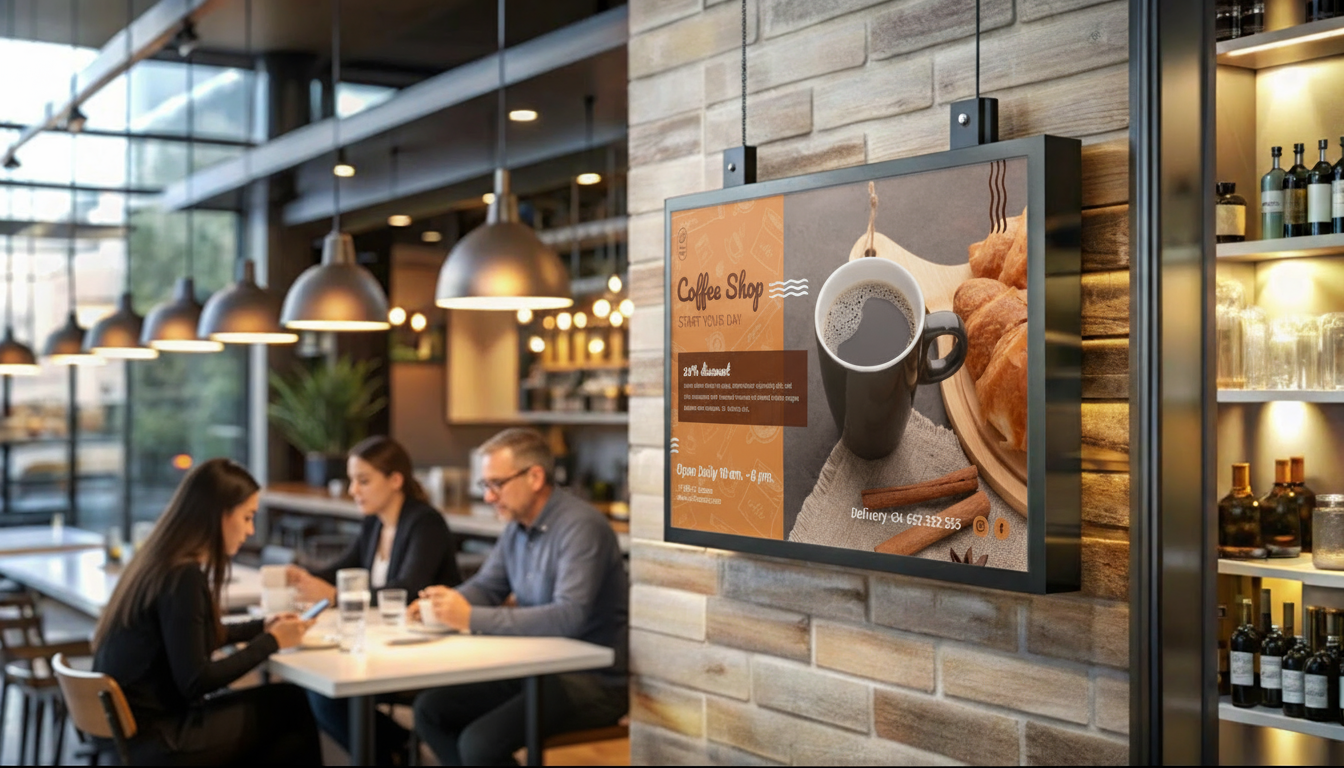
Quick Tips to Enhance Your Cafe's Ambiance with Digital Signage
17 Oct 2025
Are your cafe's static posters losing their appeal? Digital signage transforms your space with dynamic, engaging displays that capture customer attention and drive sales like never before.
Cafe
Eats365
Cloud-based POS
Read More
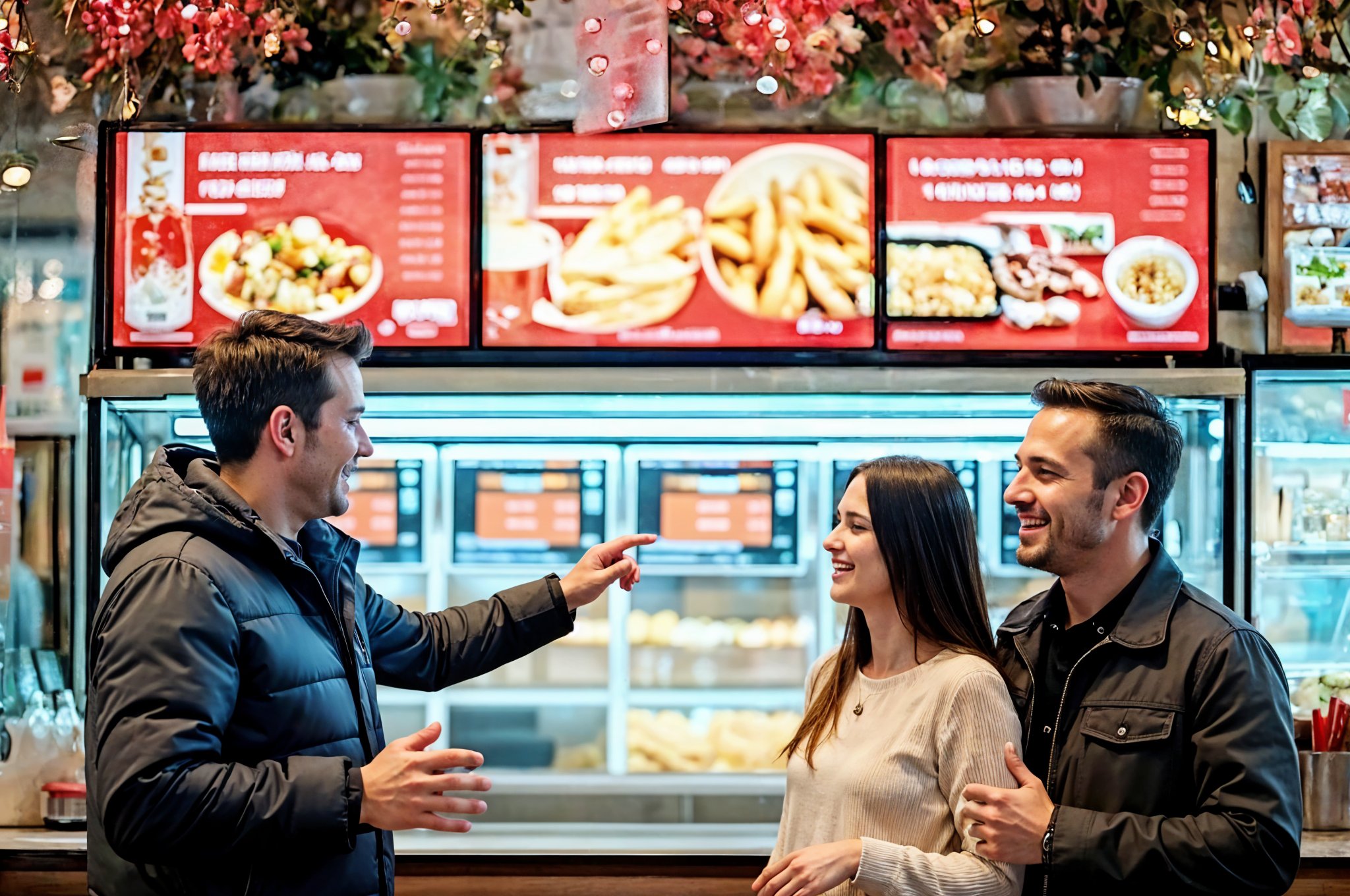
Top Digital Signage Strategies for Quick Service Restaurants
18 Jun 2025
Are your static menus and long wait times hurting sales? This guide explores how quick service restaurant digital signage boosts revenue, enhances customer experience, and streamlines operations.
Foodtech
Read More